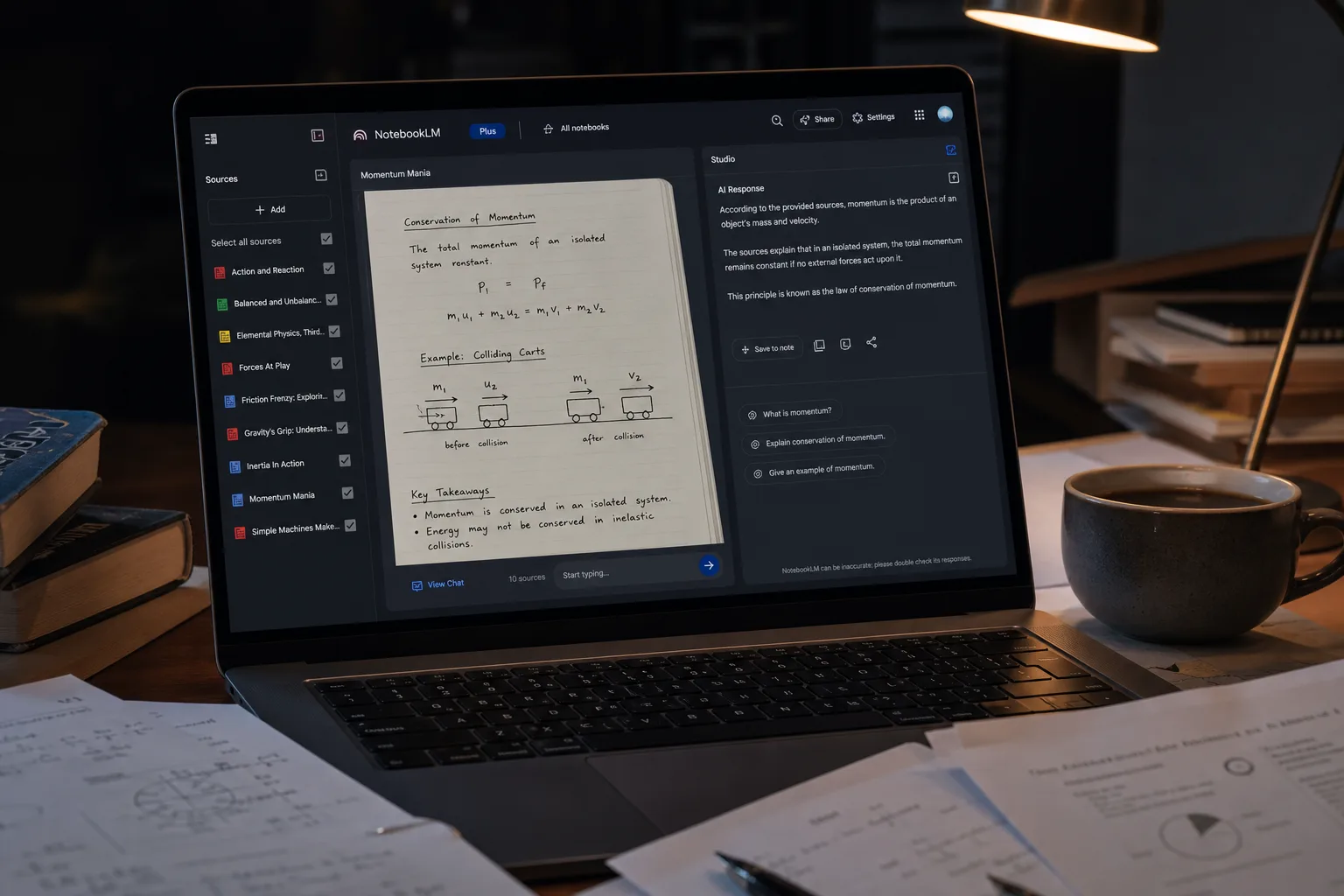
Google’s NotebookLM has quietly become one of the most useful AI tools of the past two years — a research assistant that actually reads your documents, summarises them, answers questions about them, and can even produce a surprisingly listenable podcast-style audio breakdown. The problem? Every PDF, YouTube link, and research note you feed it goes straight to Google’s servers. If that trade-off makes you uneasy, there’s now a serious open-source NotebookLM alternative worth your time: Open Notebook.
- Open Notebook is a compelling open-source NotebookLM alternative offering audio summaries, source chat, and multi-model support.
- Unlike NotebookLM, this open-source NotebookLM alternative imposes no notebook or source limits, giving you full control over your data.
- Setup requires Docker and some technical know-how — expect up to several hours depending on your platform.
- Audio summary quality lags behind Google’s NotebookLM, though the 30-minute ceiling beats Google’s 8–15 minute cap.
Table of Contents
What Is Open Notebook and Why Does It Exist?
Open Notebook is an open-source NotebookLM alternative that mirrors NotebookLM’s core feature set almost beat for beat. You upload sources — PDFs, YouTube videos, web pages, and more — and the tool synthesises them into something you can actually use: audio summaries, quizzes, or a conversational chat interface that lets you interrogate your own research. The difference is architectural. Where NotebookLM is a polished Google product sitting on Google’s infrastructure and trained to feed Google’s data ambitions, Open Notebook is self-hosted. Your data stays where you put it.
That matters more than it might sound. Researchers, journalists, lawyers, and anyone handling sensitive documents have real reasons to be wary of feeding confidential material into a consumer AI product. As an open-source NotebookLM alternative, Open Notebook flips that equation: you control the stack, you control the data, and — within the limits of whichever AI model you connect it to — you control the cost.
Where Open Notebook Genuinely Shines
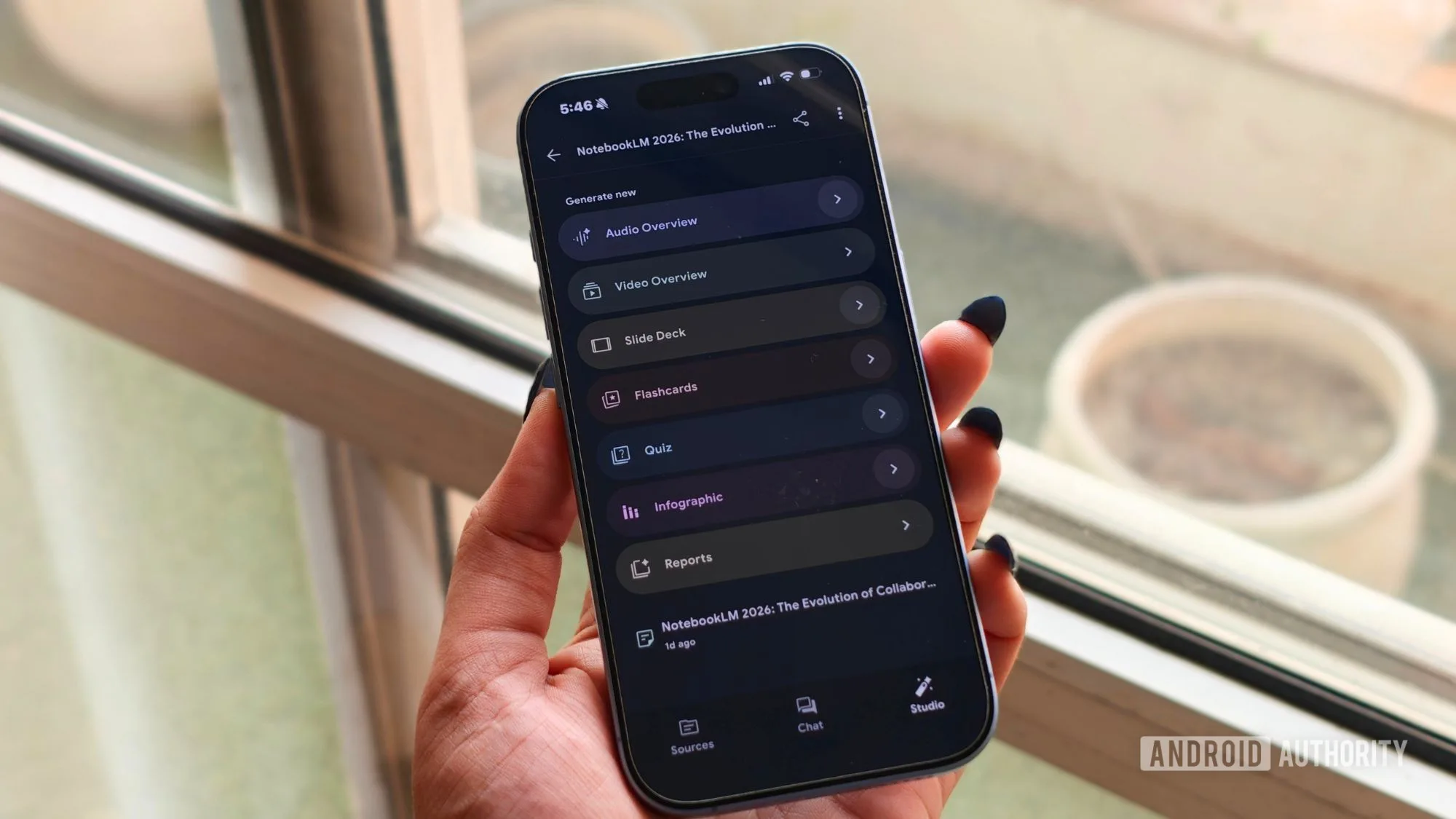
The most immediate practical advantage of this open-source NotebookLM alternative over NotebookLM is the absence of artificial limits. Google’s free tier caps users at 100 notebooks, each holding no more than 50 sources. For casual use that’s fine, but for anyone running deep research projects across dozens of documents, those walls arrive fast. Open Notebook has no such ceiling. You can create as many notebooks and load as many sources as your storage and patience allow.
Model flexibility is the other headline feature of this open-source NotebookLM alternative. Open Notebook can run entirely locally using Ollama, meaning your queries never leave your machine. Alternatively, you can wire it up to cloud-based models — OpenAI’s GPT-4 series, Google’s Gemini Pro, Anthropic’s Claude Opus, or others — and switch between them without rebuilding your setup. That’s a level of control NotebookLM simply doesn’t offer; Google decides what model powers NotebookLM, and you get no say in the matter.
There’s also a multi-voice audio summary feature that technically outpaces NotebookLM. Open Notebook supports up to four distinct speaking voices in its podcast-style breakdowns, compared to the two-voice format Google uses. And while NotebookLM has an 8–15 minute cap per audio summary, Open Notebook can be configured to generate episodes of 30 minutes or longer. On paper, that’s a significant edge for anyone evaluating this open-source NotebookLM alternative.
The Honest Downsides You Need to Know
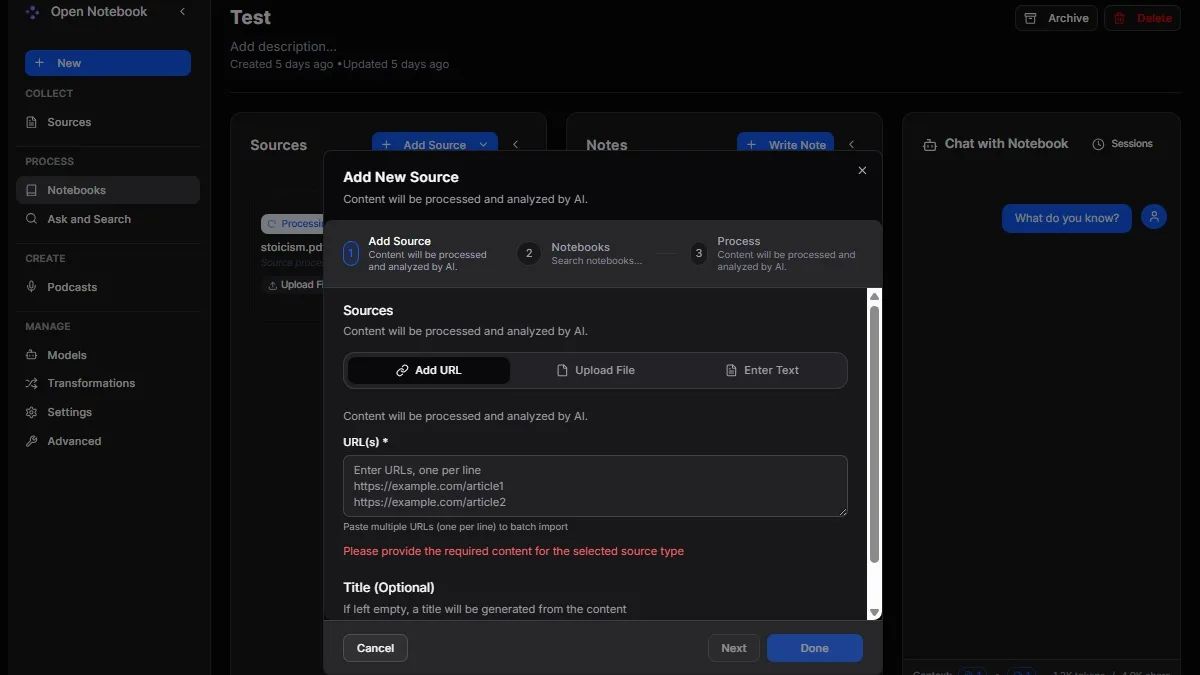
Here’s where the enthusiasm needs tempering. Open Notebook is emphatically not a plug-and-play tool. This open-source NotebookLM alternative is self-hosted software that requires Docker, a working knowledge of configuration files, and a tolerance for command-line troubleshooting. Installation on Windows using Docker Desktop is manageable — around 30 minutes for someone comfortable with tech — but it still demands careful attention. On other platforms, the experience degrades sharply. Attempting the same installation on a Chromebook reportedly took multiple attempts and several hours, even for an experienced user.
The official documentation exists but is already out of date in several areas, which is a familiar frustration with fast-moving open-source projects. Anyone who’s tried to follow a six-month-old tutorial for a tool that’s moved on knows exactly how maddening that can be. First-timers should budget extra time and expect to consult community forums or GitHub issues when the guide leads them astray.
Audio quality is the other honest concession. Despite the higher voice count and longer potential runtime, Open Notebook’s audio summaries don’t match NotebookLM’s output in terms of polish. The default summaries run just a few minutes — far shorter than NotebookLM’s standard output — and even when you manually push the length up, the quality of the narration and the coherence of the discussion doesn’t quite reach Google’s level. Across multiple AI model configurations, NotebookLM still produces the sharper breakdown. It’s not a dramatic gap, but it’s real.
There’s also the practical issue of always-on availability. To use Open Notebook on a phone or secondary device, your host machine — or your cloud deployment — needs to be running and accessible. There’s no native mobile app, so you’re always working through a browser. For a tool that NotebookLM users have come to treat as an on-the-go research companion, that’s a genuine friction point.
And if you’re connecting to a cloud AI provider rather than running a local model, keep your API token consumption in mind. There are no notebook limits, but there are billing limits — and a large research corpus interrogated frequently can accumulate costs faster than you’d expect.
How to Get Open Notebook Running on Windows
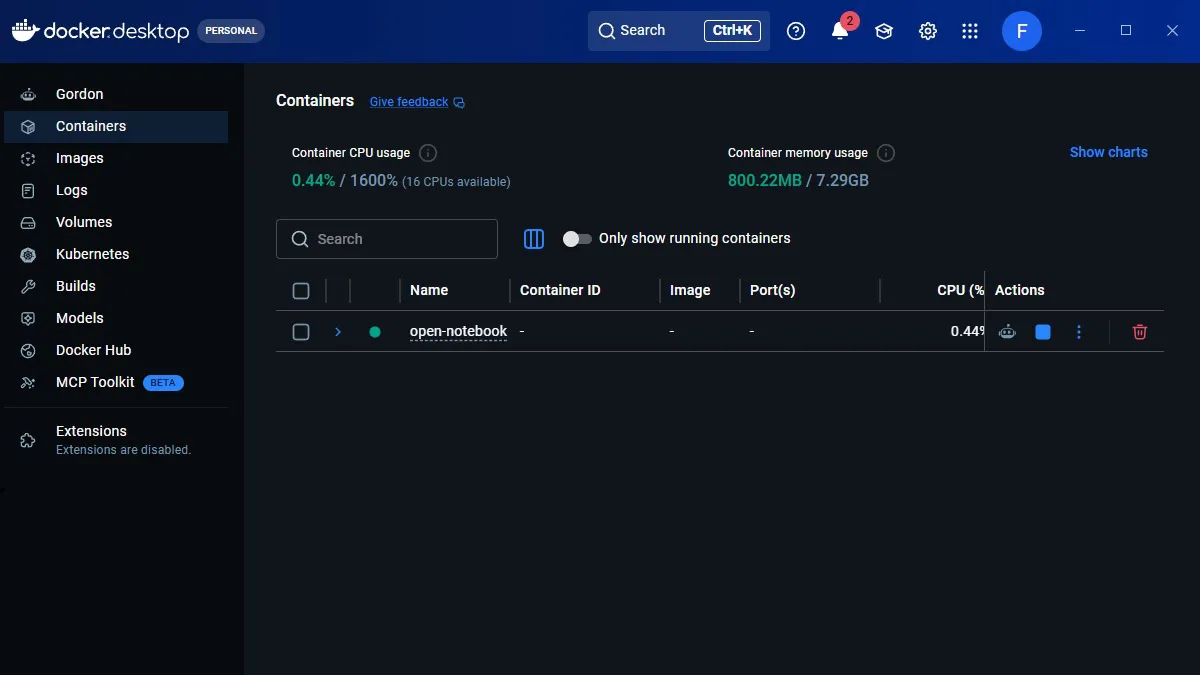
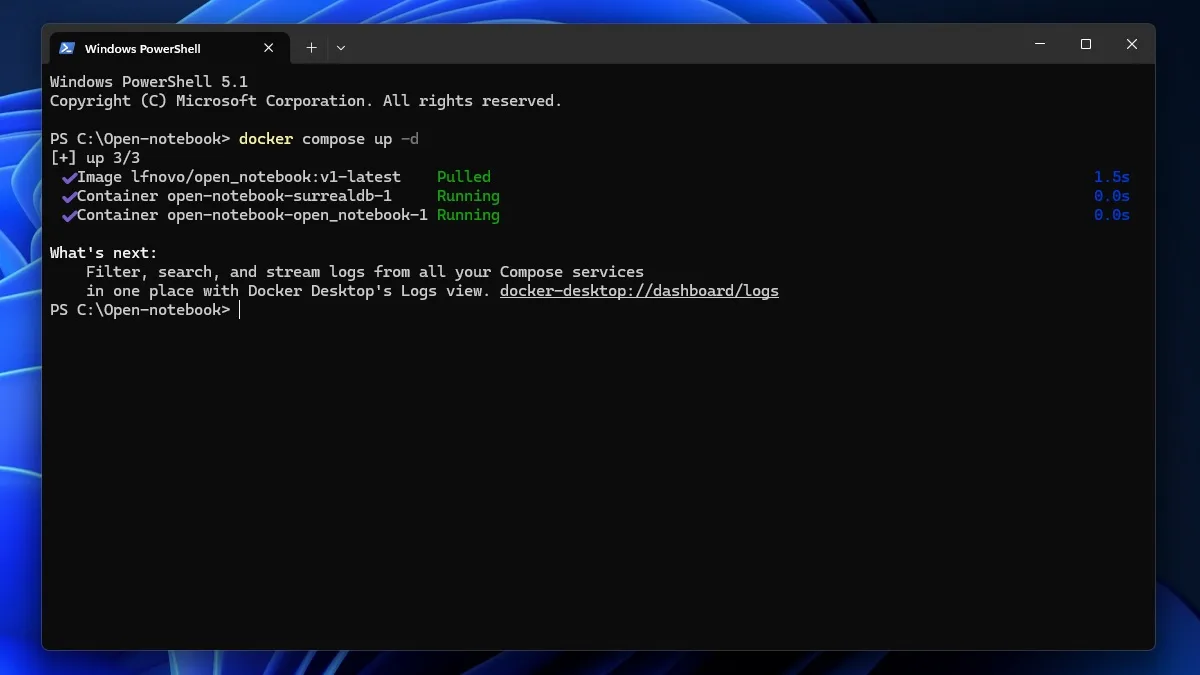
The most accessible route for most Windows users evaluating this open-source NotebookLM alternative is Docker Desktop. Once Docker is installed, the setup process centres on a single configuration file — a docker-compose.yml — that defines two services: a SurrealDB database and the Open Notebook application itself.
You create the file in a plain text editor, paste in the service definitions, change the default encryption key string to something unique, and save it in a dedicated folder called Open Notebook. From there, you open a terminal in that folder and run docker compose up -d. After roughly 15 seconds, Open Notebook will be accessible in your browser at http://localhost:8502.
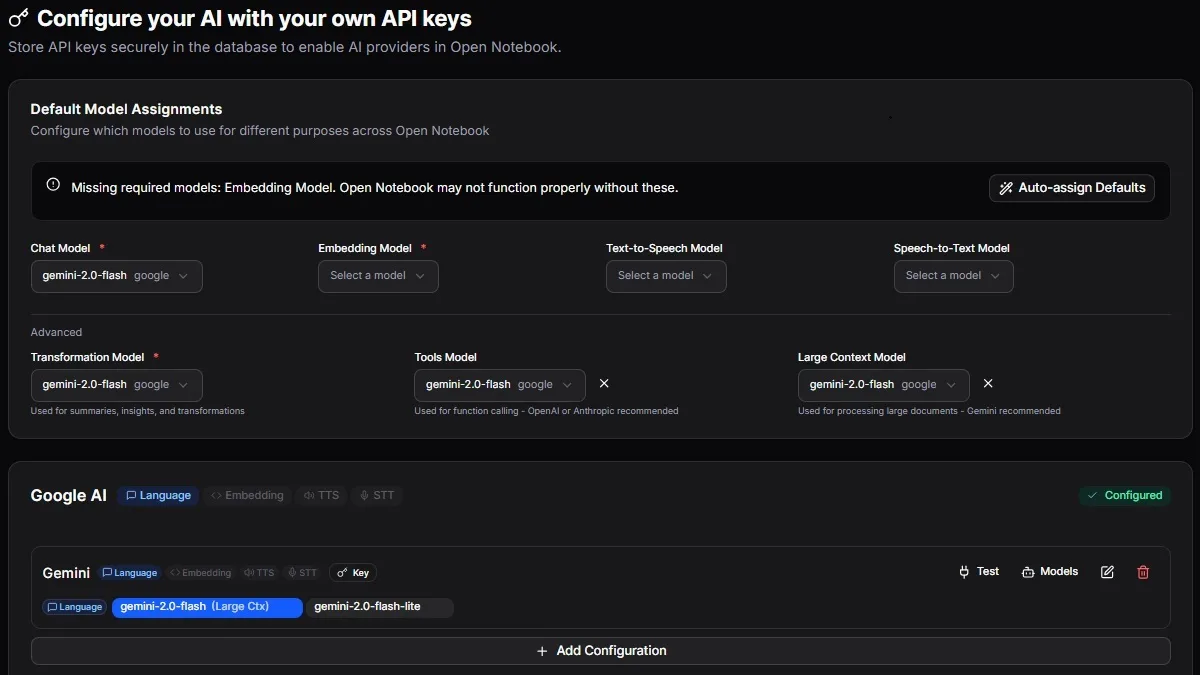
That gets you into the interface, but you’re not finished. You’ll need to navigate to Manage → Models, enter your API key from whichever provider you’ve chosen, and then specify separate models for chat, embedding, and transformation tasks. The distinction between those three roles trips up a lot of first-time users — embedding and transformation models don’t have to be the same as your chat model, and choosing them thoughtfully can meaningfully affect both performance and cost.
Who Should Actually Use This?
Open Notebook isn’t a replacement for NotebookLM in the way that most users will understand that word. As an open-source NotebookLM alternative, it trades polish and ease for sovereignty and flexibility. If you’re a developer, researcher, or technically confident user who is genuinely uncomfortable feeding sensitive material to Google — and you don’t mind spending an afternoon getting everything running — Open Notebook is the most credible self-hosted open-source NotebookLM alternative currently available.
For everyone else, NotebookLM remains the more practical choice. Google’s version is faster to start, more reliable in audio output, and requires zero infrastructure knowledge. The trade-off is that your data lives on Google’s servers, and you’re subject to whatever limits and policy changes Google decides to impose next.
The broader story here is one the AI industry is starting to grapple with more seriously: as these research and productivity tools become genuinely indispensable to how people work, the question of where that data lives and who controls it stops being a niche concern. Projects like Open Notebook suggest there’s a real and growing appetite for a capable open-source NotebookLM alternative that doesn’t require trusting a hyperscaler with your most sensitive work. Whether that movement matures into something polished enough to challenge the big players outright is the question worth watching.
Frequently Asked Questions
Is Open Notebook a true open-source NotebookLM alternative?
Yes. Open Notebook replicates NotebookLM’s core features — source uploads, audio summaries, and chat — while running locally or on your own cloud. It’s open-source, self-hosted, and supports models including Ollama, GPT, Gemini Pro, Opus, and more.
How difficult is it to set up Open Notebook?
It’s not plug-and-play. On Windows with Docker Desktop, setup takes around 30 minutes if you’re comfortable with configuration files and terminals. On other platforms like Chrome OS, expect several hours and multiple attempts. Some DIY troubleshooting is unavoidable.
Does Open Notebook have the same source and notebook limits as NotebookLM?
No — and that’s one of its biggest advantages. NotebookLM’s free tier caps you at 100 notebooks with 50 sources each. Open Notebook has no such limits, though cloud-based model usage will still consume API tokens and incur costs depending on your provider.
How does Open Notebook’s audio summary quality compare to NotebookLM?
Open Notebook supports up to four speaking voices versus NotebookLM’s two, and can generate summaries up to 30 minutes long. However, default summaries are much shorter and the overall audio quality doesn’t quite match NotebookLM’s polish, even across different AI models.