

Microsoft’s Windows 11 Media Player was supposed to be a fresh start — a clean, modern replacement for the aging Groove Music app and the classic Windows Media Player that’s been around since the early 2000s. Instead, it’s attracting criticism on two fronts: it’s significantly heavier on system resources than what it replaced, and it quietly pushes users toward paid add-ons just to play video formats that were once handled out of the box.
- Windows 11 Media Player idles at 377MB of RAM — 3.5 times more than the classic player’s 103MB.
- Windows 11 Media Player now locks HEVC playback behind a paid Microsoft Store app, affecting many users.
- Microsoft removed the built-in AC-3 Dolby Digital codec in Windows 11 version 24H2, breaking some audio playback.
- The classic Windows Media Player still exists as an optional component, and third-party tools like VLC remain strong alternatives.
Table of Contents
A 3.5x RAM Hit for Doing Absolutely Nothing
The numbers, first reported in detail by Windows Latest, are hard to spin positively. The Windows 11 Media Player sits at roughly 377MB of RAM while idle — meaning it hasn’t even opened a file yet. The classic Windows Media Player, by comparison, idles at around 103MB. That’s a 3.5x difference in memory consumption for an application that’s just sitting there waiting for you to do something with it.
Startup time has also regressed. Opening a local video file takes approximately three seconds on the new player versus around two seconds on the legacy version — a 50% increase that sounds modest until you’re doing it repeatedly throughout a workday. These aren’t catastrophic numbers in isolation, but they tell a story about what happens when you take a relatively simple application and rebuild it on a heavier modern framework. The Windows 11 Media Player carries all the overhead of a contemporary UWP-style app, and users are paying for that in memory and latency whether they asked for it or not.
To be fair, most people running a mid-range or high-end PC in 2024 won’t notice 377MB of RAM usage in any meaningful way. But this matters on budget machines, older laptops, and lower-spec hardware where memory pressure is a real constraint. Windows 11’s minimum specs already exclude a huge swath of older PCs — the irony of the software that did make the cut now being heavier than necessary isn’t lost on the community following this closely.
Windows 11 Media Player and the Codec Paywall Problem
The performance gap would be a minor footnote if it came with expanded capability. Instead, the Windows 11 Media Player has moved in the opposite direction on codec support — restricting what users can play and, in some cases, asking them to pay for the privilege.
HEVC, also known as H.265, is the most visible example. It’s the compression format used by modern mirrorless cameras, many streaming services, and an increasing number of video production pipelines. Playing HEVC content in the Windows 11 Media Player requires purchasing the ‘HEVC Video Extensions’ app from the Microsoft Store. That’s not a ruinous sum, but it’s a meaningful shift in expectation: Microsoft is effectively charging for functionality that competing platforms — including Apple’s macOS and most Linux distributions with appropriate packages — provide without an additional transaction.
The situation with AC-3 is arguably worse, because it’s a regression rather than just a gap. AC-3, better known as Dolby Digital, has been a staple audio codec for decades. It’s embedded in DVD rips, broadcast recordings, and countless archived video files that people have accumulated over the years. Microsoft confirmed that Windows 11 version 24H2 removes the built-in AC-3 codec entirely. On a machine running that update, the Windows 11 Media Player simply can’t decode Dolby Digital audio tracks natively. Files that played fine before the update now won’t — at least not without installing something extra.
This kind of quiet capability removal is the sort of thing that goes unnoticed until someone tries to play a specific file and hits an error they don’t understand. It’s particularly frustrating for less technical users who don’t know what a codec is and have no obvious path to resolving the problem other than Googling a cryptic playback error message.
Why Microsoft Is Doing This — and Who Actually Suffers
Microsoft’s reasoning for the HEVC paywall isn’t entirely cynical. Licensing H.265 from the MPEG LA patent pool has real costs, and the company has chosen to pass some of that cost to users rather than absorbing it across the platform. That’s a defensible business decision, even if it’s an unpopular one. The low price point suggests Microsoft isn’t trying to profit meaningfully from the extension itself — it’s more of a licensing passthrough dressed up as a Store purchase.
The AC-3 removal is less sympathetic. Dolby Digital’s patents have been expiring for years, and while licensing terms are complex, the codec has been a standard part of the Windows experience for so long that removing it feels like taking something away rather than making a hard licensing call. There’s no ‘AC-3 Extensions’ app you can buy to restore it, which makes it an even blunter cut than the HEVC situation.
The users who feel this most acutely are enthusiasts, small content creators, and anyone who manages a personal media library built up over years of ripping DVDs, recording broadcasts, or downloading content in whatever format was convenient at the time. These are exactly the people who relied on Windows 11 Media Player the most — and they’re the ones being handed a heavier, more restricted replacement.
Your Best Option Right Now: Go Third-Party
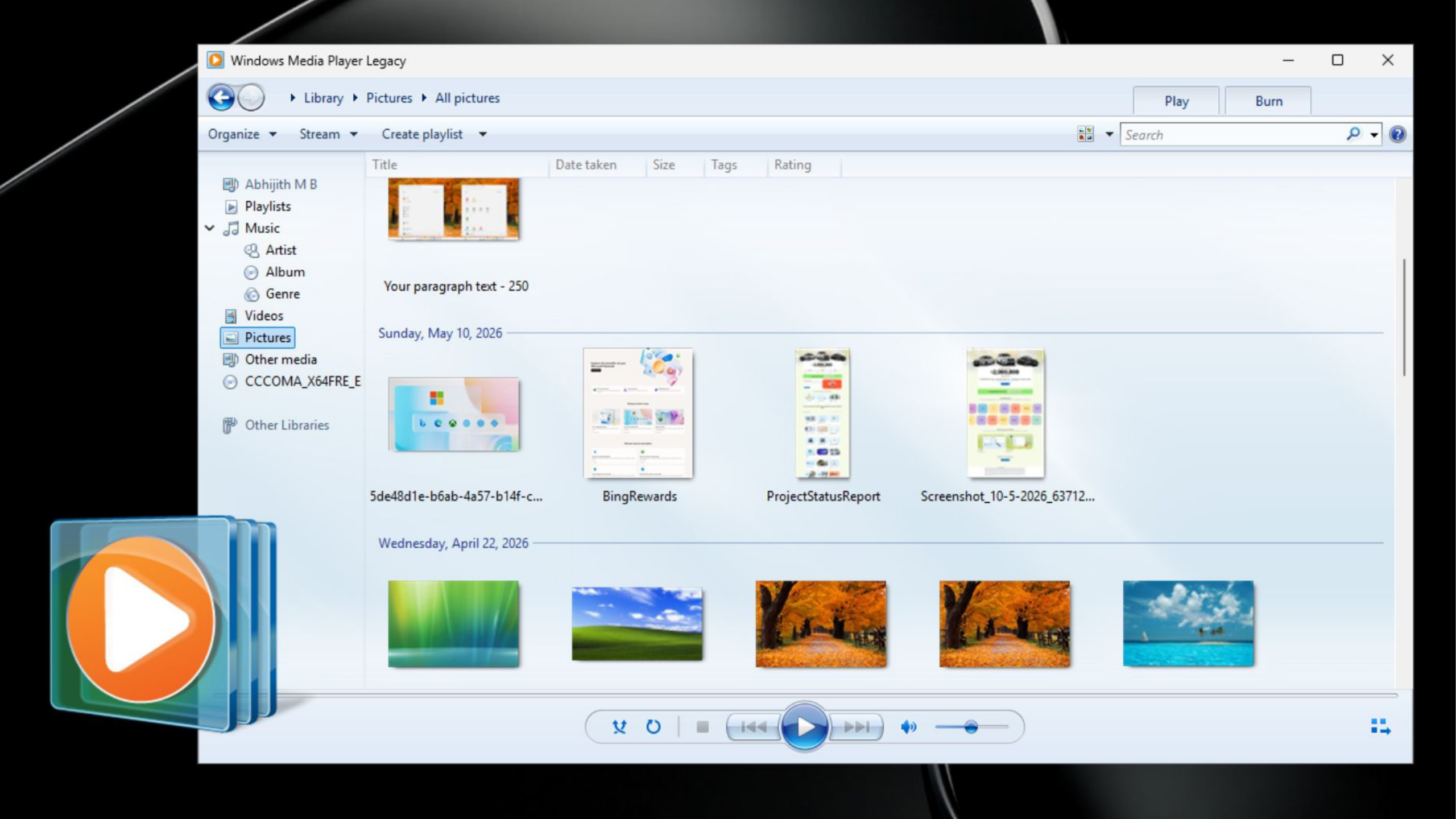
Microsoft still offers the classic Windows Media Player as an optional component in Windows 11 — it hasn’t been deleted, just demoted. You can re-enable it through the optional features settings. But it’s not being actively developed, and there’s no guarantee it sticks around in future Windows releases. Treating it as a long-term solution is probably optimistic.
The more durable answer is VLC Media Player, the open-source player from VideoLAN that has quietly been the most reliable media playback tool on Windows for well over a decade. VLC ships with its own codec library, covering HEVC, AC-3, and essentially every other format you’re likely to encounter. It costs nothing, installs in seconds, and doesn’t depend on Microsoft’s Store ecosystem or paid extensions. For anyone running into the limitations of the Windows 11 Media Player, it’s the obvious fix.
Other solid options include MPC-HC (Media Player Classic – Home Cinema), which is deliberately lightweight and pairs well with the K-Lite Codec Pack for broad format support, and mpv, which is a favorite among power users for its minimal interface and extensive customization through configuration files.
The Bigger Picture for Windows Software Bloat
This story fits into a broader pattern that Windows users have been tracking for years: first-party Microsoft apps growing heavier with each iteration while the underlying utility often stays the same or shrinks. The new Photos app, the updated Notepad, the rebuilt Snipping Tool — all of them carry more overhead than their predecessors, rebuilt on frameworks that prioritize visual consistency and Store distribution over raw efficiency.
There’s a legitimate argument that modern frameworks simplify long-term maintenance and make it easier to ship updates quickly. But that benefit accrues mostly to Microsoft’s engineering teams, not to the person running a six-year-old Surface who just wants to watch a video file without buying a codec extension first. As Windows 11 continues to push users toward its curated app ecosystem, the tension between Microsoft’s platform ambitions and user expectations around what a PC should do for free is only going to sharpen — and the Windows 11 Media Player is a clear early example of where that tension breaks into the open.
Frequently Asked Questions
Why does Windows 11 Media Player use so much more RAM than the old player?
The new Windows 11 Media Player is built on a modern UWP-style framework rather than the lean legacy codebase of classic Windows Media Player. That architectural shift brings a heavier runtime footprint — roughly 377MB at idle versus 103MB — even before you’ve opened a single file.
How much does the HEVC Video Extensions app cost on the Microsoft Store?
Microsoft sells the HEVC Video Extensions app on the Microsoft Store, though the source does not specify a price. Without it, the Windows 11 Media Player cannot natively play H.265 video files, which are increasingly common on modern cameras and streaming sources.
Does Windows 11 Media Player still support AC-3 Dolby Digital audio?
Not on Windows 11 version 24H2 or later. Microsoft confirmed it removed the built-in AC-3 codec in that update, meaning the new Media Player can no longer handle Dolby Digital audio tracks natively without a third-party solution.
Is there a free alternative to Windows 11 Media Player that supports HEVC and AC-3?
Yes. VLC is a free option that ships its own codecs and does not depend on Microsoft’s paid add-ons, making it a practical alternative for users who want broader format support without additional purchases.

