

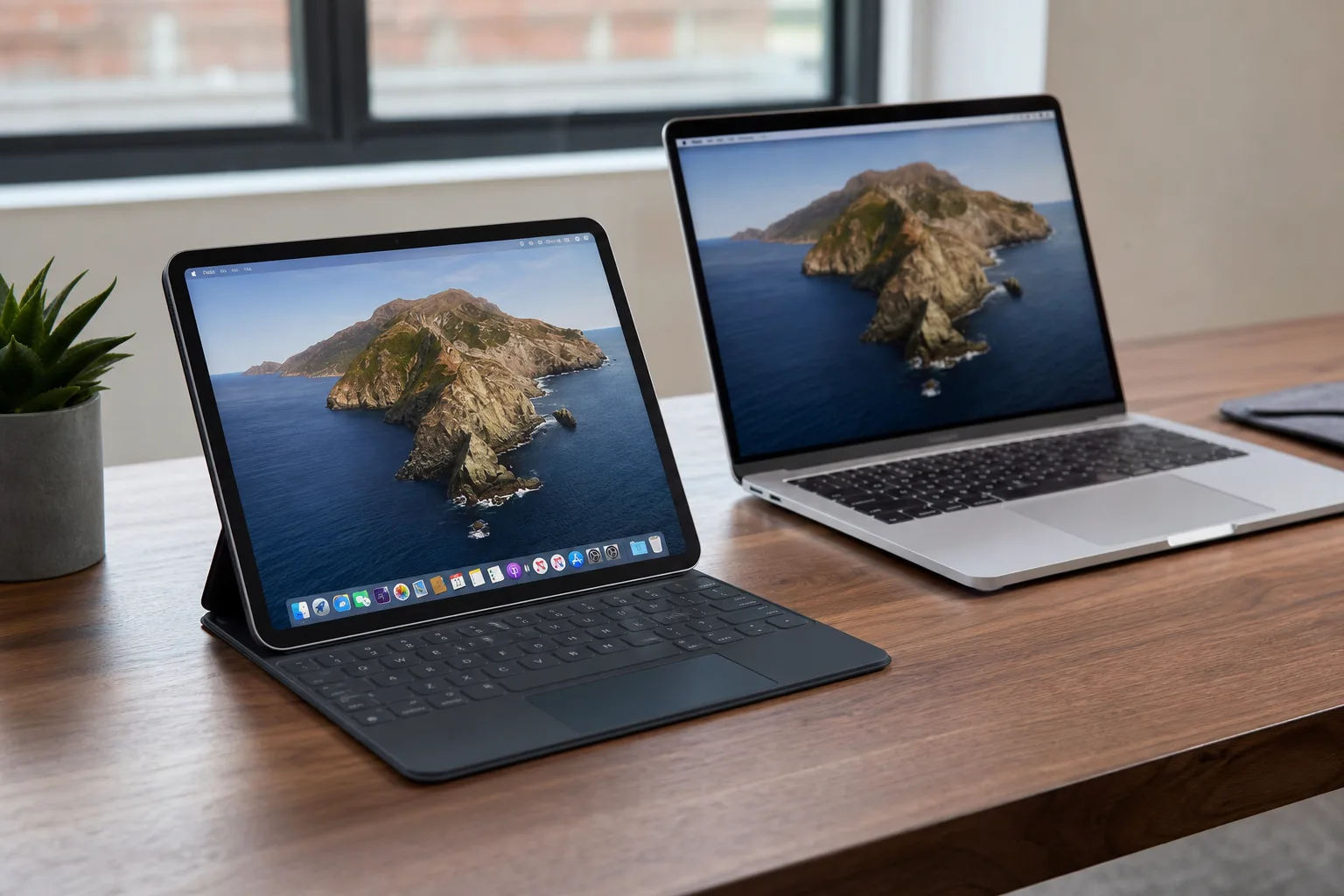
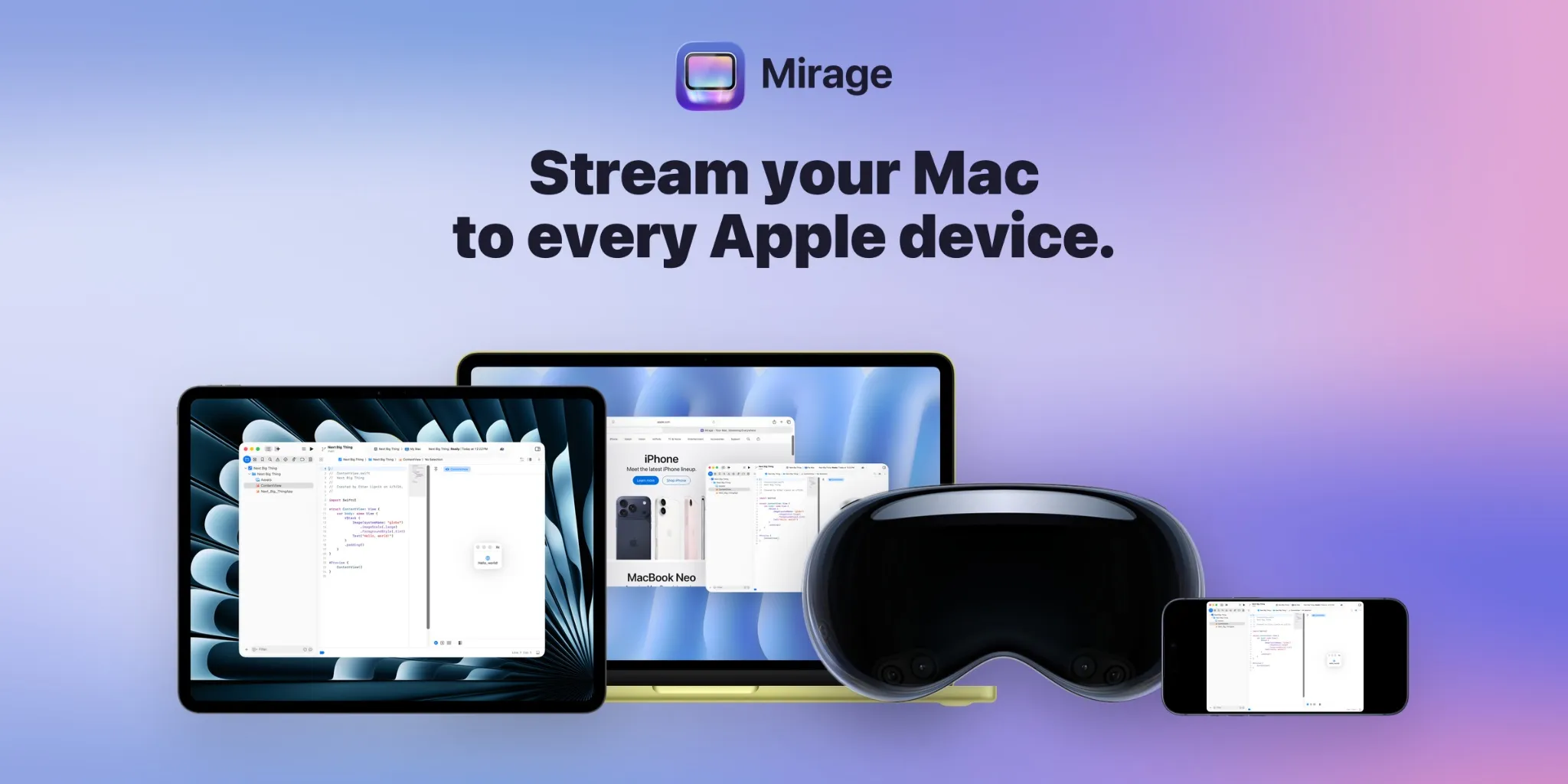
A new app called Mirage has quietly entered the Mac screen sharing space, and it’s making a strong first impression. Designed to stream your Mac’s display wirelessly to essentially any Apple device you own — iPhone, iPad, Vision Pro, or a second Mac — Mirage is pitching itself as the all-in-one remote desktop solution that Apple’s own ecosystem has never quite delivered natively.
- Mirage brings Mac screen sharing to iPhone, iPad, Vision Pro, and other Macs with low latency and up to 120fps on ProMotion displays.
- The Mac screen sharing app supports individual app window streaming, making it ideal for mixed iPad and Mac workflows.
- Tailscale integration lets you access your home Mac remotely over a secure VPN connection from anywhere.
- Mirage Pro costs $4.99 per month or $119 for a lifetime licence, with a free tier for basic local network streaming.
Table of Contents
What Mirage Actually Does
At its core, Mirage is a Mac screen sharing app — but the framing of ‘screen sharing’ undersells what it’s capable of. This isn’t a basic VNC client or a glorified screen mirror. The app supports Retina-quality streaming, per-app window sharing, USB-C cable-enhanced connections for Mac-to-Mac use, and up to 120fps output on iPads with ProMotion displays. That last stat is notable. Most remote desktop tools treat frame rate as an afterthought. Mirage treats it as a feature.
The developer has clearly thought hard about real-world use cases rather than building a solution in search of a problem. The result is a tool that slots neatly into the way a lot of Apple users already work — or wish they could.
Mac Screen Sharing to iPad: The Killer Use Case
The most obvious and probably most popular use of Mirage is streaming your Mac to an iPad. If you’ve got a beefy Mac Studio or Mac mini parked at home but you’re carrying an iPad Pro as your portable machine, this is the scenario Mirage was built for. You get full Mac screen sharing on your iPad, with support for Magic Keyboard input and Apple Pencil — meaning you’re not just watching your Mac remotely, you’re actually using it.
It’s a workflow that Apple’s own Screen Sharing feature technically enables, but with frustrating limitations around quality and ease of setup. Third-party apps like Luna Display and Duet Display have tried to fill this gap for years — Luna Display famously requiring a dongle. Mirage goes fully wireless by default, with no hardware add-ons required, which immediately makes it more accessible to the average user.
The 120fps ceiling on ProMotion iPads is a direct shot across the bow at competitors. Even Apple’s own Sidecar — which turns an iPad into a wired or wireless secondary Mac display — doesn’t stream at that frame rate. Smooth motion at that refresh rate makes Mac screen sharing feel dramatically less like a compromise.
Mac to Mac: Turning an Old iMac into a Monitor
There’s a second use case that doesn’t get talked about enough in the remote desktop world: using an older machine as a secondary display for a newer one. Mirage supports exactly this. If you’ve got a 5K iMac collecting dust because it’s too slow to be your daily driver, Mirage can turn it into a premium monitor for a faster Mac.
The wireless stream handles this well enough for most purposes, but the optional USB-C cable mode is where things get interesting. Plug the two Macs together and Mirage can push a full 5K Mac screen sharing stream over the cable — a significant quality jump that rivals dedicated display link hardware. It’s not a new idea (Duet’s wired mode does something similar), but the integration here appears cleaner and the setup less fiddly.
Per-Window Streaming and Vision Pro Support
Full desktop mirroring is just the starting point. Mirage also lets you stream individual Mac app windows rather than the entire display. That’s a genuinely useful distinction. If you’re an iPad-first user who happens to need Logic Pro or a specific professional Mac app for part of your day, you don’t necessarily want your entire Mac desktop taking over your screen — you just want that one window, floating alongside your iPadOS apps.
This per-window approach translates naturally to Vision Pro, where the spatial computing interface already encourages window-by-window thinking rather than traditional desktop layouts. Streaming a single Mac app window into the Vision Pro environment via Mac screen sharing, positioned wherever you want it in physical space, is exactly the kind of cross-device experience Apple’s spatial computing pitch is built on — even if Apple hasn’t fully delivered the native tools to make it seamless.
Tailscale Integration Brings True Remote Access
Local network Mac screen sharing is useful, but the really compelling unlock for power users is remote access. Mirage supports this through Tailscale, the popular mesh VPN service that lets you create a private network across your devices regardless of where they are in the world.
If Tailscale is running on both your Mac and your iPhone or iPad, Mirage can connect them securely over the internet — so you can remote into your home desktop Mac from a coffee shop, a hotel, or anywhere else with a connection. It’s not a Mirage-exclusive innovation (Tailscale has been used this way with other apps for years), but building it as a first-class feature rather than a buried workaround is the right call.
For people who’ve been cobbling together solutions with RealVNC, TeamViewer, or even Apple’s own Remote Desktop app, having Mac screen sharing work natively inside a well-designed iOS app is a real quality-of-life upgrade.
Pricing and Availability
Mirage is available now on the App Store for devices running iOS 26 and later. The free tier gets you basic local network streaming with some capability limits — enough to evaluate whether the app suits your workflow before committing. Mirage Pro unlocks the full package: remote access, multi-window streaming, superior audio quality, and the highest resolution stream settings.
Pro pricing sits at $4.99 per month, $39.99 per year, or a one-time $119 lifetime licence. The lifetime option is worth considering if you’re already invested in the Apple ecosystem and see long-term use — $119 is less than three years of the annual plan. At launch, a promotional first-year rate of $34.99 has been made available through at least one outlet using a discount code, which suggests the developer is in active growth mode and willing to discount to build an early user base.
The competitive landscape here includes established players like Luna Display, Duet, and the built-in Sidecar — but none of them covers the full range of devices Mirage targets in a single app. As Apple continues to push ecosystem cohesion, apps that actually make Mac screen sharing feel native have an increasingly strong value proposition. Mirage looks like a serious contender.

