

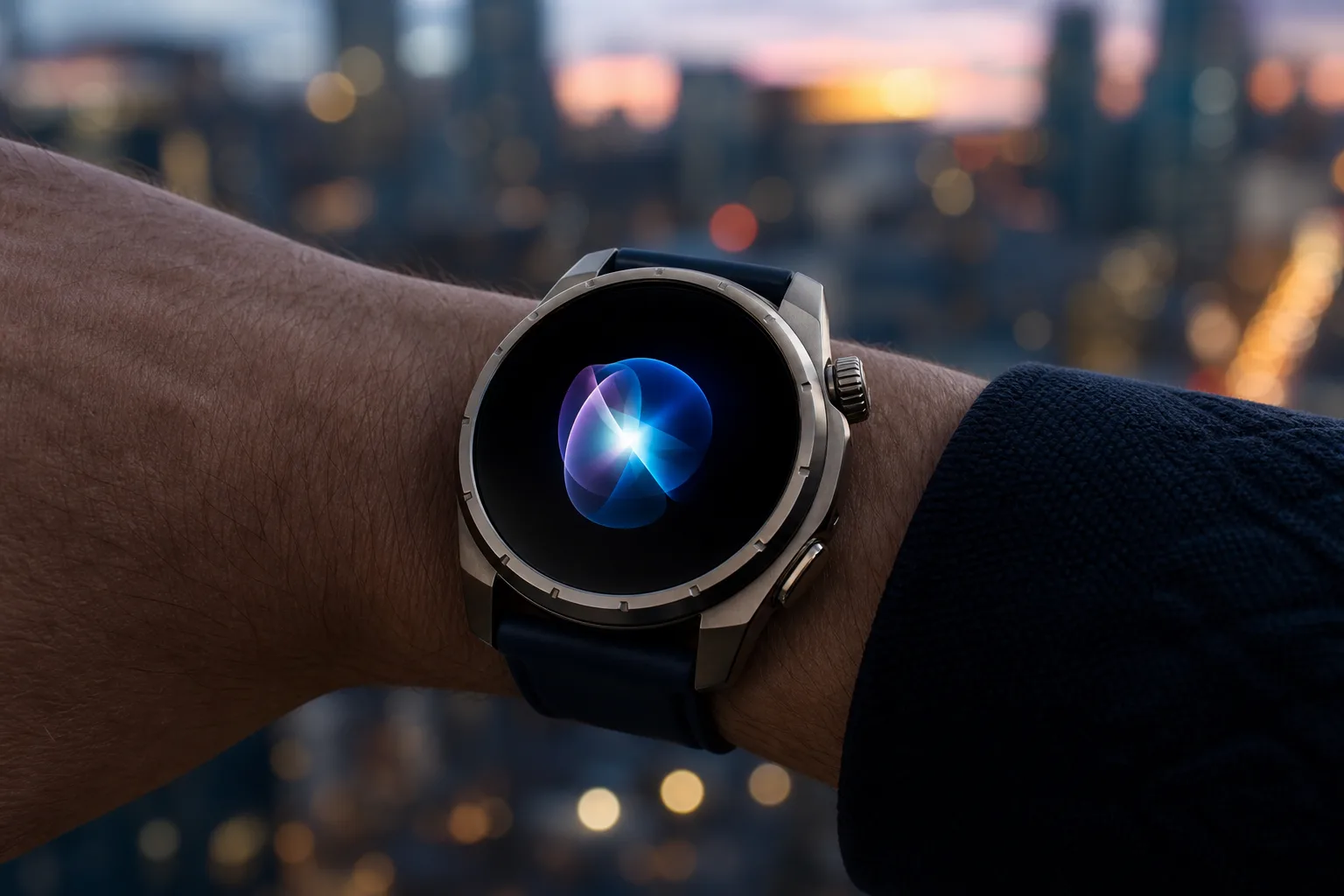
- Gemini Neural Expressive has begun appearing on the Galaxy Watch Ultra, extending Google’s animated Gemini interface beyond Pixel Watch devices.
- The Gemini Neural Expressive rollout changes the assistant’s visual layer, but it does not yet deliver Google’s promised Gemini Intelligence actions.
- Samsung’s Wear OS 6 watch received the update through a server-side switch rather than a clearly identifiable app update.
- Google’s cross-device visual consistency matters, though useful AI features will determine whether smartwatch Gemini becomes more than a polished voice interface.
Table of Contents
Gemini Neural Expressive is no longer a Pixel Watch exclusive
Google’s smartwatch AI is getting a new coat of paint before it gets the brains it has been promising. Gemini Neural Expressive, the colorful animated overlay Google previewed alongside Wear OS 7, is now showing up on at least one Samsung Galaxy Watch Ultra running Wear OS 6. That matters less because of the gradient itself and more because it confirms Google is treating Gemini’s look as a cross-platform Wear OS experience, rather than another Pixel-only perk.
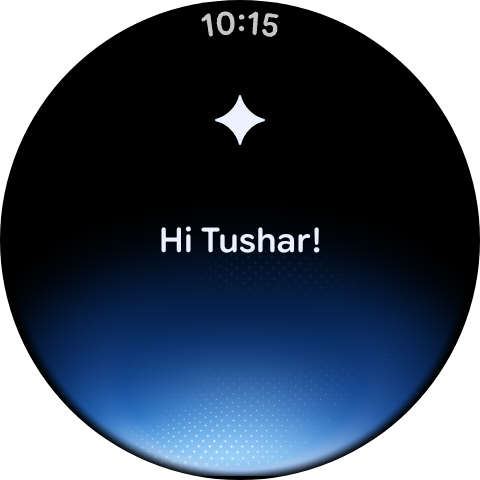
On the Galaxy Watch Ultra, the effect appears when Gemini is summoned with the “Hey Google” wake phrase: a shifting visual treatment washes over the current watch face while the assistant listens. Pressing and holding the Home button takes a slightly different route, opening Gemini against a black backdrop with the same animated color field.
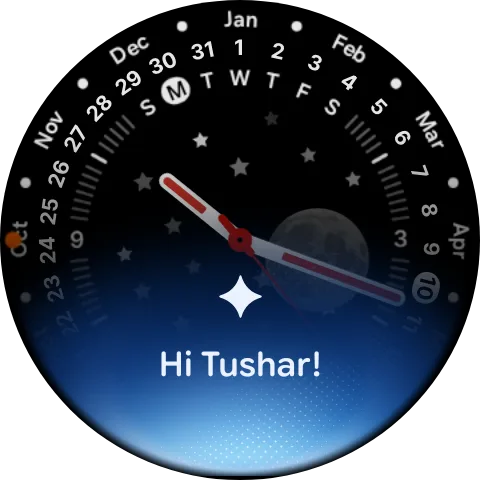
It’s a modest change in practical terms. Your watch doesn’t suddenly become a tiny agentic computer on your wrist. It still answers questions, handles basic requests, and presents the familiar limits of voice input on a screen barely larger than a cookie. But Gemini Neural Expressive is clearly intended to make those moments feel less static and more alive—closer to the visual response Google has built around Gemini on phones.
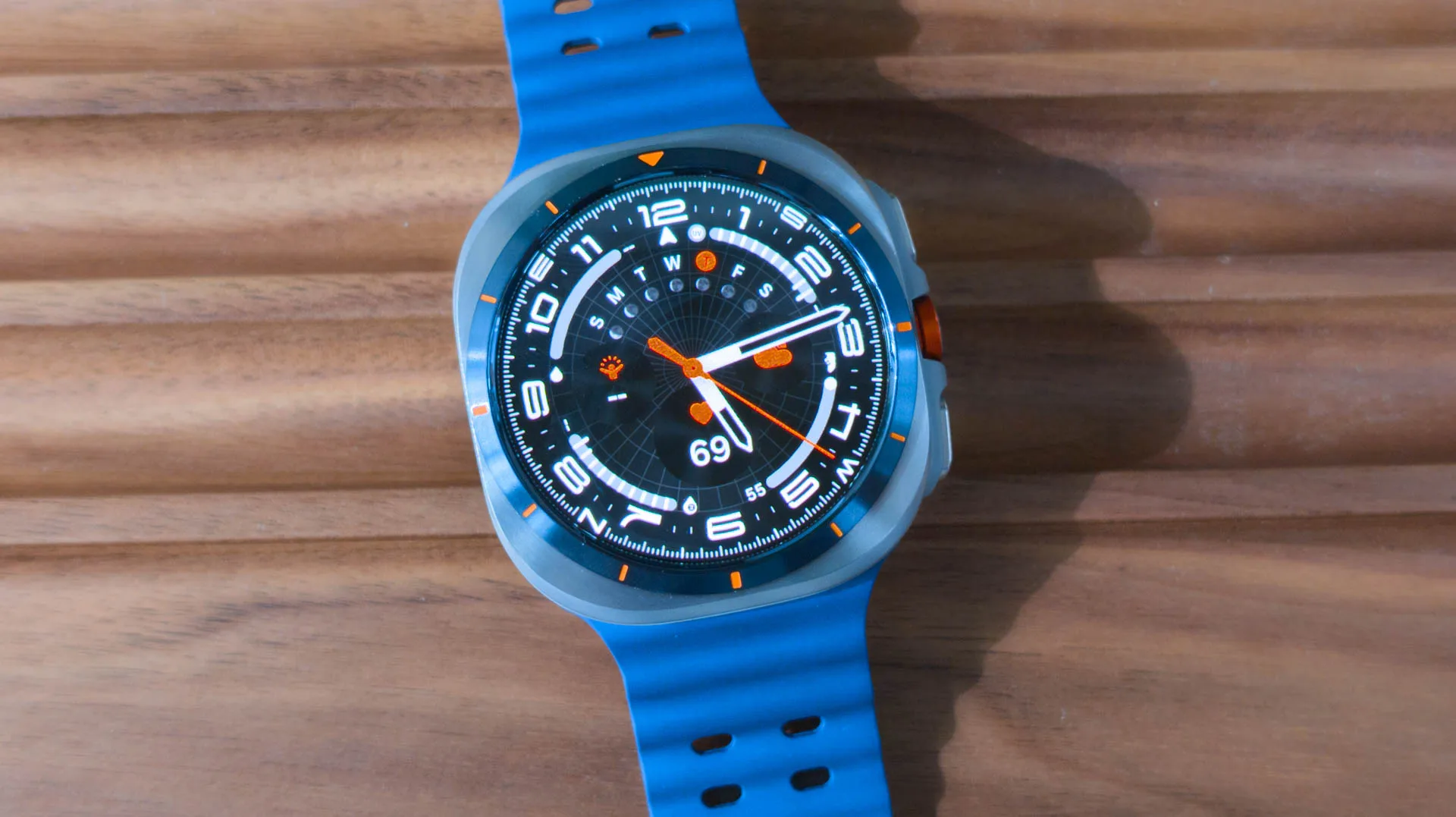
The update was reportedly spotted on a first-generation Galaxy Watch Ultra, Samsung’s rugged, oversized Wear OS model. Google had already begun distributing the design to Pixel Watch models, but its appearance on Samsung hardware suggests the rollout is moving through Wear OS services rather than being gated by a particular manufacturer’s app build.
Why Google cares about a gradient on your wrist
At first glance, an assistant animation may sound like the sort of product-detail story that only design teams can get excited about. Frankly, it’s more consequential than that. Smartwatch assistants have a hard problem: users need confidence that a request was heard, is being processed, and hasn’t simply disappeared into the void. A phone can show a sprawling chat interface; a watch needs to communicate all of that in a fraction of a second.
Gemini Neural Expressive gives Google a recognizable visual cue for that job. Apple has long used Siri’s pulsing orb and edge illumination as a signal that the assistant is active. Samsung’s Bixby has its own visual language. Google’s old Assistant animation—a row of colored dots—was functional, but it belonged to an earlier era of Google’s product design. Gemini needs an identity that carries from Android phones to watches, earbuds, cars, and whatever else Google decides can listen to us.
That consistency matters on Wear OS, where Google supplies the platform but Samsung sells a huge share of the hardware. Samsung has spent years wrapping Wear OS in One UI Watch, and that has occasionally made the platform feel like Samsung’s software wearing a Google badge. A shared Gemini presentation pulls in the opposite direction. The assistant should feel familiar whether it’s activated on a Pixel Watch, a Galaxy Watch, or another compatible device.
Google’s Wear OS 7 announcement framed Neural Expressive as part of a wider Gemini refresh. The company is betting that AI needs more than a chat box. It needs personality, feedback, and a visual presence that makes interaction feel intentional rather than accidental. That’s a sensible design instinct. The question is whether Google can match the visual ambition with reliable utility.
The actual Gemini upgrade is still missing
This is where the story gets a little awkward. When Google previewed the new interface, it also said that Gemini Intelligence capabilities would come to selected Wear OS 7 watches. Those are the features with real stakes: more involved requests, connected tasks, and the possibility that Gemini could do something meaningful across Google services instead of simply replying to a spoken prompt.
They have not arrived on Pixel Watch hardware yet, and the Galaxy Watch Ultra in this case is running Wear OS 6 anyway. So nobody should read the arrival of Gemini Neural Expressive as evidence that the broader intelligence package is right around the corner. It may be. But Google has made an industry of showing a smooth AI interface before the difficult bits are ready for everyday use.
That gap is familiar across consumer AI. A flashy animation is easy to understand because it always works: it appears, it moves, it looks polished. The hard part is asking a watch to interpret a vague request, pull the right details from a calendar or email, respect privacy boundaries, and complete an action without making a mess. Anyone who has tried dictating a message while walking down a windy street knows the wrist is not exactly an ideal command center.
My read is that Google is wisely separating the visual rollout from the riskier functional one. Shipping a shared Gemini Neural Expressive layer lets the company establish the brand across Wear OS while Gemini Intelligence is still being tuned, tested, or negotiated with device partners. That may frustrate people waiting for the useful stuff, but it is better than turning every watch owner into a beta tester for half-finished automation.
A server-side rollout means patience, not troubleshooting
There is no clear app version readers can install to force the new appearance. The Galaxy Watch Ultra report indicates that Gemini Neural Expressive is being enabled server-side, which is Google’s usual approach for staged feature releases. Translation: two people with identical watches, software versions, and Gemini apps may see different behavior for a while.
If you own a current Pixel Watch or Galaxy Watch, the sensible move is to keep Wear OS and the Gemini app updated, then wait. Repeatedly clearing caches or factory-resetting a watch for a gradient animation would be like repainting your kitchen because the delivery driver is late. It won’t make Google’s switch flip any sooner.
The real test starts when Google delivers the promised intelligence features. Gemini Neural Expressive may make the assistant feel present, but visual polish won’t rescue an AI that is slow, vague, or incapable of finishing a request. Wear OS has the hardware, the microphones, and the health context to make wrist-based assistance genuinely valuable. Now Google has to prove it can turn that colorful glow into something people will actually rely on.

