

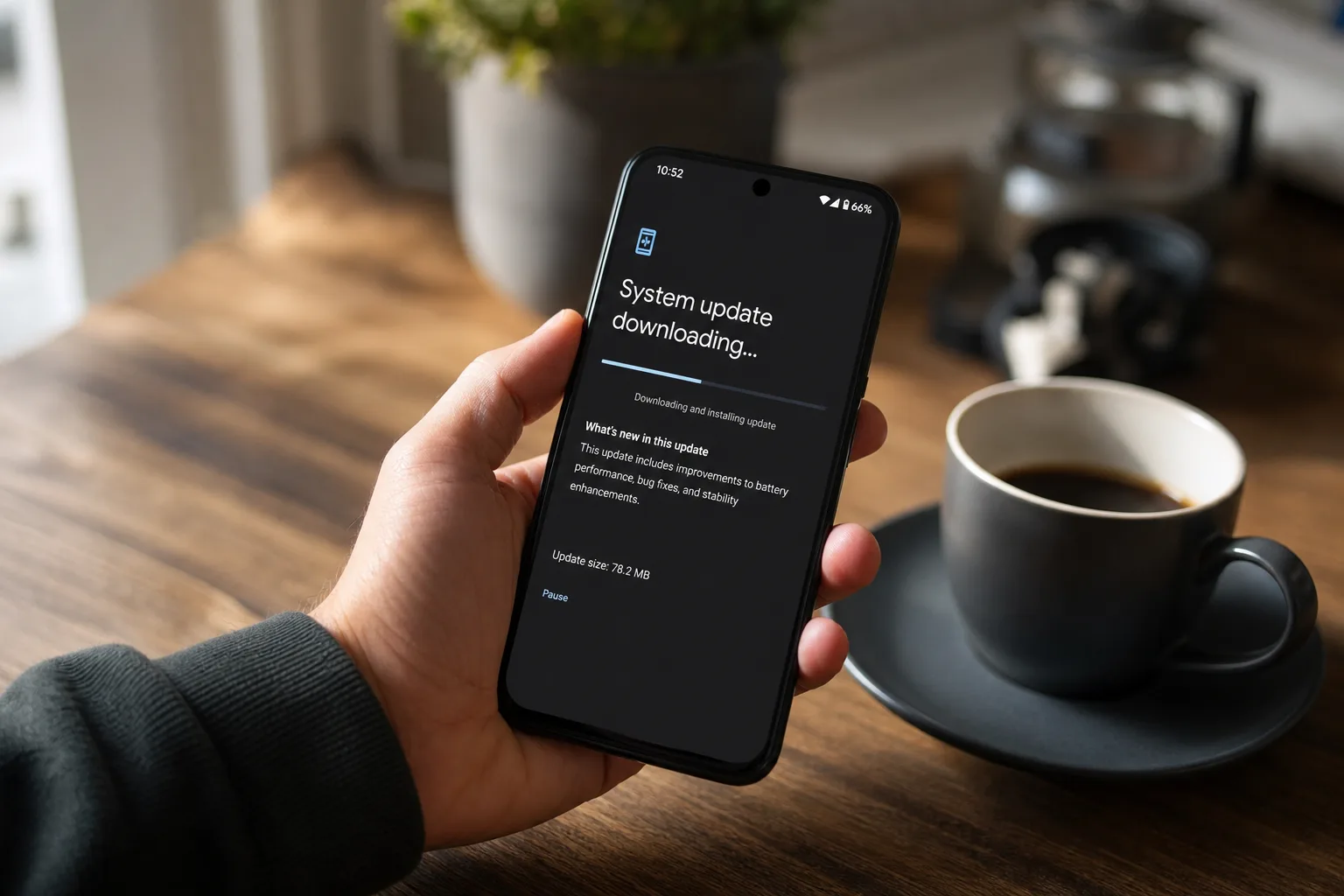
Google has quietly shipped one of the most welcome Pixel updates in recent memory — not because it introduces flashy new features, but because it gets people out of a situation they never wanted to be in. The July 2026 security patch, build CP2A.260705.006, is the long-awaited Android 17 beta exit fix that lets Pixel owners leave the beta program and return to the stable channel without sacrificing a single byte of their personal data.
- The Android 17 beta exit fix arrives in Google’s July 2026 security patch, build CP2A.260705.006, for Pixel devices.
- Users stuck on Android 17 beta can now switch to the stable channel without performing a factory reset or data wipe.
- A separate bootloop bug in Beta 4.1 had already forced some unlucky Pixel owners to manually flash and lose their data.
- Users can either wait for the OTA to roll out automatically or sideload the device-specific package immediately.
Table of Contents
What Went Wrong in the First Place
To understand why this Android 17 beta exit problem matters, you need to rewind to last month. Pixel users who had enrolled in the Android 17 beta program and were running either Beta 4 or Beta 4.1 found themselves in an oddly frustrating position: the stable Android 17 release had shipped, but their devices weren’t receiving an over-the-air update to get there. The OTA — which is normally the smoothest, data-safe bridge between the beta branch and the stable channel — simply wasn’t showing up.
That missing OTA isn’t a trivial inconvenience. For most everyday users, it’s the only practical method for exiting a beta program without losing everything. The alternative — flashing the stable factory image directly — works in a technical sense, but it’s essentially a nuclear option. The flashing process almost always triggers a full data wipe, which means contacts, photos, app data, and settings all gone. For someone who opted into the beta thinking they could easily opt back out, that’s a brutal outcome. The Android 17 beta exit should have been seamless, and for a frustrating stretch of time it simply wasn’t.
The Android 17 Beta Exit Fix, Explained
The Android 17 beta exit fix contained in the July patch restores that missing OTA pathway. Once your Pixel receives build CP2A.260705.006, it can cleanly hop from the beta branch onto the stable track the way Google always intended — no factory reset, no data loss. As Reddit user bazilion noted in a thread that’s been circulating among affected users, there are two ways to complete the Android 17 beta exit: wait for the OTA to arrive on your device automatically, or grab the device-specific OTA package from Google’s official OTA download page and sideload it yourself. Both paths land you in the same place, with your data fully intact.
The patience-versus-speed trade-off here is real. Google’s OTA rollouts are staged — they don’t hit every device simultaneously. If you’ve been waiting weeks already and you’re comfortable using ADB to sideload, downloading the package manually is the faster move. If ‘sideload’ sounds like a foreign word, just sit tight. The update will find you.
The Bootloop Casualty List
Not everyone gets a happy ending here. Beta 4.1 shipped with a separate, more aggressive bug that caused a subset of Pixel devices to fall into a bootloop — stuck in a cycle of crashing and restarting with no way out through normal means. For those users, manually flashing the factory image wasn’t a choice; it was the only escape route. And flashing means wiping. So while today’s July patch rescues the patient users who avoided that bug and kept waiting, it can’t undo what already happened to the people who were forced to flash weeks ago. Their Android 17 beta exit came at the cost of a full data wipe.
That’s a hard reality of beta programs, and it’s one Google hasn’t fully addressed publicly. Beta software by definition carries risk, and every enrollment screen says as much. But there’s a reasonable expectation — particularly for a mature platform like Android on first-party Pixel hardware — that exiting a beta program won’t cost you your data under normal circumstances. The missing OTA was an oversight, and the bootloop was a regression. Both happening in the same beta cycle is the kind of thing that erodes confidence in the program.
Broader Implications for Android Beta Participation
Google’s Android beta program has grown considerably more accessible over the years. What used to require developer know-how and manual flashing is now a toggle in your phone’s settings. That accessibility is genuinely good — it brings more real-world testing feedback into the pipeline and lets enthusiasts preview features months ahead of general availability. But the flip side of lowering the barrier to entry is that more non-technical users are now enrolled, and they’re the ones least equipped to deal with situations like a missing Android 17 beta exit path or a bootloop that demands a manual flash.
Apple handles this differently with its iOS beta program, where the exit path to stable software is consistently reliable and data wipes are rare. That’s partly an architecture advantage — Apple’s tighter hardware-software integration makes beta builds more predictable — but it’s also a product philosophy choice. Google has the capability to match that reliability on its own Pixel hardware; this month’s situation suggests it sometimes doesn’t prioritize the exit experience until something breaks.
The Android 17 beta exit situation also highlights something worth keeping in mind as Android 17 rolls out more broadly: beta programs are a two-way relationship. Users provide Google with bug reports and real-world usage data; Google provides early access and, implicitly, a reliable way back to stability. When the ‘way back’ breaks, trust takes a hit — even if the fix eventually arrives.
What You Should Do Right Now
If you’re a Pixel owner who’s been stranded on Android 17 Beta 4 or Beta 4.1, here’s your straightforward Android 17 beta exit path forward. First, check your device for the July 2026 OTA under Settings → System → System update. If it’s there, install it and you’re done — your data is safe. If it hasn’t arrived yet and you’d rather not wait, head to Google’s OTA downloads page, find the package for your specific Pixel model, and sideload it via ADB. Either way, once you’re on the July build you can unenroll from the beta program through the Android Beta Program website, and future updates will come from the stable channel as normal.
For anyone considering joining a future Android beta cycle, this episode is a useful reminder: enroll with eyes open, keep a recent backup regardless of what any opt-in screen implies, and check community forums like Reddit’s r/androiddev or r/GooglePixel before updating to a new beta build. The crowd often spots problems within hours of a release, well before Google publishes any official acknowledgment. A smooth Android 17 beta exit experience should be the baseline expectation, not a bonus.
Google will almost certainly tighten the Android 17 beta exit process before Android 18’s preview cycle kicks off — the alternative is watching this story repeat itself, which nobody wants. But for now, the July patch does exactly what stuck Pixel users needed it to do, and that’s worth acknowledging.
Frequently Asked Questions
How does the Android 17 beta exit fix work without wiping data?
The July 2026 Pixel security update (CP2A.260705.006) restores the missing OTA path that lets devices transition cleanly from the beta branch to the stable channel. Because it arrives as a standard over-the-air update, no factory reset is required and your data stays intact.
Can I speed up the Android 17 beta exit instead of waiting for the OTA?
Yes. Rather than waiting for Google to push the update automatically, you can download the device-specific OTA package for your Pixel and sideload it manually. Either route preserves your phone’s data, so the choice is purely about how quickly you want off the beta channel.
What was the bootloop bug in Android 17 Beta 4.1?
Beta 4.1 contained a bug that caused some Pixel devices to enter a bootloop, leaving owners with no practical option other than manually flashing the stable factory image — a process that wipes all data. Users who avoided the bootloop and waited patiently are the ones now rescued by the July patch.
Which Pixel devices are affected by this update?
The fix is part of the July 2026 security patch rolling out across the Pixel lineup. Any Pixel device that was enrolled in the Android 17 beta program and running Beta 4 or Beta 4.1 without receiving a stable OTA should be covered by the CP2A.260705.006 build.

