

- Google’s Android backup storage policy now counts texts, call history, settings, and app data toward Google Account limits.
- Android backup storage is expected to grow by 40MB on average, though heavy app data users could see larger totals.
- New backup controls let Android owners exclude individual apps, messages, call history, and device settings.
- Existing Android users are receiving 45-day notices before the revised Google storage accounting takes effect.
Table of Contents
Android backup storage is no longer a free side pocket
Google has spent years making an Android phone replacement feel almost boring: sign in, wait a while, and much of your old digital life returns. That convenience is getting a small but meaningful price tag. Android backup storage will now count in full against a user’s Google Account allowance, pulling SMS messages, call history, device settings, and other backed-up data into the same storage meter as Gmail, Drive, and Google Photos.
For most people, the immediate hit should be modest. Google says the policy change will add an average of about 40MB to a backup. That is a rounding error beside a modern phone photo, let alone a family holiday gallery. But the number matters less than the principle: Google is closing one of those quietly generous exceptions that made its free 15GB account tier stretch a little further than it appeared.
The company began applying the revised rules to new backup users on July 7 and is now emailing existing Android owners under the subject line “New Android Backup Storage Policy & Controls.” Those notices say existing users have 45 days before the new accounting applies, and show an estimated increase alongside current storage use. It’s a sensible warning, frankly. Storage policy changes have a habit of feeling invisible until somebody’s inbox stops sending mail.
What Google is counting now
Until now, Google’s storage calculation for an Android device backup was narrower. Photos and videos saved through Google Photos counted, as did multimedia messages containing photos or video. The newly included material is more mundane, but it is also central to making a restored phone feel like your phone: the text of SMS conversations, call logs, system preferences, and data associated with backed-up apps.
Google describes Android backup as a way to save phone data to a Google Account so it can be restored on a replacement device or during setup. In a statement, the company said it had “updated our policy so that all Android backup data now counts toward Google Account storage” and expected the average increase to be 40MB.
That wording leaves room for variation. A person who changes handsets every few years, rarely uses SMS, and relies on cloud-native apps may barely notice. Someone with years of messages, a long call record, or apps that retain substantial local state could see a more material increase. Google’s average is useful directionally, not a promise carved into stone.
The decision also lands at an awkward moment for anyone still living within Google’s free 15GB pool. That allowance must already cover mail attachments, documents, Photos uploads, and now the full shape of Android backup storage. Google One subscriptions start as the obvious pressure-release valve, and my read is that this change is partly about cleaner accounting and partly about making that upgrade path a touch more compelling. The company has not framed it as a pricing move, but storage policies and subscription funnels are rarely strangers.
Google is offering controls, which is the important part
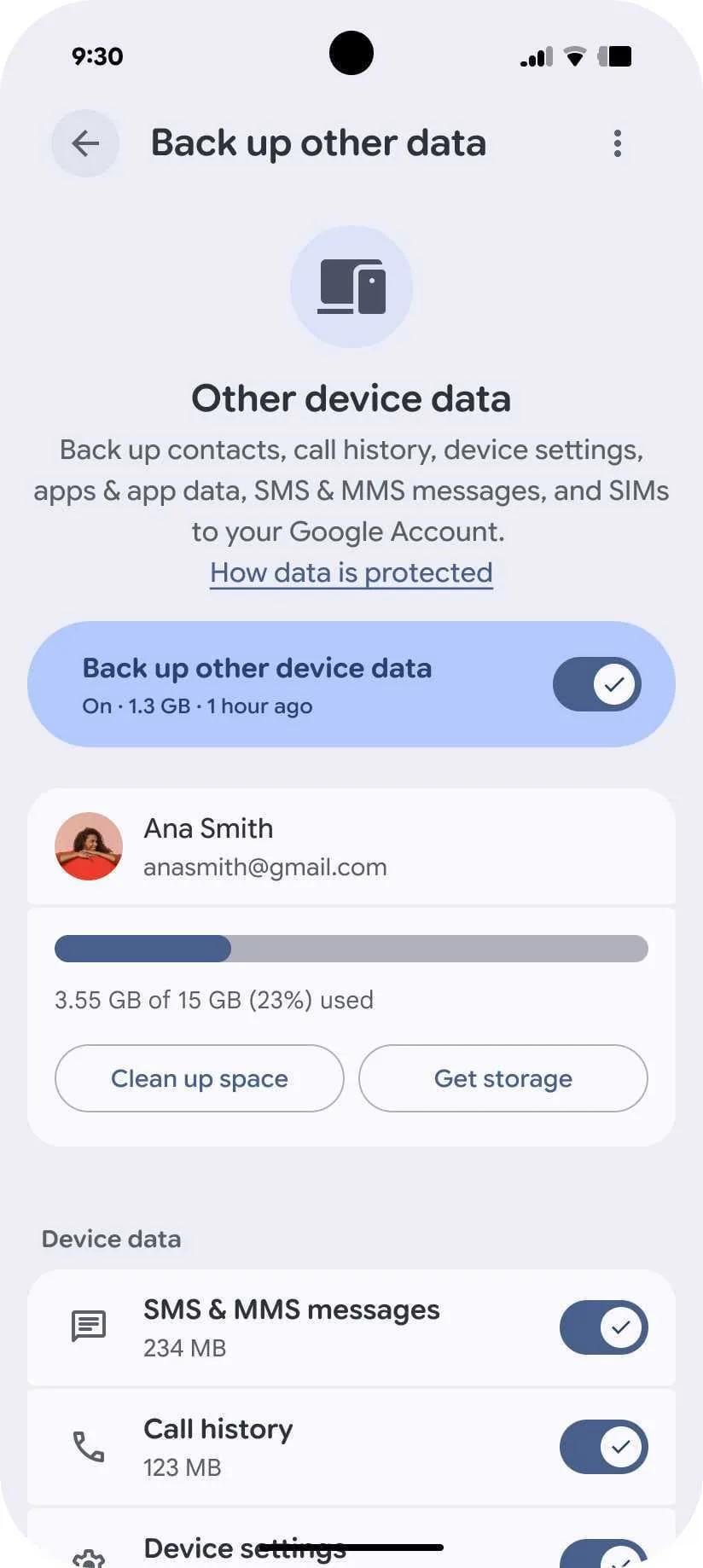
Google seems to be making a reasonable concession alongside the policy change: it is rolling out switches for SMS and MMS messages, call history, and device settings, plus per-app backup controls. Users can choose what makes the trip to Google’s servers rather than treating backup as one opaque lump.
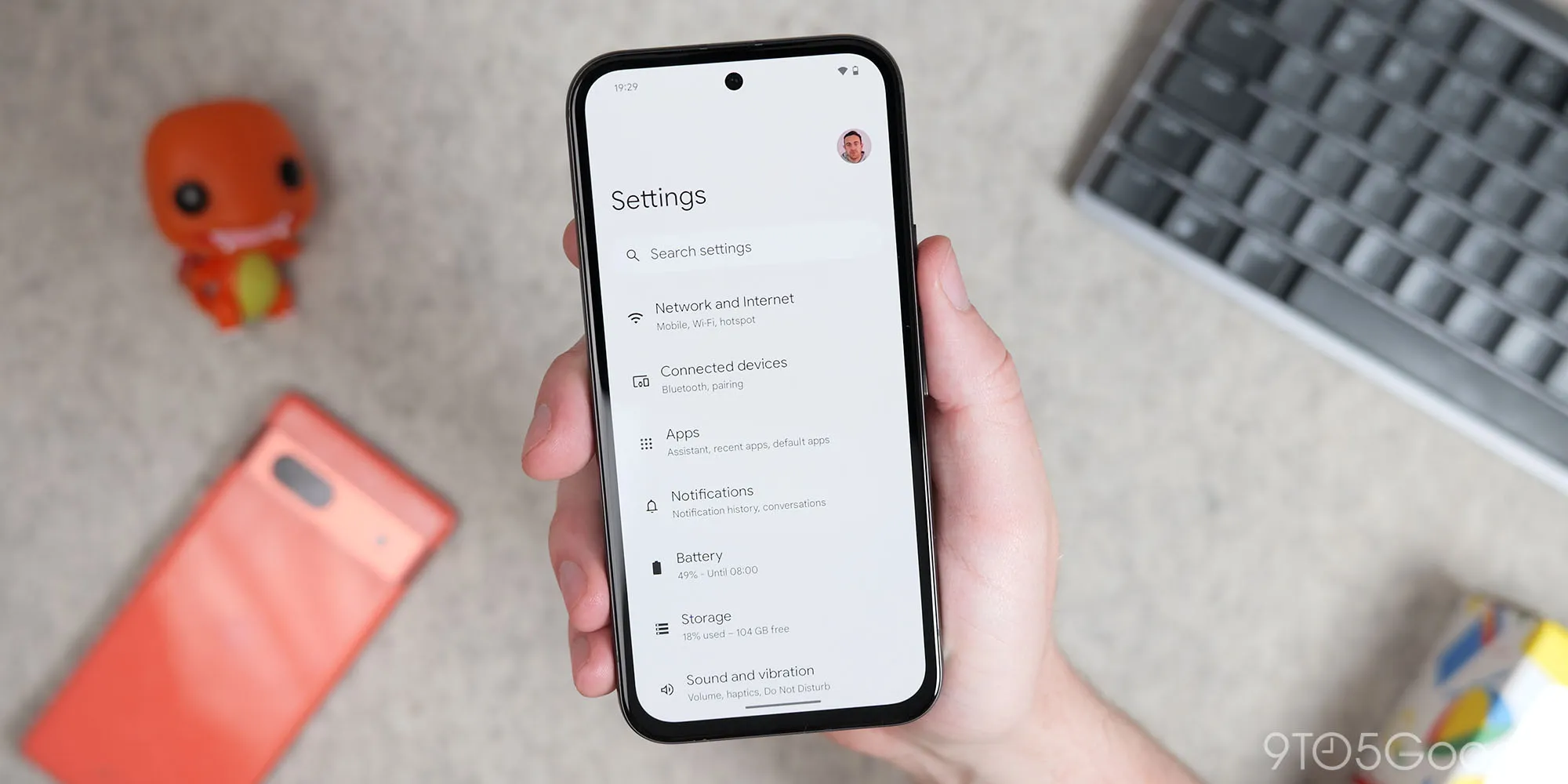
On Pixel phones, the relevant menu is Settings, then Accounts and backup, then Google Backup, then Other device data. Searching Settings for “backup” should get most Android owners there faster. The layout can vary by manufacturer, because Android’s great strength and perennial irritation is that no two settings menus are ever quite alike.
Those controls are more valuable than they sound. You may want app settings and your Wi-Fi credentials preserved, but have no interest in carrying years of SMS threads forward. Or you may have a work profile and a handful of apps whose local data does not need to follow you. Reducing Android backup storage is now an explicit choice rather than an accidental perk of Google’s old policy.
Google says the controls are rolling out over the coming weeks. If they are not visible on your device yet, that does not mean your phone is exempt; it likely means the server-side rollout has not reached your account. Google’s official Android backup help page remains the best place to check what a backup includes and how restoration works.
A tiny storage change in familiar Google fashion
On its face, the revised Android backup storage policy is hard to portray as a crisis. Forty megabytes will not send most people racing for a paid plan. Yet Google has trained users to think of device backup as part of Android itself, not as another cloud product consuming a finite monthly resource. The company is now drawing a brighter line between the phone in your hand and the account that keeps it recoverable.
Apple users have lived with a similar trade-off for years: iCloud backups compete with photos, files, messages, and everything else inside a relatively small free tier. Google’s approach had been more forgiving in this one area. Bringing Android into closer alignment with that industry model makes business sense, but it also makes the free account feel less roomy.
There is one genuine upside. Better visibility may prompt people to inspect what their phones are actually retaining. Most of us have not thought about call history as a cloud-storage category, because why would we? A backup page that shows the cost of each category turns a vague promise of continuity into a legible set of choices.
Still, Google should be judged by how plainly it presents those choices when the policy reaches everyone. If the estimated increase is accurate and the opt-outs are easy to find, this will be a forgettable housekeeping change. If users discover they are over quota only when Gmail complains, Android backup storage will become one more small reason people feel their free cloud account has been slowly shrinking around them.

