

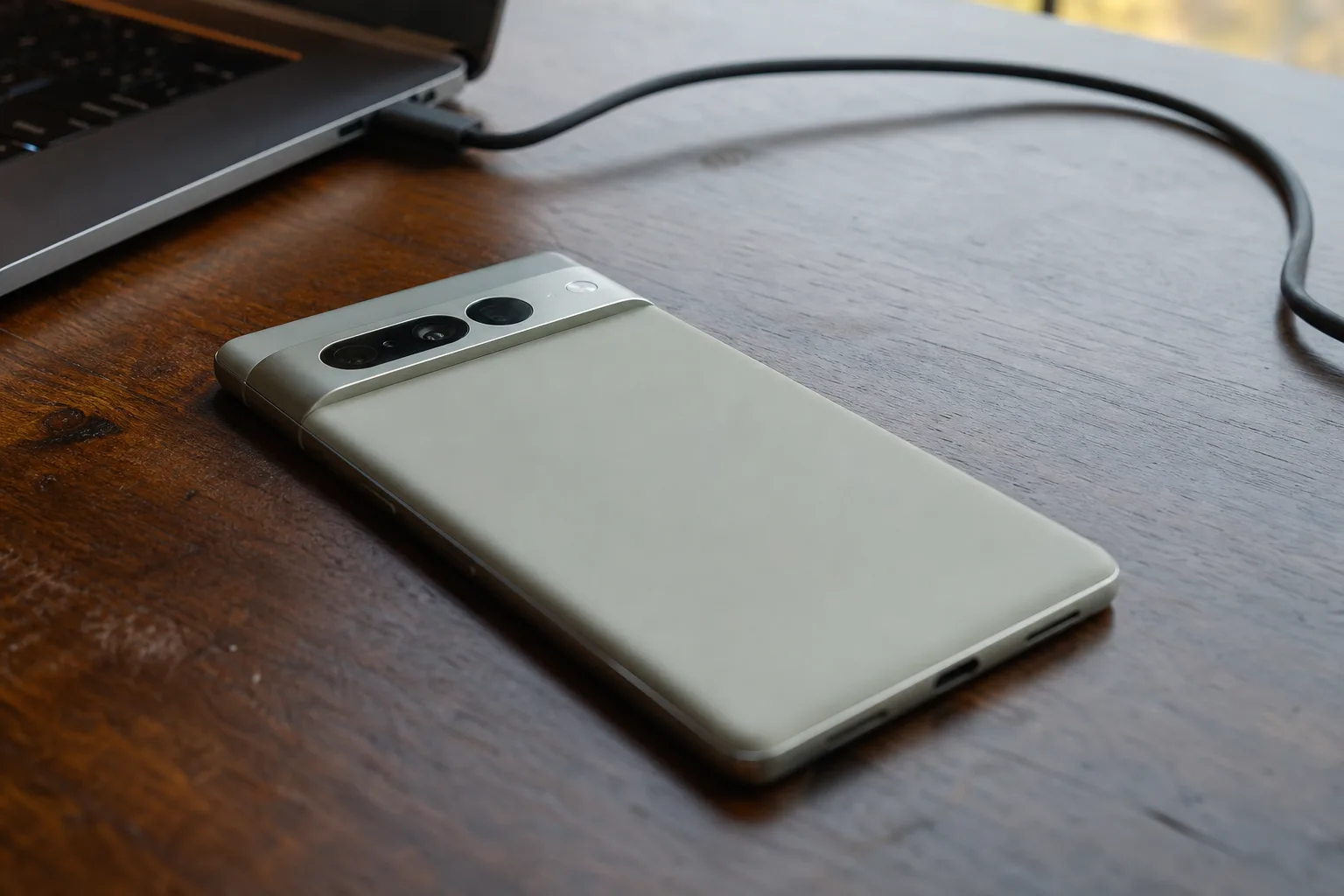
- Pixel 11 factory images are available for all four new phones, each running Google’s first public Android 17 builds.
- Google lists three Pixel 11 factory images per device but has not identified which carrier or regional variants they serve.
- The releases confirm the internal codenames cubs, grizzly, kodiak, and yogi for Google’s latest Pixel lineup.
- Factory images are a recovery tool for experienced users, not a routine update method for ordinary Pixel owners.
Table of Contents
Pixel 11 factory images are the real safety net
The Pixel 11 phones may have only just begun reaching pre-order customers, but Google has already published the Pixel 11 factory images that matter when something goes badly wrong. This is the unglamorous part of a phone launch: no polished keynote slides, no AI demo. Just the software packages capable of putting a troubled handset back on its feet.
Google’s official factory-image repository now includes downloads for the Pixel 11, Pixel 11 Pro, Pixel 11 Pro XL, and Pixel 11 Pro Fold. Every package is based on Android 17. For people who unlock bootloaders, test betas, or simply enjoy fixing their own hardware, that quick availability is a meaningful sign that Google’s launch machinery is operating as it should.
For everyone else, the practical takeaway is simpler. If a software experiment leaves a Pixel stuck in a boot loop, or an update goes spectacularly sideways, a factory image can restore the phone’s original software state. It is the digital equivalent of reinstalling an operating system on a laptop after a bad weekend of tinkering.
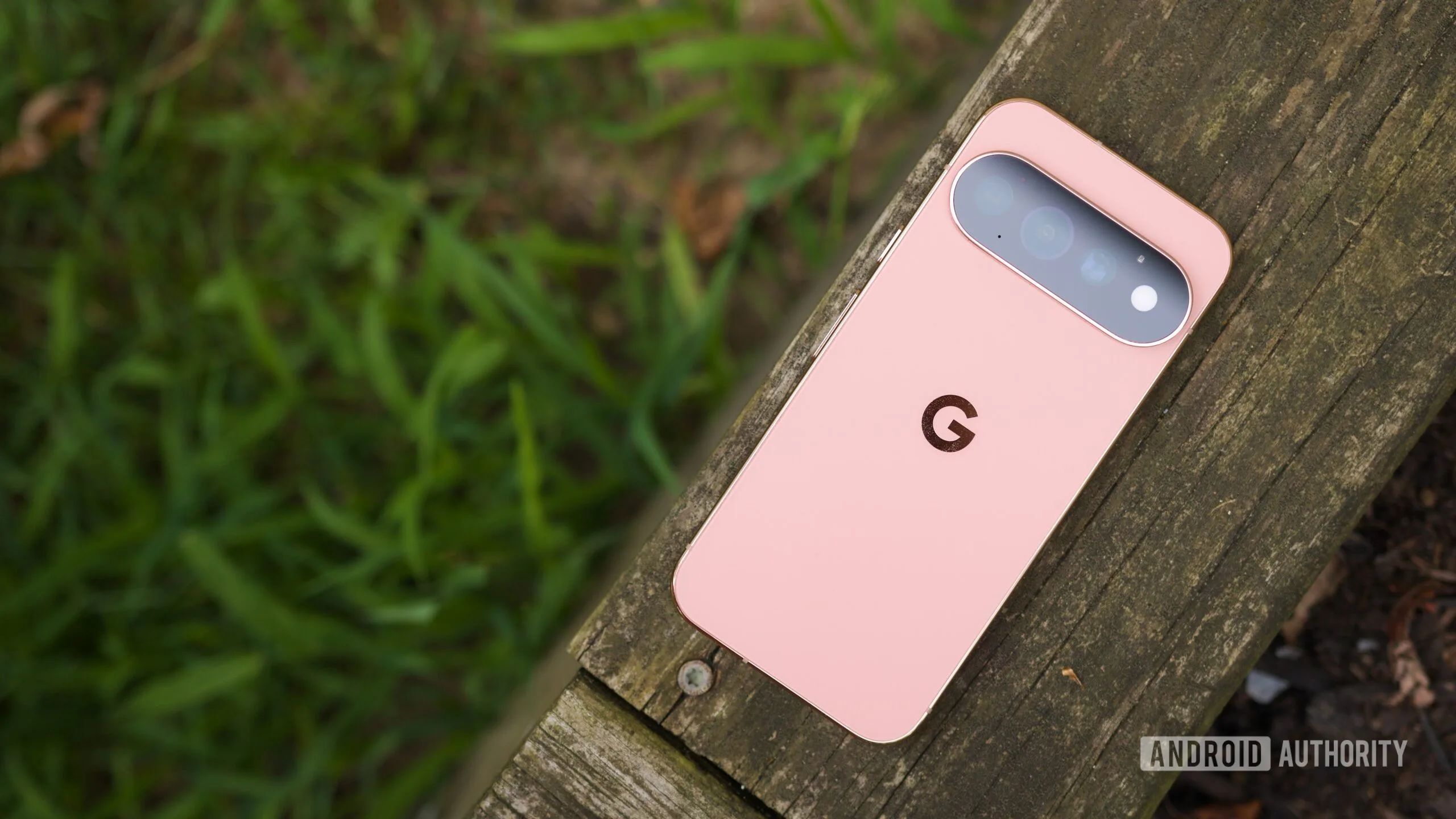
The Canyon-colored back of the Pixel 11 Pro is the sort of hardware people will notice first. The recovery software underneath is what owners will appreciate later, usually at the worst possible moment.
Three Android 17 releases, but little guidance
The Pixel 11 factory images page lists three Android 17.0.0 builds for the standard Pixel 11, Pixel 11 Pro, and Pixel 11 Pro XL: CD1A.260618.001.A7, CD1A.260618.001.C2, and CD1A.260714.001.A9. The Pixel 11 Pro Fold gets its own trio: CD1A.260618.001.A9, CD1A.260618.001.C3, and CD1A.260714.001.A9.
Those strings look like alphabet soup because, frankly, they mostly are to ordinary buyers. The dates embedded in them point to June and July 2026 build work, while the final suffixes typically distinguish variants. What Google has not done this time is label the variants by market or carrier.
That omission is a step backward from the Pixel 10 era, when owners had more help choosing the correct download. It may be harmless if the differences are confined to modem configuration or regional certification, but the point of a recovery page is clarity. A person trying to revive a premium phone at midnight should not have to play firmware roulette.
My read is that Google expects the overwhelming majority of people to use the company’s browser-based Android Flash Tool or wait for over-the-air updates. Fair enough. Still, the audience that reaches for manual factory images is precisely the audience most likely to notice incomplete labeling.
What a factory image does, and what it can erase
A factory image is not the same thing as a monthly security patch. Over-the-air updates modify an existing installation while attempting to preserve apps, photos, settings, and your carefully curated home screen. Flashing one of the Pixel 11 factory images generally rewrites core system partitions and can wipe user data, depending on the procedure and device state.
That makes it a repair option, not a casual performance tune-up. It can help recover from a failed beta installation, return a phone to stable public software, or clean up damage caused by modifications. But it also requires a computer, the right USB setup, patience, and attention to Google’s instructions. One wrong package or a poorly timed cable disconnect can turn a software annoyance into a longer support conversation.
Google provides the downloads through its Google Play Services page. The official Android factory images page includes documentation for the flashing process. The company’s own guidance is the place to start; random file mirrors and forum attachments are a bad bargain when firmware integrity is the whole point.
There is also an important distinction between being able to download firmware and being able to freely modify a carrier-sold phone. Bootloader policies, carrier restrictions, and device configuration still apply. The mere presence of Pixel 11 factory images does not mean every owner can or should flash one.
The new Pixel codenames are out in the open
Google’s files also settle a smaller mystery that Pixel watchers inevitably care about. The Pixel 11 is known internally as cubs; the Pixel 11 Pro is grizzly; the Pixel 11 Pro XL is kodiak; and the Pixel 11 Pro Fold is yogi. Yes, Google is continuing the bear theme with almost cheerful determination.
Codenames are mostly useful to developers, ROM communities, and people sorting through bug reports. They make it easier to tell whether a software issue affects the compact model, the larger Pro, or the Fold. They also offer a glimpse at how Google thinks about its lineup before retail branding takes over.
The Fold’s presence in the same release window is notable. Foldables have more moving parts, more display states, and more chances for a software defect to appear in an awkward corner case. Timely Pixel 11 factory images do not prevent those problems, but they give developers and advanced owners a known baseline when investigating them.
Good launch hygiene still matters
Publishing factory files on day one should be normal for a company that sells phones partly on the promise of clean, long-lived software. Yet Android history is full of launches where support resources arrived late, download pages were confusing, or regional builds seemed to materialize without explanation. Google deserves credit for getting the core files out alongside the hardware.
It should now finish the job by explaining the three-build split. As Pixels become pricier and the Pro Fold pushes further into luxury-phone territory, support cannot feel like a scavenger hunt for enthusiasts. The Pixel 11 factory images are there when things break; Google’s next test is making sure people can identify the right one before they need it.

