

Table of Contents
Google’s Gemini AI App Arrives on iPhone
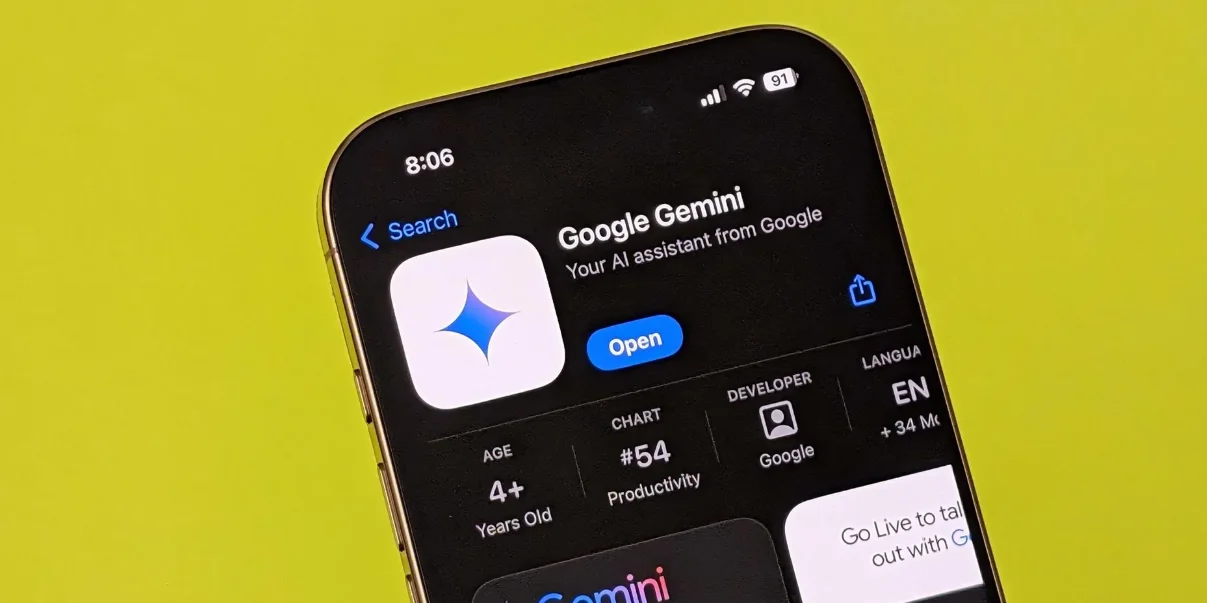
Google has introduced its Gemini AI app on iOS, putting a dedicated version of its chatbot on the iPhone home screen. The free app is available on the App Store worldwide and gives users a direct route to Gemini through text, voice, and the camera. Those capabilities have already been familiar to people using Gemini through Google’s main app or website. What changes here is the posture of the product: Gemini is no longer something an iPhone owner has to seek out inside a broader Google experience. It is an app meant to be opened on its own.
That distinction matters more than it may initially seem. AI assistants live or die on whether they feel close at hand when a question, task, or half-formed idea appears. A browser tab is useful, but it invites a deliberate search. A home-screen icon asks for almost no commitment. Google’s bet is plainly that easier access will turn occasional experimentation into a repeat habit: ask a question, request help, use the camera, then come back when the next need arises.
For iPhone users, Gemini’s arrival also makes the competition for attention more visible. Apple’s own software is deeply embedded in the device, while Google has long had a broad set of services that many iPhone owners use every day. A standalone Gemini app occupies the space between those two realities. It cannot become iOS itself, but it can become a convenient front door to Google’s AI and, in certain cases, to Google’s other apps.
Gemini Live brings a more conversational mode to iOS
The most notable part of the iPhone release is Gemini Live, Gemini’s interactive conversational mode. Similar to ChatGPT’s voice functionality, it is intended to make interaction feel less like typing prompts into a chatbot and more like carrying on a spoken exchange. That is an important shift in how these tools are used. Voice can make an assistant feel useful in moments when typing is awkward or distracting, but only if the experience is responsive enough that a conversation does not turn into a series of corrections and pauses.
Gemini Live was previously available only on Android and is now accessible on iOS. It supports iPhone features including the Dynamic Island and lock screen, which gives the mode a presence beyond the app’s main screen. That does not make Gemini a replacement for the iPhone’s built-in assistant. It does, however, reduce the friction of returning to a conversation after it has started. For a product built around interaction, those small points of access can matter as much as the model behind it.
During tests, users found Gemini Live responsive and convenient, enhancing the iPhone experience without a learning curve. That last point is particularly relevant for voice AI. Most people do not want to learn a new command language merely to ask for help. The appeal is that the interaction resembles ordinary conversation, whether the user is speaking, typing, or using the camera as part of a request.
For a closer look at the product’s conversational approach, the Gemini Live video shows the feature in action.
Useful access, but not full control of the iPhone
There is a limit that prospective users should understand before treating Gemini as an all-purpose iPhone assistant. Google’s Gemini is a capable chatbot, but compared with built-in options like Siri, it cannot directly alter settings or interact with other iOS applications. This is not a minor technical footnote. Control over settings and apps is where an assistant moves from answering questions to carrying out tasks on a device.
Gemini’s value on iPhone therefore rests less on system-level control and more on its own conversational capabilities and its relationship with Google’s services. That is a narrower role than a built-in assistant, but it is also a familiar one for many users. Google has an ecosystem that reaches beyond the chatbot itself, and the app can use that connection to make certain requests more immediately useful.
Ask Google Gemini to play music, for example, and it will launch YouTube Music. Ask for directions and it triggers Google Maps. These are straightforward interactions, yet they illustrate the practical logic behind the app. Gemini does not need to command every iOS function to be useful; it can act as a natural-language starting point for services people already rely on. The result is an AI-supported route into music and navigation rather than a complete takeover of the phone’s controls.
Google’s approach points toward an integrated AI system that adds ease and interactivity across devices, a direction similar to Apple’s strategy with Siri. The comparison should not obscure the difference in access. Apple has the advantage of a built-in assistant, while Google’s advantage here is the ability to connect Gemini with its own suite of apps. On iPhone, that creates a practical compromise: Google can offer an assistant-shaped experience without being the operating system.
A home-screen icon is a small but meaningful change
The presence of the Google’s Gemini icon on the home screen, ready for action with a quick tap, is central to Google’s ambition for the app. The company hopes this convenient access point will make Gemini an essential tool, with users returning frequently to ask questions, seek help, and explore its functionality.
That ambition is easy to understand. The broader AI market is crowded with tools that can produce an impressive answer once a user has arrived. The harder problem is becoming the tool someone reaches for first. A dedicated iPhone app gives Gemini a clearer identity than a feature nested within another Google product, and it puts Google in a more direct contest for the everyday assistant role.
Whether users make that habit will depend on the quality of each interaction. A chatbot has to be useful enough to justify opening it instead of searching the web, opening Maps directly, or asking Siri. Gemini Live may help because it gives the app a more immediate voice-based experience, while text and camera input leave room for people who prefer not to speak to their phone. The combination is not about replacing every existing behavior. It is about giving users another way into information and Google services when a conventional app interface feels slower.
For readers following the wider debate around AI voices and assistants, SquaredTech has also covered OpenAI Claims: Clears Up Scarlett Johansson Voice and Google Gemini’s Smart Home Upgrade.
Gemini on iPhone is, then, a notable addition not because it suddenly grants Google full control over iOS, but because it makes Google’s AI much easier to reach. Its blend of text, voice, camera access, Gemini Live, and connections to services such as YouTube Music and Google Maps gives iPhone users a straightforward AI option that fits naturally alongside the apps they already use. The real test is not whether the icon looks at home on the screen. It is whether Gemini earns a place in the daily routines behind that screen.
For more updates, visit Artificial Intelligence.

