

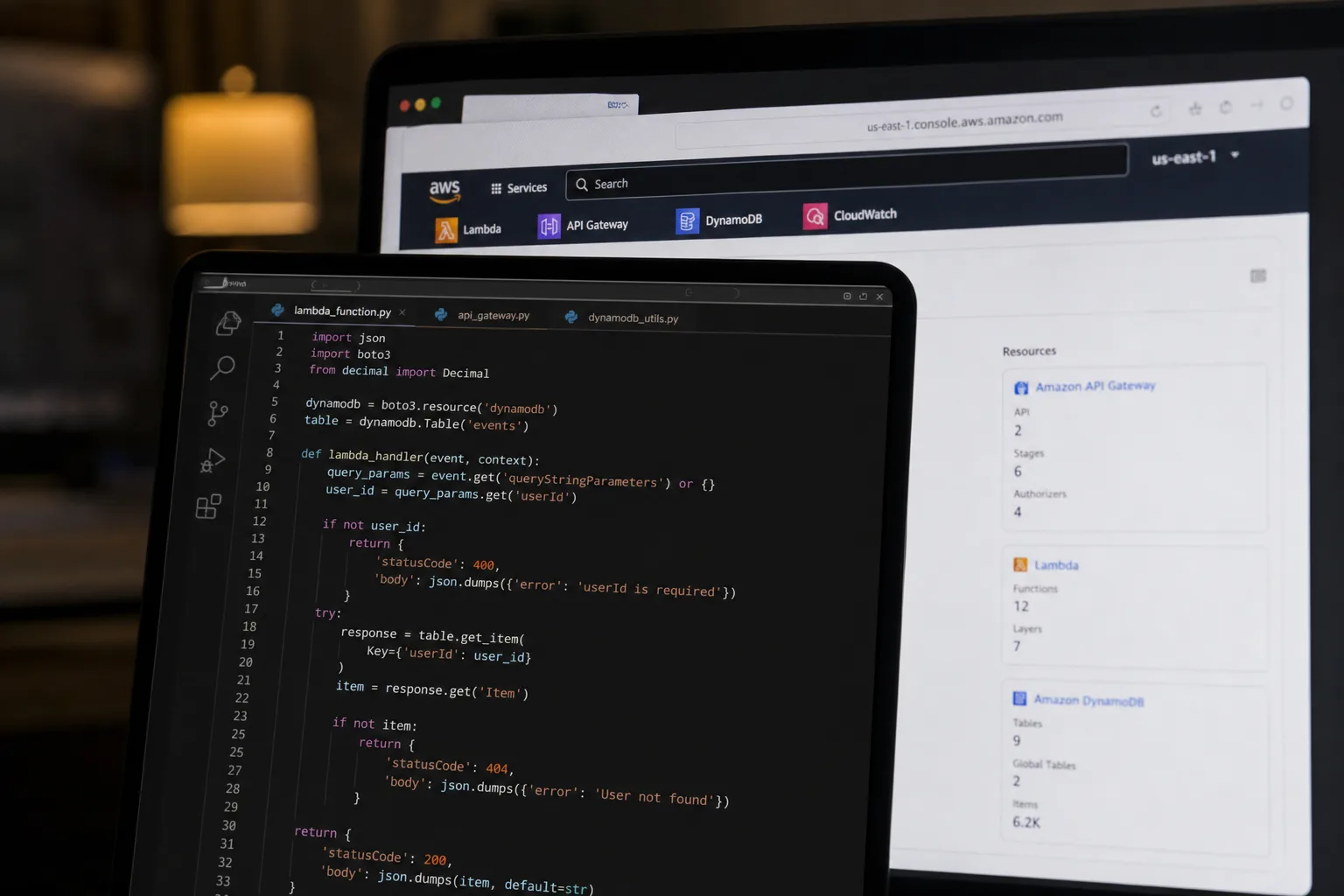
- AWS S3 Files lets Lambda functions mount S3 buckets as a file system, eliminating the tedious download-process-upload loop entirely.
- AWS S3 Files uses a managed NFS layer backed by Amazon EFS, delivering roughly 1ms cache latency for small files and full S3 throughput for large ones.
- The new approach strips boto3 boilerplate and /tmp cleanup from file-processing Lambda functions, leaving dramatically simpler, shorter code.
- There’s a real infrastructure cost: VPC configuration, NFS security groups on port 2049, and S3 versioning are all required to make it work.
Table of Contents
Every Lambda Developer Has Written This Code Before
AWS S3 Files has arrived to dismantle one of serverless computing’s most persistent rituals — a three-line pattern so familiar it’s practically muscle memory for anyone who’s built Lambda functions that touch object storage. Download the file to /tmp. Process it. Upload the result back to S3. It works. It has always worked. And it has always been quietly terrible.
The problems aren’t obvious in a simple CSV transform. But scale that pattern up to a pipeline handling PDFs, images, video files, or tools like ffmpeg or ImageMagick, and suddenly the download-process-upload loop isn’t just boilerplate — it’s the majority of your execution time and the majority of your error surface. You’re managing /tmp cleanup so the next invocation doesn’t inherit a full disk. You’re handling partial download failures. You’re watching the 10 GB ephemeral storage ceiling approach whenever someone uploads a file larger than expected. Every Lambda function in the pipeline downloads its own copy of shared reference files, because there’s no shared state between execution environments.
AWS quietly addressed all of this with the launch of S3 Files, and the developer community is starting to pay attention.

What AWS S3 Files Actually Is
At its core, AWS S3 Files is a managed NFS v4.1+ file system built on top of Amazon EFS that exposes an S3 bucket as a directory tree. Mount it on a Lambda function and the function sees a standard filesystem path — /mnt/workspace, or whatever you configure — with your S3 objects sitting there as files and folders. No SDK calls. No temporary downloads. Just open().
The architecture underneath is more interesting than it first appears. AWS calls the design “stage and commit.” Your function reads and writes through the NFS mount. An EFS caching layer absorbs the hot data, delivering around 1ms latency for actively accessed files. Changes written through the mount get exported back to S3 within minutes. Changes made directly via the S3 API — say, another service uploading a new object — appear in the filesystem within seconds, though AWS acknowledges this can sometimes take longer depending on conditions.
The two layers are deliberately separate and preserve their own consistency semantics. The NFS side gives you close-to-open consistency, which is what you’d expect from any NFS implementation. The S3 side maintains S3’s standard strong consistency model. Neither compromises the other.
There’s also a smart optimization for large files. Sequential reads of 1 MiB or larger bypass the EFS cache entirely and stream directly from S3 using parallel GET requests, giving you full S3 throughput without paying a cache penalty. Files smaller than 128 KB — a configurable threshold — land on the high-performance caching tier. It’s an architecture that’s been genuinely thought through for real workload patterns, not just a thin wrapper.
The Code Difference Is Stark
The practical impact of AWS S3 Files on Lambda code is easier to appreciate by looking at what disappears rather than what gets added. The old pattern requires importing boto3, constructing an S3 client, downloading to /tmp, processing, uploading the result, and explicitly cleaning up both temporary files. That’s boilerplate spanning a dozen lines before you’ve written a single line of actual business logic.
With S3 Files, you import csv and pathlib. You open the source file directly from the mount path. You write the output directly to another path on the same mount. You return. The function never touches boto3 for file I/O, never manages /tmp, and never runs an upload after processing. The output syncs back to S3 automatically through the NFS layer.
That simplification matters more as processing complexity grows. If your Lambda shells out to git, ripgrep, trivy, semgrep, or any CLI tool that expects a filesystem path, you’ve historically had to download the input first, pass the path to the tool, capture the output somewhere in /tmp, then upload. With a mounted workspace, those tools just work. You point them at /mnt/workspace/your-file and they operate on it directly. The S3 integration becomes invisible to the tool.
This is particularly relevant for security scanning pipelines, ML preprocessing, and media transcoding workflows — exactly the use cases where the old pattern’s overhead is most painful.
AWS S3 Files Lambda: What the Setup Actually Requires
This is where honest accounting matters. AWS S3 Files on Lambda isn’t a drop-in swap. The infrastructure requirements represent a genuine step up in complexity from a standard Lambda function triggered by an S3 event.
You’ll need an S3 file system created on a general-purpose bucket with versioning enabled — that’s non-negotiable. Mount targets must be deployed in the same VPC and Availability Zones as your Lambda function. Security groups need to allow NFS traffic on port 2049. Your Lambda function must be VPC-connected, which adds cold-start overhead and requires NAT Gateway or VPC endpoints if it needs internet access. The execution role needs s3files:ClientMount and s3files:ClientWrite permissions, plus s3:GetObject and s3:GetObjectVersion for the direct-read optimization. And your function needs at least 512 MB of memory — direct S3 reads won’t work below that threshold.
The VPC requirement is the biggest operational shift. Developers who’ve kept Lambda functions deliberately outside a VPC to avoid the associated complexity — cold-start penalties, subnet management, NAT costs — will need to weigh those trade-offs against the benefits. For lightweight, high-frequency functions processing small files, the math might not favor S3 Files. For heavy processing pipelines that are already VPC-bound or already paying significant execution time on file I/O, it’s a different calculation entirely.
A SAM or CloudFormation template for a function using S3 Files is noticeably longer than a standard serverless function definition, covering VPC config, security group references, file system configs with an EFS access point ARN, and the expanded IAM policy block. It’s not prohibitively complex — it’s a template you write once — but it’s worth being clear-eyed that this isn’t a five-minute change.
Where This Fits in the Serverless Landscape
Serverless file processing has always had an awkward relationship with the filesystem abstraction. The Lambda execution model is fundamentally stateless and ephemeral, which is its strength. But real-world data processing is full of tools, libraries, and workflows that were built assuming a filesystem exists. The tension between those two realities has produced a lot of creative workarounds over the years — EFS mounts, Lambda layers carrying binaries, custom container images, Step Functions orchestrating download-then-process-then-upload pipelines.
AWS S3 Files represents a cleaner resolution to that tension than anything that came before. By making S3 look like a filesystem to the Lambda runtime, AWS is effectively letting developers write file-processing code the way they’d write it anywhere else, without sacrificing S3 as the durable, scalable object store underneath.
It’s also a notable sign of where AWS sees EFS fitting in its broader portfolio. Rather than positioning EFS purely as persistent shared storage for containerized workloads, AWS is extending it as an integration layer between the object storage world and the filesystem world. That’s a meaningful architectural bet, and S3 Files is the clearest expression of it yet in the serverless space.
For teams running serious file-processing workloads on Lambda — document pipelines, security scanning, media handling, ML data prep — AWS S3 Files deserves a serious look. The setup cost is real, but so is the payoff: cleaner code, eliminated boilerplate, and a file-processing model that actually matches how the tools you’re calling expect to work. The old download-process-upload ritual had a good run. It’s time to let it go.

