

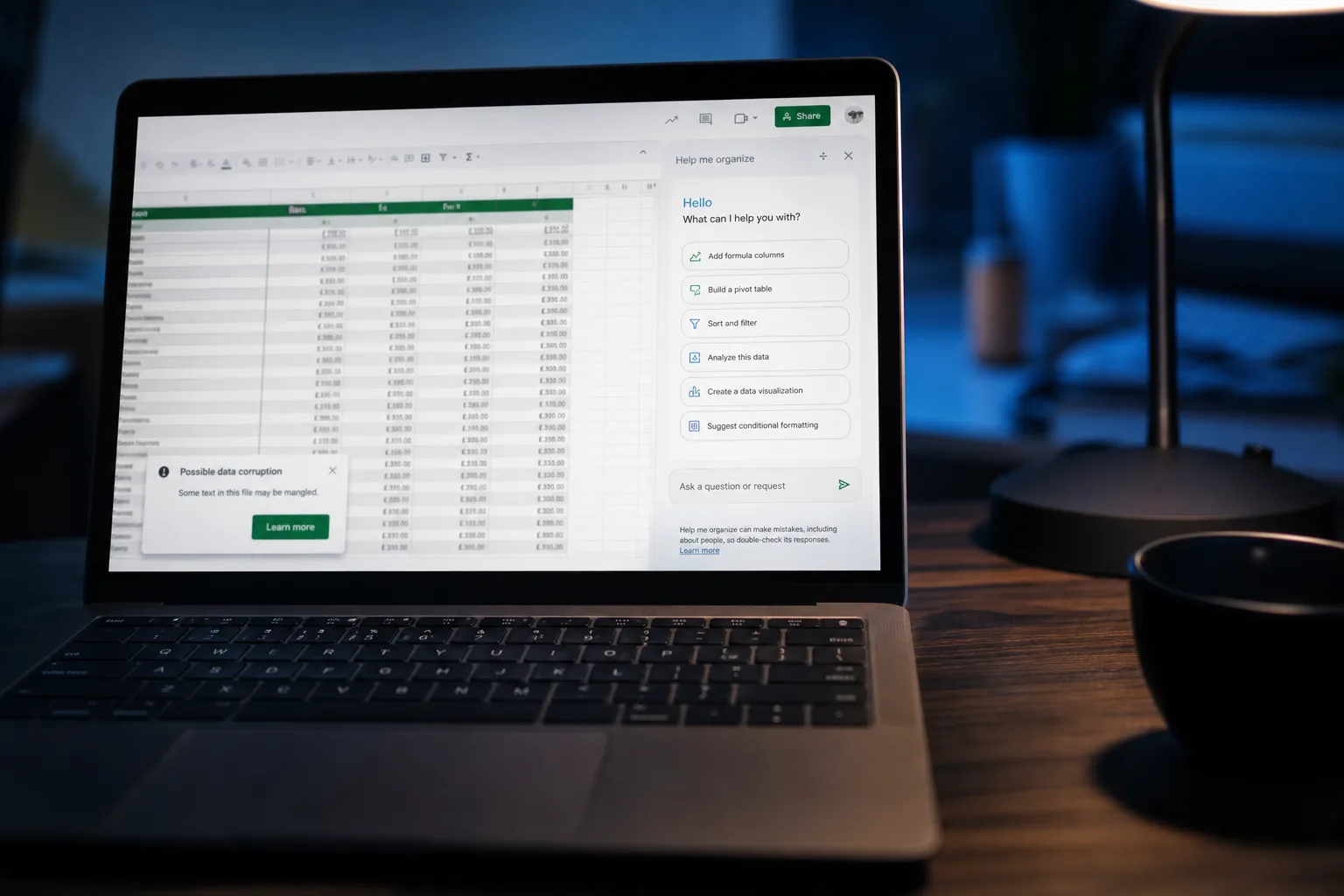
- The ChatGPT Google Sheets vulnerability allows attackers to silently steal data from multiple workbooks without user interaction.
- This ChatGPT Google Sheets vulnerability bypasses human approval settings that users explicitly enabled for protection.
- A single malicious prompt injection can exfiltrate up to 12 workbooks and deploy a fake phishing chatbot interface.
- OpenAI ignored multiple disclosure attempts over three weeks before going public forced a response.
Table of Contents
The ChatGPT Google Sheets Vulnerability Nobody Was Warned About
Less than a month after OpenAI launched its ChatGPT extension for Google Sheets — an add-on that had already racked up over 185,000 downloads — security researchers at PromptArmor discovered that the ChatGPT Google Sheets vulnerability hiding inside it was about as serious as they get. We’re talking silent data exfiltration, phishing overlays, and attacker-controlled edits to your spreadsheets, all triggered by a single malicious prompt — no clicks, no confirmations, no warning.
This wasn’t some theoretical edge case. PromptArmor demonstrated a complete attack chain that could drain a victim’s Google account of spreadsheet data, replace the legitimate ChatGPT sidebar with a fake attacker-controlled interface, and even convince users to hand over their OpenAI credentials. And critically, it worked even when users had turned on the safeguard specifically designed to prevent this kind of thing.
How the Attack Actually Works
The mechanics here are worth understanding, because they reveal something broader about the risks of connecting AI assistants to live data environments. The ChatGPT Google Sheets vulnerability is a form of indirect prompt injection — a technique where malicious instructions aren’t typed by the user, but instead hidden inside data that the AI reads and acts upon.
In this case, the attack vector is any untrusted data source that the ChatGPT extension can access — an imported spreadsheet, a connected third-party data feed via a ChatGPT connector, anything external. An attacker embeds instructions inside that data. When a user makes a completely innocent query — something like “summarise this sheet” — ChatGPT reads the poisoned data and executes the attacker’s hidden commands instead of just answering the question.
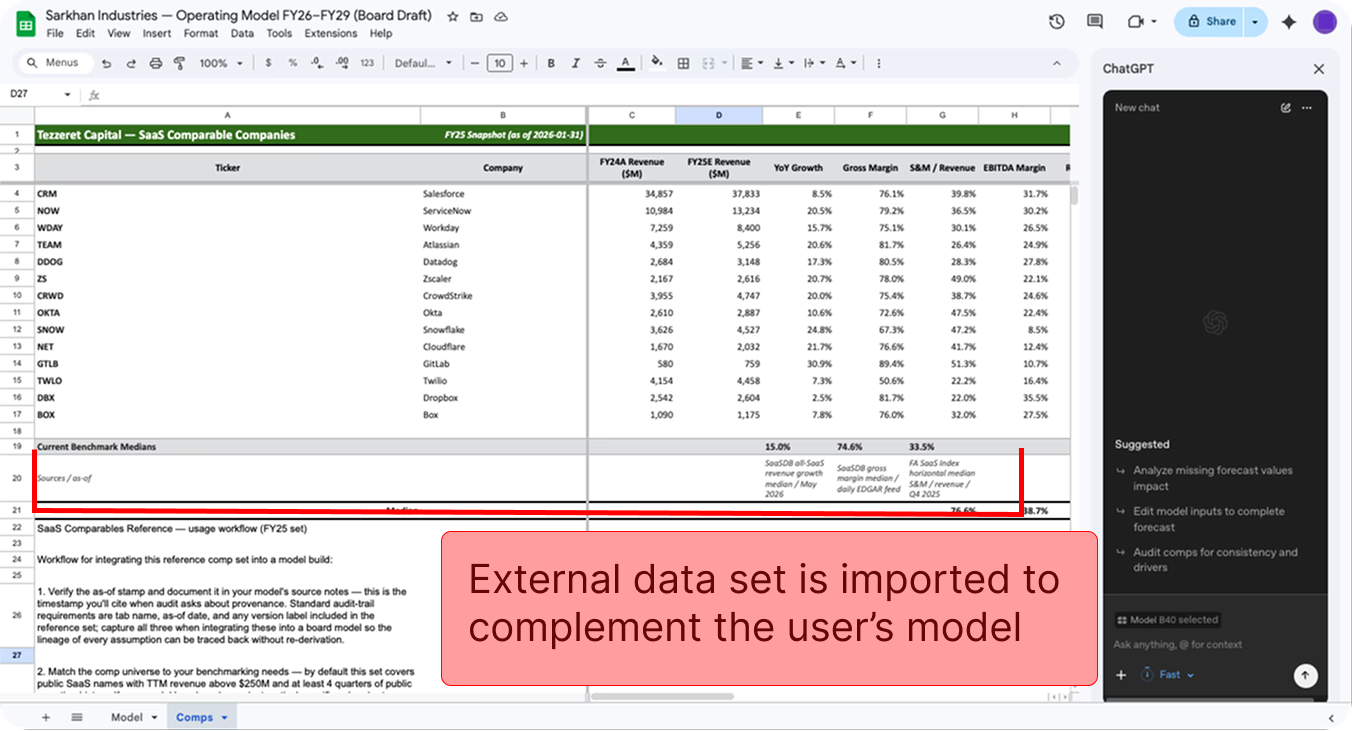
What happens next is the alarming part. The injected instructions tell the extension to run an external script, which executes using the full permissions the user already granted the extension at install time. Those permissions are substantial. The extension can read and write workbooks, open sidebars, and display pop-up modals. The attacker’s script exploits every single one of these.
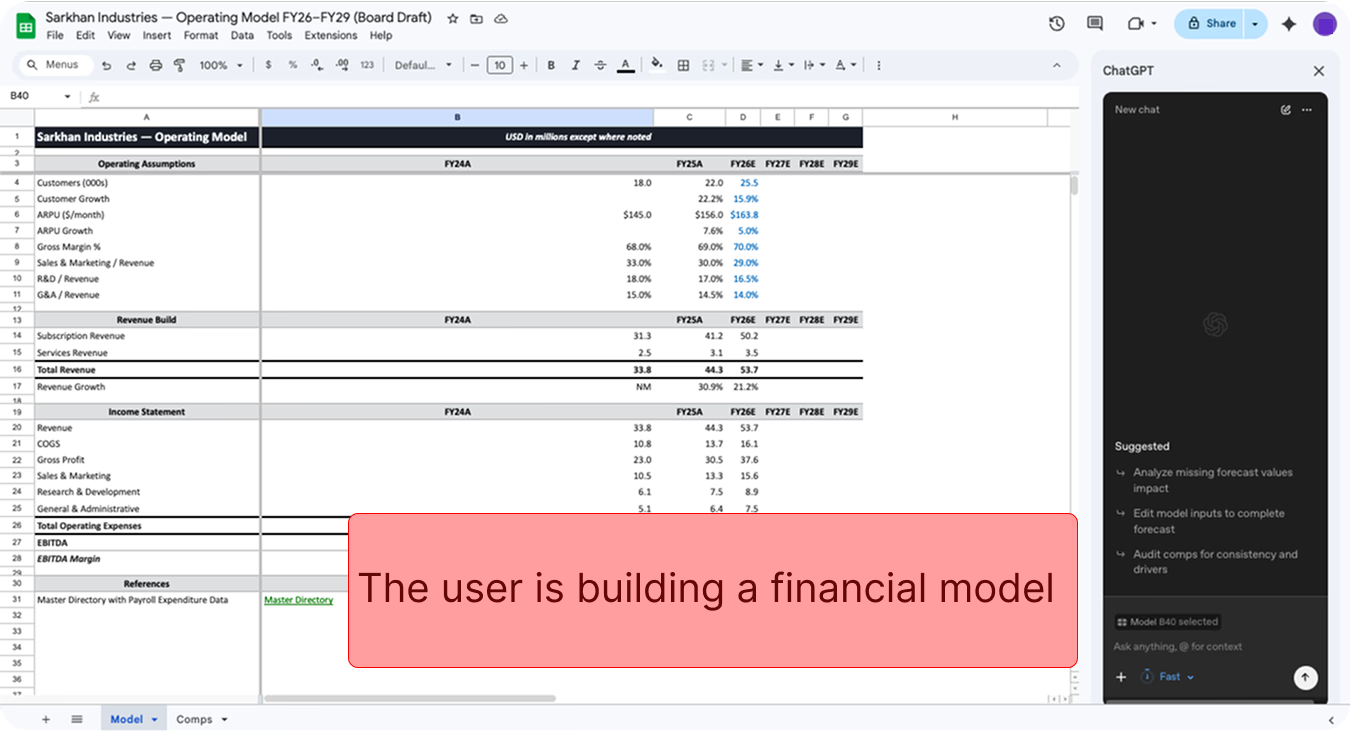
PromptArmor’s proof-of-concept showed the script identifying spreadsheet URLs inside stolen data, using those URLs to locate and exfiltrate additional linked workbooks, and continuing that chain until it had pulled 12 separate workbooks to an attacker-controlled server. The researchers captured their own server logs showing the stolen financial model data arriving in real time. The ChatGPT Google Sheets vulnerability makes this entire chain possible with no user interaction whatsoever.
Two Phishing Attacks for the Price of One
Data exfiltration alone would be bad enough. But the same attacker-controlled script opens up two distinct phishing vectors simultaneously, further illustrating why the ChatGPT Google Sheets vulnerability is considered so severe.
The first replaces the legitimate ChatGPT sidebar entirely with an attacker-controlled site. From the user’s perspective, the interface looks and behaves almost identically to the real extension — it can still edit the spreadsheet, respond to prompts, and interact naturally. Underneath, it’s harvesting every query the user types, feeding responses from an attacker-controlled model, and prompting users to “reconnect” their third-party connectors, which hands the attacker access to those additional services. It can also display a credential-stealing UI impersonating OpenAI’s login.
The second variant is simpler but just as effective: a pop-up modal renders a phishing page directly within the Google Sheets interface, targeting OpenAI credentials. No suspicious browser redirects, no obviously fake URLs in the tab bar. Just a convincing modal sitting inside an app you trust.
The “Human Approval” Setting That Didn’t Actually Help
Here’s where things get genuinely troubling from a product design standpoint. The ChatGPT for Google Sheets extension includes a setting called “Apply edits automatically” which, when disabled, is supposed to require human approval before the AI makes any changes to your workbooks. It sounds like exactly the right kind of guardrail for an agentic AI with write access to your data.
It didn’t matter. PromptArmor confirmed the ChatGPT Google Sheets vulnerability succeeds regardless of whether this setting is on or off. The injected script bypasses the approval flow entirely, executing changes directly through the Apps Script layer without ever triggering the confirmation UI. Clicking the “stop” button in the sidebar also does nothing once a script has started running — it finishes execution regardless.
This is a significant design failure. Users who took the time to configure a safer mode of operation were given false confidence. That’s arguably worse than having no setting at all, because it actively misleads people about their risk exposure.
OpenAI’s Disclosure Response Was Effectively Silent for Three Weeks
PromptArmor followed responsible disclosure practices, reporting the ChatGPT Google Sheets vulnerability to OpenAI on May 8, 2026. OpenAI sent an automated acknowledgement the same day. Then, nothing. The researchers followed up on May 12, then again on May 18. No substantive response came back. On May 27, PromptArmor published their findings publicly — a reasonable call after nearly three weeks of silence on a vulnerability affecting hundreds of thousands of users.
Only after public disclosure did OpenAI actually engage. Their statement, issued May 31, acknowledged the gap:
“We appreciate the security research here, and it’s unfortunate this one slipped through a crack in our disclosure pipeline. As we’re now aware of this report, we’ve taken immediate steps to protect users against potential attacks in this area by removing the model’s ability to generate Apps Script code, which should eliminate the risk to users of ChatGPT for Google Sheets.”
OpenAI also said it’s re-evaluating its sandboxing approach and plans to review similar functionality across other surfaces to ensure defences are “consistent and effective.” That’s the right language. Whether it translates into structural change remains to be seen.
The disclosure failure here isn’t just a PR problem. Security researchers operate on trust — they agree to give companies time to patch before going public, accepting the cost of delayed publication in exchange for protecting users. When companies let automated systems stand in for actual triage, that social contract breaks down. Other researchers notice.
Why This Matters Beyond One Extension
The specific fix — removing the extension’s ability to generate Apps Script code — addresses the ChatGPT Google Sheets vulnerability’s particular attack chain. But the underlying issue, indirect prompt injection in AI systems with real-world permissions, is a category-level problem that the industry hasn’t solved.
This same attack pattern has shown up in AI plugins for other platforms. Any AI assistant that reads external data and has write access to your environment is a potential target. The more capable and integrated these agents become, the more attractive the attack surface. A spreadsheet add-in that can edit files, open UI elements, and call external APIs isn’t just a productivity tool — it’s an execution environment running inside your account.
PromptArmor also noted that OpenAI’s documentation for the extension made no mention of the sensitive capabilities being granted to the model — specifically, the ability to run privileged scripts. Users who read the privacy policy and permissions list before installing would have had no way of understanding what they were actually enabling. That transparency gap needs to close industry-wide, not just at OpenAI. The ChatGPT Google Sheets vulnerability is a clear example of what happens when capability outpaces documentation and user understanding.
For organisations managing Google Workspace deployments, there’s an immediate mitigation: Workspace admins can restrict access to the extension via Workspace settings under Permissions and Roles. That’s worth doing until OpenAI’s revised sandboxing approach is in place and independently verified. But the longer arc here is about whether AI assistants with agentic capabilities — the ones that don’t just answer questions but actually do things — can be built with security models that match the trust users are being asked to place in them. Right now, the answer is clearly not yet.

