

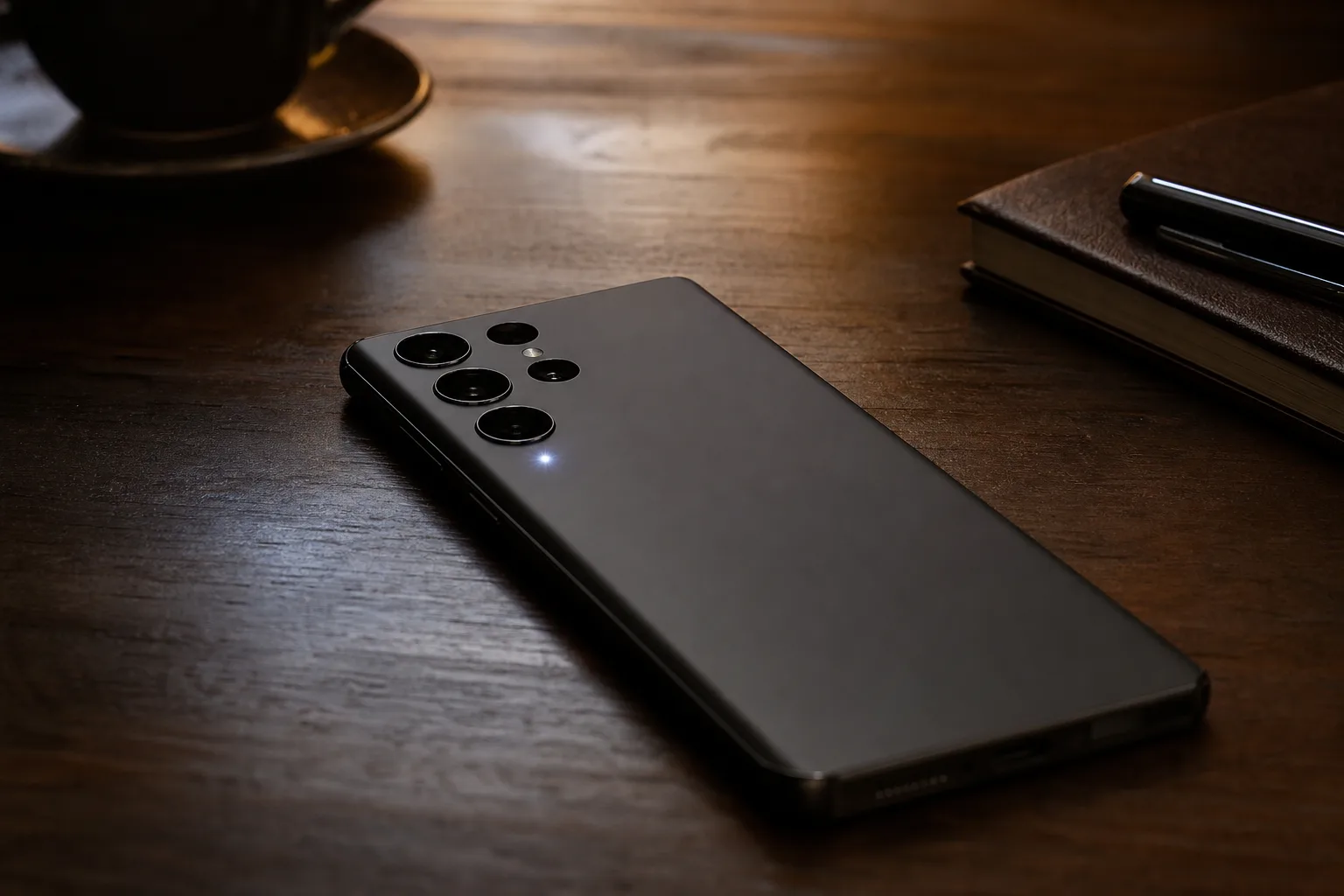
Google’s Pixel HiLight LED has apparently learned the notification trick it should have had from day one: it can now alert users to incoming messages. The capability has surfaced in the latest Android 17 QPR2 beta, and while it sounds minor, it addresses the most obvious hole in Google’s unusual rear-light feature.
A phone light that tells you somebody is calling is fine. A phone light that stays quiet when your group chat, family thread, or work contact sends a message is far less convincing. For most people, texts and messaging apps generate vastly more notification traffic than voice calls. Google’s update appears to recognize that basic reality.
- The Pixel HiLight LED reportedly now supports message notifications in the latest Android 17 QPR2 beta release.
- Message alerts give the Pixel HiLight LED a practical purpose beyond calls, timers, charging, and app-specific visual effects.
- The addition suggests Google is still refining its experimental rear-phone notification hardware before wider Pixel 11 Pro availability.
- As with any beta feature, Google could alter the behavior or restrict access before the software reaches stable devices.
Table of Contents
Pixel HiLight LED gets the notification job it needed
The Pixel HiLight LED is positioned as a visual notification system rather than a camera flash replacement. Think of it as Google’s answer to the old notification LEDs that once sat on the front of Android phones, except moved to the back and made more visible. The idea is straightforward: leave the phone face down on a desk and let light convey whether it needs attention.
Until now, the feature’s usefulness has been constrained by what it could actually signal. Calls, charging states, timers, and certain system events are handy, but messaging support is where this kind of hardware begins to earn its space. If a light can’t flag the notification most people receive dozens of times a day, it starts to feel like a showroom flourish rather than a functional interface.
The Android 17 QPR2 beta reportedly expands the Pixel HiLight LED behavior to messages. Google has not publicly detailed the full rules for the feature, including which messaging services qualify, whether users can choose individual apps, or whether different contacts can receive distinct light patterns. Those details matter. An indiscriminate blinking light is only marginally better than a buzzing phone in your pocket.
Still, this is the right direction. Nothing Phone has spent years proving that people will use lights on a phone’s back when the software gives them real utility, even if the company has occasionally drifted into light-show territory. Google doesn’t need to imitate Nothing’s Glyph Interface line for line. Frankly, it shouldn’t. Pixel hardware is at its best when it is restrained. But a simple, configurable visual cue for messages is a sensible feature, not a gimmick.
Why message alerts matter more than the hardware itself
The Pixel HiLight LED arrives as smartphone makers search for ways to make familiar slabs of glass and aluminum feel different. Cameras have improved, screens are bright enough, and most flagship phones are very good. What remains are the small software behaviors that make daily use less annoying—or occasionally more so.
A rear notification light can be useful in a few very ordinary scenarios. Put your phone on a kitchen counter while cooking and you can see an incoming message without repeatedly waking the display with messy hands. Leave it on your desk during a meeting and a subtle light may be less disruptive than an audible alert. Set it beside the bed and you may decide a brief visual notice is preferable to another vibration rattling against a nightstand at 1 a.m.
That last example comes with an obvious caveat: notification management remains the real solution. No light can fix an inbox full of junk alerts. But for people who have already done the hard work of pruning app notifications, the Pixel HiLight LED could become a useful second layer of filtering. You glance, decide whether it can wait, and carry on.
Google has pushed its phones toward ambient, glanceable information for years. The always-on display, At a Glance widget, Now Playing, and Pixel’s call-screening tools all follow the same broad instinct: give people relevant information with less tapping and less interruption. A message-aware rear light fits that philosophy better than it may initially appear.
Beta software is not a promise
There is a catch: this is beta software, and beta discoveries are not product guarantees. Features found in quarterly platform builds can change, move to another release, arrive only in certain markets, or disappear before stable rollout.
That matters especially because the Pixel 11 Pro and its hardware features are still subject to the usual pre-release uncertainty. Google may be testing message support broadly, or it may be validating a narrower implementation for particular apps and notification categories. We do not yet have a public support document spelling out the final behavior.
There is also the battery question. LEDs consume little power compared with a display, GPS session, or camera processing, but frequent notification patterns can add up if the system is overly enthusiastic. Google should provide granular controls: app selection, quiet hours, brightness, pattern limits, and an easy off switch. The best notification feature is the one that stays out of your way until you explicitly ask for it.
Google has a chance to keep this delightfully boring
The most encouraging thing about the new Pixel HiLight LED message behavior is that it makes the feature more boring. I mean that as praise. The tech industry has a habit of treating every visible hardware quirk as a chance for spectacle. Remember the early days of RGB gaming gear, when a keyboard could look like a nightclub but still have a mediocre switch? Utility tends to age better than theater.
If Google lets the Pixel HiLight LED quietly surface the messages that matter, it could become one of those Pixel details owners miss when they switch phones. If it becomes another poorly documented setting buried three menus deep, it will join the long list of clever Android ideas that never became habits.
My read is that message support is the first genuinely necessary step, not the finish line. The next test is whether Google gives users enough control to make the light personal and calm. A phone doesn’t need another way to demand attention. It needs a better way to signal when attention is actually warranted.

