

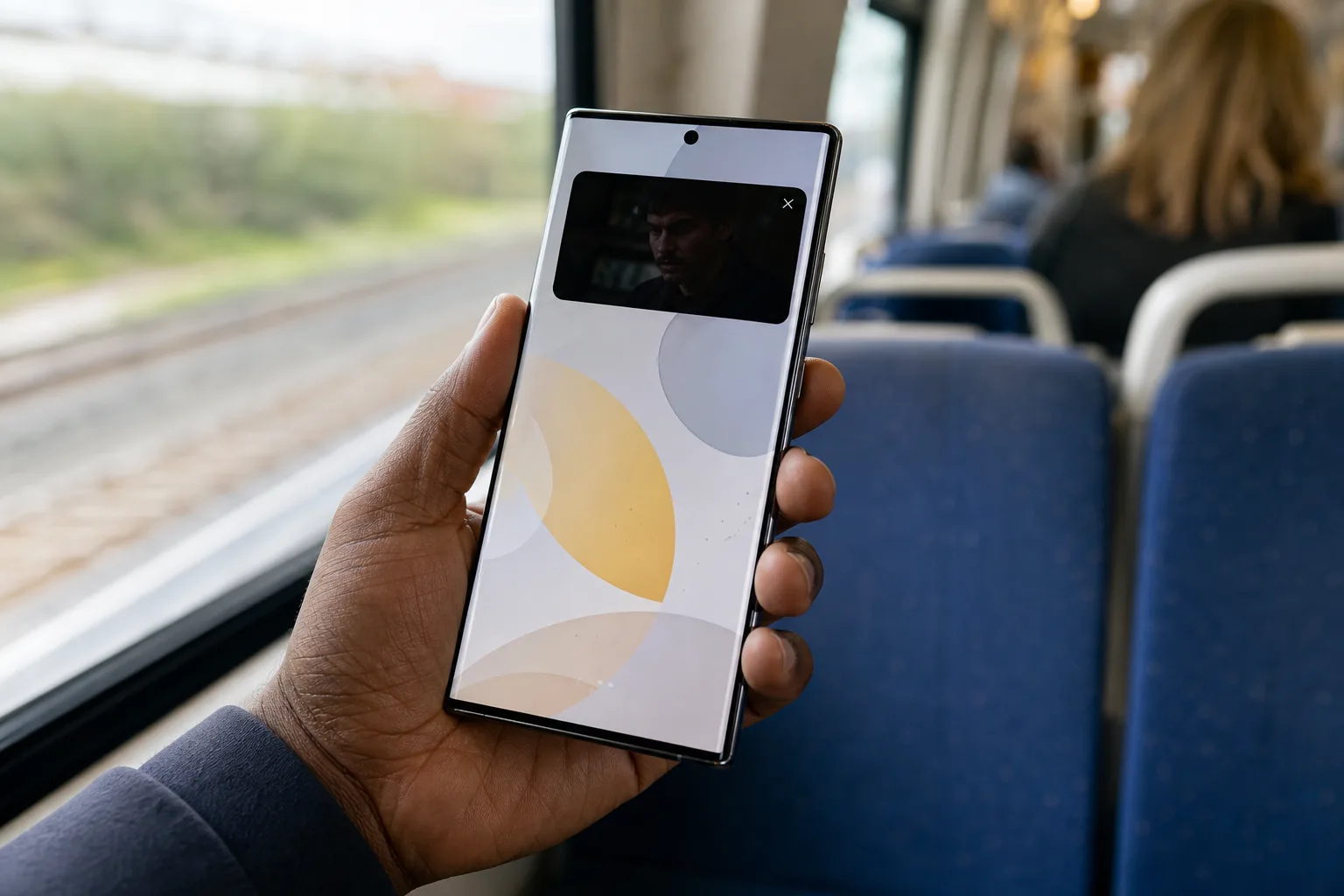
Samsung’s Privacy Display is becoming far more practical on the Galaxy S26 Ultra, thanks to a small One UI 9 beta change that fixes a surprisingly big usability problem. When a protected app’s video drops into picture-in-picture mode, Samsung can now shield only that floating video window rather than treating the entire phone display like classified material.
That may sound fussy. It isn’t. Anyone who has tried to watch a work video, a bank-related clip, or even a YouTube stream in a crowded train while replying to messages knows why this matters. Privacy features fail when they make the device annoying to use. This update appears to make Samsung’s idea of software-driven screen privacy behave more like a useful tool and less like a blunt instrument.
- Samsung’s Privacy Display can now isolate picture-in-picture video windows while leaving the Galaxy S26 Ultra’s remaining interface usable.
- The Privacy Display upgrade in One UI 9 Beta 4 fixes an awkward limitation that previously covered the entire screen during PiP playback.
- Users should be able to move protected video windows freely and still access Edge Panels without spreading the privacy filter.
- Samsung’s software approach remains less absolute than a physical screen protector, but it offers much better day-to-day flexibility.
Table of Contents
Privacy Display finally works properly with PiP
According to a post from leaker Ice Universe, One UI 9 Beta 4 changes how Privacy Display handles picture-in-picture playback on the Galaxy S26 Ultra. Enable the feature for an app such as YouTube, shrink a video into its floating PiP window, and the viewing-angle protection stays attached to that window. The launcher, messages, settings, and other content behind it remain visible normally to the phone owner.
Previously, moving a protected video into PiP reportedly caused the privacy treatment to extend across the whole panel. That defeated much of PiP’s purpose. You could keep watching, technically, but using anything else on the phone meant peering through a dimmed or obscured display. It’s like putting privacy film over your entire apartment window because you wanted to hide one sticky note on the glass.
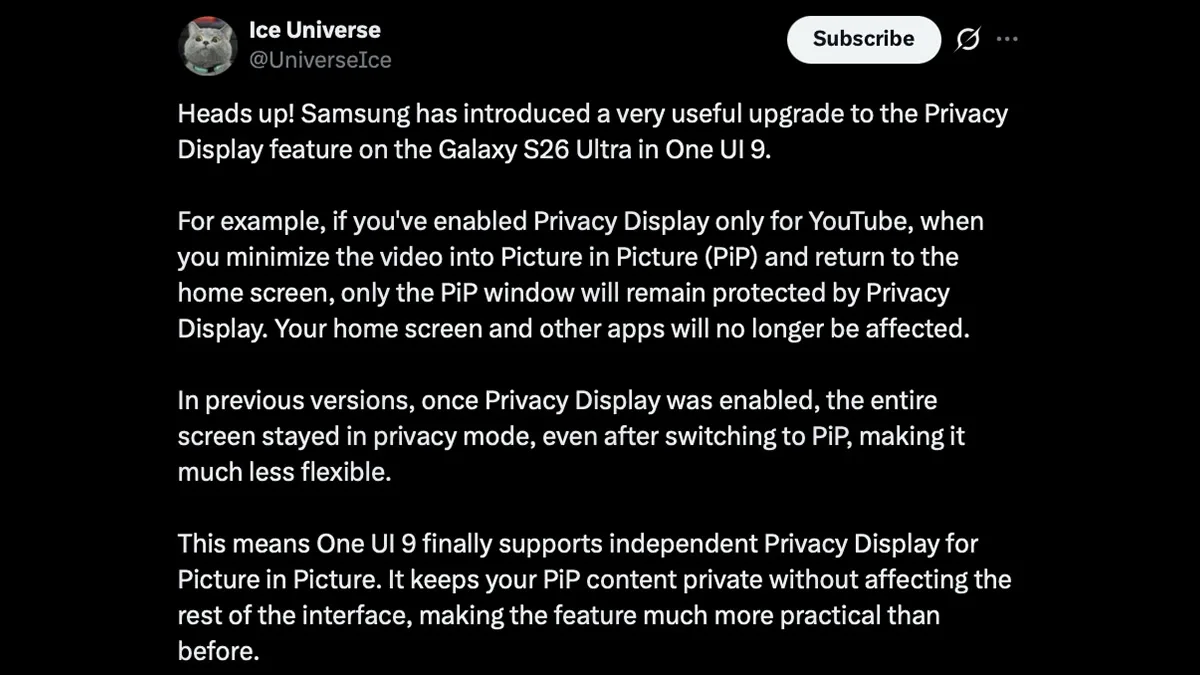
Samsung has also indicated through a notice on its community channels that the protected PiP window should remain covered as users drag it around the screen. Edge Panels can also be opened without being swallowed by the same effect. Those details matter because a feature like this lives or dies in the tiny interactions: moving the video, opening a shortcut, checking a notification, then getting on with your day.
A software answer to the shoulder-surfing problem
The Galaxy S26 Ultra’s Privacy Display is Samsung’s answer to an old problem: somebody sitting beside you can see more of your screen than they should. Conventional privacy screen protectors use physical viewing-angle filters. Look straight on and the display is readable; look from the side and it darkens dramatically. They work, but they can make a premium OLED screen look dull, reduce brightness, and sometimes interfere with the slick feel of a bare display.
Samsung’s approach appears more selective. Rather than permanently narrowing the screen’s viewing angle, it can be configured around notification content or designated apps. That flexibility is the whole pitch. A user may not need to hide their home screen from the person beside them, but they might want to obscure a payment app, private chat, or video containing sensitive information.
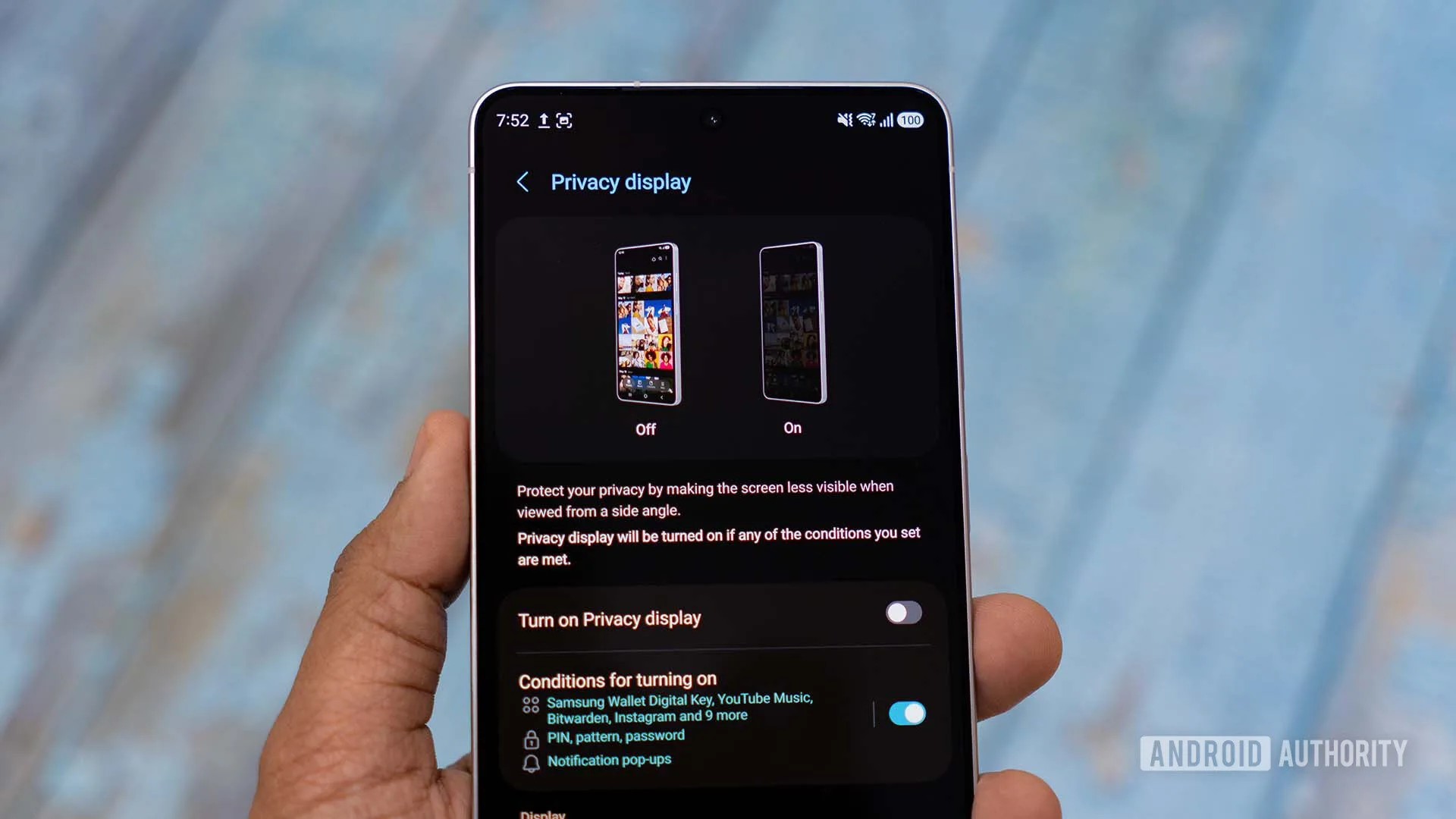
There are trade-offs. A dedicated physical privacy protector remains the more straightforward choice for people handling confidential information all day, particularly when they can’t risk someone reading anything over their shoulder. Software-led Privacy Display features have to balance privacy with image quality and battery behavior, while still working when people hold their phones at all sorts of angles.
Still, I’d argue Samsung has picked the more interesting path. Physical filters are permanent compromises. App-level protection gives users a chance to apply the compromise only where it earns its keep.
Why this tiny fix is more important than it looks
Picture-in-picture is one of those Android features that feels boring until it disappears. It lets you follow a video call while checking a calendar, keep a tutorial visible while changing a setting, or listen to a live event while jumping between apps. If Privacy Display forces the rest of the interface into an obscured state during all of that, users will simply turn it off.
That is the recurring trap in mobile privacy design. Companies love announcing protections; people love convenience. The features that survive are the ones that don’t demand a ceremony every time you use them. Apple’s Face ID, for example, has become a model of mostly invisible security because it handles authentication without repeatedly asking users to prove they’re serious about privacy. Samsung’s PiP change is nowhere near that consequential, but it shares the same instinct: protect the sensitive portion, then stay out of the way.
Samsung previewed related improvements at Mobile World Congress earlier this year and said the changes would work with its current display privacy technology. The beta implementation suggests the company is now doing the less glamorous engineering work: making that promise fit Android’s messy multitasking behavior. Android has long been better than iOS at letting applications coexist onscreen, but every extra window creates another edge case for a system-level visual effect.
The beta caveat, and what S26 Ultra owners should do
This is still beta software, so don’t mistake a slick demo or leaked screenshot for a guarantee that every streaming app, launcher configuration, or third-party PiP implementation will behave perfectly at launch. The feature could also change before Samsung sends One UI 9 to the stable channel. Beta conveniences have a habit of vanishing—or arriving half-finished—when the broader rollout begins.
Galaxy S26 Ultra owners enrolled in Samsung’s beta program can look for One UI 9 Beta 4 through the Samsung Members app. Those outside the program should wait for Samsung’s release notes and support material before assuming the feature is available on their device. Samsung maintains its official support resources at Samsung Support, though regional rollout details often differ.
The important part is the direction of travel. Privacy Display now seems less like a flashy panel trick and more like a feature Samsung is willing to refine around actual phone behavior. If the company keeps that up, the next contest in smartphone privacy may not be about who can hide the most screen content. It may be about who can hide exactly enough without making the phone miserable to use.

