

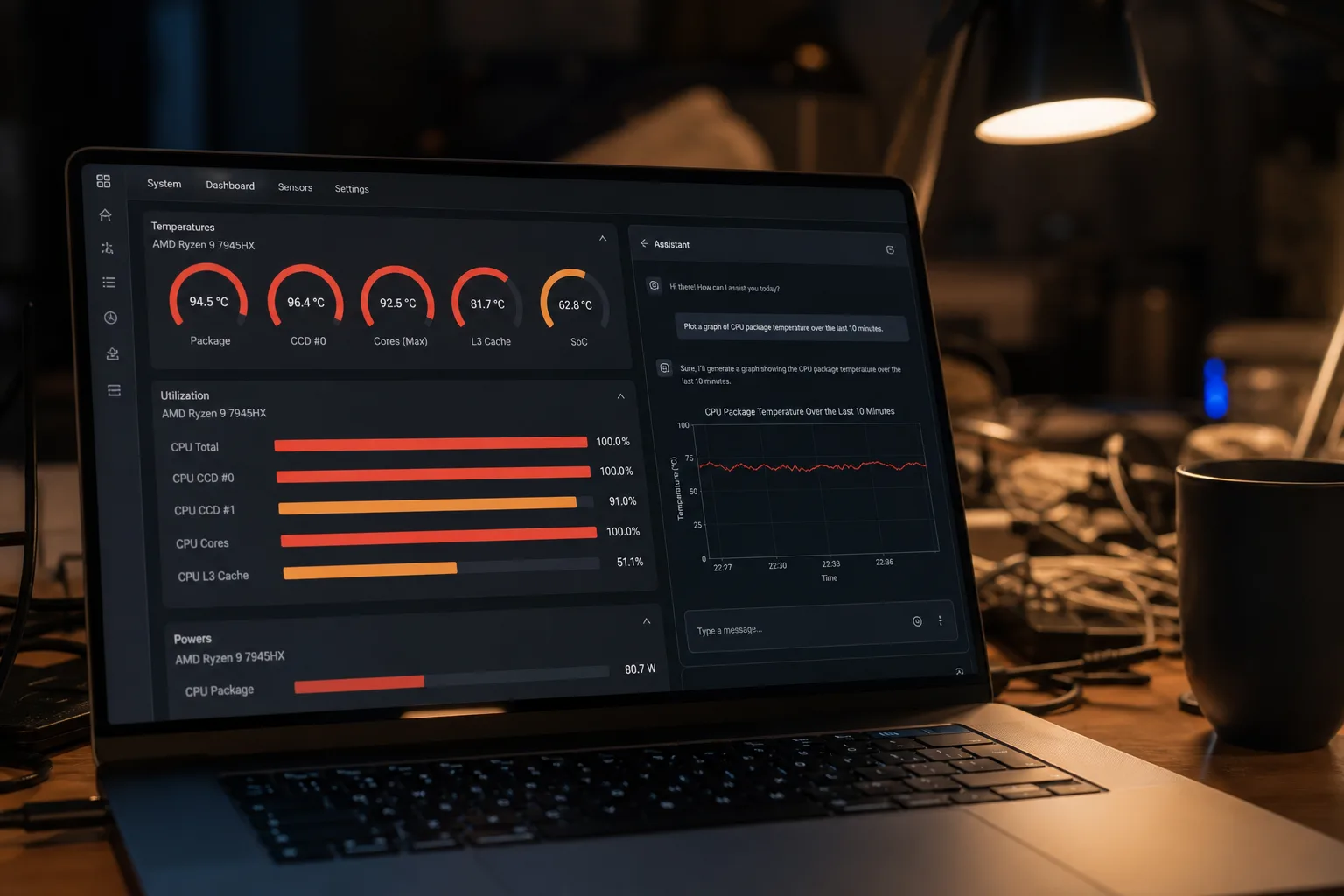
- PC Workman is a free, local AI PC monitor built in Python with no external API calls or data sharing.
- The AI PC monitor uses 82 intent patterns plus an Ollama LLM fallback to answer real hardware questions accurately.
- Twenty-eight strangers on GitHub and LinkedIn directly shaped the app’s feature set by answering one simple question.
- A tricky Polish character encoding bug — the letter ł — silently broke battery queries until explicit fallback patterns were added.
Table of Contents
The AI PC Monitor That Started With One Annoying Problem
Every developer has that one itch they can’t stop scratching. For the indie developer behind PC Workman — writing code between cashier shifts, international trucking runs, and apartment-hunting stints across the Netherlands and Poland — that itch was Task Manager lying to him. Not literally lying, but close enough: CPU at 87%, and absolutely no useful answer to the question that actually matters: why? Which process? Since when? For how long? Windows’ built-in tools don’t care. Most third-party monitoring apps are either abandoned, dependency-heavy, or look like they haven’t been touched since Vista. So he built an AI PC monitor himself. Classic mistake. Best outcome.

PC Workman 1.7.6 is the result of that frustration — now sitting at 96 Python files, 48,081 lines of code, and a response builder file that clocks in at a genuinely alarming 255,065 characters. It’s not a weekend project. It’s what happens when someone genuinely can’t stop building, even when they’re running on eight hours of retail exhaustion.
How the AI Actually Works — and Why It Stays on Your Machine
The headline feature is hck_GPT, the AI assistant baked directly into the app. And before you roll your eyes at yet another chatbot bolted onto a utility tool, the architecture here is worth paying attention to. This AI PC monitor sends nothing to the cloud. No API keys, no subscription, no data leaving your machine. That’s a meaningful differentiator in a world where even calculator apps seem to want your usage telemetry. The local inference layer is powered by Ollama, an open-source runtime that lets large language models run entirely on your own hardware.
The engine works in two stages. First, user input hits an intent parser that combines vocabulary matching with an ML classifier — 82 intents covering questions like “why is my CPU so high,

