

- ChatGPT Lockdown Mode is OpenAI’s new security feature that disables web access, Deep Research, and Agent Mode to block data theft.
- ChatGPT Lockdown Mode targets prompt injection attacks — hidden instructions embedded in files or text that manipulate the AI model’s behaviour.
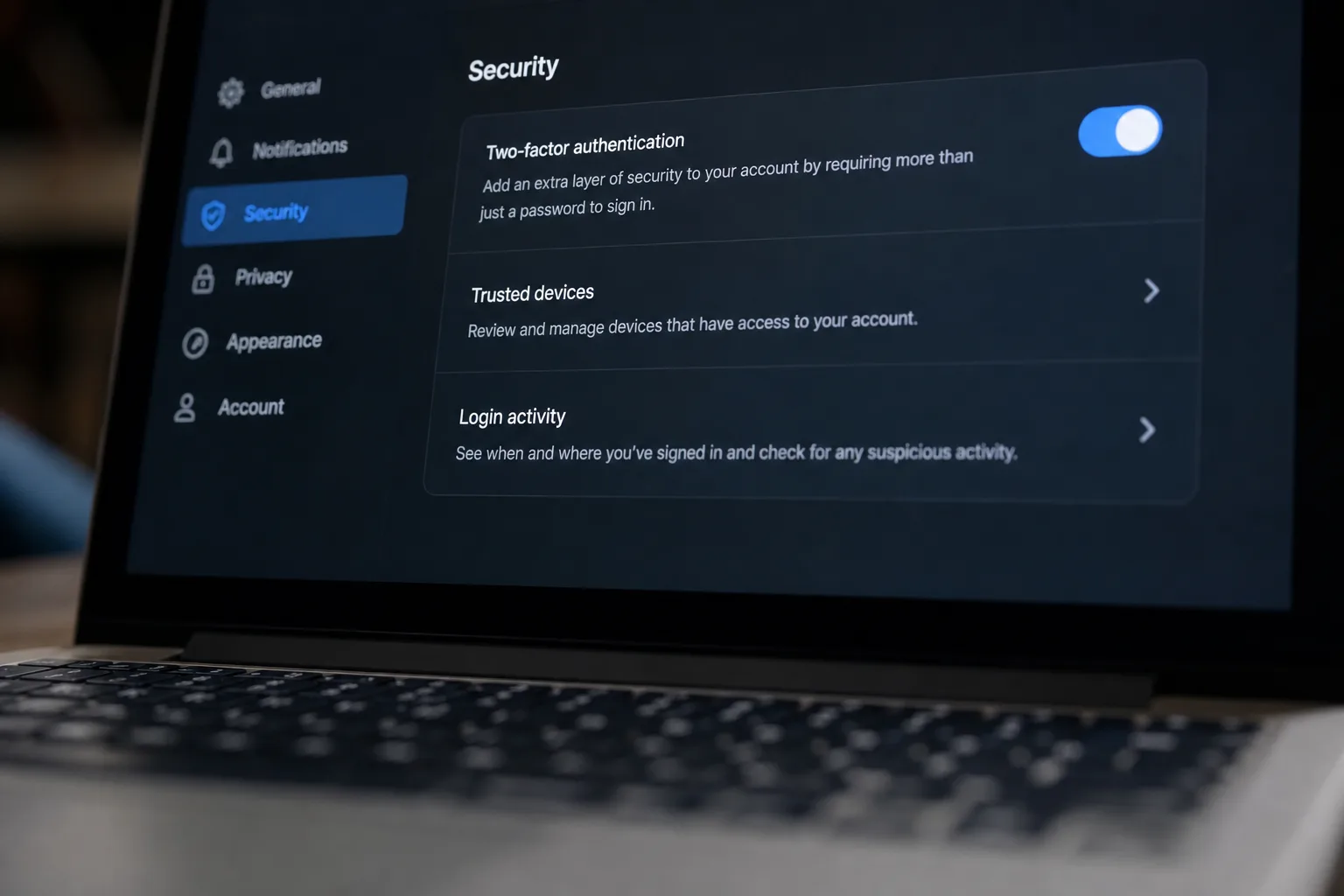
- Users can enable the mode under Settings > Security, and temporarily disable it for individual chats when full functionality is needed.
- OpenAI acknowledges the feature doesn’t fully solve prompt injection — it only blocks the final step in an attacker’s data exfiltration chain.
Table of Contents
ChatGPT Lockdown Mode Is Here — and It’s Long Overdue
OpenAI has quietly shipped one of the more practically useful security features ChatGPT has seen in a while. ChatGPT Lockdown Mode lets users — and enterprise admins — disable the AI’s internet connectivity, agent capabilities, and external service integrations in one go, specifically to guard against a class of attack that’s been plaguing large language models since their earliest public deployments. If you’re regularly feeding ChatGPT anything sensitive — contracts, financial records, internal research — this is the feature you didn’t know you were waiting for.

The idea is straightforward enough. When Lockdown Mode is active, ChatGPT can’t reach the web, can’t run Deep Research, can’t operate in Agent Mode, and can’t download files or display web-sourced images in its responses. Even network access for code generated in Canvas gets cut off. Live search degrades to cached results, which may be stale or absent entirely. It’s a significant reduction in functionality — but for anyone handling genuinely sensitive data, that’s exactly the point.
What Prompt Injection Actually Means — and Why It Matters
To understand why ChatGPT Lockdown Mode exists, you need to understand prompt injection — arguably the most stubborn security problem in the LLM world right now. The attack works by embedding hidden instructions inside content that the AI processes: a PDF you upload, a webpage it browses, a document it’s asked to summarise. The model reads those instructions as if they were legitimate, and can be manipulated into doing things the user never intended — including sending data to an external server controlled by an attacker.
This isn’t a new problem. Researchers flagged prompt injection as a serious vulnerability back in the GPT-3 era, and it’s been consistently exploited across multiple AI systems ever since. OpenAI itself describes it as a ‘frontier, challenging research problem’ — which is a polished way of saying nobody’s cracked it yet. Years of academic papers, red-teaming exercises, and engineering effort haven’t produced a reliable fix. The attack surface keeps expanding as these models gain more tools, more integrations, and more autonomous capability.
The risk calculus has shifted dramatically as AI agents have become mainstream. Early ChatGPT was essentially a text box — dangerous in narrow ways, but isolated. Today’s ChatGPT can browse the web, write and execute code, access connected apps, and take actions on your behalf. Every new capability is a potential new exfiltration channel. That context makes a feature like Lockdown Mode not just useful, but arguably necessary.
What ChatGPT Lockdown Mode Does — and Doesn’t — Fix
Here’s the honest version: ChatGPT Lockdown Mode is a mitigation, not a solution. OpenAI is transparent about this, at least in the technical detail. The mode blocks what security researchers call the ‘exfiltration step’ — the moment when a manipulated model attempts to send your data out via a network request. Cut that channel, and the attacker’s payload goes nowhere, even if the injection itself succeeded.
But the injection can still succeed. OpenAI’s own documentation acknowledges that a malicious instruction hidden inside an uploaded file can still influence the model’s behaviour and produce wrong answers. Your data stays on OpenAI’s servers; it doesn’t get sent to an attacker’s endpoint. That’s genuinely valuable. It’s not the same as the model being immune to manipulation, though. If you’re relying on ChatGPT’s output to make decisions and an attacker has poisoned an input document, Lockdown Mode won’t stop the model from giving you corrupted analysis.

OpenAI’s FAQ takes a measured line on the broader risk, stating that prompt injection ‘is not currently a major risk’ but acknowledging that ‘the impact could grow as attackers develop more sophisticated methods.’ That’s a reasonable position, and it fits the current threat landscape — prompt injection attacks at scale are real but not yet widespread in the way, say, phishing is. The concern is trajectory. As AI systems handle increasingly consequential tasks — managing calendars, drafting legal documents, executing financial queries — the incentive to develop sophisticated injection attacks grows proportionally.
How to Use It: Settings, Admin Controls, and Tradeoffs
Turning on ChatGPT Lockdown Mode is simple. For personal accounts and self-managed ChatGPT Business setups, it’s under Settings > Security. Flip it on and ChatGPT immediately operates in its restricted configuration. For managed enterprise workspaces, administrators get more granular control through role-based access controls (RBAC), letting them apply the mode to specific team members or entire groups — which makes sense for organisations where only certain roles deal with sensitive data.
One of the more practical design choices here is the per-chat override. If you’ve got Lockdown Mode enabled globally but need to run a Deep Research task for a non-sensitive project, you can disable it for that specific conversation without touching your global settings. It’s the kind of flexibility that stops a security feature from becoming a friction source people just turn off permanently. That said, there’s one hard constraint: Lockdown Mode and Developer Mode are mutually exclusive. Developers building on top of ChatGPT will need to choose which configuration fits their use case.
The picture for apps and connectors is more layered. On personal accounts, Lockdown Mode permits connectors that access already-synced data, but shuts down live access, write actions, and anything touching finance or shopping features. In managed workspaces, OpenAI’s guidance to admins is clear: enable only trusted apps, and assess each one’s exfiltration risk on its own merits. That’s sensible security hygiene that, frankly, organisations should have been practising before Lockdown Mode existed.
The Bigger Picture: AI Security Is Catching Up to AI Capability
OpenAI shipping ChatGPT Lockdown Mode is a signal of something broader happening across the industry. As AI tools graduate from ‘helpful assistant’ to ‘autonomous agent with real-world access,’ the security community — and increasingly the vendors themselves — are recognising that the old threat models don’t hold. You can’t think about AI security the way you’d think about a SaaS app’s security. The attack surface is fundamentally different: inputs aren’t just user-provided data, they’re anything the model reads, and the model’s behaviour is probabilistic rather than deterministic.
What OpenAI has built here is essentially a principled capability restriction — accepting a worse product experience in exchange for a safer one, depending on context. That’s a tradeoff that enterprise security teams will appreciate even if individual users find it limiting. The fact that it’s opt-in, with per-chat flexibility built in, suggests OpenAI has thought carefully about adoption. A security feature nobody uses is no feature at all.
The harder question is what comes next. Lockdown Mode buys time, but prompt injection remains an open research problem. The field’s best minds haven’t found a reliable way to make LLMs reliably ignore malicious instructions embedded in their context window. Until that changes, expect more mitigations like this one — carefully scoped, honestly documented, and valuable precisely because they don’t promise more than they can deliver. Whether OpenAI or a competitor eventually solves the root problem is probably the most consequential open question in applied AI security right now.
Frequently Asked Questions
What does ChatGPT Lockdown Mode actually block?
ChatGPT Lockdown Mode disables live web search, Deep Research, Agent Mode, file downloads, web images in responses, and network access for Canvas-generated code. Live search is limited to cached results only. The goal is to cut off any channel an attacker could use to exfiltrate data via network requests.
Does ChatGPT Lockdown Mode fully protect against prompt injection?
No. OpenAI is clear that the mode only blocks the final network-level step in an exfiltration attempt. A malicious instruction hidden in an uploaded file can still influence the model’s responses and produce incorrect outputs — the underlying prompt injection vulnerability remains unsolved.
How do I enable ChatGPT Lockdown Mode on my account?
For personal and self-managed Business accounts, go to Settings > Security to toggle it on. Enterprise admins can deploy it across teams using role-based access controls. Users can switch it off on a per-chat basis whenever they need full ChatGPT functionality.
Is ChatGPT Lockdown Mode available for business and enterprise users?
Yes. In managed workspaces, administrators can configure Lockdown Mode through role-based access controls, applying it to individual members or entire groups. OpenAI recommends that admins in managed environments also audit each connected app individually for its own exfiltration risk.

