

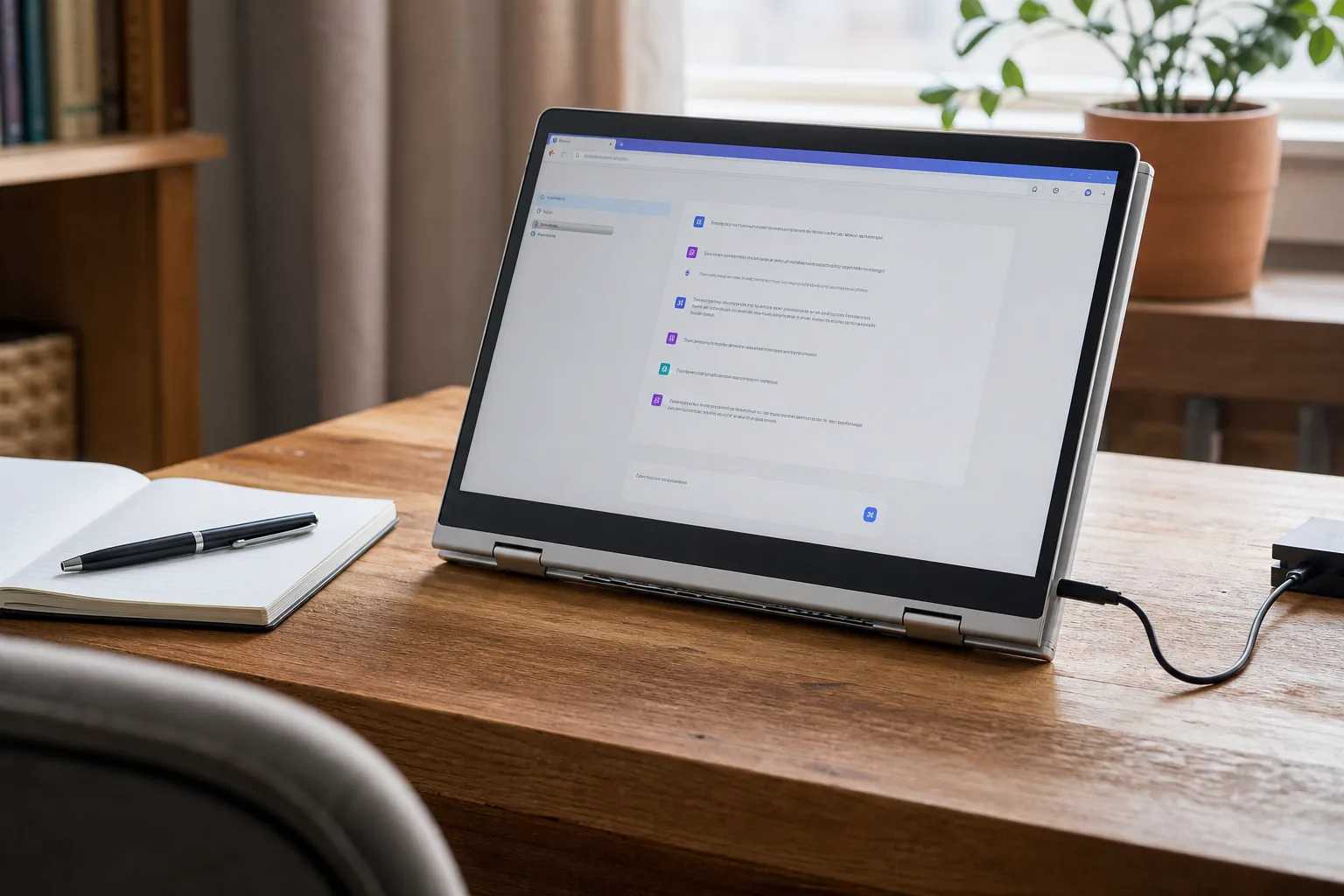
- The AI 2-in-1 laptop advertised at $86 may appeal to bargain hunters, but the listing needs careful verification before purchase.
- A low-cost AI 2-in-1 laptop is unlikely to provide the on-device AI performance associated with modern premium Copilot+ PCs.
- Shoppers should inspect processor generation, RAM, storage, operating system licensing, return policies, and the identity of the actual seller.
- Artificial intelligence labels increasingly describe software access rather than meaningful local computing capability on budget devices.
Table of Contents
The $86 AI 2-in-1 laptop pitch is doing a lot of work
An AI 2-in-1 laptop for $86 is the sort of headline built to stop a late-night Amazon scroll dead in its tracks. It promises the familiar bargain trifecta: a laptop, a tablet, and a dose of artificial intelligence for less than the cost of a modest grocery run. The trouble is that this category has become a marketing minefield. At that price, the questions matter far more than the AI label.
The source item describes this AI 2-in-1 laptop as having fully integrated AI features, but it leaves out the model, processor, memory configuration, storage capacity, operating system, and seller. Those omissions are not trivial. They are the difference between a serviceable secondary machine and a plastic disappointment that spends more time updating than doing useful work.
Frankly, nobody should assume an $86 device belongs in the same conversation as the AI PCs Microsoft, Qualcomm, Intel, and AMD have spent the past year promoting. Those machines generally rely on newer chips with dedicated neural processing units, or NPUs, designed to run some AI tasks locally. A deeply discounted budget device may still offer AI tools, but those tools are much more likely to run through a browser or cloud service.
That is not automatically bad. It is just not what the phrase often suggests.
What ‘AI’ probably means on a budget 2-in-1
The AI 2-in-1 laptop label has become wonderfully elastic. A machine can claim AI credentials because it includes an app with a chatbot, a voice assistant, photo filters, automated document templates, or a shortcut to an online service. All of those can be useful. None requires a powerful AI chip inside the device.
Compare that with Microsoft’s current Copilot+ PC standard. The company provides information about Copilot+ PCs on its official Copilot+ PC page. At $86, hardware associated with that category usually comes with a major catch.
The practical distinction is simple. Cloud AI needs an internet connection, may require an account, and can bring subscription limits or privacy trade-offs. Local AI can work more independently, though it still has limits. If a listing only says ‘AI features’ without naming the processor, NPU, software provider, or included subscription terms, treat the claim as a feature description rather than proof of modern AI hardware.
Remember the smart-home gold rush, when every light bulb and toaster seemed to be ‘smart’? We are in the AI version of that moment now. The word is appearing on products because it sells, not because each product has suddenly become a miniature data center.
Why the AI 2-in-1 laptop price deserves a closer look
At $86, this AI 2-in-1 laptop sits below the price of many entry-level Chromebooks and even some name-brand Android tablets. That does not mean it cannot be useful. It means buyers need to adjust expectations aggressively.
A bargain AI 2-in-1 laptop can make sense as a travel machine, a kid’s web-browsing device, a recipe screen in the kitchen, or a simple writing terminal. But those are narrow jobs. Windows itself can feel strained on older low-end processors with limited RAM and slow eMMC storage. Add multiple browser tabs, video calls, software updates, or a full Office document, and the cheap computer can become a checkout line with one register open.
The specs are not glamorous, but they tell the real story. Find the exact processor name rather than accepting phrases such as ‘quad-core.’ Check whether it has at least 8GB of RAM, though 4GB is common at the bottom of the market. Confirm usable storage, because a nominal 64GB can shrink fast after system files and updates. Also determine whether the display is genuinely touch-enabled, whether the keyboard is included, and whether the machine has USB-C charging or relies on a proprietary charger that will be difficult to replace.
The operating system deserves equal scrutiny. Some ultra-cheap listings use older versions of Windows, Windows in S Mode, or an unfamiliar operating system presented in vague language. A device running an unsupported OS may be a security problem before it is even a productivity tool. Buyers should also verify that Windows activation is legitimate rather than taking a seller’s word for it.
The Amazon listing is only half the purchase
Amazon has made low-priced electronics easier to find, but that convenience can blur who is actually selling the product. A listing may be sold directly by Amazon, fulfilled by Amazon for a third-party seller, or shipped by an outside merchant. Those are meaningfully different situations when a laptop arrives with a weak battery, the wrong charger, or specs that do not match the page.
Before buying an AI 2-in-1 laptop, check the seller name, review history, return window, warranty language, and recent customer reviews. Sort reviews by newest, not most helpful. Look for recurring reports about storage size, keyboard quality, battery life, missing accessories, or activation problems. Product pages can also combine reviews across similar variants, which makes a glowing average rating less useful than it appears.
Price tracking helps, too. A crossed-out retail price can make a deal look spectacular even when the product has rarely sold at that higher number. The relevant question is not whether a listing says it is discounted. It is whether the machine’s actual hardware is worth the amount being requested today.
And do not confuse refurbished with defective. A properly refurbished Dell, Lenovo, or HP business laptop with clear condition grading and a warranty can be a better value than a new no-name convertible. An older ThinkPad will not look futuristic, but it may have a better keyboard, easier repairs, and more honest specifications. That matters when the novelty of folding the screen wears off.
Cheap computing still has a place
The promise behind an AI 2-in-1 laptop at this price is understandable. People want an affordable device that can handle schoolwork, streaming, online forms, and the increasingly unavoidable AI tools woven into everyday software. Big PC makers have largely pushed AI hardware upward into premium price bands, leaving a wide gap below them.
There is room for low-cost machines in that gap. But the best budget technology is candid about its limits. It says what chip is inside, where the AI processing happens, what accessories are included, and how returns work. It does not ask shoppers to infer premium capabilities from a broad buzzword.
My read is that the $86 pitch should be treated as an invitation to investigate, not a reason to rush the checkout button. If the listing reveals credible specs and a solid return policy, it could be a handy spare device. If it hides those basics behind a big AI badge, the smarter purchase may be the one you do not make.

