

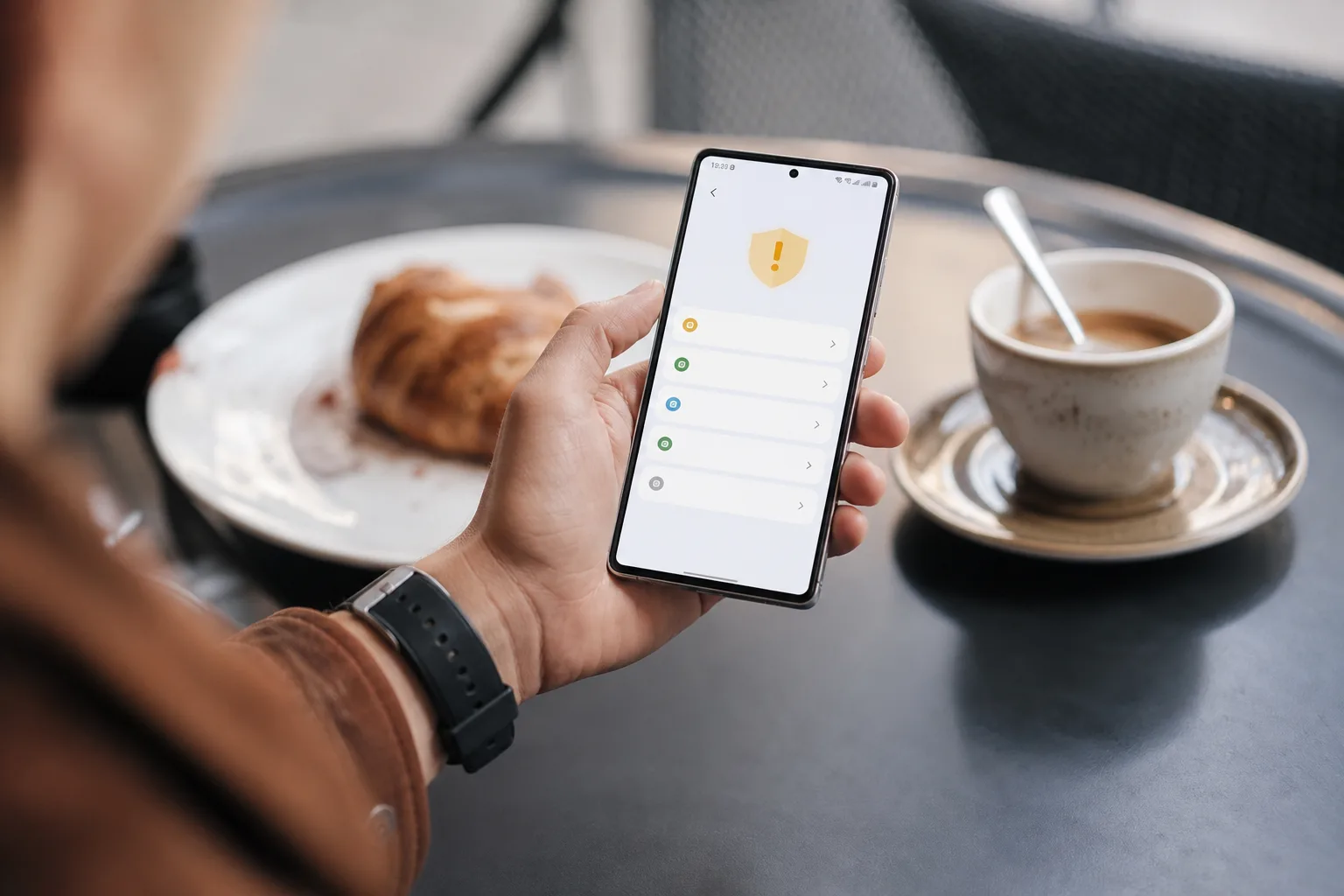
- Android antivirus apps are optional for most people because Google Play Protect and Android’s app sandboxing cover common malware risks.
- Android antivirus apps make more sense for people who sideload software, disable Play Protect, or manage devices with unusually sensitive data.
- Phishing texts, scam calls and malicious browser notifications remain bigger everyday threats than traditional phone viruses.
- Regular Android updates, careful permissions and avoiding unknown downloads will do more for most users than a paid security subscription.
Table of Contents
Android antivirus apps solve a narrower problem than their ads suggest
Most people don’t need Android antivirus apps. That may sound odd after years of McAfee, Norton and Avast ads warning that every connected device is one bad click away from disaster, but modern Android has changed the equation. Google now does a meaningful chunk of the tedious security work in the background, and the threats that catch ordinary people most often are not classic viruses at all.
My read is that the antivirus industry is still selling a familiar answer to a messier question. A phone can absolutely be compromised. Android malware exists, spyware is real, and an app from a dodgy download site can make a very bad afternoon. But a subscription security suite is rarely the first or most effective purchase for someone who uses a mainstream Samsung Galaxy, Pixel or Motorola phone, downloads apps from Google Play, and accepts operating-system updates.
That last part matters. Security is less like buying one very good lock and more like remembering to lock the door, close the windows and not hand a stranger your house keys because they said they were from the bank.
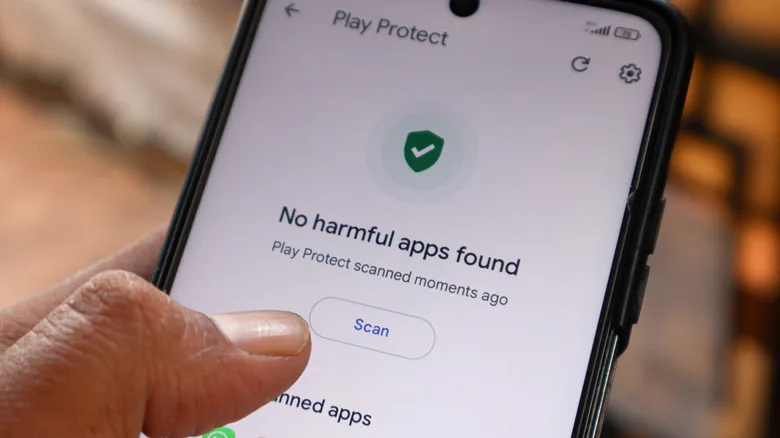
Google’s built-in Play Protect service checks apps when they are installed and periodically afterward. Google has said it blocked 27 million newly identified harmful apps from reaching the Play Store in 2025. That figure should not be read as proof the store is spotless — millions of bad submissions also show the scale of the problem — but it does demonstrate that the primary screening layer is already on the phone for most Android users.
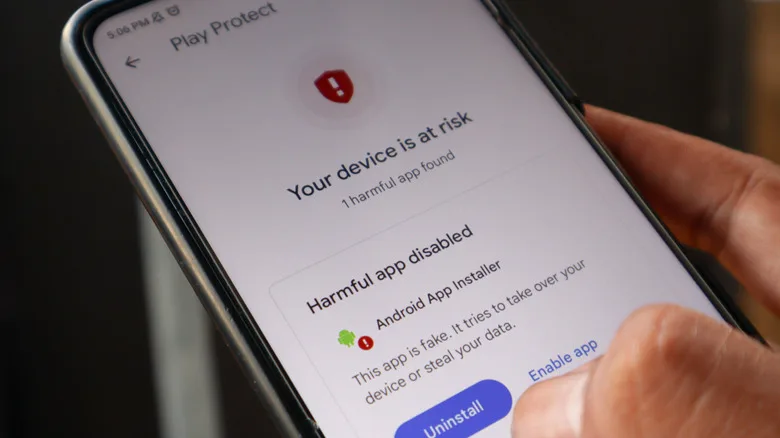
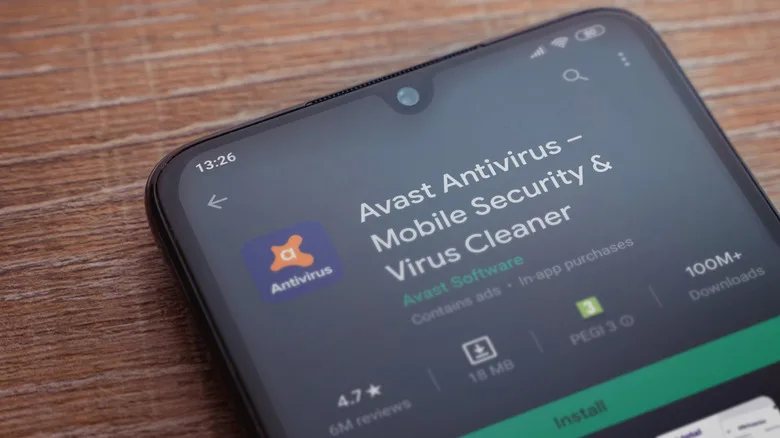
Play Protect can flag an app, disable it, or in higher-risk cases remove it. It is not magic, and it won’t catch everything immediately. Still, Android antivirus apps are usually a supplemental layer rather than a replacement for the protections already built into the phone, and paying a third party to perform a second scan of the same app catalogue often brings marginal benefit, plus persistent upgrade prompts and occasionally a VPN or identity-monitoring bundle you never asked for.
What Android already does to protect your phone
Android’s security model is more substantial than many people realize. Apps are generally sandboxed, meaning each one runs in its own restricted space rather than freely rummaging through every other app’s files and data. An ordinary weather app cannot simply stroll into your banking app and read its contents. That separation is one reason phones have avoided repeating the Windows XP era, when installing a random toolbar could feel like inviting raccoons into the kitchen.
Permissions are the other big guardrail. Newer versions of Android ask before an app can use the camera, microphone, location, contacts or storage, and they can revoke permissions from apps that have sat unused for months. A useful habit is to treat a permission request as a product question: why does this flashlight need contacts, or why does this puzzle game need accessibility access? If the answer is unclear, deny it.
System updates matter even more than Android antivirus apps. Google, Samsung and other vendors regularly patch flaws that an attacker could exploit without persuading you to download anything. The catch is Android’s old fragmentation problem: update support differs wildly by manufacturer and price tier. A four-year-old phone that no longer receives security patches is a more meaningful concern than the absence of a third-party scanner.
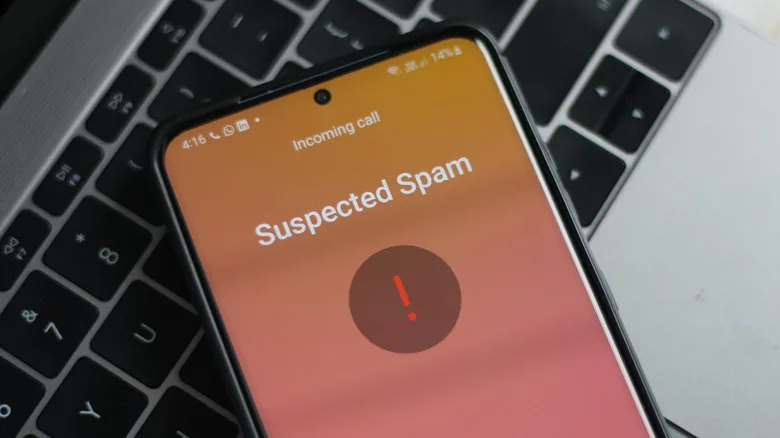
Google is also adding more protections for real-time fraud detection. Its recent Android work includes warnings around suspicious app behavior such as attempts to forward SMS messages, plus call-screening and scam-detection features on supported devices. These tools are still rolling out unevenly and vary by handset, region and Android version, so don’t assume every safety setting is active just because it appeared in a Pixel keynote.
The scams an antivirus app can’t clean up
The most profitable attacks on mobile users increasingly rely on persuasion, not malware. A text pretends to be a toll agency. A caller claims there has been fraud on your account. A panicked message arrives from a supposed child or relative with a new phone number. In every version, the criminal wants you to act before you think.
No antivirus engine can fully protect someone who enters a password into a convincing fake Microsoft, Google or bank page. It also cannot reverse a payment you authorized after a romance scammer established trust. Frankly, this is where the marketing around Android antivirus apps can be misleading: the app may label a malicious URL or screen a questionable download, but it cannot replace skepticism.
Browser notification spam is another distinctly annoying mobile trap. Visit a sketchy site, tap ‘Allow’ when it asks to send notifications, and the phone may soon deliver scary alerts saying a virus has been found. That’s usually the scam itself. Do not tap the alert. Open Chrome’s notification settings, find the offending site and remove its permission. The same goes for alarming pop-ups that insist you call a support number; legitimate companies do not need to ambush you through a browser tab.
Public Wi-Fi deserves a little common sense, though the risk is often described with too much airport-lounge drama. Modern HTTPS encrypts most web traffic, and phones usually warn about insecure networks. Still, avoid sensitive transactions on an unfamiliar open network when you can, verify the network name with the venue, and consider a reputable VPN if travel regularly puts you on shared Wi-Fi. An antivirus scan after the fact is not the main defense there.
When Android antivirus apps are a sensible extra layer
For some users, Android antivirus apps are a rational precaution. The clearest case is frequent sideloading: installing APK files from outside Google Play. Developers, enthusiasts and people using regional apps sometimes have legitimate reasons to do it. But sideloading also removes much of the distribution control that keeps common threats out of the Play Store.
Play Protect can inspect sideloaded software too, provided it remains enabled and the device includes Google Play services. Yet an extra scanner may offer some reassurance if you regularly obtain APKs from third-party repositories, test apps, or use a phone supplied with no Google services. The better answer is still source discipline. Download from an official developer page or a reputable repository, verify the publisher, and never install a file sent over WhatsApp, Telegram or SMS by someone you don’t know.
A security app can make sense for a parent or caregiver managing a less confident user’s phone, particularly if it adds clear phishing warnings, theft protection, or a simple way to audit risky settings. In that situation, the useful part is often the management feature, not the antivirus scan. Be selective: some free products earn their keep through aggressive advertising, data collection, or relentless attempts to sell a premium plan.
Before installing any of the Android antivirus apps, check what it actually requests. A product promising protection should be able to explain why it needs accessibility access, VPN control, notification access or device-administrator privileges. Those permissions can be legitimate, but they are powerful. Do not trade one security worry for another.
A practical Android security checklist beats another subscription
For the average person, a few boring steps will outperform the ritual of installing Android antivirus apps and forgetting about them. Leave Play Protect switched on. Install security updates as they arrive. Remove apps you no longer use. Review permissions a couple of times a year, especially accessibility and notification access. Use a screen lock and enable two-factor authentication on important accounts.
When a message claims to be urgent, slow down. Open your bank’s official app instead of following a text link. Call a company using the number on its website or statement, not the one supplied by a stranger. And if an app asks you to disable Play Protect so it can install, that is not an inconvenience to work around. It is the phone telling you to stop.
There is a small irony here. As Google tightens rules around sideloaded applications and expands on-device scam detection, Android antivirus apps may become less central for the mainstream phone owner while remaining useful at the fringes. The companies that survive will need to prove they are doing more than placing another badge on a lock Android already built. That is a tougher sales pitch, but it is the honest one.
Frequently Asked Questions
Do Android antivirus apps actually find malware?
They can identify known malicious files and suspicious apps, particularly on phones that install software outside Google Play. But their detection overlaps with Google Play Protect, which scans apps at installation and continues checking them afterward. A scanner cannot reliably stop a user from giving a scammer a password or banking code.
Is Google Play Protect enough for Android security?
For most people who install apps from Google Play and keep their phone updated, it is a solid baseline. Google says Play Protect scans apps and can warn about, disable or remove harmful software. It is not a substitute for checking links, permissions, caller identities and the legitimacy of websites.
Should I use antivirus if I sideload Android apps?
Extra scanning is more defensible if you routinely install APK files from outside Google Play, especially from unfamiliar sources. Play Protect can scan many sideloaded apps, but its protection is weaker if it has been disabled or if a device does not include Google Play services. The safest option remains avoiding untrusted APKs entirely.

