

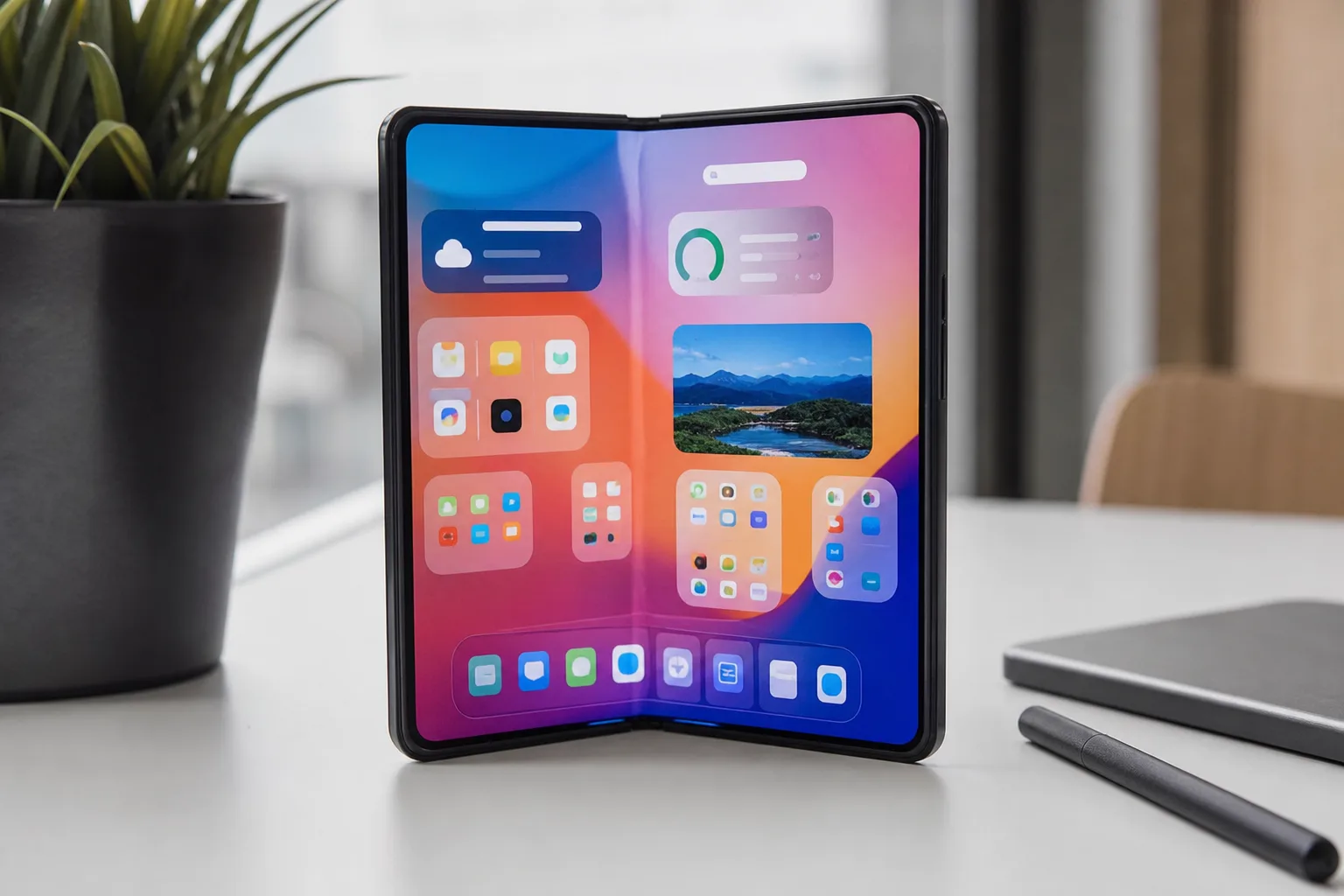
- A Samsung Home Up bug is moving folders and widgets beyond the visible home screen, particularly on the Galaxy Z Fold 8.
- Samsung has acknowledged the Samsung Home Up bug and says a DIY Home-related software fix is currently being prepared.
- A separate issue has reportedly pushed folders onto adjacent home-screen pages, adding to a rough week for Home Up users.
- Foldables make launcher bugs harder to hide, especially when the same layout must survive different screen configurations.
Table of Contents
The Samsung Home Up bug hits the part of your phone you use most
A Samsung Home Up bug that throws folders and widgets out of position sounds minor until it happens to your own phone. Home-screen layouts are muscle memory: the weather widget sits in one spot, work apps live in a folder, and the music controls are where your thumb expects them. When those elements disappear off-screen after opening a device, the phone suddenly feels like someone rearranged your desk overnight.
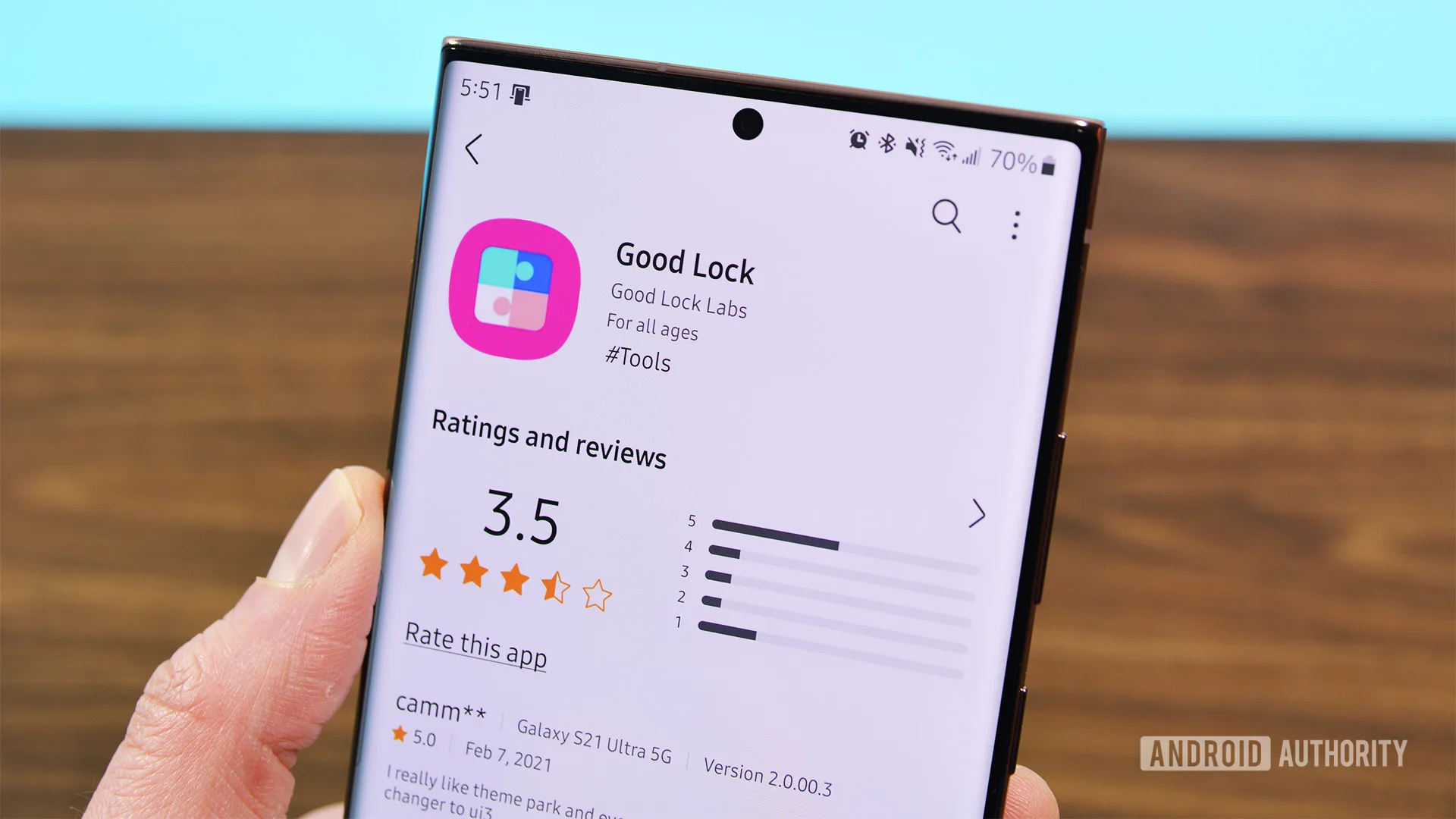
Samsung has acknowledged reports that Home Up, one of the most popular modules in its Good Lock customization suite, can push folders and widgets outside the visible home-screen area. The problem appears connected to DIY Home, the feature that gives Galaxy owners unusually broad control over icon placement, layouts, and launcher styling.
The complaint that drew Samsung’s response came from a Galaxy Z Fold 8 owner who said the problem appeared on the handset’s inner display. That matters because foldables add an extra layer of launcher complexity. A layout that behaves properly on a narrow cover screen has to translate to a larger, squarer canvas when the phone opens. If the placement calculations go wrong, elements do not simply look a little untidy; they can wind up beyond the display boundary altogether.
Samsung’s Good Lock support team said a fix is in development. There is no release date yet, so affected users should treat that as reassurance rather than a timetable.
Good Lock has long occupied an odd but useful place in Samsung’s software strategy. It is an official Samsung collection of add-ons, but it also acts a bit like a workshop floor for power users: a place where the company permits the sort of tuning Apple would likely never allow and Google mostly leaves to third-party launchers. More information is available through this support page.
Why DIY Home is at the center of the Samsung Home Up bug
DIY Home is attractive precisely because it lets users break the usual launcher rules. Rather than accepting a rigid icon grid, users can create more personalized arrangements, adjust labels, and build a home screen that feels less like a standardized app drawer and more like a personal dashboard.
That flexibility also explains why the Samsung Home Up bug can be especially disruptive on foldables. The more freedom a launcher provides, the more variations it has to handle: different screen sizes and orientations, display densities, fold states, widget dimensions, and saved layouts. Samsung’s stock One UI launcher already has to handle conventional slab phones, tablets, and the company’s expanding Fold and Flip families. Home Up then adds another layer of layout logic on top.
My read is that this is less a case of Good Lock being inherently unreliable than an example of customization colliding with foldable hardware’s awkward realities. Still, users are right to be annoyed. Samsung promotes its foldables as premium productivity devices, and someone who has spent time organizing a large Fold display should not be expected to rebuild that setup because an optional Samsung module loses track of coordinates.
The current Samsung Home Up bug also appears to have company. Separate reports this week described folders spilling onto the next home-screen page. Samsung has also said it is working on that issue. Two folder-related glitches arriving in close succession point to a broader problem in how Home Up is handling saved layouts, page boundaries, or both.
None of this means every Good Lock user should panic and uninstall Home Up. But if your phone is affected and a stable layout matters more than experimental customization, disabling DIY Home until Samsung issues an update is the sensible temporary move. It is not glamorous advice, but neither is hunting for a calendar widget that has wandered into digital limbo.
The lock-screen report remains unanswered
The original report included another frustrating detail: a lock-screen clock that reportedly shifts to the middle of the display even when it has been set near the top. The user said the behavior was seen on both the Galaxy S26 and Galaxy Z Fold 8.
Samsung’s representative addressed the home-screen folder and widget issue, but did not comment publicly on the clock-placement report. That does not prove the two bugs share a cause. One belongs to Home Up’s launcher customization while the other may involve lock-screen settings or a different Good Lock component entirely. But it does raise a reasonable question about whether a recent One UI or Good Lock update changed how Samsung restores user-defined layouts.
For people who use Good Lock casually, this may all feel like an edge case. For its core audience, though, placement is the product. A basic launcher can get away with putting every icon on a fixed grid. Home Up earns its place by allowing choices that stock Android often treats as off-limits. When those choices fail to persist, the feature stops feeling advanced and starts feeling fragile.
Samsung needs to make Good Lock feel less experimental
Samsung deserves credit for responding rather than leaving the Samsung Home Up bug to simmer in forum threads. That quick acknowledgment is better than the familiar corporate ritual of asking users to restart their phones, clear a cache, and wait for the problem to mysteriously disappear.
But an acknowledgment only goes so far. Good Lock is no longer some obscure enthusiast download passed around in Reddit comments. It is part of the practical appeal of buying a Galaxy phone, especially for users who want more control without abandoning One UI for Nova Launcher or another third-party alternative. And on a Fold, that control is one of the reasons to tolerate the compromises of a large, expensive device in the first place.
Samsung should use this moment to improve the safety net around DIY Home. A layout backup and restore option that is easy to find would be useful. So would a clear rollback path when a module update causes trouble, plus more transparent release notes that identify known compatibility issues with new Galaxy hardware.
Foldables are not a novelty category anymore, and their software cannot be treated as an afterthought. If Samsung wants people to trust its highly customizable launcher tools, it has to make sure a Samsung Home Up bug does not turn personalization into an accidental home-screen scavenger hunt. The coming fix will matter, but the more revealing test is whether the next One UI update leaves users’ carefully built layouts alone.

