

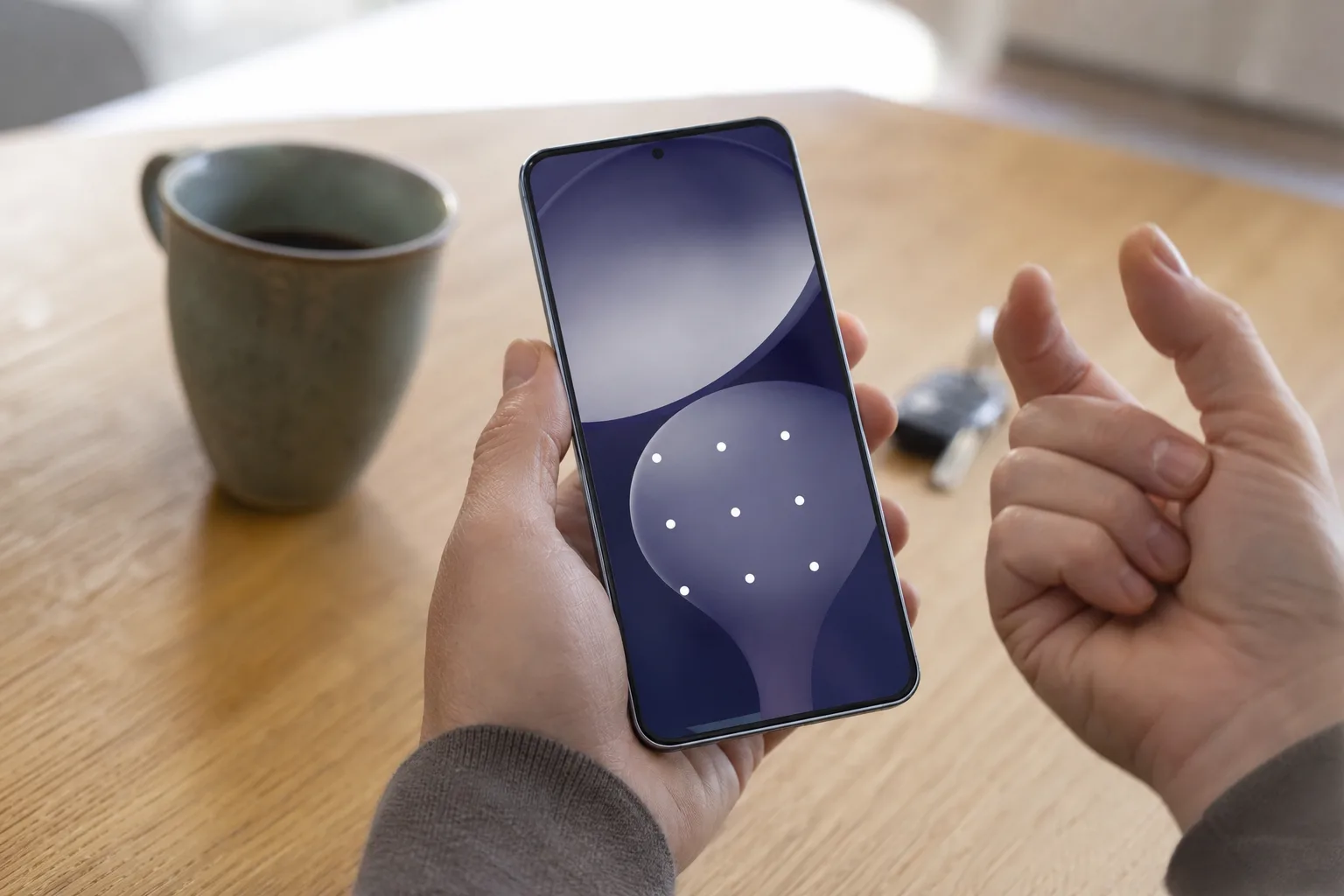
- The Pixel unlock bug reportedly prevents some owners from opening their phones with a PIN or screen pattern after updating.
- The Pixel unlock bug matters because a security patch can turn a routine reboot into a lockout event.
- Affected users should avoid repeated guesses, preserve battery power, and document the update version before attempting any recovery.
- Google needs a clear support path because modern Android security properly limits the usual workarounds for a forgotten passcode.
Table of Contents
The Pixel unlock bug hits the one screen that has to work
A bad camera app is annoying. A flaky Bluetooth connection is irritating. But the reported Pixel unlock bug tied to Google’s September 2026 software update lands in a much uglier place: the lock screen. A pattern or PIN may no longer be accepted after installing the update, effectively leaving people outside the device they own.
That’s a uniquely nasty class of failure. The lock screen is not a normal app that can be force-closed, reinstalled, or bypassed with a different launcher. Android deliberately treats it as the front door to a person’s photos, banking apps, work accounts, authentication codes, and private messages. When that door rejects a credential the owner knows is correct, the usual advice to simply reboot it starts to sound a bit absurd.
The September 2026 update may cause a pattern or PIN to no longer work. So far, there is no clear picture of how widespread the Pixel unlock bug is, which Pixel models are involved, or whether a particular update build is the culprit. That distinction matters. A handful of isolated cases and a defect affecting a broad rollout require very different responses from Google.
Still, the Pixel unlock bug deserves attention precisely because the downside is so disproportionate. A minor percentage of failures can be a major problem when the failure blocks access to the entire phone.
Why a lock-screen failure is harder to fix than it looks
People understandably assume a phone can verify a PIN in a simple, almost mechanical way. Enter the same digits, get the same result. In practice, Android’s credential system is intertwined with encryption and device security. A PIN or pattern helps unlock cryptographic material used to protect data stored on the handset. That architecture is a feature, not a design flaw.
It also means there is no legitimate universal back door for Google support, a carrier store, or a clever YouTube tutorial to use. If there were, thieves would use it too. Factory reset protection exists for the same reason: resetting a lost or stolen phone should not conveniently transfer its contents and ownership to whoever has it in hand.
That security model creates an uncomfortable trade-off when software goes wrong. If the phone’s update has caused the Pixel unlock bug, the most straightforward recovery route may still be a factory reset. That can mean losing locally stored data that was not backed up, even if the owner can later sign back in with the same Google account.
Frankly, this is why operating-system updates deserve a higher bar than an ordinary app release. Google’s monthly Pixel patches often carry fixes for vulnerabilities people should want installed quickly. But an update that introduces doubt around the basic act of unlocking a phone turns that security routine into a gamble. It is the digital equivalent of a landlord changing your building’s locks and then discovering some tenants’ keys no longer turn.
What affected Pixel owners should do now
First, do not keep rapidly entering a PIN or pattern in frustration. Android can impose longer waiting periods after repeated failed attempts, and a rushed guess may complicate matters. Take a breath, confirm the exact credential being entered, and pay particular attention to small things: an unfamiliar keyboard layout, an accidental extra digit, a damaged portion of the display, or a pattern traced slightly differently than intended.
If the phone can still accept a fingerprint or face unlock, use that access carefully. Back up photographs, files, messages, and authenticator codes immediately if possible. Owners should also check the installed build number under Settings and make a note of the date the problem began. That information will be useful if Google identifies a bad software version or asks for a bug report related to the Pixel unlock bug.
For a device that is completely inaccessible, Google’s official support materials are the sensible starting point. The company’s Pixel Phone Help center covers account recovery, device troubleshooting, and reset options. It may not offer an instant fix for a credential that is being incorrectly rejected, but it is a better route than following questionable instructions that promise to bypass Android security.
Users should also be cautious about accepting a factory reset as a casual first step. A reset may be necessary in some cases, but it is destructive by design. Before taking that step, check whether any trusted biometrics still work, whether a paired Wear OS device offers any useful access, and whether Google support can confirm an acknowledged issue or a pending corrective update.
The practical advice for people who have not yet installed the patch is less satisfying: don’t panic, but pay attention. If Google has not confirmed the scope of the Pixel unlock bug, freezing every update indefinitely would be an overreaction. Yet users who depend on a Pixel for work, travel, or two-factor authentication should make sure their backup is current before updating. They should be doing that anyway, of course, but real life has a way of exposing the difference between “backup enabled” and “backup actually complete.”
Google needs to communicate faster than usual
Google’s Pixel pitch has long rested on timely Android updates, direct software support, and a cleaner path to new features than many Android rivals offer. That promise is real, and monthly patches remain one of Pixel’s strongest arguments. But it also means Google owns more of the blame when an update appears to produce a failure this fundamental.
The company should quickly spell out whether it has reproduced the reports, identify affected device families and builds, and explain whether a server-side change, a repair update, or a recovery procedure is coming. Silence is particularly damaging here because people locked out of their phones cannot easily use the device itself to look for answers, contact support, or retrieve the two-factor codes needed to access other accounts.
This is not unprecedented territory for smartphones. Both Apple and Android manufacturers have shipped updates that caused battery drain, connectivity failures, boot loops, and isolated lock-screen trouble. The difference is severity. Wi-Fi problems can wait until the next patch; a Pixel unlock bug turns a personal computer into a glass paperweight.
My read is that Google should treat Pixel unlock bug reports involving rejected valid credentials as an emergency-support issue even before it knows the final technical cause. That means prominent support guidance, practical triage, and a clear statement about data-loss risks. Users do not need corporate vagueness at the exact moment their phone tells them they have entered the wrong code.
A small report can expose a big trust problem
There is a larger lesson hiding inside this episode. Phone makers increasingly ask us to put everything on one device: wallet payments, digital car keys, identity documents, health records, workplace access, and the authenticator app that unlocks the rest of our online lives. Strong device encryption is the right answer to that concentration of sensitive data. But it raises the stakes when software maintenance breaks at the authentication layer.
Google will likely be judged less on whether the September update had a defect — every platform eventually ships one — than on the speed and clarity of its response. If the reports remain limited, a targeted fix and honest explanation may contain the damage. If the Pixel unlock bug expands beyond a small group of owners, it will become a sharp reminder that the most important feature on a phone is not the latest AI trick or camera mode. It is getting back into the thing when you need it.

