

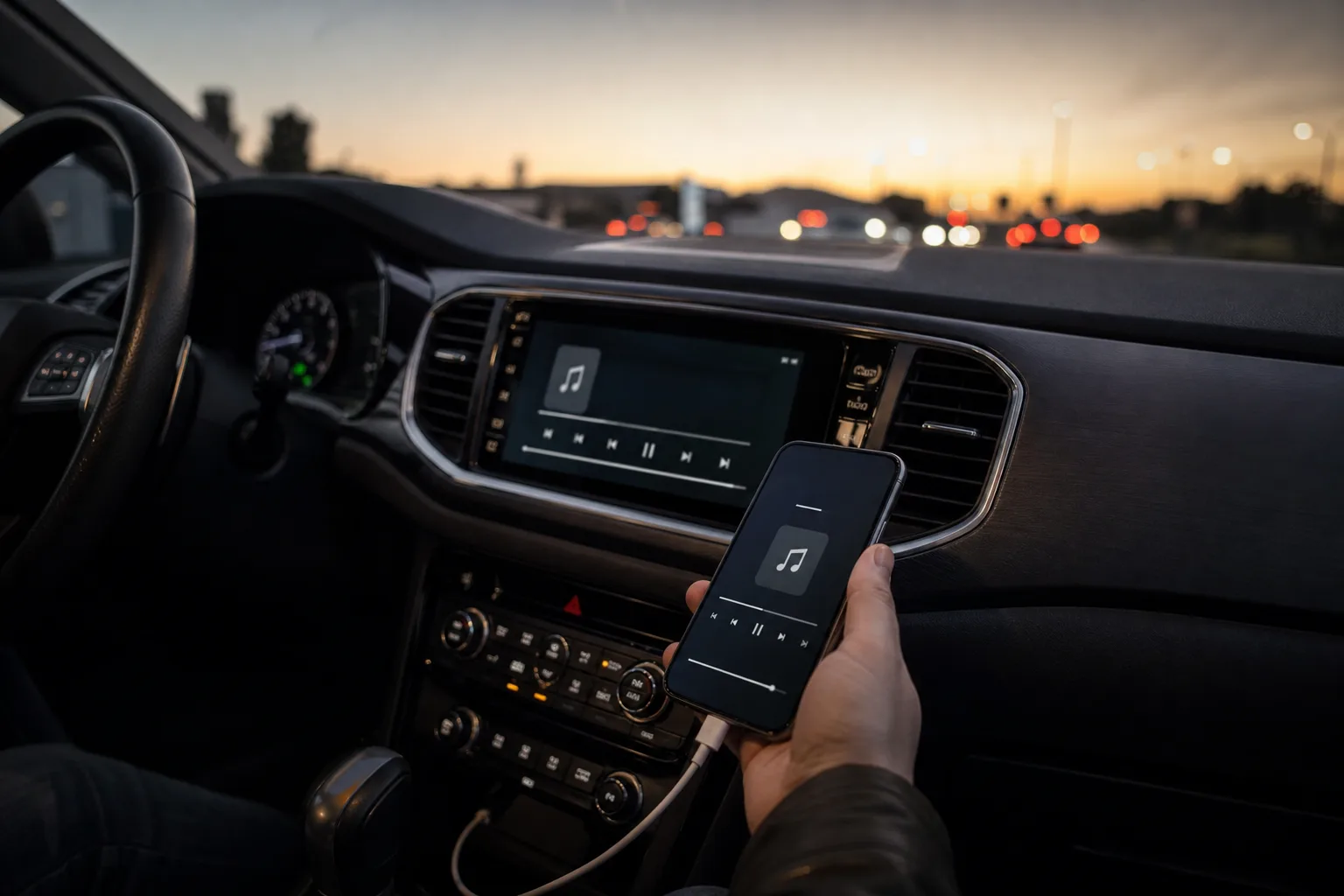
- Apple CarPlay audio can retain lossless quality over USB, while wireless connections re-encode music using a lossy AAC format.
- Better Apple CarPlay audio starts with downloaded high-quality tracks, since cellular streaming can downgrade quality during a drive.
- Turn off headphone-focused EQ presets before adjusting your car stereo, then make one change at a time.
- A stuck navigation or Siri volume reduction can make music sound thin, but briefly summoning Siri may restore normal playback.
Table of Contents
Apple CarPlay audio has a weak link: convenience
Apple CarPlay audio is usually good enough to make a commute bearable, which is probably why most drivers never interrogate it. Plug in, tap a playlist, drive. But if your music sounds flatter in the car than it does through decent headphones, the culprit may not be your speakers. It may be the connection, the stream quality, or a setting buried in the iPhone.
The awkward truth is that wireless CarPlay trades a little fidelity for its best feature: you never have to think about it. Your phone stays in a pocket, the dashboard wakes up, and Apple Music, Spotify, Maps, and messages are ready. That’s a fair bargain for most people. But it is still a bargain.
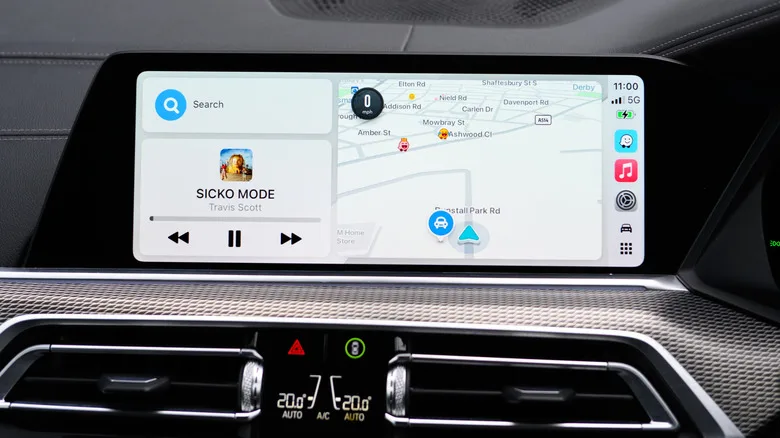
Apple’s own documentation draws the line pretty clearly. Lossless Apple Music playback in CarPlay requires a wired USB connection. Wireless CarPlay does not deliver that same lossless path, even if the song on your iPhone started life as a lossless file.
Wired Apple CarPlay audio is the quality option
When an iPhone connects through USB, CarPlay uses LPCM, a format that can carry audio without further lossy compression. That matters for Apple Music subscribers who have enabled Lossless Audio and downloaded or streamed files in Apple’s ALAC format. In plain English: the car gets more of what was in the original recording.
Wireless CarPlay uses AAC-LC for the trip between phone and dashboard. AAC is a capable codec; nobody should pretend it turns every song into an old MP3 ripped from LimeWire. Still, it is lossy compression, meaning it reduces data to keep the wireless system responsive. That reduction can shave away subtle detail, especially in busy tracks with cymbals, acoustic instruments, or wide dynamic range.
Will you hear it? Maybe. Factory speakers in an entry-level crossover, road noise at 70 mph, and a rattling water bottle in the door pocket are not exactly an audiophile listening room. A well-optioned car with a respectable amplifier may make the difference easier to spot. My read is simple: use wireless CarPlay when it makes life easier, but run a cable when you care about Apple CarPlay audio on a longer drive.
Start with the music file, not the dashboard equalizer
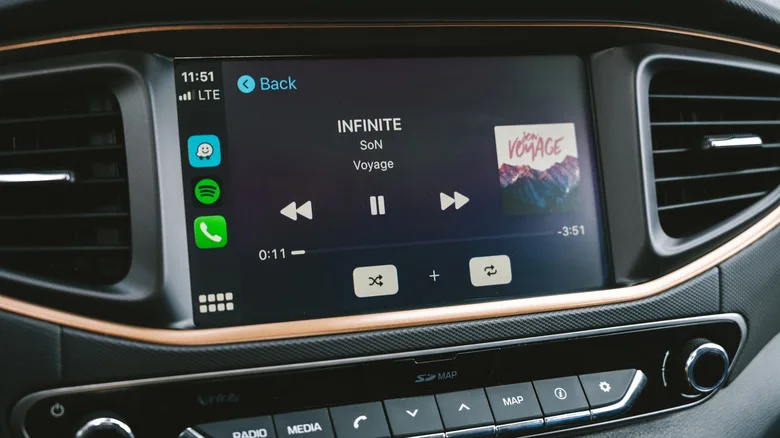
A USB cable cannot rescue a low-quality stream. Mobile data is inherently inconsistent in a moving car: phones hand off between towers, coverage drops, and streaming services may reduce quality to prevent pauses. That behavior is sensible when you’re trying to avoid silence on the highway. It’s less ideal when you’re listening closely.
Download the albums and playlists you actually use before leaving home. Apple Music lets subscribers select download quality, including lossless up to 24-bit/48kHz. If an album was saved before you changed that setting, delete the existing download and fetch it again; otherwise, your iPhone may simply keep the lower-quality copy.
Spotify also offers quality controls and offline downloads for Premium subscribers. Downloaded music, whichever service you use, avoids cellular compromises, eases the pressure on a data plan, and makes Apple CarPlay audio more predictable. The cost is storage. Lossless files are substantially larger, so a 64GB iPhone that is already full of photos and downloaded podcasts may force some unpleasant choices.
Don’t tune your car like it is a pair of AirPods
EQ presets are often the quiet saboteur. A bass boost, late-night setting, or vocal preset that seemed helpful with earbuds can sound strange through car speakers, which already have their own quirks and are positioned all around the cabin. If the sound is boomy, thin, harsh, or oddly distant, reset the software EQ before blaming the vehicle.
On an iPhone, Apple Music’s EQ controls live under Settings, then Apps, Music, then EQ. Try turning it off entirely for a few songs you know well. Also test Sound Check, Apple’s volume-normalization feature, on and off. It tries to prevent large jumps in loudness between tracks, but some listeners prefer the original mastering dynamics.
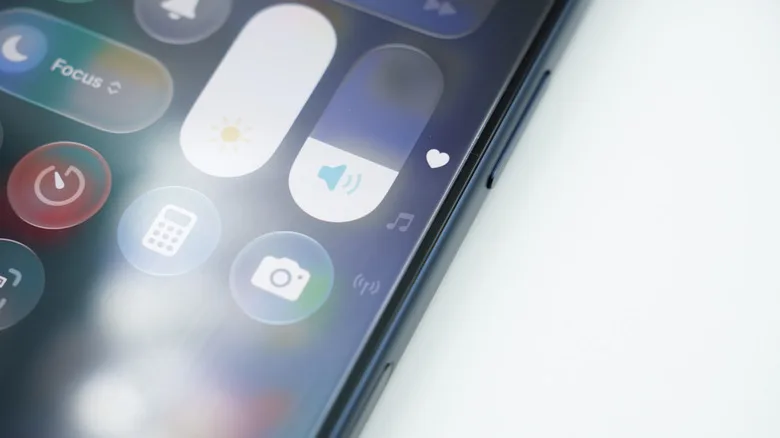
Then adjust the car’s own bass, treble, fader, balance, and surround settings. Do this in small increments. Change one thing, listen, and decide. It sounds painfully obvious, but people regularly alter three settings at once and then have no clue which one made their favorite record sound like it was playing through a shoebox.
When Apple CarPlay audio suddenly goes thin
One problem has nothing to do with lossless formats or equalizers. CarPlay lowers music when Siri or a navigation app speaks, a behavior known as audio ducking. Drivers across Mazda, Ford, Toyota, Subaru, Porsche, and other brands have reported that the music occasionally remains partially ducked after the prompt ends.
The symptom is familiar: volume drops, bass seems to disappear, and the whole track loses weight. Before restarting your phone or blaming the stereo, activate Siri using the steering-wheel button and dismiss it immediately. That can force CarPlay to reset its audio state. It’s not an elegant fix, frankly, and Apple should stamp out a bug that has lingered in driver reports for years.
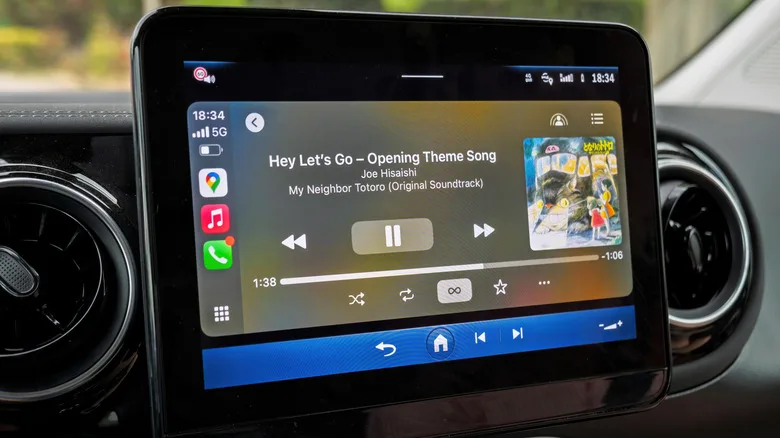
CarPlay has made the car stereo vastly easier to use, but it has also added another layer between music and speakers. The recipe for better Apple CarPlay audio is straightforward: start with good source files, download them before you leave, leave the EQ alone until you know what it is doing, and use a cable when fidelity matters. The bigger question is whether Apple will eventually close the wireless quality gap, or continue treating pristine sound as the price of keeping your phone in your pocket.
Frequently Asked Questions
Does Apple CarPlay audio support lossless music?
Yes, but Apple says lossless playback through CarPlay requires a wired USB connection. With Apple Music, downloaded or streamed lossless tracks can pass over that connection without wireless CarPlay’s additional AAC encoding step, assuming the vehicle hardware supports the signal properly.
Why does wireless CarPlay sound worse than wired CarPlay?
Wireless CarPlay prioritizes convenience and must transmit audio over a Wi-Fi connection, so it uses AAC-LC compression. A USB connection uses LPCM audio instead. The audible difference depends heavily on the car’s speakers, amplifier, road noise, and the listener’s hearing.
Why does my CarPlay music suddenly sound quiet or lack bass?
CarPlay temporarily reduces music volume when Siri or navigation speaks. Some drivers have reported that this audio ducking state occasionally fails to clear. Activating Siri from the steering wheel and dismissing it immediately has been reported as a practical workaround across several vehicle brands.

