

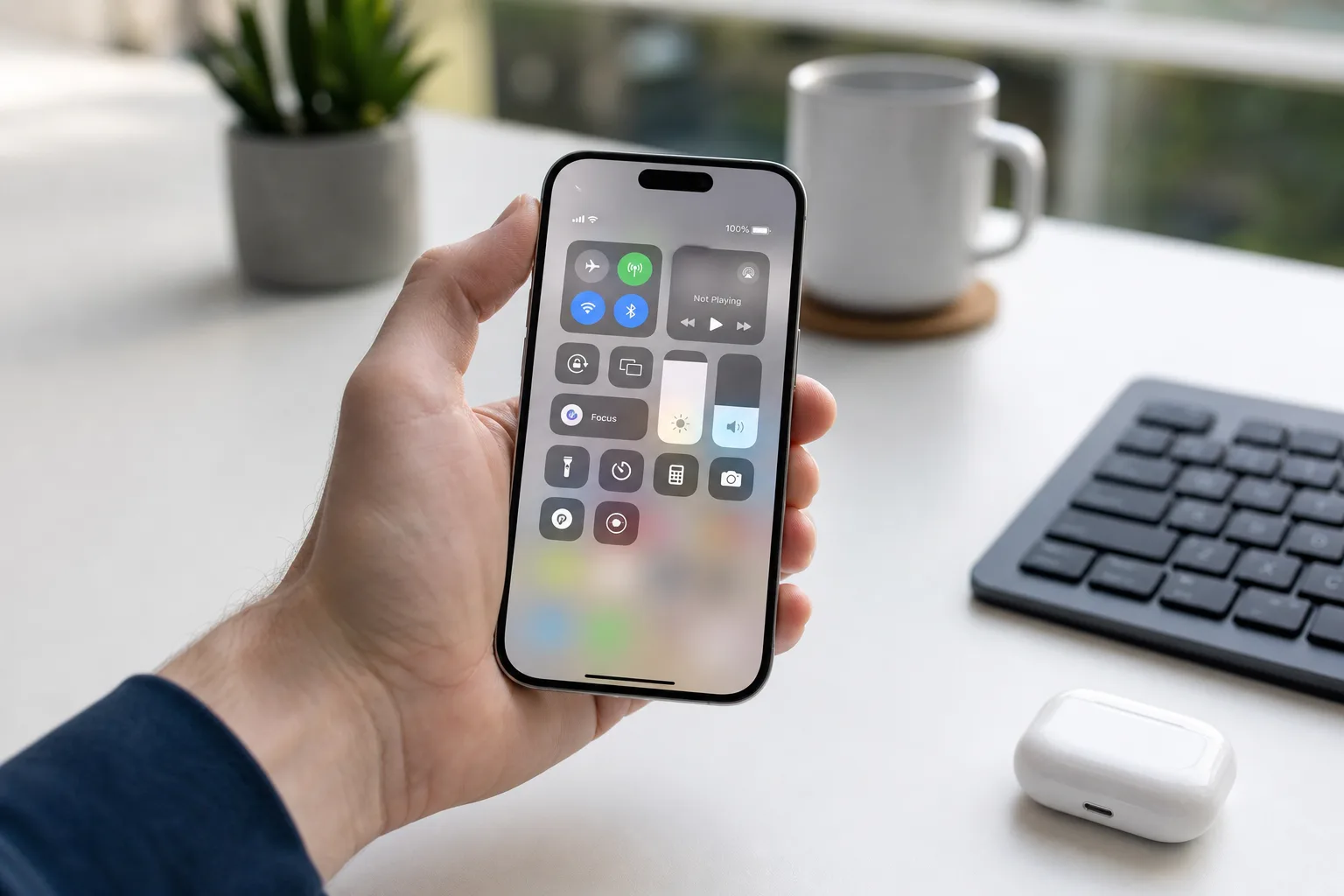
Apple confirmed earlier this year that the iOS 27 public beta would arrive in July, and based on the company’s track record, that window is closing fast. If you’ve been eyeing the new features coming in iOS 27 — the reworked Siri, the Liquid Glass design overhaul, the deeper child safety protections — now’s the time to make sure your iPhone is ready to take the plunge.
- The iOS 27 public beta is expected to drop before the end of July, based on Apple’s consistent release history since 2022.
- Installing the iOS 27 public beta is free via beta.apple.com, but backing up your iPhone first is strongly recommended.
- iOS 27 supports iPhone 11 and newer, though Apple Intelligence features require an iPhone 15 Pro or later.
- New iOS 27 highlights include a revamped AI-powered Siri with a waitlist, Liquid Glass design changes, and expanded child safety tools.
Table of Contents
When the iOS 27 Public Beta Will Drop
Apple hasn’t pinned a specific date to the iOS 27 public beta release, but the company’s own history is a reliable enough roadmap. Looking back at the past four major versions: iOS 16’s public beta hit on July 11, 2022; iOS 17 followed on July 12, 2023; iOS 18 landed July 15, 2024; and iOS 26’s public beta arrived a bit later, on July 24, 2025. The pattern holds — somewhere between the 11th and the 24th of July is your window, almost certainly after Apple pushes out its third or fourth developer beta for iOS 27.
If you’re already deep in the developer ecosystem and can’t wait, the iOS 27 developer beta is available right now at no cost — Apple has opened it up to anyone. But patience has its rewards here. Public betas are meaningfully more stable, and most people will want to wait.
How to Install the iOS 27 Public Beta on Your iPhone
Getting the iOS 27 public beta onto your device is a straightforward process, and Apple has streamlined it considerably compared to the old days of downloading configuration profiles through a browser. Here’s how it works:
- Head to beta.apple.com and sign up for the Apple Beta Software Program using your Apple ID — it’s completely free.
- On your iPhone, open Settings, tap General, then Software Update, then Beta Updates.
- Select iOS 27 Public Beta from the list. If you don’t see it immediately, restart your iPhone and check again.
- Follow the on-screen prompts to download and install.
Simple enough — but don’t skip the prep work. Before you do anything else, back up your iPhone. Use iCloud, use Finder on a Mac, use whatever you prefer, but do it. Betas can and do introduce data-affecting bugs, and the inconvenience of restoring from a backup is nothing compared to losing photos, messages, or app data because you rushed in without a safety net.
The Real Risks of Running Beta Software
It’s easy to get swept up in the excitement of new features, but it’s worth being clear-eyed about what you’re signing up for. iOS betas — even public ones — are unfinished software. You may run into apps that crash or refuse to launch entirely. CarPlay compatibility has been a recurring pain point in past betas. Performance can be inconsistent, battery life often takes a hit early in the beta cycle, and some third-party apps simply won’t work until their developers update for the new OS.
The golden rule for anyone serious about using their iPhone day-to-day: run betas on a secondary device. Not everyone has a spare iPhone sitting around, of course. If you’re going to install the iOS 27 public beta on your primary phone, go in with realistic expectations and that fresh backup ready to go.
Which iPhones Support iOS 27 — and the Apple Intelligence Catch
iOS 27 is compatible with the iPhone 11 and later — a fairly generous cut-off that covers most iPhones currently in circulation. If you’re on anything from the iPhone 11 through the latest iPhone 17 lineup, you’re good to install.
The more important asterisk is around Apple Intelligence. Apple’s suite of on-device AI features, including the substantially reworked version of Siri, is locked to the iPhone 15 Pro and newer. That means the iPhone 15 standard, and anything older than the 15 Pro tier, gets iOS 27’s design and core feature changes but misses out on the AI layer that Apple has been pushing as the headline attraction.
Even on supported hardware, access to the new Siri isn’t immediate. Apple has implemented a waitlist for what it’s calling Siri AI — you’ll find the signup inside Settings → Siri once you’re running iOS 27. Apple says it can take several weeks for access to come through, so signing up early in the beta period makes sense if you’re on eligible hardware and want to get ahead of the queue.
What’s Actually New in iOS 27
Beyond the Siri overhaul, iOS 27 brings several meaningful changes that’ll be visible to every user regardless of device. The Liquid Glass design language is the most visually dramatic update iOS has seen in years, applying a translucent, layered aesthetic across system UI elements, menus, and control surfaces. Whether you love it or find it distracting will depend on personal taste, but there’s no denying it’s a significant departure from the look iOS has carried since iOS 7.
Apple is also expanding its child safety features in iOS 27, building on work it’s been doing in this area for several years. The specifics are still being refined through the beta process, but the direction is consistent with Apple’s broader push to make its platforms safer for younger users — something that’s become an increasingly prominent part of how Apple talks about iOS to regulators and the public alike.
Performance improvements round out the package — though that’s a claim Apple makes with every major release, and the beta period is usually when we find out how much of that is marketing and how much is measurable. The iOS 27 public beta will be the first real test for most users outside Apple’s own labs.
Should You Actually Install It?
Here’s the honest answer: it depends on how much the new features matter to you, and how much disruption you’re willing to absorb. If you’re primarily curious about Liquid Glass or the new app-level features and you’re not on an iPhone 15 Pro or newer, the Apple Intelligence angle is largely off the table for you anyway. In that case, waiting for the iOS 27 stable release might be the smarter move — you’ll get the same features without the rough edges.
On the other hand, if you’re on a 15 Pro or iPhone 16 and genuinely want early access to the new Siri and the AI tools Apple has been building toward for the past two years, joining the iOS 27 public beta now gets you into the waitlist earlier. Given Apple’s stated multi-week rollout timeline for Siri AI access, every day of head start potentially matters.
The beta program has matured considerably since the chaotic early days of iOS public betas. Apple’s quality bar for what it ships to non-developers has risen, and the enrollment process is friction-free. But software that isn’t finished isn’t finished — and anyone who tells you otherwise is selling something. Back up. Install on a secondary device if you can. And enjoy the preview of where iOS is heading before the rest of the world gets there in the autumn.
Frequently Asked Questions
When exactly will the iOS 27 public beta be released?
Apple hasn’t given a specific date, but based on history — iOS 16 through iOS 26 all launched their public betas between July 11 and July 24 — the iOS 27 public beta should arrive sometime this month. It typically follows the third or fourth developer beta.
Is the iOS 27 public beta safe to install on my main iPhone?
Public betas are generally more stable than developer betas, but they still carry real risks — including app crashes, performance problems, and CarPlay issues. Backing up your iPhone before installing beta software is highly recommended, and relying on a secondary device altogether is always a good idea if possible.
Which iPhones are compatible with iOS 27?
iOS 27 runs on iPhone 11 and newer. However, Apple Intelligence features — including the new AI-powered Siri — are restricted to iPhone 15 Pro and newer models. The upgraded Siri also has a waitlist, so access isn’t instant even on supported hardware.
How do I join the Siri AI waitlist in iOS 27?
Open the Settings app on a device running iOS 27, tap on Siri, and you’ll see the option to join the waitlist. In some cases, it can take a few weeks to receive access, so signing up early is worth doing even if you’re not in a rush.

