

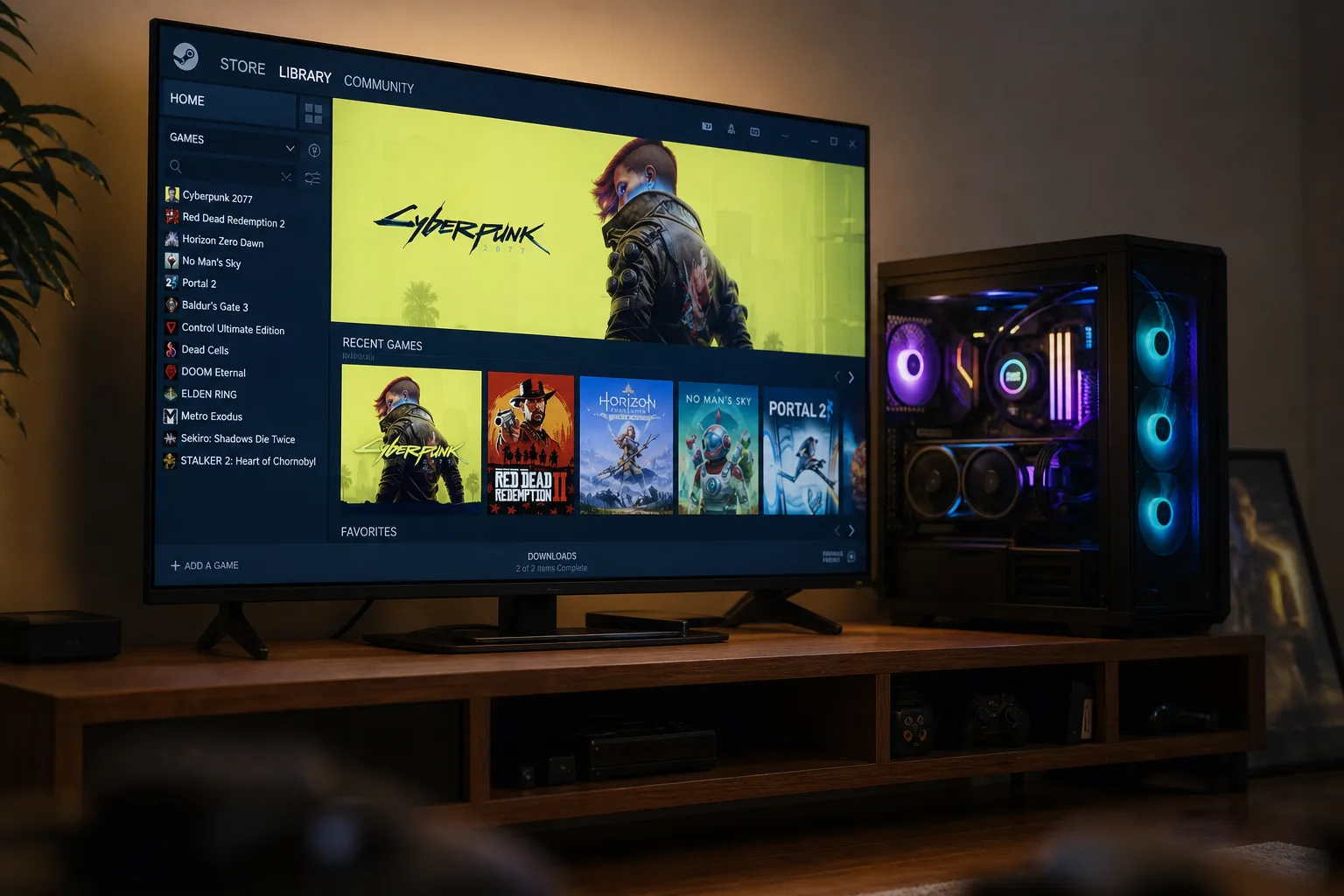
Valve has quietly done something that could matter far more than the Steam Machine itself: confirmed that SteamOS on PC is now officially on the table. Starting with SteamOS 3.8 — which shipped last week — gamers can build their own Steam Machine using whatever PC components they already own or choose to buy. That’s a significant shift in how Valve is positioning its Linux-based operating system, and it has real implications for anyone eyeing that $1,049 starting price tag on the official hardware.
- SteamOS on PC is now officially supported from version 3.8, letting gamers build a custom Steam Machine with any parts.
- Running SteamOS on PC is currently best suited to single-boot setups connected to a TV, similar to a docked Steam Deck.
- Valve is working with NVIDIA to bring full driver support to SteamOS, though it may not arrive this year.
- A dedicated SteamOS installer is in development, which would replace the current Steam Deck recovery image workaround.
Table of Contents
What SteamOS 3.8 Actually Changes
For a while now, installing SteamOS on non-Steam Deck hardware has technically been possible, but it’s been the kind of process that only the most committed Linux enthusiasts would attempt. You’d need the Steam Deck recovery image, a willingness to wipe your drive completely, and a reasonable tolerance for things not working. It wasn’t something Valve was shouting about.
That’s changed. Valve has told The Verge that SteamOS 3.8 marks the point where running SteamOS on PC becomes a genuinely supported path — not just a community hack. Valve engineer Pierre-Loup Griffais confirmed the company’s position directly: gamers can now build their own version of the Steam Machine using ‘whatever PC parts’ they want. Those three words carry a lot of weight. Valve isn’t prescribing a hardware configuration. It’s opening the door.
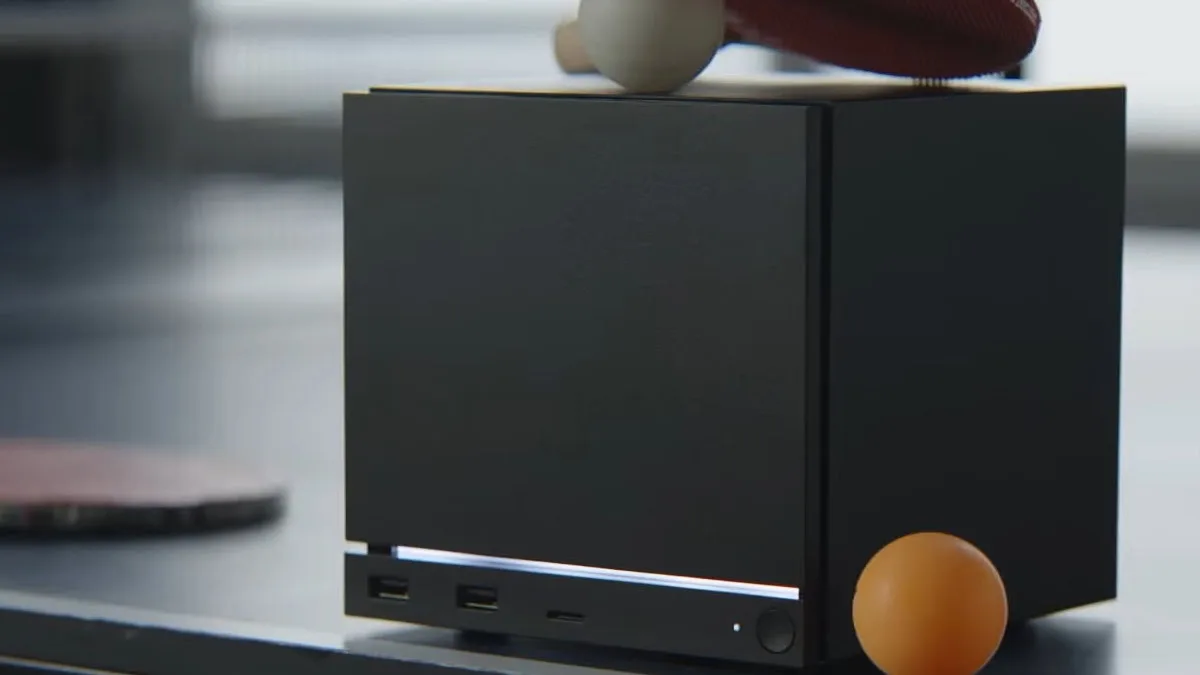
The practical limitations are still real, though. At the moment, Griffais recommends SteamOS on PC specifically for what he calls ‘console-type hardware’ — a PC plugged into a TV, running on a single dedicated boot drive. His framing is telling: he describes this setup as being ‘very similar to a Steam Deck docked or a Steam Machine.’ So the target user here isn’t someone who wants to dual-boot SteamOS alongside Windows 11 on their main gaming rig. It’s someone who wants a dedicated living-room machine without the official Steam Machine’s price tag attached.
The NVIDIA Problem Valve Is Finally Addressing
One of the biggest blockers for broader SteamOS on PC adoption has always been NVIDIA. The platform has historically leaned heavily on AMD’s GPU drivers, which are open-source and integrate cleanly into Linux. NVIDIA’s proprietary driver situation on Linux has been… complicated. Anyone who’s tried to get a GeForce card running smoothly on a Linux distro in the past five years knows exactly what that means.
Griffais acknowledged this directly, saying a ‘growing team’ at Valve is actively working on NVIDIA driver support for SteamOS, and that they’re ‘collaborating with NVIDIA very closely.’ That’s more concrete language than Valve has used before on this topic. It suggests this isn’t just an item on a distant roadmap — there are people working on it now.
The caveat? Griffais was careful to say support ‘may not land this year.’ So NVIDIA users who want to run SteamOS on PC shouldn’t hold their breath for a 2025 solution. For now, AMD-based builds — either Ryzen APUs or discrete Radeon cards — are the practical choice if you want a smooth experience. That’s not a deal-breaker, but it does narrow the field considerably when you account for how many gaming PCs are built around NVIDIA hardware.
SteamOS on PC vs. Buying the Steam Machine
Let’s be honest about what’s driving interest here. The official Steam Machine, which Valve opened reservations for this week, starts at $1,049. That’s not a throwaway purchase. For a significant portion of PC gamers — particularly those who already have capable hardware sitting in their living rooms — the economics of buying a dedicated Steam Machine are hard to justify.
If you’ve got a mid-range gaming PC that mostly lives under a desk and rarely gets used, turning it into a SteamOS machine by wiping a spare drive and connecting it to your TV is a genuinely appealing alternative. You get the same couch-friendly Steam interface, the same library, the same experience Valve is marketing with the Steam Machine — without spending over a grand to get there.
It’s worth comparing this to what Sony and Microsoft have built with their console ecosystems. Neither has ever been particularly interested in letting you replicate their experience on arbitrary hardware. Valve’s willingness to make SteamOS on PC a first-class option is a fundamentally different philosophy — one that treats the operating system as the product, not the box it ships in. That’s a bet on software and ecosystem over hardware margins, and it’s consistent with how Valve has always operated.
What’s Still Missing: The Installer Problem
Here’s the friction point that Valve hasn’t solved yet. Getting SteamOS on PC right now means using the Steam Deck recovery image as your installation method. That’s functional, but it’s awkward — it’s designed for recovering a Steam Deck, not for setting up a fresh desktop system. Anyone who’s flashed a drive image before can manage it, but it’s not the kind of experience that scales to mainstream adoption.
Griffais hinted that this won’t be the permanent solution. A dedicated SteamOS installer is apparently in the works — something that would make the process closer to installing Ubuntu or Windows than recovering a handheld console. No timeline was given, but the fact that it’s being discussed publicly suggests it’s a real priority rather than a vague aspiration.
In the meantime, the advice from Valve is straightforward: back everything up before you start. The installation process requires a full drive wipe, which means anything you haven’t backed up is gone. That’s standard operating procedure for any OS install, but it’s worth stating clearly for anyone who’s never done this before.
The Bigger Picture: Is SteamOS Becoming a Real Windows Alternative?
Reading between the lines of everything Griffais said, there’s a clear trajectory here. Valve wants SteamOS on PC to eventually be hardware-agnostic — running cleanly on AMD or NVIDIA GPUs, on any configuration a gamer might put together. That’s a much larger ambition than supporting a single piece of first-party hardware.
The timing is interesting. Microsoft has spent the last year making moves that have frustrated parts of the PC gaming community — from aggressive Windows 11 upgrade nudges to the ongoing Recall controversy to broader questions about where gaming fits in Microsoft’s long-term priorities. Steam, meanwhile, remains the dominant PC gaming platform with a massive user base. Valve has the user base. It has the library. What it’s been missing is a credible operating system story for desktop hardware.
SteamOS 3.8 doesn’t complete that story. But it does begin writing a new chapter. If Valve can deliver clean NVIDIA support, a proper installer, and reliable performance on a wide range of PC hardware — and if the company keeps iterating at the pace it’s been moving with the Steam Deck — then SteamOS on PC starts to look like something genuinely disruptive to the Windows gaming monopoly. Not this year. But the foundation is being laid.
Frequently Asked Questions
Can I install SteamOS on PC right now?
Yes, SteamOS on PC is possible from version 3.8 onwards using the Steam Deck recovery image. However, the process requires wiping your drive entirely, so a full data backup is essential before you start. Valve recommends pairing it with a TV in a single-boot setup for the best experience.
Does SteamOS support NVIDIA graphics cards?
Not yet in any meaningful way. Valve’s Pierre-Loup Griffais confirmed the company is collaborating closely with NVIDIA on driver support, but cautioned that it may not land this year. For now, AMD hardware offers the smoothest SteamOS experience.
How much does the official Steam Machine cost compared to building your own?
The official Steam Machine starts at $1,049. Building your own PC and installing SteamOS on it can be significantly cheaper, depending on the parts you already own — which is precisely why Valve’s announcement is attracting so much attention from the gaming community.
What kind of PC setup works best for SteamOS on PC?
Valve’s Pierre-Loup Griffais recommends a console-style configuration — a PC connected to a TV, running SteamOS on a dedicated single-boot drive. He describes the result as ‘very similar to a Steam Deck docked or a Steam Machine,’ with some hardware-dependent caveats.

