

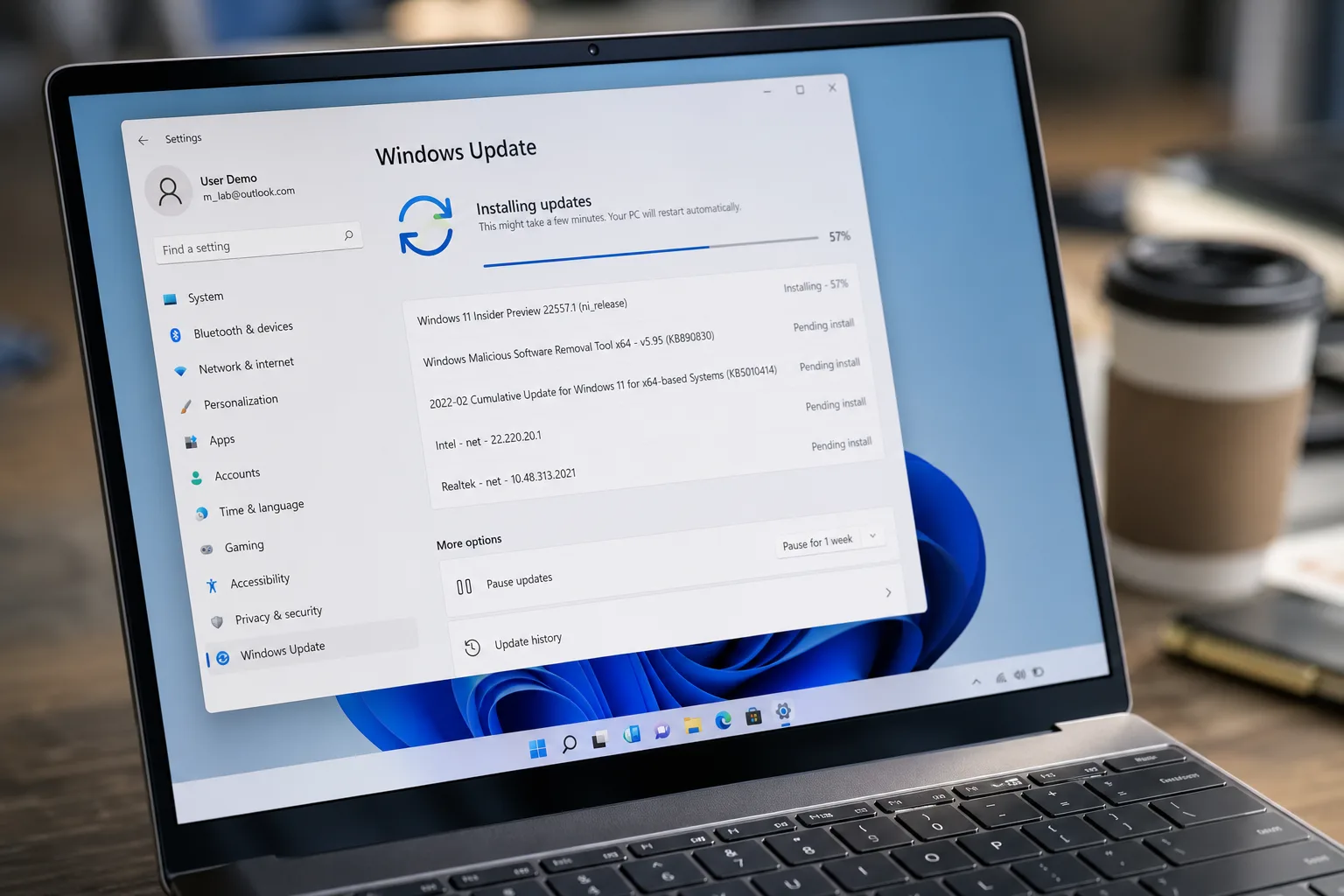
- The Windows 11 update for June introduces a low-latency CPU profile that speeds up Start Menu and app launches noticeably.
- This Windows 11 update patches a staggering 206 security vulnerabilities, including a near-perfect 9.8-severity kernel exploit.
- Windows Search now surfaces results after just two characters, making keyboard-driven app launching significantly faster.
- New features include multi-app camera support, Shared Audio for two Bluetooth LE devices, and NPU monitoring in Task Manager.
Table of Contents
The Windows 11 Update Microsoft Should Have Shipped Sooner
The June Windows 11 update — landing in Windows Update as KB5094126 — is one of the most substantive Patch Tuesday drops Microsoft has pushed in a long time. It’s not just a routine security sweep. There’s a genuine performance improvement here that a lot of frustrated users have been quietly waiting for, wrapped inside a patch bundle that also happens to fix 206 security vulnerabilities. That’s not a typo. Two hundred and six.
For anyone who’s watched Windows 11 accumulate a reputation as a bloated, slow, and aesthetically confused successor to Windows 10, this Windows 11 update reads almost like an apology letter — one written in C++ rather than prose. Microsoft has spent the better part of the past year taking its flagship OS back to the woodshed, and the June drop is where a lot of that work starts to show up in a tangible way.
The Low-Latency Profile: Small Trick, Big Difference
The headliner feature of this Windows 11 update is something called the low-latency profile, and the concept is elegantly simple. When you click to open a system element — the Start Menu, the Action Center, the Search overlay — the CPU immediately spikes to its maximum clock speed for a second or three, then drops right back down to its idle state. That’s it. No sustained performance hit, no battery drain, just a brief burst of headroom exactly when the system needs it most.
Previously, Windows 11 handled these launches the same way it handled a sustained workload: the CPU would ramp up reactively, following the load as it increased. For lightweight tasks like opening a flyout menu, that ramp-up lag was often the entire delay. You’d click the Start button and wait, sometimes for a full two or three seconds, while the CPU caught up to what you’d already asked it to do. It’s the kind of friction that feels trivial in isolation but becomes genuinely maddening when you hit it thirty times a day.
It’s worth saying that the low-latency profile isn’t being enabled for every machine simultaneously. Microsoft is rolling it out gradually, which is standard practice for features that interact this closely with hardware. If you want to check whether it’s active on your system, open Task Manager and watch the CPU frequency graph while you click on a system element — a sharp, brief spike confirms it’s working. Third-party tools like HWiNFO64 give you a more granular real-time view if you prefer that route.
Start Menu and Search Finally Get Respect
The low-latency profile is the most visible piece of a broader effort Microsoft has been making on the Start Menu over the past several months. The Start Menu in Windows 11 has been a particular sore point — widely criticised for removing features that power users relied on in Windows 10, then receiving incremental improvements that never quite reached the finish line. The June Windows 11 update acts as something of a capstone on that work, making the whole experience feel tighter and more immediate.
And there’s more coming. According to reporting by Neowin, a future public build will let users remove or add every individual section of the Start Menu — including the option to strip it back so completely that opening it shows nothing but a message reading, ‘All Start sections are turned off.’ User-configurable Start Menus in 2026 shouldn’t feel like a milestone, but here we are. The fact that Microsoft is finally moving in this direction suggests the company has accepted that rigid, opinionated defaults are part of why Windows 11 adoption has lagged among enthusiasts and power users.
Windows Search gets a meaningful improvement in this Windows 11 update too. Results will now begin appearing after just two characters are typed — down from the longer strings previously required before the index kicked in. For anyone who uses the Start key as a quick app launcher (which, if you’re not doing this, you’re slowing yourself down), that change alone justifies installing the update promptly.
Windows 11 Update Brings New Features Worth Caring About
Beyond the performance work, the June drop includes a handful of new capabilities that aren’t just checkbox features.
Multi-app camera support is the most practically useful addition for a lot of people. Windows previously enforced a fairly strict one-app-at-a-time rule on webcam access. Now, with this Windows 11 update, you can be on a video call in Teams or Zoom while simultaneously running another app that uses the camera — say, a photo utility or a streaming tool. It’s the kind of thing that Mac users have taken for granted for a while, and its absence on Windows was a genuine workflow irritant.
Shared Audio is the other notable addition. Using Bluetooth LE Audio, Windows can now broadcast to two pairs of headphones or earbuds simultaneously. This isn’t a new concept — Apple introduced SharePlay audio sharing via AirPods some time ago — but it’s a welcome arrival on Windows for anyone who wants to watch something with a partner without hunting for a headphone splitter.
There’s also a small but surprisingly satisfying quality-of-life fix in this Windows 11 update: you can now name your user folder anything you like during a fresh Windows installation. This has been an absurdly longstanding limitation — Windows would generate a user folder name from your Microsoft account details and then make it awkward to change. Trivial in the grand scheme, but the kind of thing that makes a clean install feel a little less like a fight.
For machines with dedicated NPU silicon — the AI processing chips that ship in Copilot+ PCs — Task Manager now includes monitoring tools so you can actually see what your NPU is doing. As AI-accelerated features become more common in Windows, having visibility into that workload is genuinely useful rather than just cosmetic.
Microsoft Store downloads and app update speeds also get a bump in this Windows 11 update. Slow Store downloads have been a persistent complaint, and while the fix likely won’t feel as dramatic on a fast connection, users on variable or throttled connections should notice a difference.
206 Security Patches, Including a Near-Maximum Severity Exploit
None of the feature work matters much if the OS is porous, and Microsoft clearly knows it. The security component of this Windows 11 update is, bluntly, enormous. Fixing 206 vulnerabilities in a single Patch Tuesday is one of the higher patch counts in recent memory, covering a spread of threat types: privilege escalation, remote code execution, information disclosure, and spoofing, among others.
The most alarming single entry is CVE-2026-45657 — a kernel-level remote code execution vulnerability carrying a CVSS threat score of 9.8 out of 10. To put that in context, a score of 10.0 represents a perfect storm of severity, exploitability, and impact. A 9.8 kernel RCE is the kind of vulnerability that keeps enterprise security teams working through the weekend. The fact that it’s now patched is good news, but its existence is a reminder of how much attack surface a modern OS carries.
Microsoft has been candid about why patch counts are climbing. In a May blog post, the company acknowledged that AI is accelerating vulnerability discovery on both sides of the fence. Security researchers — and attackers — can now run penetration testing and fuzzing at a scale and speed that wasn’t previously possible. White-hat researchers are finding more flaws faster, which means more patches. But the same tools are available to the people trying to exploit those flaws, which means the pressure on Microsoft’s security response teams is only intensifying.
That’s a dynamic that isn’t unique to Microsoft — every major platform vendor is navigating the same reality. But given Windows’ ubiquity across enterprise environments, the stakes are higher than they are for most. Staying current with each Windows 11 update isn’t optional anymore; it’s baseline hygiene.
If the trend continues — more meaningful UX work paired with genuinely aggressive security patching — Windows 11 might yet win back the users who quietly kept a Windows 10 install running rather than upgrade. Microsoft has a long way to go to repair its reputation with that crowd, but the June Windows 11 update is, at minimum, a coherent step in the right direction.
Frequently Asked Questions
What is the KB number for the Windows 11 update released in June?
The June Windows 11 update is identified as KB5094126, covering OS Builds 26200.8655 and 26100.8655. You can find and install it through Windows Update on eligible Windows 11 devices.
How does the Windows 11 update low-latency profile actually work?
When you click to open a system element like the Start Menu or Action Center, the CPU immediately jumps to its maximum clock speed for a second or three, then drops back down. This gives just enough headroom to eliminate the sluggish ramp-up that previously caused delayed launches.
How many security vulnerabilities did the June Windows 11 update fix?
Microsoft patched 206 security vulnerabilities in the June update. Many were rated critical or severe, covering threats such as privilege escalation, remote code execution, and spoofing. One kernel-level flaw, CVE-2026-45657, carried a threat score of 9.8 out of 10.
Will the low-latency profile be turned on automatically after installing the update?
Not necessarily. Microsoft is rolling the low-latency profile out gradually, so it may not be active immediately for all users. You can verify whether it’s enabled by watching for brief CPU spikes in Task Manager or a tool like HWiNFO64 when opening system elements.
What new features does the June Windows 11 update add beyond performance fixes?
The update adds multi-app camera support, Shared Audio for two Bluetooth LE headphones simultaneously, the ability to rename your Windows user folder during setup, and new NPU monitoring tools in Task Manager for devices with dedicated AI chips.

