

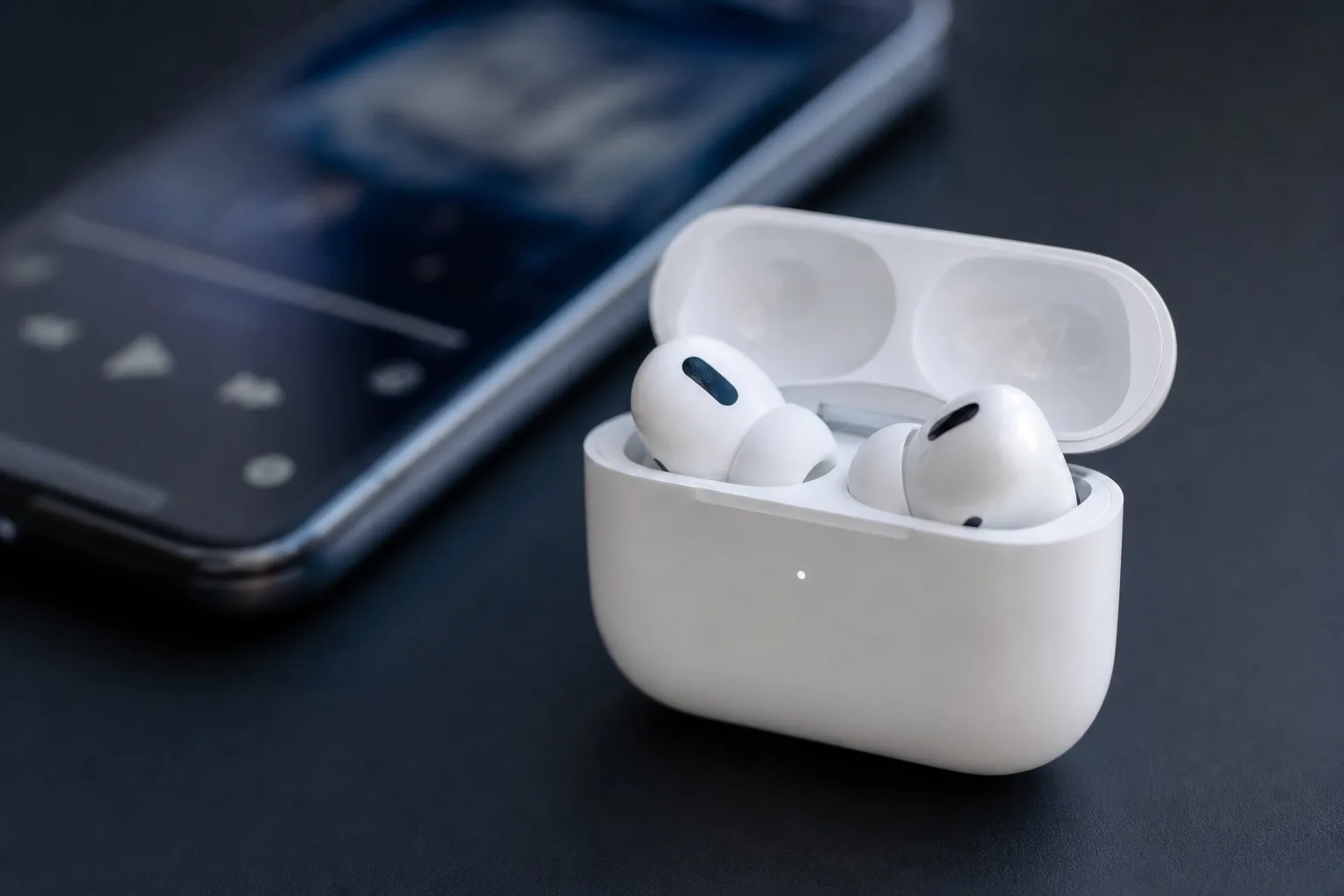
Apple has quietly pushed a new firmware update for the Beats Studio Buds that fixes a real security problem — and if you own a pair, you’ll want to make sure it’s installed. The Beats Studio Buds Bluetooth vulnerability, addressed in firmware version 1B211, could have allowed a nearby attacker to tap into the earbuds’ microphone without the owner ever knowing. It’s a narrow attack window, but the kind of flaw that tends to make security researchers — and users — uncomfortable.
Table of Contents
What the Beats Studio Buds Bluetooth Vulnerability Actually Did
Apple’s security support documentation describes the issue plainly: a bug that could allow an attacker within Bluetooth range to listen through the microphone of an affected device. That’s about as direct as it gets. The catch — and it’s an important one — is that the Beats Studio Buds Bluetooth vulnerability was only exploitable under a specific condition: the Studio Buds had to be unpaired and actively broadcasting a pairing request.
In practical terms, that means the risk window opened up whenever someone pulled their earbuds out of the box for the first time, performed a factory reset, or otherwise found themselves with a set of earbuds in discovery mode. Not an everyday scenario for most users, but not a theoretical edge case either. Anyone who has reset their earbuds to troubleshoot a connection issue, handed them to a family member, or resold them has been in exactly this position — and unknowingly exposed to the Beats Studio Buds Bluetooth vulnerability during that window.
An attacker would need to be physically nearby — within standard Bluetooth range, typically around 10 metres in open space — and would need to catch the earbuds in that unprotected pairing window. That combination of requirements limits the real-world risk of the Beats Studio Buds Bluetooth vulnerability considerably. But in a crowded environment like an airport, a coffee shop, or a retail store where someone might be setting up a new device, the exposure isn’t purely hypothetical.
The Open-Source Code Problem at the Root of It
Here’s where things get more interesting from a broader software security perspective. Apple confirmed that the bug behind the Beats Studio Buds Bluetooth vulnerability originated in open-source code, and that Apple Software — not just Beats hardware — was among the affected projects. That detail matters. When a vulnerability lives in shared, open-source components, the blast radius is rarely contained to a single product. Every downstream project that depends on that code inherits the flaw until someone patches their implementation.
This is a well-documented tension in modern software development. Open-source components accelerate development enormously, but they also create shared liability. The Common Vulnerabilities and Exposures (CVE) database is littered with examples of vulnerabilities in foundational libraries — OpenSSL, Log4j, and others — that cascaded across thousands of products precisely because so many projects relied on the same underlying code. Apple’s situation here is smaller in scale, but the mechanism is identical.
The fact that Apple acknowledged the open-source origin in its security documentation suggests there may be additional patches landing across other products that draw from the same codebase. It’s worth watching whether related advisories follow over the coming weeks, particularly for any products that share the same components implicated in the Beats Studio Buds Bluetooth vulnerability.
How to Update and Fix the Beats Studio Buds Bluetooth Vulnerability
The good news is that patching the Beats Studio Buds Bluetooth vulnerability is simple, and unlike updating firmware on some hardware, it doesn’t require downloading anything manually or navigating developer menus. Apple has made the process automatic — provided you set up the right conditions.
- Pair your Studio Buds with an iPhone, iPad, or Mac if they aren’t already.
- Place the earbuds in their charging case — they need to be charging for the update to install.
- Keep the case within Bluetooth range of the paired device while the update downloads and applies.
That’s genuinely it. There’s no app to open, no button to press. The firmware transfers over Bluetooth while the buds sit on charge, and the next time you open the case they’ll be running 1B211 — closing the Beats Studio Buds Bluetooth vulnerability for good. You can confirm the firmware version by going to Settings on an iPhone, tapping Bluetooth, and selecting the info icon next to your Studio Buds.

For users who haven’t connected their Studio Buds to a device in a while — which is surprisingly common with secondary pairs or earbuds that have been lent out — the update won’t install until that Bluetooth pairing is re-established. If you have a pair sitting in a drawer, now is a reasonable time to dig them out and get them current, since an unconnected pair remains unpatched against the Beats Studio Buds Bluetooth vulnerability.
Why Earbuds Security Deserves More Attention
There’s a tendency to treat firmware updates for audio accessories as routine housekeeping — small quality-of-life fixes, maybe a tweak to noise cancellation tuning. A vulnerability that enables microphone access is a different category of problem, and it’s a reminder that earbuds are, at their core, always-on microphones that travel everywhere with you. The Beats Studio Buds Bluetooth vulnerability illustrates exactly why that matters.
The Beats Studio Buds aren’t unique in this regard. Virtually every set of modern wireless earbuds — from Apple’s own AirPods to Sony’s WF-1000XM series to Samsung’s Galaxy Buds — runs firmware that can contain bugs. Security researchers have previously demonstrated Bluetooth-based attacks against a range of consumer audio devices, and the category has historically received less scrutiny than smartphones or laptops despite the obvious microphone access those devices provide.
Bluetooth security specifically has had a rough few years. Researchers have documented attack classes like BIAS (Bluetooth Impersonation AttackS) and BLESA (Bluetooth Low Energy Spoofing Attack) that exploit weaknesses in how devices handle authentication during connection setup — exactly the phase where the Beats Studio Buds Bluetooth vulnerability was exploitable. These aren’t obscure academic exercises; they’ve been demonstrated against real consumer hardware in realistic environments.
Apple deserves credit for the transparency here. Publishing a security support document that describes what the bug did — rather than burying it in vague release notes — is the right approach. Users can make an informed decision about how urgently they need to act. And for a vulnerability tied to the unpairing window, most people who keep their earbuds connected day-to-day aren’t in imminent danger. But that doesn’t mean indefinitely delaying the fix for the Beats Studio Buds Bluetooth vulnerability is sensible.
The Bigger Picture for Beats and Apple’s Accessory Ecosystem
Beats has gone through a significant transformation since Apple acquired the brand. The product line has become more tightly integrated with Apple’s ecosystem, with features like Automatic Switching, on-device Siri access, and proximity-based pairing that the original Beats lineup never offered. That deeper integration brings real user benefits — but it also means Beats devices are running more complex firmware, handling more sensitive operations, and exposing more potential attack surface than a simpler Bluetooth speaker ever did. The Beats Studio Buds Bluetooth vulnerability is a direct consequence of that added complexity.
The Studio Buds specifically sit in an interesting position. They’re one of the few Beats products that work equally well with Android devices, which means they’re carried by a broader, more mixed audience than something like the AirPods Pro. Security vulnerabilities in accessories that span both ecosystems tend to have wider implications, even when the fix itself comes from Apple’s side of the equation.
Firmware 1B211 closes this particular door. But the episode reinforces a broader point about accessory security that the industry is still catching up to: the smallest device on your person often has the most intimate access to your life, and it deserves the same security scrutiny as the phone in your pocket.
Frequently Asked Questions
What exactly was the Beats Studio Buds Bluetooth vulnerability?
The flaw could allow an attacker within Bluetooth range to listen through the Studio Buds’ microphone. It was only exploitable when the earbuds were unpaired and actively seeking pairing requests — not during normal connected use.
How do I install the Beats Studio Buds firmware update 1B211?
Pair your Studio Buds with an iPhone, iPad, or Mac, then place them in their charging case while keeping them in Bluetooth range of that device. The firmware update downloads and installs automatically — no manual trigger is needed.
Was this vulnerability being actively exploited before the patch?
Apple’s security document does not indicate any active exploitation in the wild. The practical attack window was also relatively narrow, requiring the earbuds to be unpaired and in pairing mode while an attacker was physically nearby.
Why did the bug affect open-source code and other Apple projects?
The flaw resided in shared open-source code used across multiple Apple software projects, not just Beats hardware. When a vulnerability lives in a shared library or component, any project that depends on it inherits the same risk until a patch is applied.

