

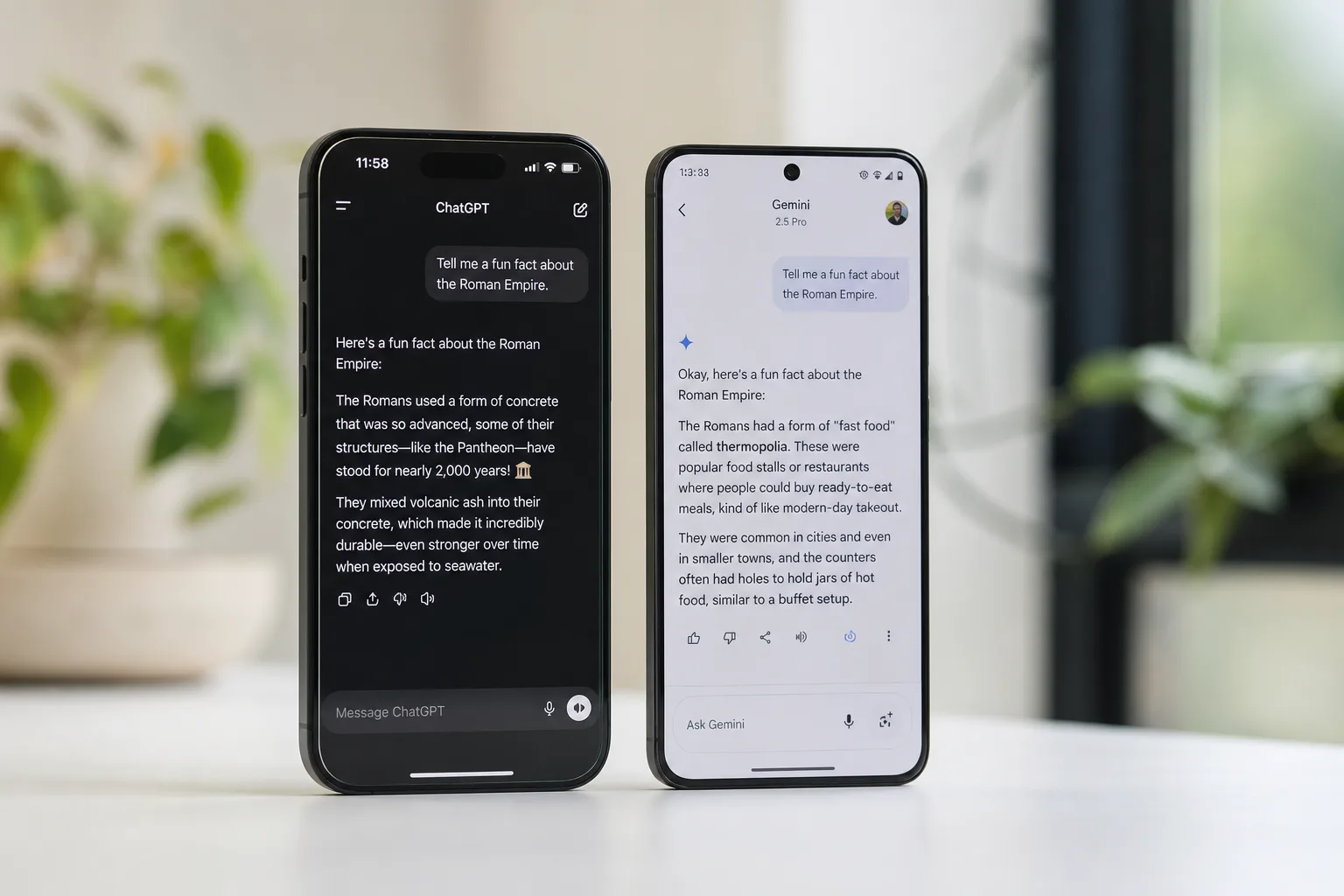
- The Gemini vs Claude debate sharpens as Google copies Anthropic’s frustrating five-hour usage limit for paid users.
- In the Gemini vs Claude comparison, Claude consistently delivers more accurate responses and hallucinates far less often.
- Claude’s third-party integrations and granular permissions give it a clear practical edge over Gemini’s Google-centric walled garden.
- Google fixed the worst compute-drain bugs, but the five-hour window remains and disrupts workflows for heavy users.
Table of Contents
Gemini vs Claude: How Did We Get Here?
The Gemini vs Claude conversation has been running for a while, but it usually centres on quality — which chatbot actually gets things right. Google’s Gemini arrives with every structural advantage imaginable: it’s deeply embedded in Android, it’s multimodal, it can process images and generate video, and it comes pre-loaded on more smartphones than any competitor. Anthropic’s Claude, by contrast, has no hardware moat, no operating system deal, and a free tier that has always been stingy with usage. And yet, for a growing number of serious users, Claude is simply the better tool. What’s remarkable is that instead of closing that gap by improving accuracy or expanding its integrations, Google’s most recent notable change to Gemini was to introduce the one Claude feature users complain about most: a five-hour compute limit.
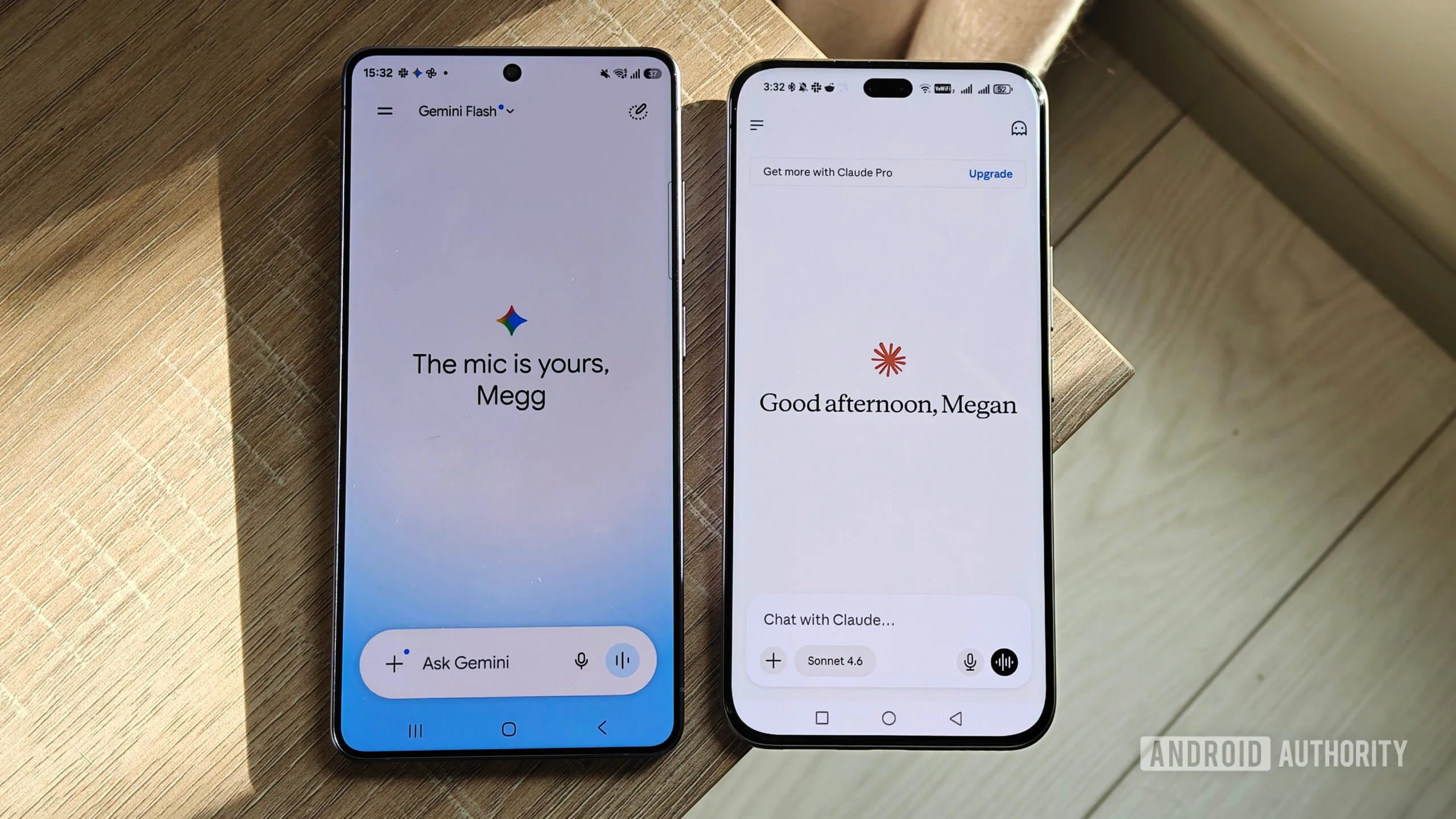
That’s a strange set of priorities. It suggests Google is watching what Anthropic does very carefully — just not always watching the right things. The Gemini vs Claude gap, in other words, isn’t closing in the way most users hoped.
The Accuracy Problem Is Real and Persistent
Ask any regular Claude user why they stick with it and the answer is almost always the same: it gets things right more often. That’s not a trivial distinction when you’re relying on an AI assistant for anything consequential. In any honest Gemini vs Claude accuracy test, the results consistently tilt in Claude’s favour.
The hallucination problem with Gemini isn’t just occasional slip-ups. Users consistently report the chatbot generating confidently wrong information — and then defending it. Ask it to pull figures from a spreadsheet and it may return an incorrect total, insist the maths is sound, and only back down after sustained pushback. That kind of behaviour isn’t just annoying; it actively erodes trust. If you can’t tell when the AI is wrong, its correct answers become less valuable too.
Claude isn’t perfect — no AI is — but it tends to fail more gracefully. It makes fewer confident errors, and when it does get something wrong, it’s generally more willing to acknowledge the mistake without a prolonged argument. For tasks where precision matters, that difference in character is significant.
The gap shows up in creative and structured tasks too. Ask both tools to build a visual schedule of upcoming events and the contrast is stark. Claude produces a usable calendar view. Gemini, in reported tests, has pulled in events from previous years, invented events wholesale, and failed to correct itself even when the errors are pointed out directly — eventually abandoning the visual format entirely and defaulting to plain text. That’s not just inaccuracy; that’s a fundamental failure of the task. It’s a pattern that keeps coming up whenever the Gemini vs Claude question is tested in real-world conditions.
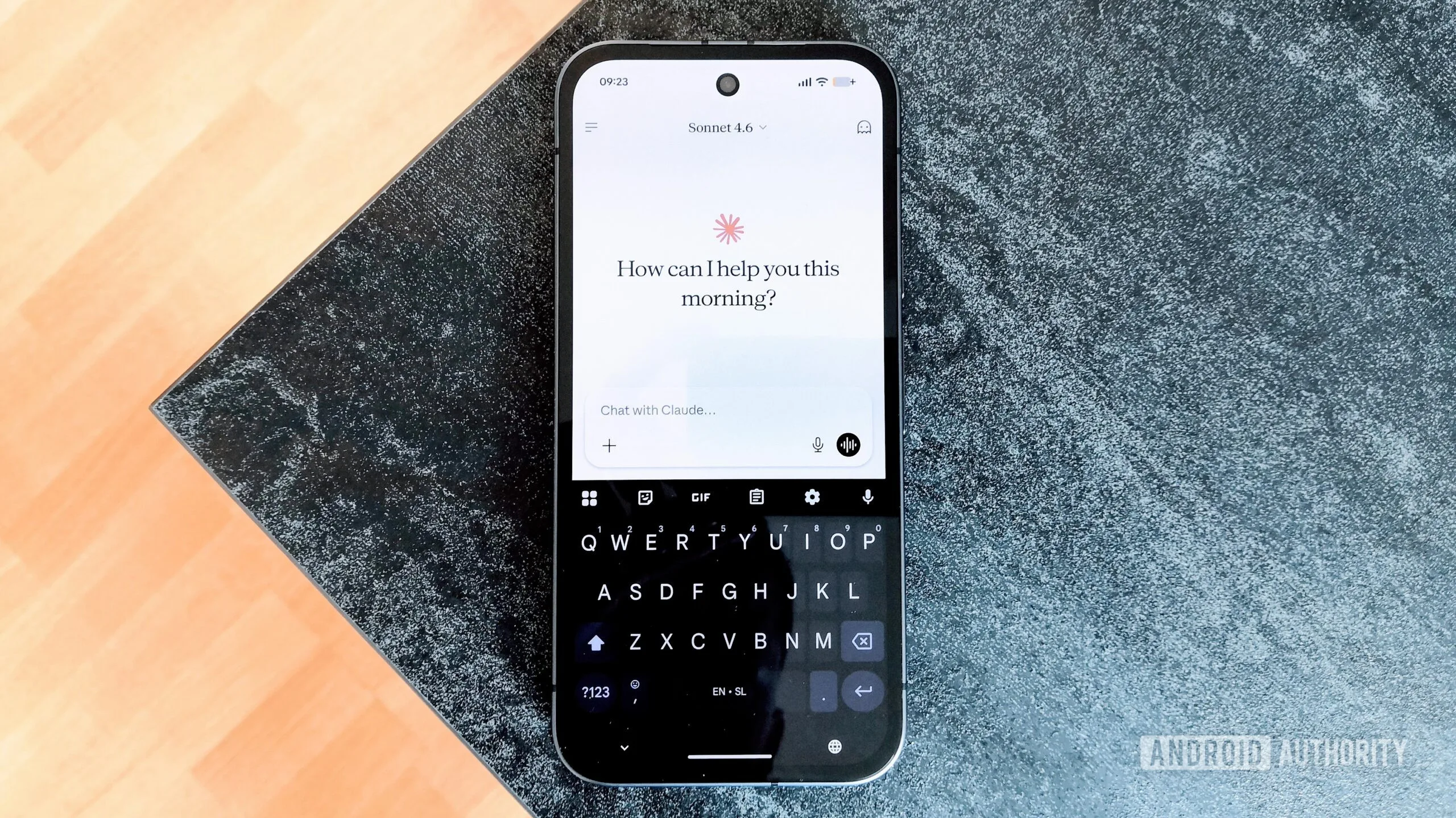
What Claude Actually Does Better — And It’s Not Just Accuracy
Part of the Gemini vs Claude story that gets underplayed is how much Claude does with what it has. Gemini is genuinely multimodal — it can generate images natively, run live audio conversations via Gemini Live, and even use your phone’s camera as a real-time visual input. These are impressive capabilities. But if the underlying responses aren’t reliable, the surface-level features are harder to trust.
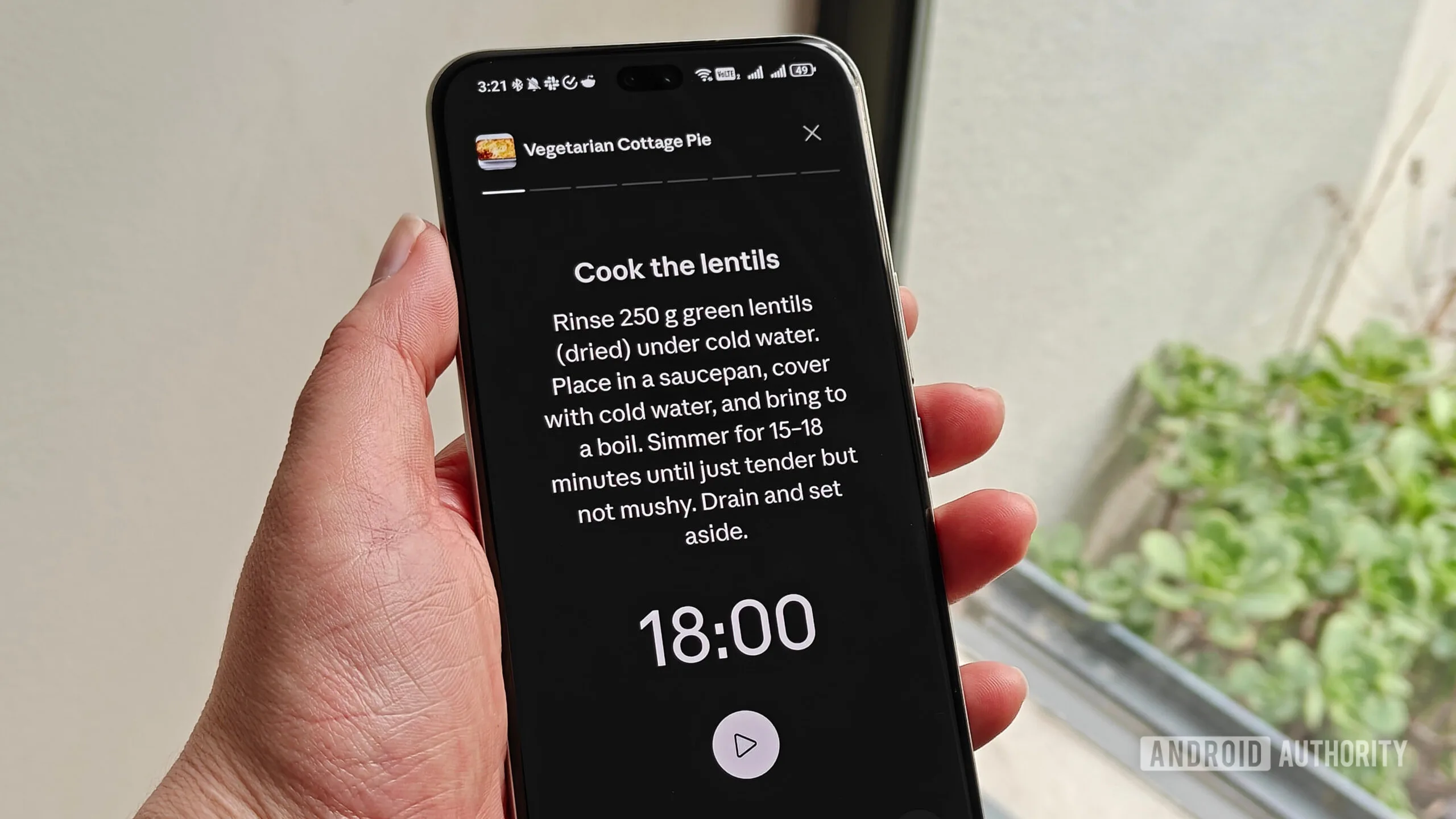
Claude compensates with interactive output formats that are surprisingly practical. Recipe prompts don’t just return a wall of text — they generate a structured card with built-in timers and a focused cooking mode that dims distractions. Ask for a project timeline and you get a visual, scrollable view. Sports scores, weather snapshots, custom charts — Claude’s visual layer is genuinely useful even without native image generation.
The integrations picture is even more telling. Gemini works well if you live inside Google’s ecosystem — Gmail, Google Docs, Google Calendar, Google Keep. That’s a reasonable slice of the market. But for anyone who has drifted toward third-party tools (and plenty of power users have), Gemini starts to feel like a walled garden. The available third-party connections are thin: Canva and Verify AI being the headline options for most accounts. Not exactly a thrilling lineup.
Claude, including on its free plan, supports a much wider range of third-party services — and crucially, offers granular permission controls. You can connect it to a project management tool like Asana with read-only access, so it can pull your tasks without being able to modify anything. Gemini’s current approach is more of a blunt on/off toggle. That distinction matters for anyone with even basic data hygiene concerns. When you weigh up Gemini vs Claude on integrations alone, Claude wins by a considerable margin.
It also shows up in practical planning tasks. Claude can access shared Google Calendar entries from external collaborators; Gemini, in many cases, can only see the primary account calendar. If your work meetings live in a shared calendar — as they do for a lot of people — Gemini simply can’t help you plan your day in any useful way.
Google Copies the One Thing Nobody Wanted Copied
Here’s where things get genuinely frustrating. Claude has real weaknesses, and the most well-documented one is its usage limits. During peak hours, free-tier users can burn through their allocation in just a handful of prompts. It forces you to plan your AI usage around availability — a deeply weird constraint that undermines the whole point of an always-on assistant.
For a while, Gemini felt more generous. It had limits, sure, but they were less punishing in practice. Then Google switched from a simple prompt-count model to a compute-based limit — and introduced a five-hour rolling window that applies even to paying subscribers. The rollout was rough: early reports showed users exhausting their entire allocation after one or two prompts. Google acknowledged the issues and pushed fixes, but the five-hour framework itself stayed in place. From a Gemini vs Claude standpoint, this was a baffling move — Google had a chance to differentiate itself and instead mirrored the exact friction point that drives users away from Claude.
The compute-based approach isn’t inherently unreasonable — more complex queries genuinely cost more to run, and usage-based metering reflects that reality. But the implementation matters enormously. A limit that resets every five hours, rather than daily or weekly, creates choppy, unpredictable workflows. You might sail through a light morning session and then hit a wall mid-afternoon right when you need the tool most. Anthropic users know this feeling well. The question is why Google decided to replicate it rather than learn from the backlash it generated.
What Google Should Actually Be Taking from Anthropic
There’s a version of Gemini that would be genuinely formidable. Take Google’s multimodal capabilities and real-time features — Gemini Live is legitimately impressive — and pair them with Claude’s accuracy, its third-party integration depth, and its permission granularity. That combination would be hard to beat. That’s the Gemini vs Claude outcome most users would welcome.
Instead, the current trajectory looks like Google is borrowing the optics of Claude’s constraints while leaving the quality improvements on the table. That’s the wrong trade. Power users who rely on AI tools for real work aren’t choosing based on which chatbot has the snappiest live video feature. They’re choosing based on what they can actually trust. Right now, in the Gemini vs Claude matchup, trust still runs in Claude’s favour — and adopting its most complained-about restriction without its most praised strengths isn’t going to change that calculus.
Google has the resources, the infrastructure, and the data advantages to build the best AI assistant on the market. Whether it chooses to prioritise raw accuracy and flexible integrations over ecosystem lock-in will determine which side of that comparison it ends up on.
Frequently Asked Questions
Which is better in the Gemini vs Claude comparison for everyday accuracy?
Claude tends to hallucinate less and produces more reliable outputs for data-heavy tasks. In side-by-side tests, Gemini has been found to confidently defend incorrect calculations, while Claude more readily self-corrects and arrives at the right answer.
What is Gemini’s new five-hour compute limit?
Google recently shifted Gemini from a simple prompt count to a compute-based usage model with a five-hour rolling window. The change affects both free and paid users, and early reports showed people hitting their limit after just one or two prompts before Google patched the worst of the drain.
Does Claude have better third-party integrations than Gemini?
Yes. Claude supports a wide range of third-party app integrations — including Asana — even on its free plan, and offers granular read/write permissions. Gemini’s integrations are heavily weighted toward Google’s own ecosystem, with limited third-party options available.
Is Claude multimodal like Gemini?
Not in the same way. Gemini can generate images and video responses natively, while Claude currently cannot. However, Claude offers interactive visual cards for recipes, calendars, charts, and timelines, which give it practical versatility for many everyday tasks.

