

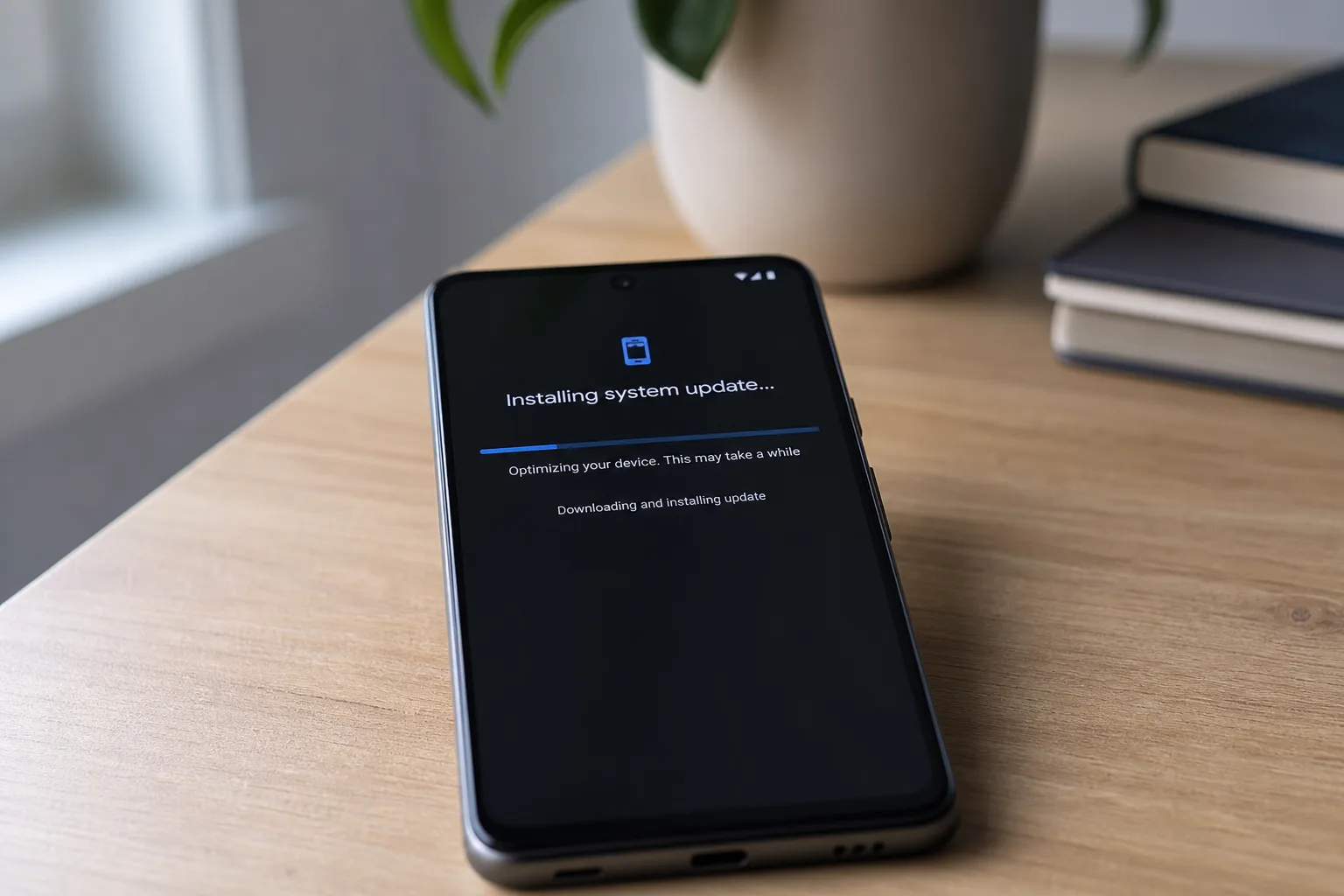
The Android 17 June Pixel Drop started rolling out on June 16, 2026, and if you own any supported Google Pixel phone, this is the update you’ve been waiting for all year. It’s not a quiet security patch or a handful of tweaked settings — this is the stable, public release of Android 17, and it’s the most substantial software drop Google has pushed out in 2026.
- The Android 17 June Pixel Drop launched June 16, 2026, and is Google’s biggest software update of the year so far.
- Every officially supported Pixel phone qualifies for the Android 17 June Pixel Drop, from the Pixel 6 up to the Pixel 10a.
- New features include app bubbles for multitasking, screen reactions, a redesigned gaming UI for foldables, and expanded Quick Share.
- The update weighs roughly 3GB, so downloading over Wi-Fi or a strong 5G connection is strongly recommended.
Table of Contents
What Makes This Android 17 June Pixel Drop Different
Most monthly Pixel updates fall into one of two camps: rich feature drops that justify the Pixel’s ‘first to get updates’ reputation, or bare-bones security patches that you’d barely notice if they didn’t show up as a notification. The Android 17 June Pixel Drop is firmly in the first camp — arguably the most feature-packed release since Android 15 landed in late 2024.
Google has been running the Android 17 Beta programme for several months, giving enthusiasts and developers a chance to preview what’s coming. The stable rollout landing in June means the platform has had serious real-world testing, which should translate to a smoother day-one experience than some past major version launches. That’s not always a given with Android point releases, so it’s encouraging to see Google take the time to bake things properly before pushing to hundreds of millions of devices. The Android 17 June Pixel Drop is the direct result of that extended beta period paying off.
Every Pixel Phone Getting the Android 17 June Pixel Drop
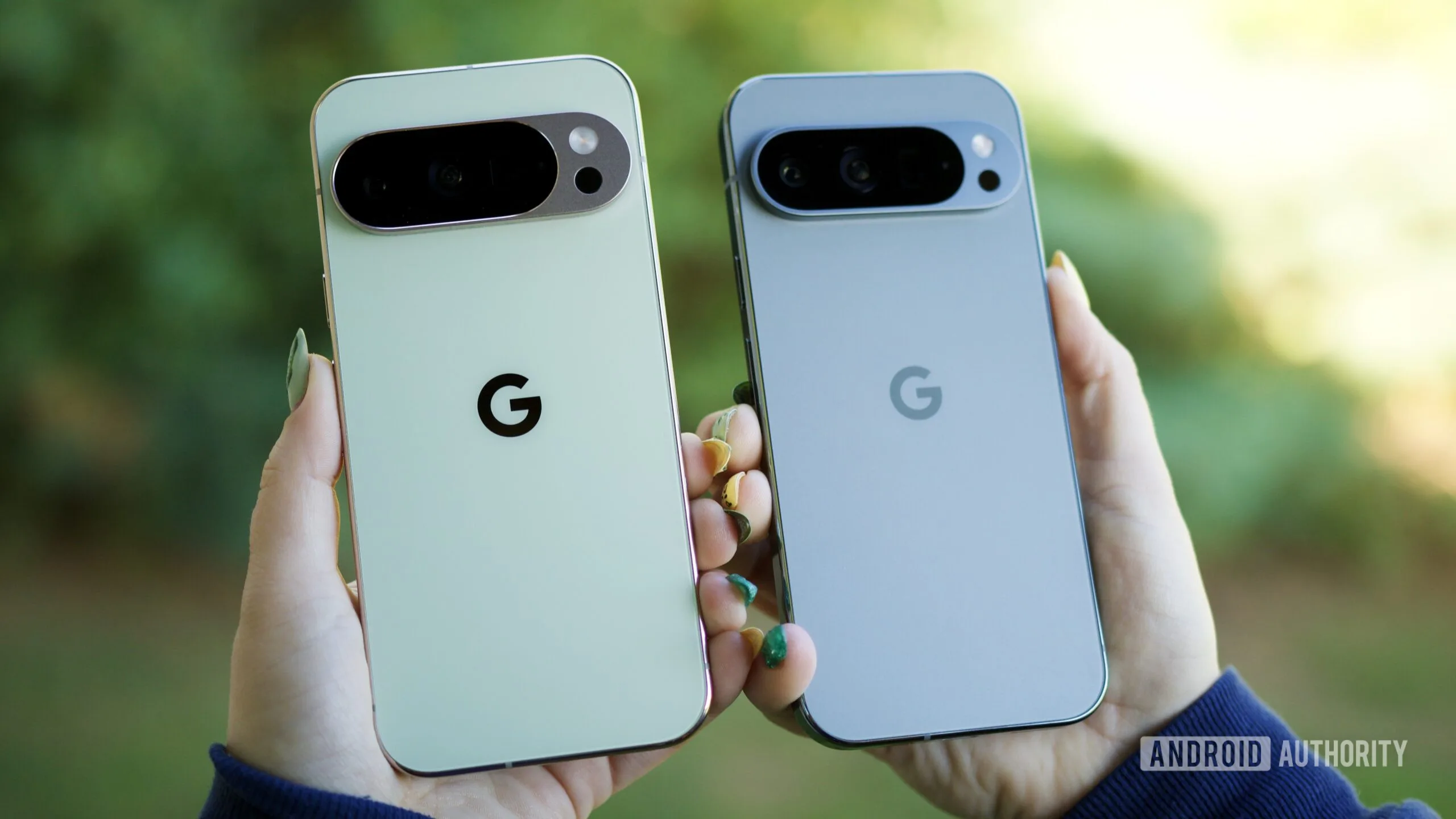
The good news is simple: if your Pixel is still within its official support window, you’re getting this update. Google hasn’t carved out any awkward exceptions this time around. Here’s the complete list of compatible devices:
- Pixel 6
- Pixel 6 Pro
- Pixel 6a
- Pixel 7
- Pixel 7 Pro
- Pixel 7a
- Pixel Tablet
- Pixel Fold
- Pixel 8
- Pixel 8 Pro
- Pixel 8a
- Pixel 9
- Pixel 9 Pro
- Pixel 9 Pro XL
- Pixel 9 Pro Fold
- Pixel 9a
- Pixel 10
- Pixel 10 Pro
- Pixel 10 Pro XL
- Pixel 10 Pro Fold
- Pixel 10a
That’s 21 devices — a wider net than last month’s update, which quietly left out the Pixel 6, Pixel 6 Pro, Pixel 6a, Pixel 7, and Pixel 7 Pro without any clear explanation from Google. Those older flagships are fully reinstated for the Android 17 June Pixel Drop, which matters because Pixel 6-generation hardware still represents a significant chunk of the active Pixel user base.
The inclusion of every supported device is also consistent with how the Android 17 Beta programme was structured — all of these phones were eligible for the beta builds, so their readiness for the stable release was never really in doubt. But seeing a clean, no-exceptions rollout list is still satisfying, especially for users who felt burned by last month’s unexplained omissions.
What’s Actually New in Android 17
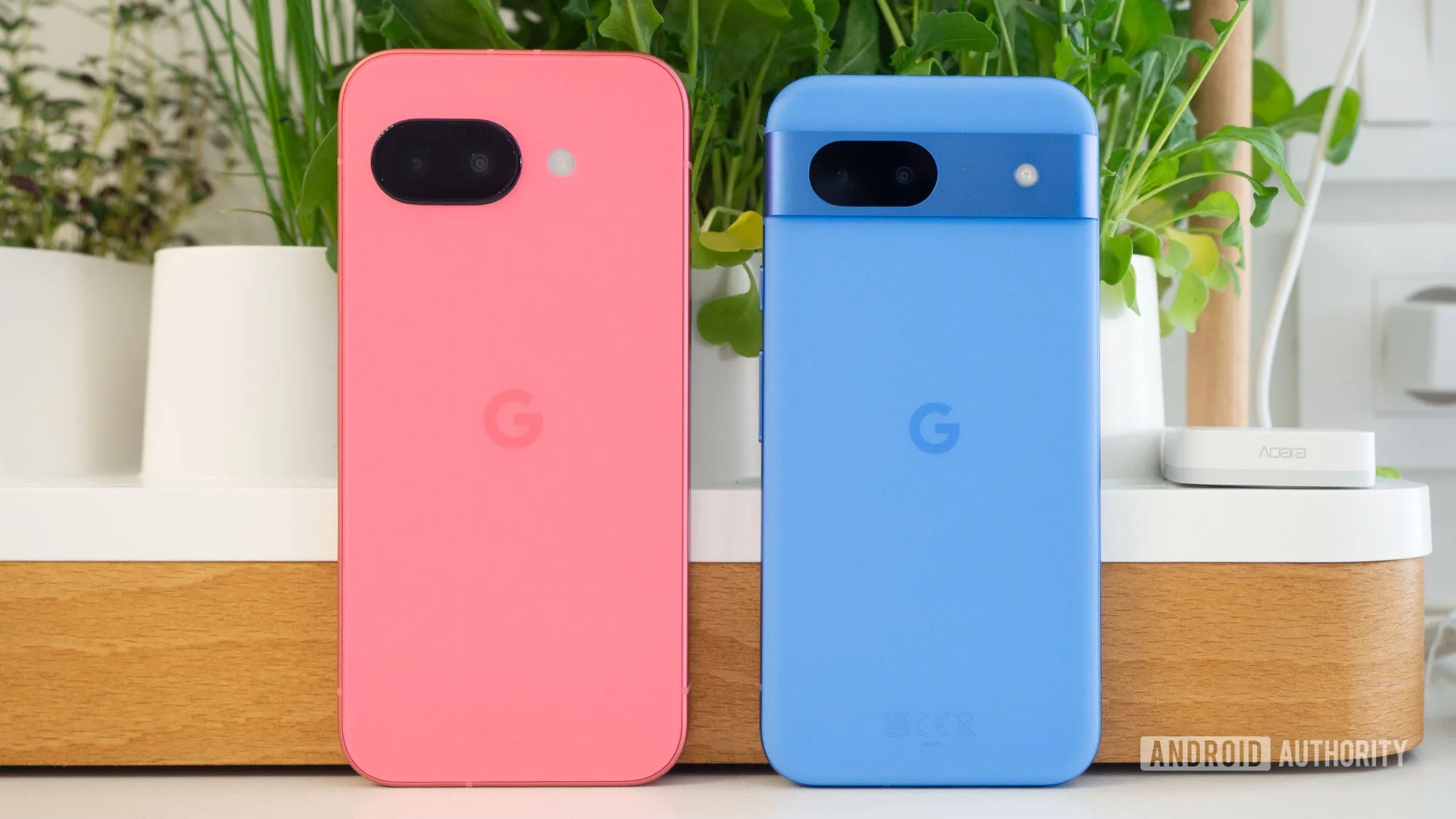
Feature drops are only as good as the features in them, so let’s talk about what you’re actually getting with the Android 17 June Pixel Drop. Android 17 arrives with several additions that feel genuinely useful rather than cosmetic tweaks added to bulk out a changelog.
App bubbles are the headline multitasking improvement. The concept will be familiar to anyone who’s used Facebook’s chat heads — apps can float as compact, persistent bubbles on your screen, accessible without fully switching contexts. Done well, this could make juggling messaging apps and reference content far less disruptive. Whether Google’s implementation feels native and polished or clunky and intrusive will come down to how much control you have over which apps can trigger bubbles.
Screen reactions add a layer of expressive interaction to the display, letting the interface respond dynamically to calls, alerts, or other triggers. The specifics of what this looks like in practice remain to be seen at scale, but it’s clearly aimed at making Pixel phones feel more alive and personality-driven — something Apple has been doing with Dynamic Island on iPhones since 2022.
Foldable gaming UI is a smart addition at a time when Google is clearly investing more heavily in the foldable form factor with the Pixel 9 Pro Fold and now the Pixel 10 Pro Fold. A purpose-built gaming interface that takes advantage of the larger unfolded display — rather than just stretching a phone-sized layout — could be a meaningful differentiator. Samsung’s Galaxy Z Fold line has long been criticised for inconsistent app optimisation, so Google has an opening here.
Quick Share expansion continues Google’s push to make its answer to Apple’s AirDrop actually competitive. The feature has improved steadily since Google and Samsung unified their respective sharing systems under the Quick Share brand in early 2024, and broader compatibility means fewer of those frustrating ‘device not found’ moments.
How to Get the Update Right Now
Google rolls out major updates in staged waves — not everyone sees the Android 17 June Pixel Drop immediately, even if their device is on the supported list. If you’re the impatient type, you can check manually rather than waiting for the notification to appear on its own. Here’s how:
- Open the Settings app
- Scroll down and tap System
- Tap Software updates
- Tap System update
- Tap Check for update
One thing worth flagging: this update is roughly 3GB in size, which is on the heavier end for an Android release. That’s not surprising given it’s a full major version jump — Android 17 carries more architectural changes than a standard monthly patch. Either way, don’t start the download on a flaky connection or with limited mobile data. Wi-Fi is the obvious choice, though a solid 5G signal will also get the job done without drama.
What This Means for the Broader Android Ecosystem
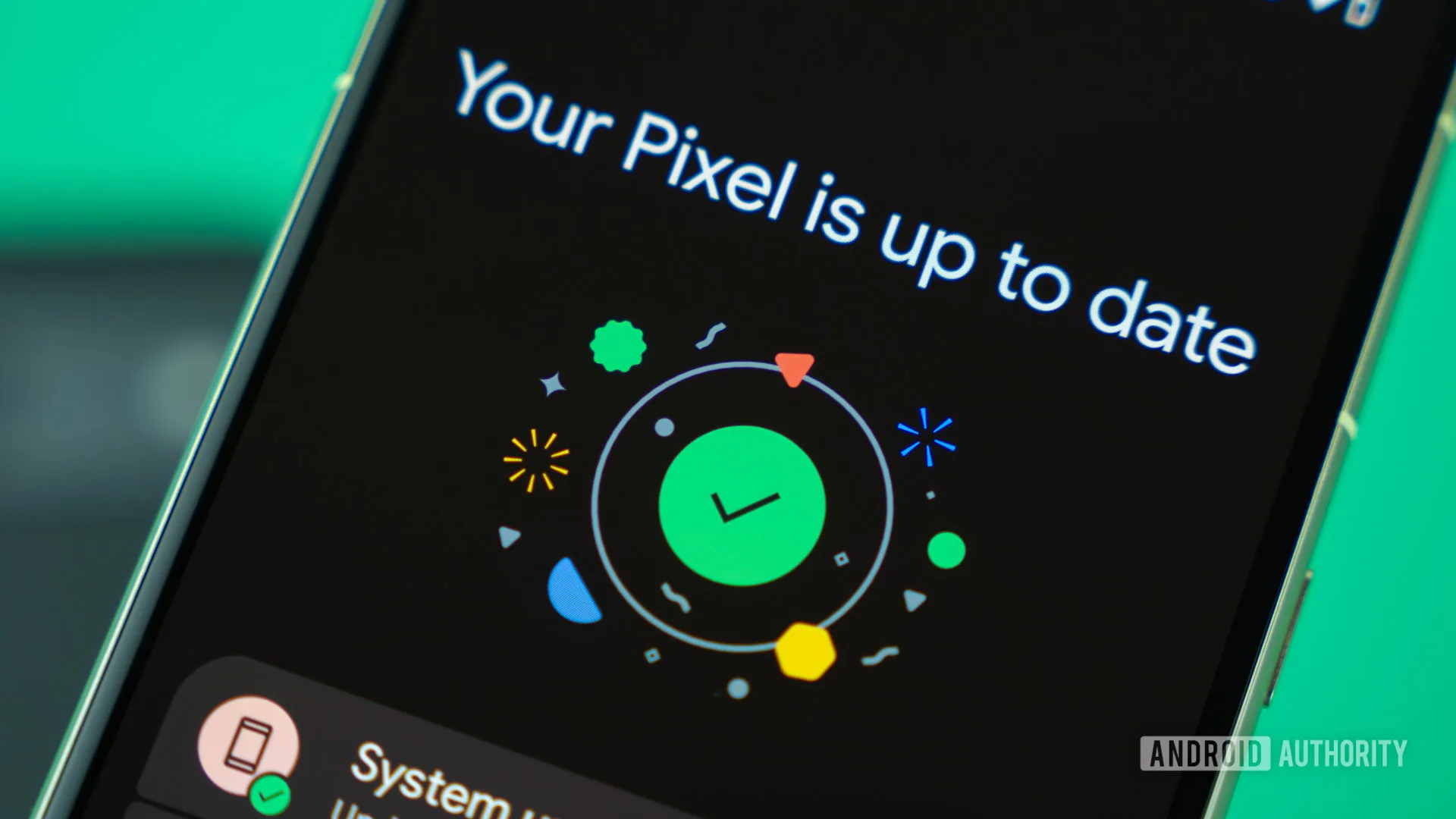
Google’s ability to push the Android 17 June Pixel Drop simultaneously to 21 devices — ranging from 2021’s Pixel 6 to the freshly launched Pixel 10 series — is worth appreciating in the context of how Android updates have historically worked. For years, ‘Android fragmentation’ was a genuine problem, with manufacturers taking months or even years to push major version updates to their devices, if they bothered at all.
Google’s own Pixel line sidesteps that entirely, and it’s a key part of the Pixel value proposition. When Samsung or OnePlus users are still waiting for an Android 17 build tailored to their hardware, Pixel owners are already running the Android 17 June Pixel Drop on day one. Google’s official Android 17 developer documentation confirms the platform changes that make this possible, including improvements to how the OS handles device-specific configurations.
The real test for the Android 17 June Pixel Drop will come over the next few weeks as millions of Pixel users actually live with it day-to-day. App bubbles and screen reactions sound good on paper, but the quality of implementation always separates a genuinely useful feature from one that gets disabled in settings by everyone after three days. Based on how polished the Android 17 Beta has reportedly been, expectations are reasonably high. Now the stable release is here, it won’t be long before we find out if those expectations were justified.
Frequently Asked Questions
Which phones are getting the Android 17 June Pixel Drop?
Every currently supported Pixel device is eligible, spanning from the Pixel 6 all the way to the Pixel 10 lineup. That includes the Pixel Tablet and both generations of Pixel Fold hardware.
What’s new in Android 17 compared to Android 16?
Android 17 brings app bubbles for improved multitasking, screen reactions, a new gaming UI optimised for foldable phones, and broader Quick Share compatibility. It’s a feature-heavy release rather than a maintenance update.
How large is the June 2026 Pixel Drop download?
The update is approximately 3GB. Google recommends downloading over Wi-Fi to avoid chewing through mobile data, though a strong 5G connection should also handle it without issues.
Why did some Pixel 6 and 7 models miss last month’s update?
The May 2026 update was security-focused and, for reasons Google didn’t publicly clarify, excluded the Pixel 6, 6 Pro, 6a, 7, and 7 Pro. All five models are fully included in the June Pixel Drop.

