

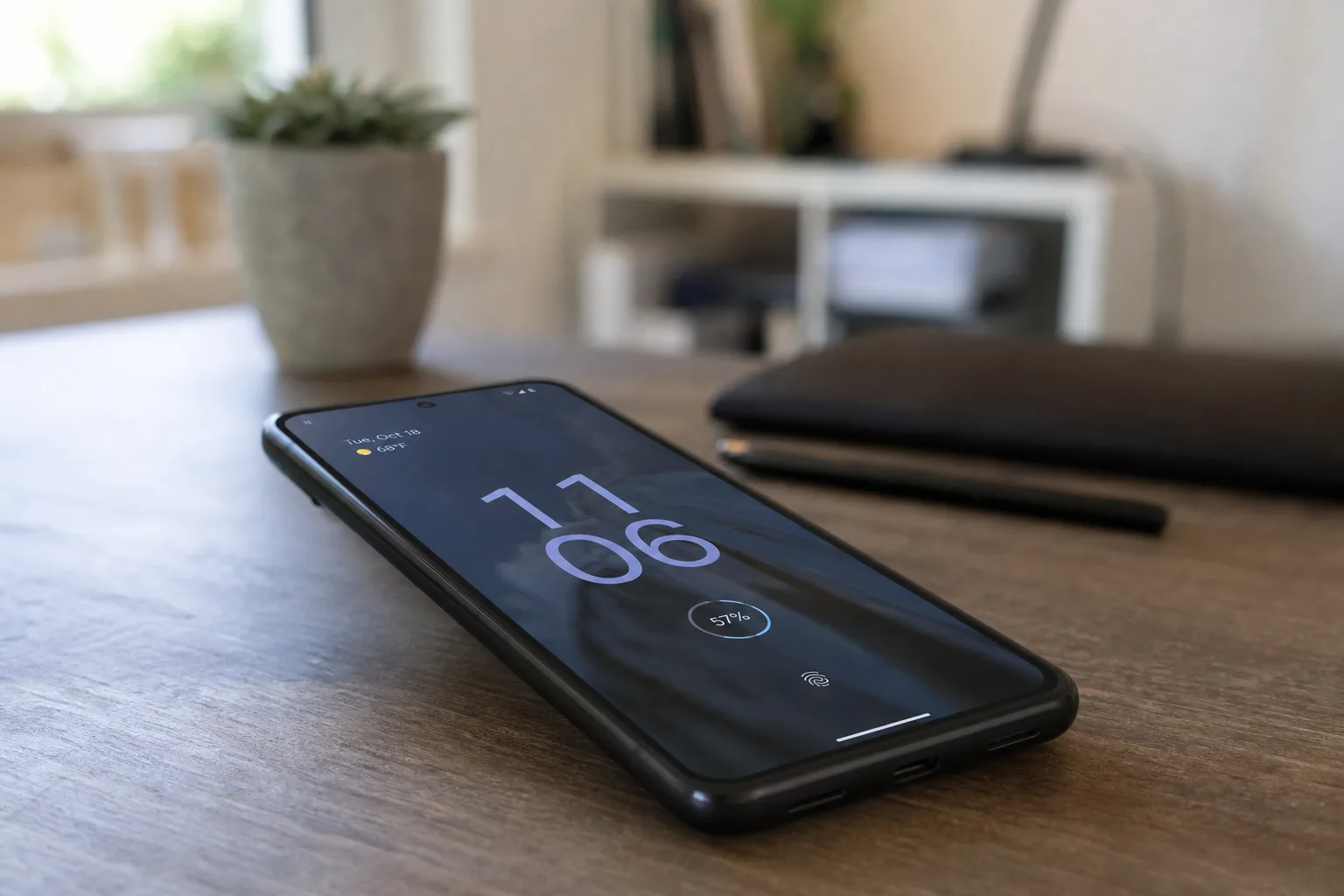
Every time Google drops a major Android release, the same question surfaces almost immediately: has Pixel battery life actually gotten better, or are we all just convincing ourselves it has? With Android 17 now rolling out officially to supported Pixel devices, that question is very much back on the table — and the early answers are, as usual, complicated.
- Pixel battery life appears marginally improved on the Pixel 10 series after the Android 17 update, though gains are modest.
- Older Pixel devices with degraded batteries may see little to no Pixel battery life improvement from the Android 17 update.
- The placebo effect is a real risk after major OS updates — perceived gains can fade within days as background sync resumes.
- A fresh OS install can clear rogue background services and poorly optimized processes that silently drain battery capacity.
Table of Contents
What Android 17 Promises on Efficiency
Google’s pitch for Android 17 follows a familiar script. The company is touting tighter background processing, improved efficiency at the OS level, and cleaner resource management across the board. That’s not spin, exactly — each major Android release does bring genuine platform-level improvements under the hood. The question is whether those engineering gains translate into tangible Pixel battery life endurance improvements that users actually notice while living with their phones day to day.
According to early observations on the Pixel 10 series, the signs are mildly encouraging. Standby drain and screen-on time metrics appear to have edged upward — not dramatically, but enough to register. One early user reportedly noted that on their Pixel 10, things seemed a bit better, but not by that much. That’s probably the honest read for most people right now. Don’t expect your phone to suddenly last two days on a charge. Expect, maybe, a slightly more relaxed trip toward the end of the day.
Pixel Battery Life Gains Depend Heavily on Your Hardware
Here’s the part that tends to get glossed over in the excitement around a new OS drop: Pixel battery life improvements from a software update are not evenly distributed. If you’re running a Pixel 10 or Pixel 9 with a battery that’s still in reasonable health, you’re the most likely to see any real benefit. The OS has clean hardware to work with, and efficiency gains at the software layer have a meaningful surface area to operate on.
Older devices are a different story. A Pixel 7 or Pixel 8 that’s seen two or three years of charge cycles is working with a battery that’s already lost a chunk of its original capacity — that’s just electrochemistry, and no OS update can reverse it. What Android 17 might do for those phones is halt some of the software-side waste, which could slow the rate of degradation from this point forward. But don’t expect to suddenly recover the battery endurance you had when the phone was new. You’re consolidating, not recovering.
The Placebo Problem Is Real — and Worth Taking Seriously
There’s a well-established psychological trap that opens up every time a major update lands. A fresh OS install feels different. The system animations are smooth, apps open quickly, and the whole experience has a renewed energy to it. That positive association makes it genuinely difficult to assess Pixel battery life objectively in the first 48 to 72 hours after an update.
The mechanism is straightforward: immediately after install, background services haven’t fully re-established their sync schedules. Google Photos hasn’t resumed its full backup cadence. Third-party apps haven’t re-registered all their background tasks. The phone is, briefly, doing less invisible work — and that does produce better numbers. Then, as things normalize over the following days, those metrics drift back toward baseline. Users who were marveling at their screen-on time on day one sometimes find themselves hunting for a charger by day four.
That’s not cynicism. It’s just the pattern, and it repeats itself with striking consistency every single major Android release cycle. Being aware of it means you can actually give Android 17’s efficiency improvements a fair evaluation — by waiting a week or two before drawing conclusions.
When a Fresh OS Install Genuinely Does Help
The placebo caveat shouldn’t be read as ‘software updates don’t matter for battery.’ They absolutely can — just not always for the reasons that get highlighted in the official release notes. The most meaningful Pixel battery life benefits from a fresh major OS install often come from what gets cleared out rather than what gets added.
Over time, apps accumulate. Background services proliferate. A legacy app that hasn’t been updated in eighteen months might be holding a wake lock it has no business holding, or polling a network API on a schedule that made sense for an older version of Android but is now redundant. A new OS install — especially one that introduces tighter background execution limits like Android 17 does — can effectively clip those processes off, and the Pixel battery life impact of that can be genuinely significant.
Updated security patches matter here too. Malicious or poorly written processes that were quietly running in the background may get cut off by new OS-level permissions handling. It’s less glamorous than ‘AI-powered battery optimization,’ but it’s often more impactful in practice.
What Users Should Actually Track
If you want an honest read on whether Pixel battery life has improved on your specific device after the Android 17 update, the approach matters. Don’t judge by feel in the first two days. Instead, let your usage patterns fully normalize — a full week of regular use is a reasonable baseline — and then compare your screen-on time and standby drain numbers against what you were seeing before the update.
Most Pixel phones surface this data directly in Settings under Battery. Screen-on time per charge cycle is the most useful single figure, since it controls for varying usage intensity better than raw hours-remaining estimates. If you were consistently hitting four hours of screen-on time before the update and you’re now hitting four and a half after a full week, that’s a real improvement. If the numbers are identical, the update was neutral for your battery, which is still a fine outcome — it means nothing got worse.
The community data that emerges over the next few weeks will be more revealing than any single anecdote. The Pixel 10 series showing modest but consistent gains would validate Google’s efficiency claims in a meaningful way. Older devices reporting no change — or, worse, a regression — would be a signal that the platform-level improvements aren’t trickling down to aging hardware the way Google’s messaging implies.
Either way, the Android 17 rollout gives us one of the more interesting real-world battery tests of the year. The efficiency claims are on the table. The hardware is in people’s pockets. Now we wait for the data to catch up with the marketing.
Frequently Asked Questions
Does Android 17 actually improve Pixel battery life?
Early reports suggest modest gains, particularly on the Pixel 10 series, with slightly better standby time and screen-on metrics. However, improvements aren’t dramatic, and older devices with significant battery degradation are unlikely to see meaningful real-world gains from the update alone.
Why does battery life sometimes feel better right after a software update?
The placebo effect is well-documented around major OS updates. A fresh install can make things feel improved, but background sync services may not have fully resumed yet, which temporarily reduces drain before things normalize within a few days.
Which Pixel devices support the Android 17 update?
Google has begun the official Android 17 rollout to all supported Pixel devices. Typically this includes recent Pixel generations — the Pixel 10 series and several prior models. Check Google’s official support page for the full compatibility list.
Can a major Android update genuinely fix battery drain issues?
Yes, in some cases. A new OS version can resolve rogue background services, flush legacy app conflicts, and apply updated security patches that stop poorly optimized processes from quietly running in the background — all of which contribute to real improvements in battery endurance over time.

