

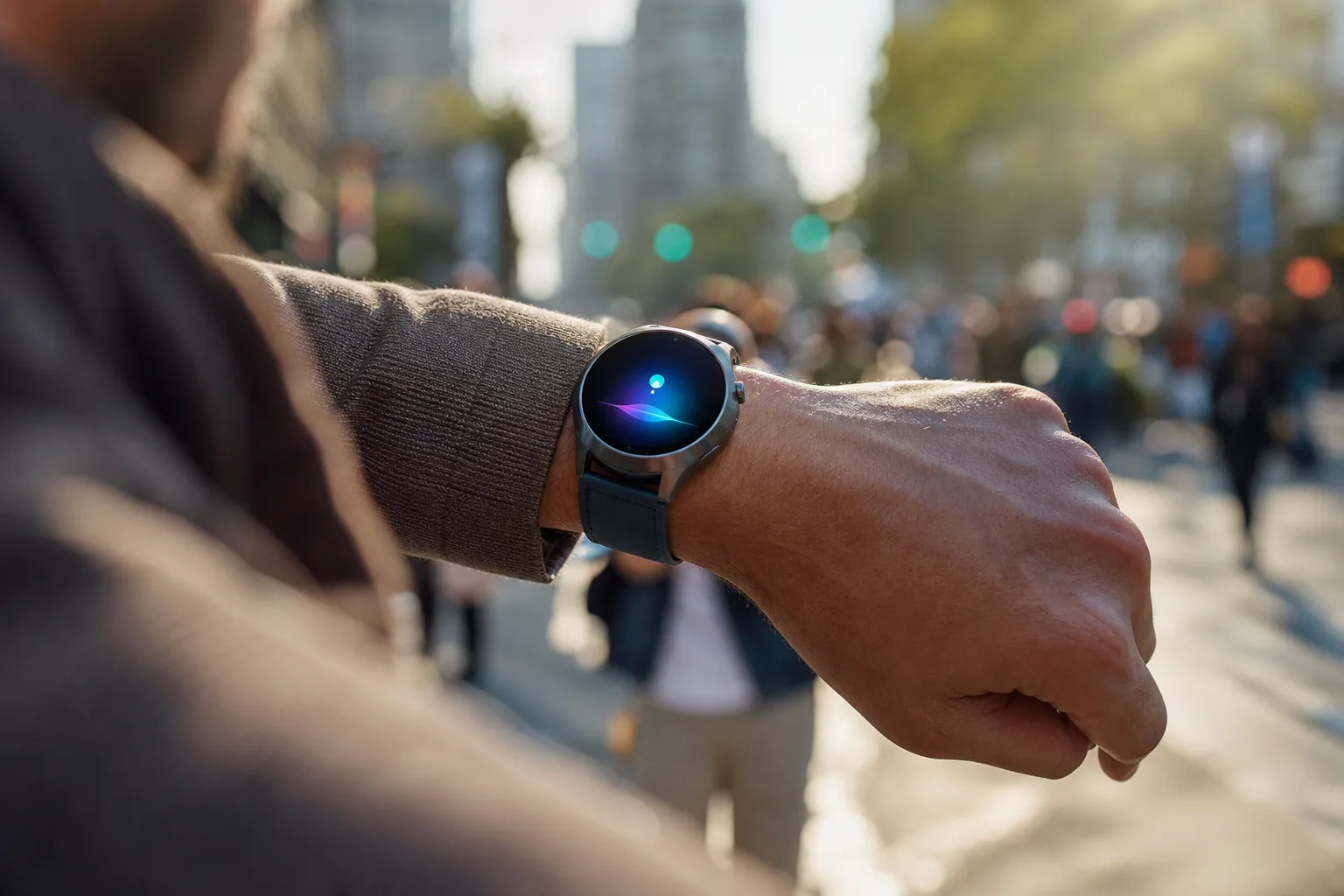
- The Gemini Wear OS overlay keeps the current watch face visible while Google’s assistant handles voice requests and confirmations.
- Google’s Gemini Wear OS overlay is arriving through a staged server-side rollout alongside version 1.36 of the wearable app.
- The visual redesign aligns Pixel Watch interactions with Gemini’s newer phone and tablet interface, without changing answer quality.
- A relocated microphone privacy indicator may be small, but it makes the compact watch display easier to read during voice use.
Table of Contents
The Gemini Wear OS overlay fixes an awkward interaction
Google’s Gemini Wear OS overlay looks like a small visual adjustment, but it addresses a surprisingly basic problem: an assistant on a watch shouldn’t need to take over the entire watch. Until now, calling up Gemini on Wear OS generally opened the full application. That worked, technically, but it made a quick request feel like launching a miniature phone app on a screen barely larger than a biscuit.
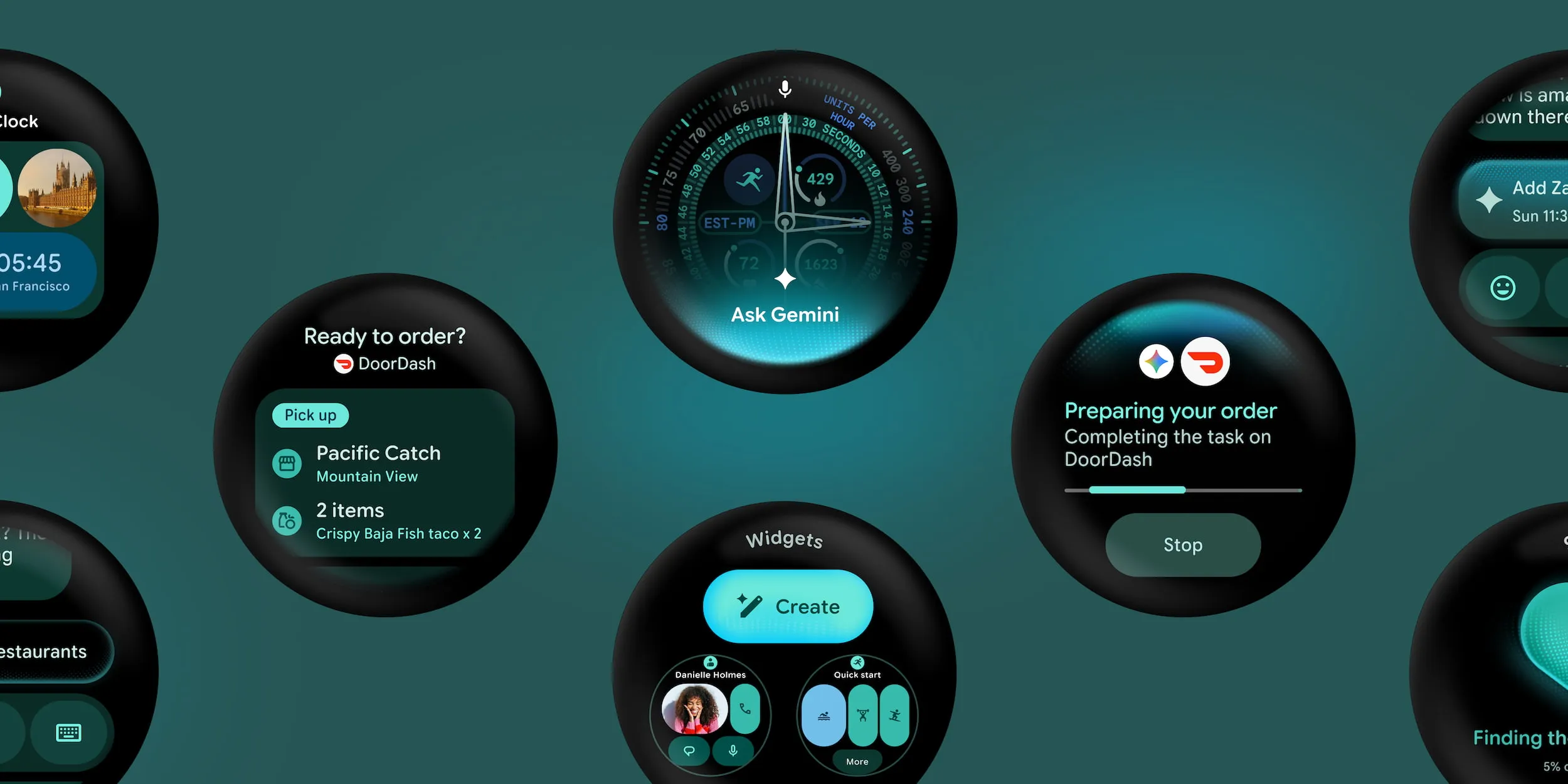
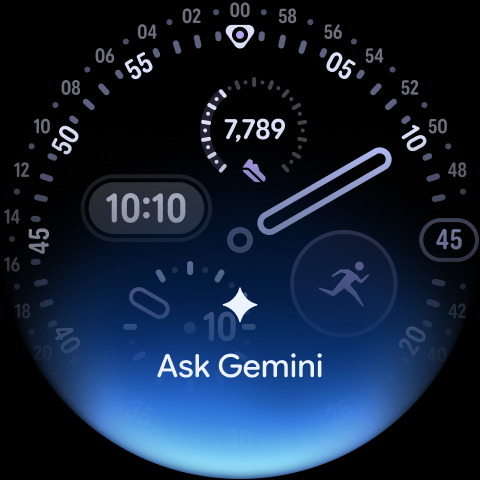
The new treatment appears above the active watch face, much like Gemini’s overlay on Android phones and tablets. Users get the company’s colorful Neural Expressive visual background, Gemini’s spark icon, a greeting, a transcript of the spoken or typed request, and confirmation when Gemini is about to do something. The original context remains in view behind it. If you were checking your next meeting, timing a run, or glancing at a message, the assistant no longer erases that context just to answer a question.
That is the right direction. Smartwatch interfaces live or die by interruption cost. Pulling out a phone is a high-friction action; raising a wrist is supposed to be almost effortless. Google’s previous full-screen Gemini behavior added a little too much ceremony to an interaction that should take seconds. The Gemini Wear OS overlay makes the assistant feel more like a layer of the operating system and less like another app competing for attention.
The look was previewed earlier this year and first surfaced on Samsung’s Galaxy Watch 9. It is now appearing for more users through version 1.36 of the Google Gemini app for Wear OS, although the actual interface is controlled partly by Google’s servers. In plain English: updating in the Play Store is necessary, but it may not be enough to make the new screen appear today. Google loves a gradual rollout, and frankly that can be maddening when the update is purely cosmetic and you know it is sitting somewhere on the company’s infrastructure.
Why the Gemini Wear OS overlay matters beyond cosmetics
Google is clearly trying to make Gemini recognizable across screens. The Neural Expressive design language now carries from Android phones to tablets and watches, while the full Gemini app on Wear OS is also receiving the refreshed visuals. Consistency is not exciting in the way a flashy new AI capability is exciting, but it matters. People need to know what is happening when an assistant starts listening, processing a request, or asking for permission to act.
On a watch, visual signals matter even more because there is little room for explanatory text. The screenshots Google has published in the Play Store show a visible record of the user’s prompt and action confirmations. That is a welcome decision. AI assistants have a bad habit of feeling like a black box, particularly when they cross from answering questions into carrying out tasks. A transcript gives users a fast way to catch misheard speech before Gemini sends a message, changes a setting, or triggers an automated action. The Gemini Wear OS overlay makes that reassurance easier to see at a glance.
The privacy indicator is moving too. Wear OS has traditionally placed the microphone-use marker at the bottom of the display; the updated interface moves it to the top. That sounds trivial, and maybe it is. But every pixel on a round smartwatch display has to earn its rent. Putting the system indicator away from Gemini’s controls and response area should make the interface less crowded while retaining an important disclosure that the microphone is active.
Google has discussed Gemini on wearables here. The company’s ambition is obvious: Gemini should become the conversational front door to Android, whether a person is looking at a laptop, phone, earbuds, or wrist. The challenge is that a consistent coat of paint is not the same thing as a consistent experience.
No evidence of smarter answers, at least not yet
Despite all the AI branding around this release, the Gemini Wear OS overlay does not appear to change how Gemini answers questions. There is no sign of a new model, faster responses, better reasoning, or expanded factual knowledge. This is an interaction update. That distinction deserves to be clear because Google’s Gemini releases often blur interface changes with actual intelligence improvements.
Still, interface work can be the difference between a feature people try once and one they actually use. Consider Google Assistant on early Wear OS watches: it was often useful in a pinch, but delays, inconsistent results, and jarring screen transitions made it feel unreliable. Samsung has had more success framing voice tools around concrete moments such as timers, workouts, calls, and quick replies. Apple, meanwhile, has steadily made Siri on the Apple Watch more capable of handling on-device requests without pretending the wrist is a place for long conversations.
My read is that Google should follow the same practical rule. The watch version of Gemini does not need to write an essay, analyze a spreadsheet, or generate an image. It needs to handle the things that are annoying to do with tiny touch targets: set a reminder, reply to a message, control home devices, start navigation, summarize the next calendar item, and complete a short chain of actions without forcing someone back to their phone.
Automation is the real test for Gemini on watches
Google has also been talking up Gemini Intelligence features that will allow task automation on forthcoming watches. That promise matters far more than the visual refresh. If Gemini can reliably understand a request such as ‘tell my partner I’m running late, start navigation home, and lower the thermostat’ then the watch becomes genuinely useful in a way app grids never quite have.
But that is a large ‘if.’ Multi-step automation creates obvious questions about permissions, errors, and user control. A Gemini Wear OS overlay with clear confirmations is a sensible foundation, because users need to see what the assistant heard and what it plans to do before it acts. Google has learned, repeatedly, that assistants earn trust one successful mundane task at a time. Nobody cares how expressive the animated background is if the assistant sends the wrong message.
For current Pixel Watch owners, this rollout will probably register as a cleaner, more polished assistant panel rather than a reason to buy new hardware. The Gemini Wear OS overlay is a useful refinement, even if it is not yet a reason to buy new hardware. That is fine. Wear OS has needed less clutter and fewer awkward detours for years. The bigger question is whether Google can turn this newly streamlined entry point into an assistant people instinctively use on their wrist, rather than an AI demo they remember exists only when a software update arrives.

