

Table of Contents
Design that changes how the iPad Pro feels in use
Apple’s latest iPad Pro 2024 is defined first by its physical design. The 13-inch model measures just 5.1mm thick, while the 11-inch version comes in at 5.3mm. Apple calls it the thinnest and lightest iPad ever, and that claim matters because tablets are handled differently from laptops. They are held upright for reading, passed around in meetings, used on a sofa, carried between rooms, and balanced in the hand while sketching or watching video.
A thinner profile is not automatically a reason to upgrade. But on a large-screen tablet, reduced bulk can change the experience more than it would on a device that mostly stays on a desk. The lower weight is intended to make extended use more comfortable while retaining durability for everyday tasks. That balance is central to the iPad Pro’s appeal: it has to feel easy to pick up without feeling fragile when it becomes part of a working routine.
Apple has also placed the front-facing camera in the center of the landscape edge. It is a small design decision with an obvious practical effect. Video calls are frequently made with a keyboard attached or with the iPad set horizontally, and a landscape-oriented camera places the user more naturally in frame. It does not transform video calling on its own, but it addresses an awkwardness that has long been familiar to people using tablets as laptop substitutes.
The M4 chip gives the hardware a clearer purpose
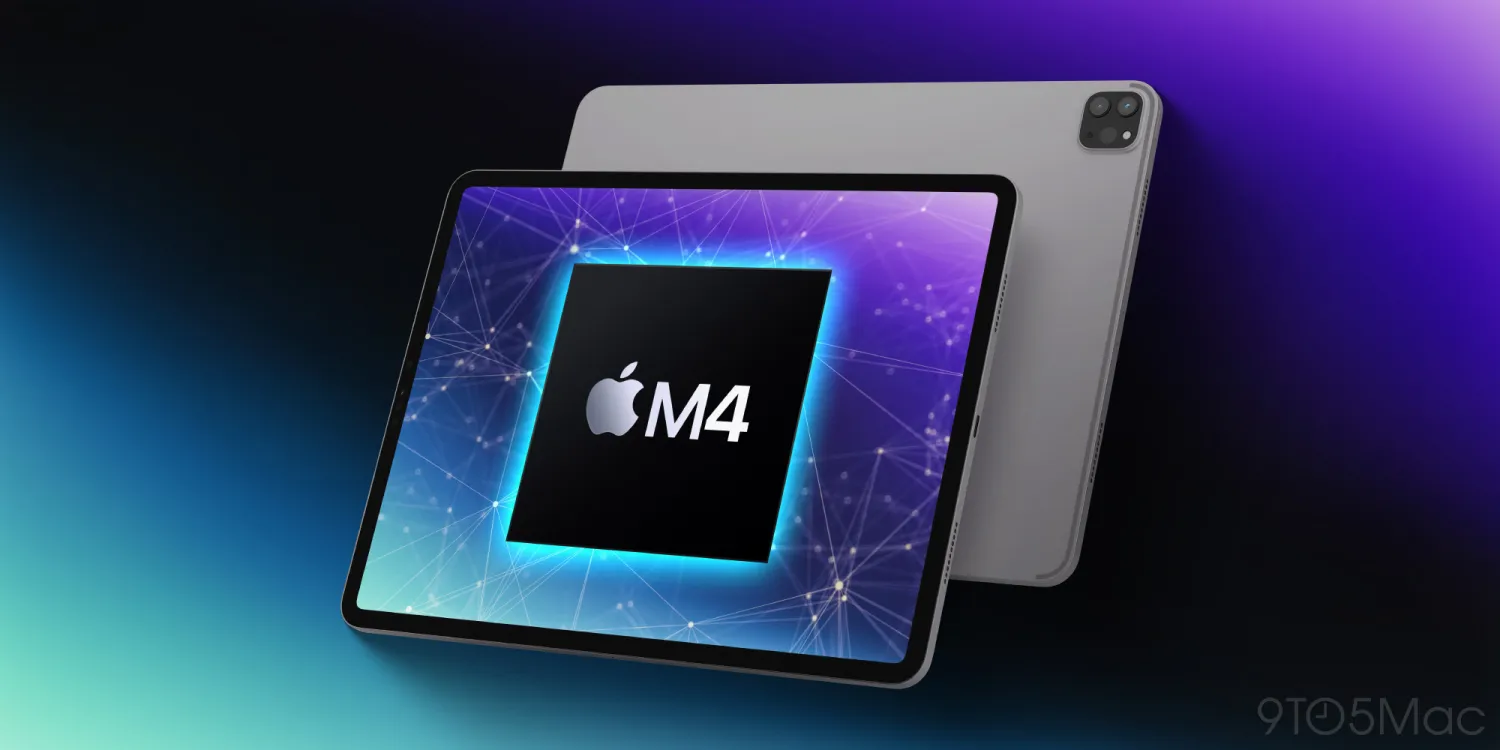
Inside, the iPad Pro features Apple’s M4 chip. Apple’s pitch is not simply that the tablet is fast; it is that it can take on work traditionally associated with more substantial computers. Editing high-resolution videos, working in graphics-intensive applications, and multitasking are all presented as workloads the M4 can handle without lag or compromise.
That is the real dividing line in the iPad Pro range. A casual user can benefit from a responsive tablet, but they may not often push this level of hardware. Streaming, browsing, reading, messaging, and ordinary app use do not necessarily demand the same performance headroom as professional video work or visual production. For people whose work involves those heavier tasks, though, faster hardware can mean less waiting between steps and fewer reasons to move a project to another device.
The important caveat is software. Hardware capability and practical capability are not always the same thing. The iPad Pro 2024 has the processing power to suggest a more laptop-like role, yet its usefulness still depends on the applications available and the ways iPad software supports real workflows. Apple promises advancements in this area, suggesting a potential shift in how the iPad Pro integrates into workflows. Until those changes arrive, the M4 is both a strength and a reminder of the gap between what the hardware can do and what every user can do with it.
A display built for work as well as entertainment
The Tandem OLED display is one of the most consequential parts of the iPad Pro 2024 package. Apple describes it as Ultra Retina XDR, with vivid colors, deep blacks, remarkable brightness levels, precise color reproduction, and exceptional clarity. Those qualities are easy to reduce to a specification-sheet contest, but they carry different weight depending on what is on screen.
For movie watching, deep blacks and strong contrast help images feel more convincing. For photos and artwork, color accuracy becomes more than a luxury: it affects creative decisions. A person editing an image wants confidence that subtle shifts in tone and color are visible rather than obscured by the display. For general reading and day-to-day use, clarity and brightness can simply make the screen more comfortable to look at across changing environments.
The display also reinforces the iPad Pro’s unusual position. It is not merely a larger phone screen, nor is it a conventional computer monitor. It is a screen designed to sit close to the user, respond directly to touch, and support both consumption and creation. That combination has always been part of the iPad’s identity. Here, Apple is making the visual side of that proposition much harder to dismiss.
Pencil Pro and Magic Keyboard make the difference
Accessories are often treated as optional extras, but for the iPad Pro they can determine what kind of machine it becomes. The new Pencil Pro adds features including the squeeze gesture and Barrel Roll, giving artists and designers additional ways to control their work. The aim is enhanced creative control, responsiveness, and precision rather than simply replacing a finger with a stylus.
That distinction matters. Drawing, annotating, image work, and design tasks depend on direct interaction in a way that keyboard-and-mouse computing does not always replicate. The Pencil Pro is meant to make that interaction more expressive and more deliberate. For a creative professional, the value is not that the tablet can run demanding applications; it is that the display, touch interface, and pencil input can work together in a more natural process.
Paired with the refined Magic Keyboard, the iPad Pro takes a different direction. The Magic Keyboard includes a full-sized keyboard and larger trackpad, giving the tablet the shape of a more familiar workstation. That does not erase the differences between an iPad and a laptop, particularly where software remains limiting. It does make long writing sessions, document work, and navigation more practical, while allowing the device to switch back to a touch-first format when that is more useful.
The appeal is flexibility, not replacement for every computer. The Pencil Pro and Magic Keyboard point toward two distinct uses: one focused on direct creative input, the other on productivity. Few devices move between those modes as readily as a tablet. The question is whether a buyer needs both, because the iPad Pro makes the strongest case for itself when it is doing work that benefits from that range.
Who should consider the iPad Pro 2024?
The iPad Pro caters to a broad range of users, but not all of them need its advanced features. For casual users, the M4 chip, Tandem OLED display, Pencil Pro, and Magic Keyboard may feel excessive. A person who mainly streams video, reads, browses, or handles basic tasks can still enjoy the experience, but may not make full use of what this model is built to offer.
For professionals and creatives, the calculation is different. The iPad Pro can serve as a portable screen for reviewing work, a tool for artistic endeavors, a place to edit high-resolution videos, or a compact workstation for professional tasks. Its thin design makes it easier to carry; its display is suited to visual work; and its accessories expand how it can be used. None of those elements alone settles the argument. Together, they make a persuasive case for users who already know where an iPad fits into their day.
The iPad Pro 2024 is therefore best understood as an ambitious piece of hardware waiting for software to catch up in some areas. Its design is unusually thin, the M4 chip targets demanding workloads, and the Tandem OLED display gives creative and entertainment use a stronger foundation. Apple’s future software advancements will shape whether that potential is fully realized. For now, this is a tablet with a clear sense of what it wants to be: not the right choice for every user, but a serious productivity and creativity tool for those who can use its strengths.
More News: Tech News

