Table of Contents
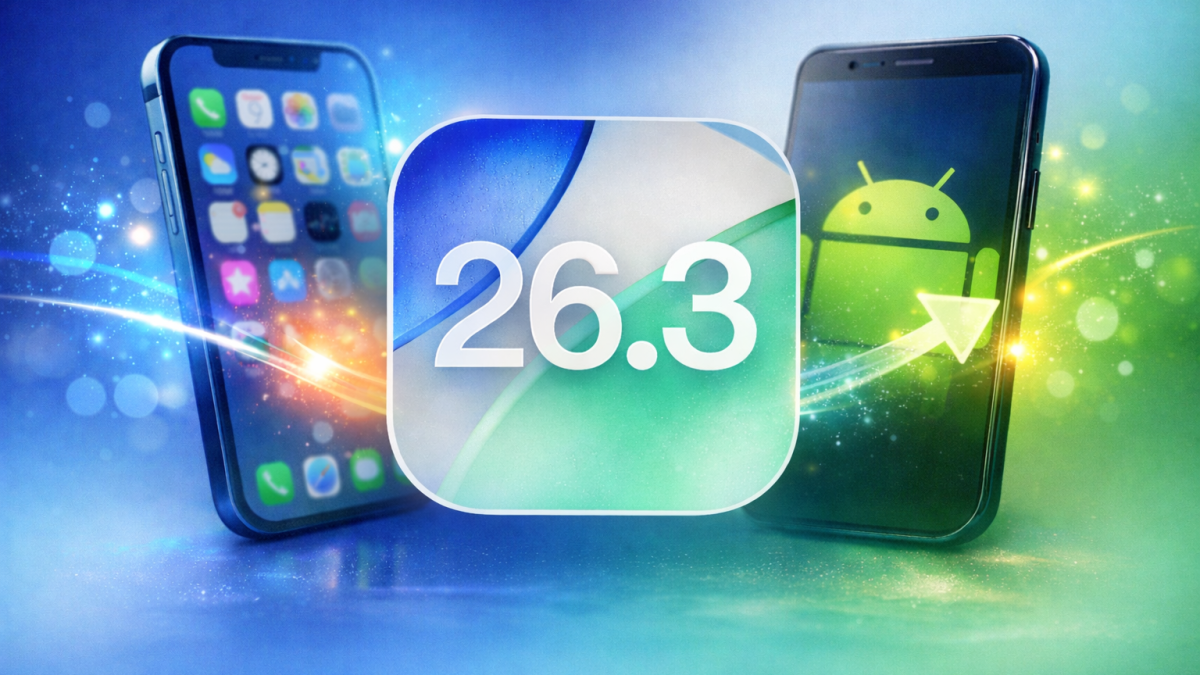
Apple released iOS 26.3 this week. iPhone users worldwide now access this update. The release emphasizes better connections between iPhone and Android platforms. Privacy gains top the list of priorities. Squaredtech analyzes how iOS 26.3 changes daily device use. Users gain practical tools that bridge ecosystems. This update arrives amid rising demand for cross-platform ease. Apple responds to user feedback on switches and data control. iOS 26.3 delivers targeted improvements over past versions. Teams at Apple tested these features extensively. The result benefits millions of iPhone owners.
iOS 26.3 Revolutionizes Android Transfers
iOS 26.3 introduces the “Transfer to Android” system. This tool simplifies the move from iPhone to Android devices. Users place their Android phone next to the iPhone. The Settings app prompts: “Place your Android device next to this iPhone to get connected and begin the transfer process.” Devices connect wirelessly. Photos transfer first. Messages follow suit. Notes move over seamlessly. Apps download automatically on the new device. Contacts sync without cables. The system even ports the user’s phone number.
Apple and Google collaborated on this feature. Their joint effort stems from 2025 talks to ease platform switches. Google added a matching tool in the latest Android beta. That beta supports transfers from Android to iPhone. Both companies aim to boost interoperability. Users switch without data loss frustrations. Background on this: Apple faced criticism for walled-garden policies. Regulators pushed for openness. The collaboration marks a shift. iOS 26.3 implements it fully.
Not all data transfers. Sensitive items stay behind. Health data remains on the iPhone. Bluetooth pairings do not migrate. Locked notes protect privacy. Apple lists these exclusions clearly. Developers plan expansions. New data types join future updates. Testing continues across platforms. Squaredtech notes this balances convenience with security. Users avoid risks during switches. iPhone owners test the feature now. Android users prepare for reciprocity.
This change analyzes deeper platform trends. Apple invests in user retention. Google seeks broader appeal. iOS 26.3 fosters competition through cooperation. Everyday users benefit most. Families with mixed devices save time. Businesses streamline employee transitions. The wireless process cuts setup from hours to minutes. No computers required. No iTunes cables. iOS 26.3 positions Apple as flexible. Rivals must match this speed.
iOS 26.3 Boosts Privacy with Location Limits
iOS 26.3 adds a “limit precise location” toggle. This privacy feature restricts carrier access to exact spots. Cellular networks guess neighborhoods only. Carriers cannot pinpoint addresses. Apple explains in support docs: Networks use less data for location. Your device shares coarse info. Precision drops for safety.
Compatible hardware includes iPhone Air, iPhone 16e, or iPad Pro (M5) Wi-Fi + Cellular. iOS 26.3 or later runs it. Supported carriers cover key regions. Germany users pick Telekom. United Kingdom options are EE and BT. United States joins with Boost Mobile. Thailand has AIS and True. Check your plan for eligibility.
Access the toggle in Settings. Tap Cellular. Select Cellular Data Options. Flip the switch. Changes apply instantly. Background reveals why: Carriers track for services. Precision aids ads and billing. Privacy advocates raised alarms. Apple acts on concerns. iOS 26.3 empowers users. You control shared details.
We analyzed the impact. Location data fuels tracking. Limits curb misuse. Neighborhood accuracy suffices for emergencies. Apps still access full GPS with permission. Carriers lose granular insights. This feature previews broader controls. Future iOS versions expand it. Users gain peace of mind. Stalkers and marketers face barriers. iOS 26.3 sets a standard. Android may follow. Global rollout prioritizes privacy laws.
iOS 26.3 Delivers EU Tools, Wallpapers, and Security
iOS 26.3 brings EU-specific features via DMA rules. Proximity pairing works for third-party accessories. Pair headphones or watches like AirPods. No extra steps needed. New NFC starts connected devices sans iPhone. Tap to activate smart locks or speakers. High-bandwidth Wi-Fi enables peer-to-peer links. Devices share data fast without internet.
EU Commission praises these. A statement notes: “New opportunities arise for European users from DMA work. The Commission welcomes Apple updates.” Developers test interoperability now. Features roll out fully in 2026. DMA spurs innovation. Smartwatches gain iPhone ties. Headphones connect smoother. TVs integrate better. These power Android-iPhone switches too. We see ecosystem growth. Users enjoy seamless tech.
Betas tested Notification Forwarding. Third-party gadgets showed iPhone alerts. Final iOS 26.3 drops it. Apple refines for stability.
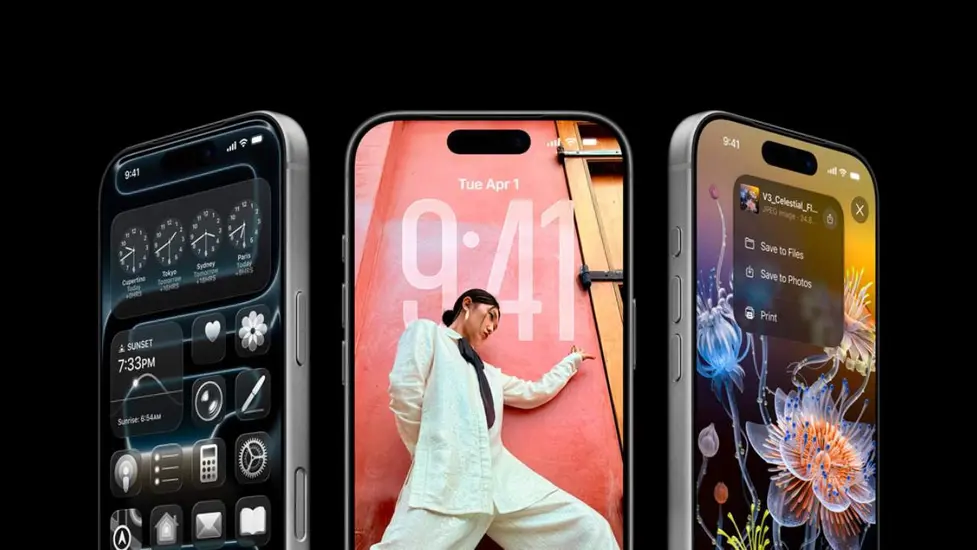
Wallpapers update in iOS 26.3. Settings splits Weather and Astronomy categories. Weather shows live conditions for your spot. New pre-built options join. Astronomy displays Earth or Solar System views. Changes stay minor but organize better.
Security patches fix over 35 vulnerabilities. One faced real-world exploits. Apple details them publicly. Updates block threats silently.
iOS 26.3 wraps as a focused release. It trails iOS 26.2 in scope. Key wins include transfers, privacy, EU tools, wallpapers, and fixes. Squaredtech recommends updates now. Go to Settings, General, Software Update. iOS 26.3 enhances iPhone life across borders.
Update to iOS 26.3 today and share your experience in the comments.
Stay Updated: TechNews