

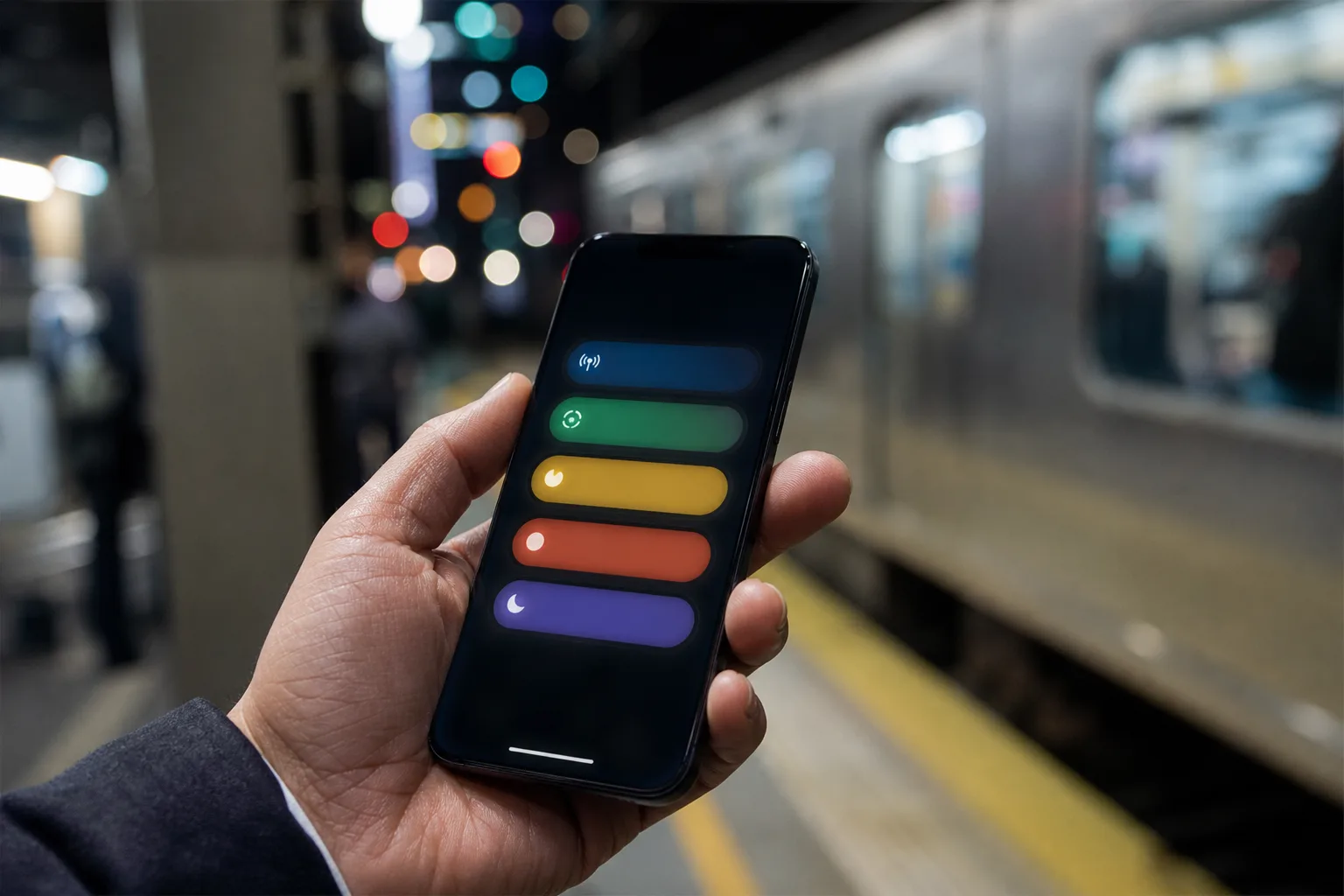
- iPhone 18 Pro Live Activities can occupy three Dynamic Island positions, though the third position is reserved for Apple system activity.
- The iPhone 18 Pro Live Activities limit means two third-party apps cannot join a system task in the expanded Dynamic Island view.
- Navigation and Now Playing appear to be the intended occupants of the extra slot in iOS 27.
- Apple’s interface choice improves visual order, but it limits the multitasking promise implied by the smaller display cutout.
Table of Contents
iPhone 18 Pro Live Activities have a third-slot asterisk
The iPhone 18 Pro Live Activities story sounds straightforward at first: Apple made the cutout around the Dynamic Island smaller, creating enough visual room to show up to three ongoing activities. That’s a useful upgrade for anyone who regularly juggles a timer, a food delivery, a sports score, a ride home, and music. The catch is the third slot. It appears to be reserved for Apple’s own system-level activity.
In other words, the iPhone 18 Pro can display two app Live Activities alongside a system task such as navigation or Now Playing. What it cannot do, according to iOS 27 behavior identified by code explorer pdfu, is show three independent third-party app activities at once. If you were waiting for the Dynamic Island to become a tiny multitasking dashboard, lower your expectations.
This is a classic Apple move: expand the capability, then put guardrails around the part most likely to become visual chaos. I can see the design logic. I’m less convinced the marketing implication will be as clear to buyers.
Why Apple may be reserving the extra Dynamic Island slot
Live Activities provide persistent, glanceable updates on the Lock Screen and, on supported iPhones, in the Dynamic Island. The best implementations are genuinely handy. A boarding pass countdown, an Uber arrival estimate, a live game score, or a coffee order status can save you from repeatedly opening and closing an app.
The problem is that these tiny cards are competing for a remarkably small area. The Dynamic Island has always worked because it remains legible at a glance. Add three unrelated apps, each with its own iconography, countdown, animation, colors, and alerts, and the whole thing could start to resemble a crowded airport departures board. Nobody needs that while trying to follow turn-by-turn directions.
That likely explains the iPhone 18 Pro Live Activities rule. Navigation and media playback have a stronger claim on persistent screen space because they often demand immediate attention. A missed turn is more consequential than a delayed grocery delivery; an active call or playing track is also part of the phone’s basic operating context, not simply another app notification.
Apple has long made these distinctions in iOS. The company gives calls, alarms, maps, media controls, and other system functions special behavior that third-party developers can’t fully replicate. Live Activities are no exception. Apple’s ActivityKit documentation explains the framework, but the platform owner still decides which experiences get priority when space runs out.
Frankly, that’s defensible from a usability perspective. The issue is whether Apple has communicated it plainly enough. Saying a phone supports three simultaneous activities naturally leads people to assume three apps can participate. That isn’t what the software currently permits.
What the limit means in daily use
For most people, this limitation may never matter. The average iPhone owner probably has one Live Activity running, perhaps two during a busy commute. Picture a Maps route on your way to dinner, music playing through AirPods, and a delivery tracker for the meal you ordered earlier. That’s exactly the scenario where iPhone 18 Pro Live Activities should feel more capable than earlier models.
But there is a meaningful edge case for power users. A sports fan might want a live score, a rideshare ETA, and a workout status. A traveler could have a flight tracker, a train ticket update, and a hotel check-in timer. Someone working an event might be following an auction, a courier, and a parking session. On an iPhone 18 Pro, the third app activity may not get the place the physical redesign seems to promise.
Instead, the third display position appears tied to a system activity. If no eligible system task is active, users should not assume a third third-party Live Activity will automatically fill that gap. That distinction matters because Live Activities are not a general-purpose widget grid. They are controlled surfaces managed by iOS, with priority rules that Apple can alter at any time.
There’s also a subtle developer angle. App makers have spent the past few years learning how to earn a place on the Lock Screen without becoming annoying. The iPhone 18 Pro Live Activities ceiling makes that competition tighter, not looser. Two apps can coexist, but the system still holds the best seat at the table for itself.
A hardware change that software still controls
The smaller cutout on the iPhone 18 Pro is real estate reclaimed from hardware, yet Apple is treating it as a software-managed resource. That’s not unusual. The company has repeatedly used hardware features as the opening move and iOS policy as the actual control point. Think of the Action button, which is customizable but still constrained by Apple’s preferred workflows, or the always-on display, which dims and filters information according to system rules.
My read is that Apple wants the Dynamic Island to remain an ambient interface, not a second home screen. There’s wisdom in that. Android manufacturers have experimented with notification-heavy lock screens and status areas for years, and the results often prove how quickly useful information turns into wallpaper. Apple would rather be conservative than let the Island become a blinking pile of badges.
Still, iPhone 18 Pro Live Activities are a reminder that added capacity does not always equal added freedom. The hardware makes room for three; iOS decides that only two outside developers can use it. That may be the right call today, but it also gives Apple an easy software switch to flip later if the company decides the extra space should work harder.
The next test is whether Apple opens the door
Apple could revise these rules in a future iOS 27 update, especially if developer feedback shows that users want more control over which activity gets priority. A settings option to choose between a system-first layout and three app activities would be the obvious compromise. It would preserve the clean default while giving advanced users a way to make the phone behave more like their phone.
For now, prospective buyers should view iPhone 18 Pro Live Activities as a better version of Apple’s existing glanceable interface, not an unrestricted three-app multitasking feature. The distinction may sound small. On the screen you stare at hundreds of times a day, it’s the whole story. The question is whether Apple considers that third slot a permanent privilege for iOS itself, or merely a temporary training wheel.

