

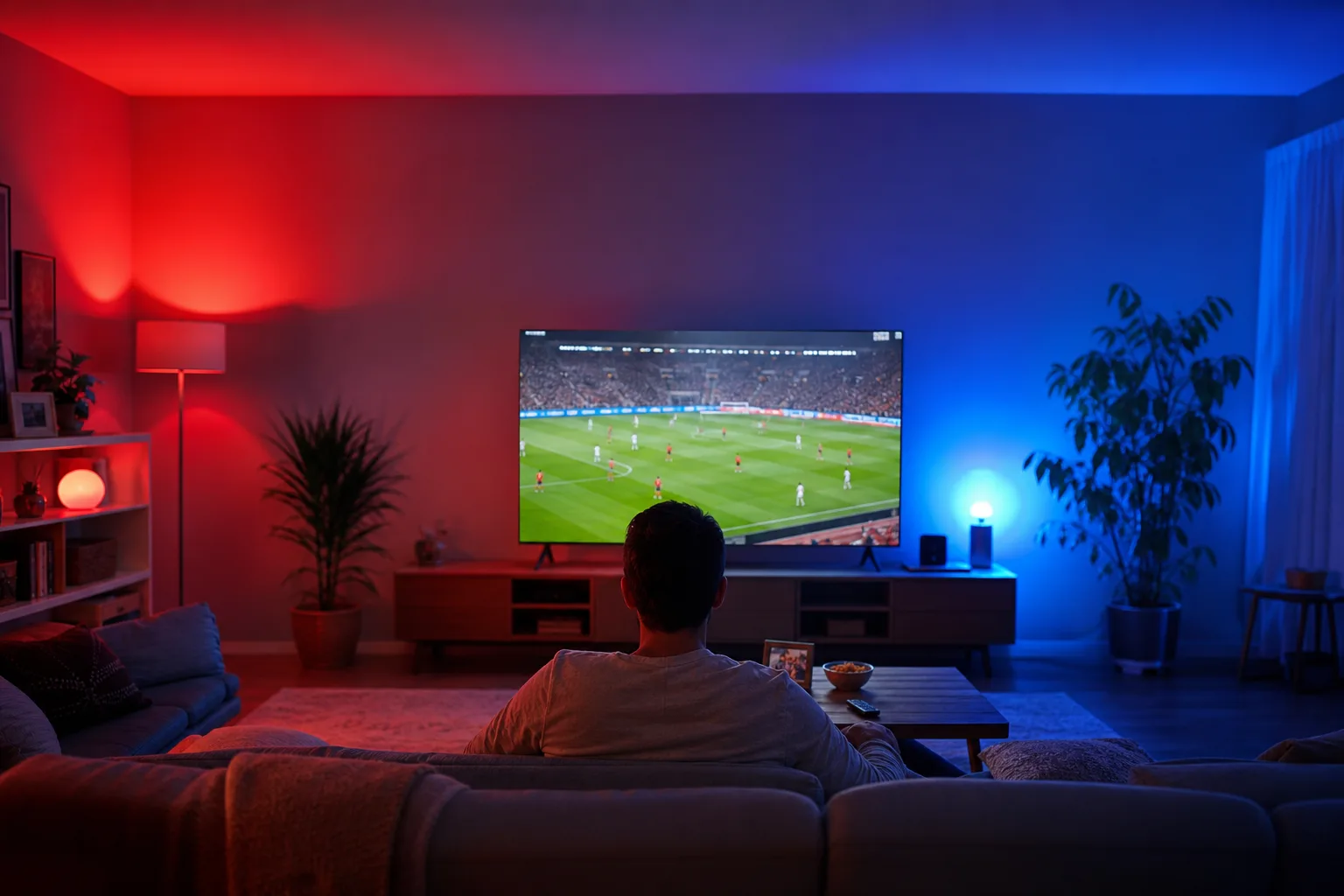
- Philips Hue Sports Live syncs your home lighting to live World Cup 2026 matches, flashing colors for goals, cards, and penalties.
- Philips Hue Sports Live requires at least one color-capable bulb and takes around five to ten minutes to configure in the Hue app.
- Samsung SmartThings integration lets the experience extend beyond the lights, triggering broader smart home routines during matchday.
- You don’t need a Samsung TV or a Hue Bridge Pro — the base Hue app update is all that’s required to get started.
Table of Contents
Philips Hue Sports Live Brings the Stadium Into Your Living Room
Philips Hue Sports Live is the Amsterdam-based lighting giant’s most direct attempt yet to turn your home into a second screen experience. Rolling out widely throughout June 2026, the feature syncs your smart bulbs to live sporting events — starting with the FIFA World Cup — and translates the action on the pitch into real-time lighting effects across your room. Goals, yellow cards, red cards, set pieces, penalties, and even a pre-match kickoff countdown all trigger distinct color flashes and animations. It’s reactive home lighting for people who actually care about sports, not just ambiance.
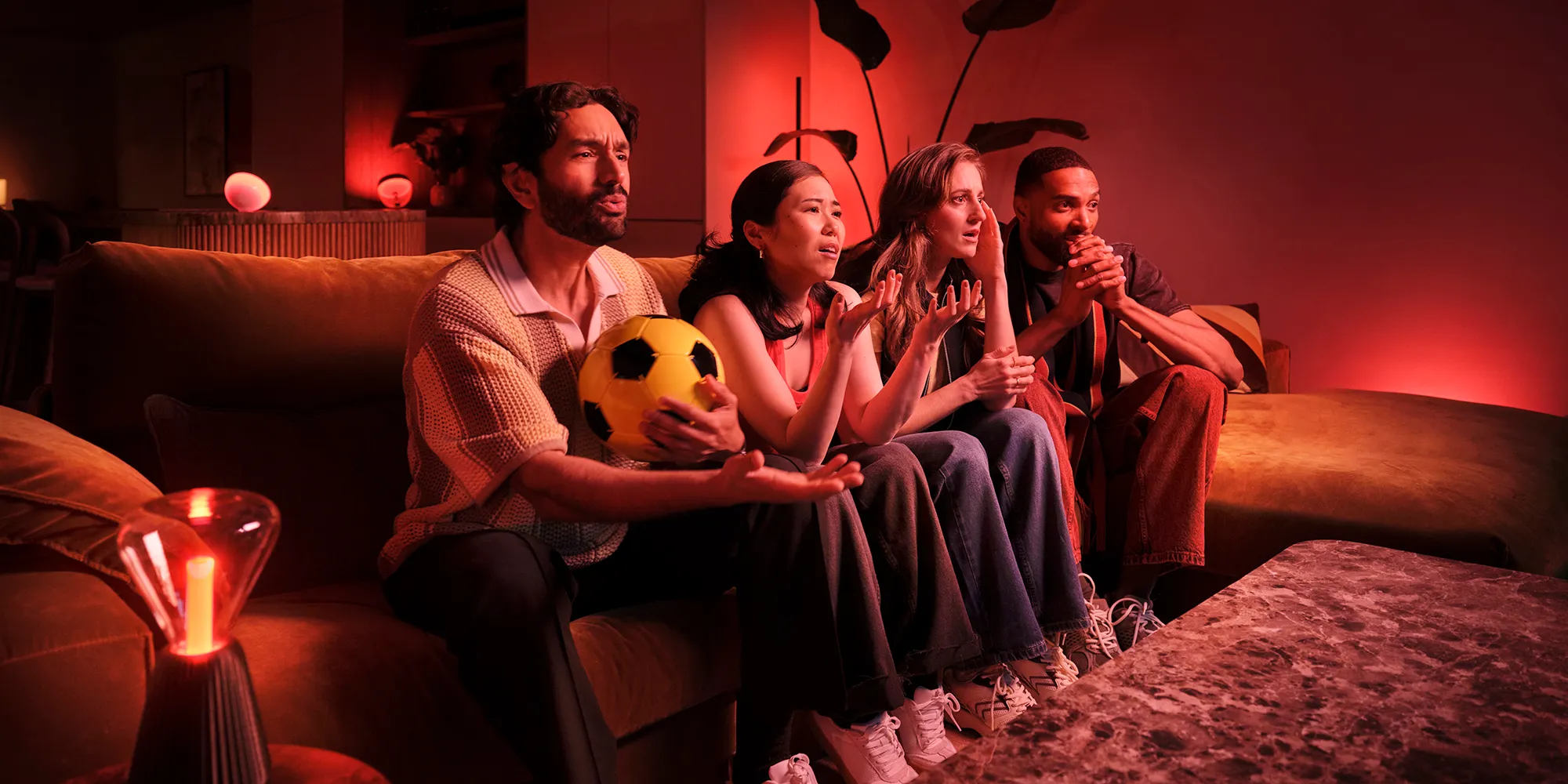
The concept isn’t entirely new — Hue has offered its Sync entertainment features for years, primarily tied to music and on-screen video content via the Hue Sync Box. But tying lighting effects to live data from a specific broadcast event, and doing it without requiring any screen-capture hardware, marks a meaningful step forward. This is the company leaning into the ‘feel the game’ territory it’s been hinting at for some time.
What Triggers the Lights — and What It Actually Looks Like
According to Philips Hue’s own support documentation, the effects are tied to specific match events rather than a continuous video feed. That distinction matters. Rather than analysing what’s on your TV pixel-by-pixel, the system is pulling live match data — goals, disciplinary actions, key moments — and mapping those events to pre-designed lighting scenes. Think of it like a data-driven light show choreographed around the match timeline.
A goal triggers a celebratory burst in your team’s colors. A red card sends a flash of crimson across the room. The countdown to kickoff builds with a timed animation sequence. And when the final whistle blows with your team on top, the winning side’s colors fill the space. It’s theatrical, deliberately so, and clearly aimed at turning a solo viewing session into something that feels more communal — even if you’re watching alone on your sofa.
Philips Hue describes the overall result as ‘a fully immersive experience that allows fans to not just watch the game, but to feel part of it.’ That’s marketing language, sure, but there’s a legitimate use case here. Anyone who’s set up a Hue Entertainment zone for a movie night will recognise the appeal immediately. Sports has always been a gap in that experience — and Philips Hue Sports Live fills it directly.
Setup: What You Need and How to Get Started
The barrier to entry for Philips Hue Sports Live is relatively low. You need at least one color-capable Hue bulb — not a full room of them — and the latest version of the Hue app. That’s it. Philips Hue estimates setup at five to ten minutes, which tracks with how Entertainment zones have always worked in the app: a few taps, a room selection, and you’re in.
If you haven’t used Hue’s Sync features before, the path is straightforward:
- Open the Sync tab inside the Hue app.
- Tap Get Started.
- Select Sports Live – Championship 2026 and follow the on-screen steps.
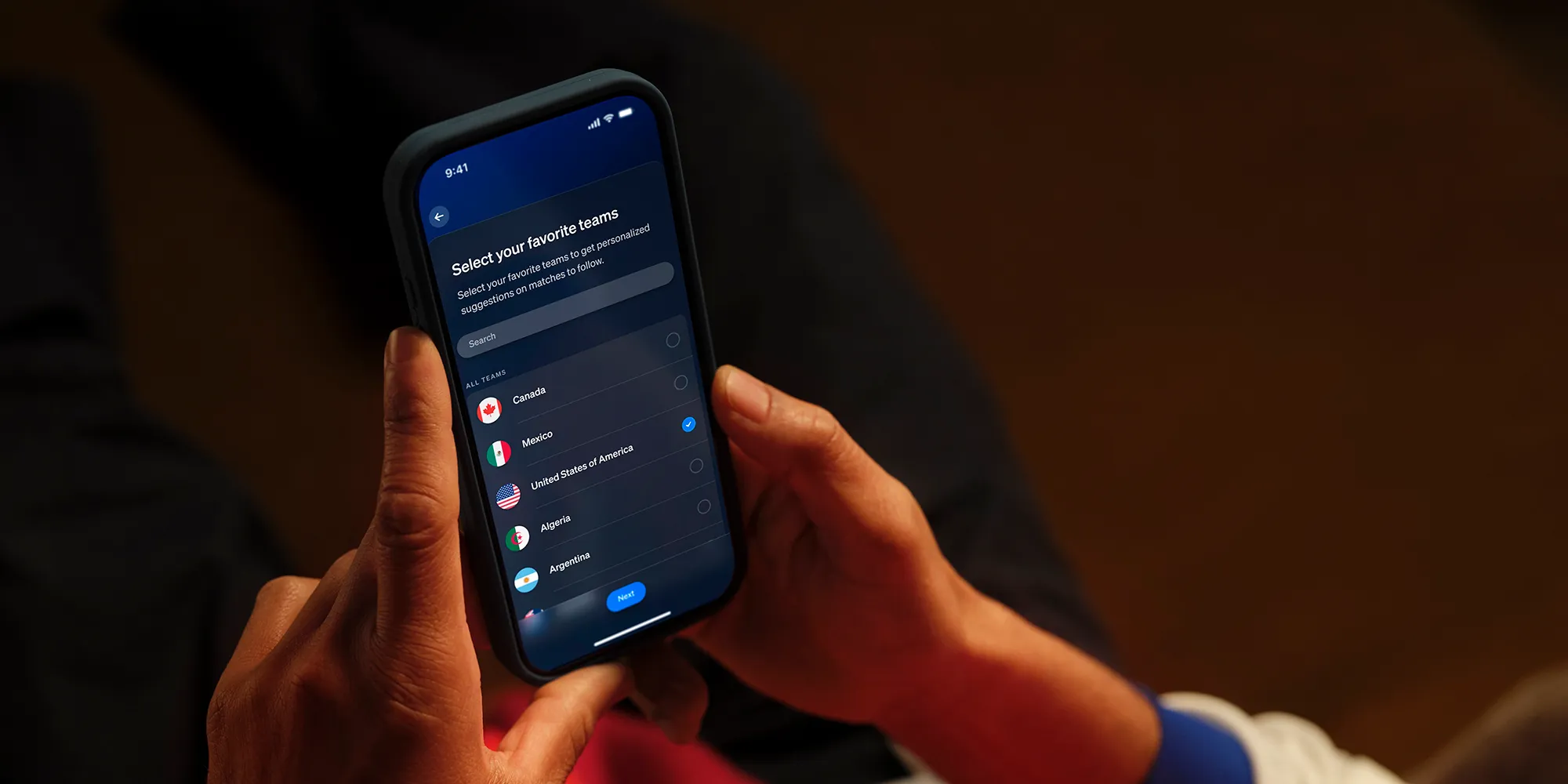
Existing Hue Sync users get there a slightly different way — through the ‘What’ button in the bottom left of the Sync tab, then the blue plus icon to add the new experience. During setup you can optionally nominate your favourite team, which helps the app surface the right match suggestions automatically, and you pick which room in your home gets the lighting treatment.
One practical note: you can adjust scene brightness and effects during the match itself, so you’re not locked into whatever you chose at setup. That’s a small but useful touch — nobody wants a strobe effect at full intensity when they’re also trying to read the onscreen score graphic. Philips Hue Sports Live is designed to complement your viewing, not compete with it.
Samsung SmartThings Makes It a Full Matchday Routine
Where things get more interesting — particularly for households already invested in a Samsung ecosystem — is the SmartThings integration. Philips Hue has built in support for Samsung’s smart home platform, meaning the lighting effects can trigger broader automations across your home. That could mean your TV switching inputs automatically at kickoff, speakers adjusting volume, or blinds closing when a match starts. The lights become one piece of a coordinated matchday environment rather than a standalone novelty.
Samsung TV owners also get a deeper layer of integration with Philips Hue Sports Live, though the specifics of what that adds beyond the standard experience haven’t been fully detailed publicly. It’s worth watching — Samsung and Philips Hue have been tightening their partnership for a while, and this kind of co-engineered sports experience could easily expand to other content types if the uptake is strong during the World Cup window.
For everyone else without a Samsung setup, none of this is required. The core lighting experience runs entirely through the Hue app, independently of your TV or any other connected hardware.
The Bigger Picture: Smart Lighting Finally Gets a Live Sports Hook
Philips Hue has long dominated the premium smart lighting space. The company’s bulbs, light strips, and gradient fixtures occupy the top shelf of most smart home retailers — Philips Hue products are stocked at Amazon, Best Buy, Crutchfield, and its own direct store. But sustaining that position means constantly finding new reasons for people to buy in, or to upgrade existing setups. A one-time purchase of a Hue starter kit doesn’t drive recurring engagement the way a subscription platform would.
Philips Hue Sports Live is a smart answer to that problem. The World Cup is the most-watched sporting event on the planet, drawing vast global audiences across each tournament. Tying a flagship software feature to that event is a highly visible marketing moment, and one that’s timed perfectly. Hue gets to put its most experiential feature in front of consumers right when people are actively thinking about upgrading their viewing setups.
The feature also arrives alongside a broader wave of ambient and reactive lighting products from competitors. Govee, Nanoleaf, and LIFX have all pushed into the entertainment sync space over the past two years, often at significantly lower price points. Philips Hue’s answer has consistently been ecosystem depth and reliability — and Philips Hue Sports Live reinforces that by pulling in live match data and third-party platform integrations that a cheaper alternative simply can’t match yet.
Whether Philips Hue Sports Live becomes a permanent fixture in the app beyond the 2026 World Cup — extending to the Champions League, the NFL, the NBA, or other major events — will depend heavily on how Signify (Hue’s parent company) structures its data partnerships with sports leagues and broadcasters. The technical framework is clearly in place. The commercial negotiation around live sports rights, even for ambient data feeds, is the harder part. If Signify can crack that, Philips Hue stops being a product you set up once and forget, and becomes something fans actually reach for every matchday.
Frequently Asked Questions
What hardware do I need to use Philips Hue Sports Live?
You need at least one color-capable Philips Hue light and the latest version of the Hue app installed on your phone. A full color-only room isn’t required. The setup itself takes around five to ten minutes.
Does Philips Hue Sports Live work without a Samsung TV?
Yes. While there is deeper integration available for Samsung TV owners, it’s entirely optional. The real-time lighting effects for goals, cards, and kickoff countdowns work independently through the Hue app without any TV connection at all.
Which sports events does Philips Hue Sports Live support?
The feature is rolling out alongside the upcoming World Cup and is listed in the app as ‘Sports Live – Championship 2026.’ The source does not provide a confirmed list of other future supported sports or events.
How do I set up Philips Hue Sports Live if I already use Hue Sync?
Open the Sync tab in the Hue app, tap the ‘What’ button in the bottom left corner, hit the blue plus button, and choose ‘Sports Live – Championship 2026.’ From there you can select your favourite team and the room you want the effects applied to.

