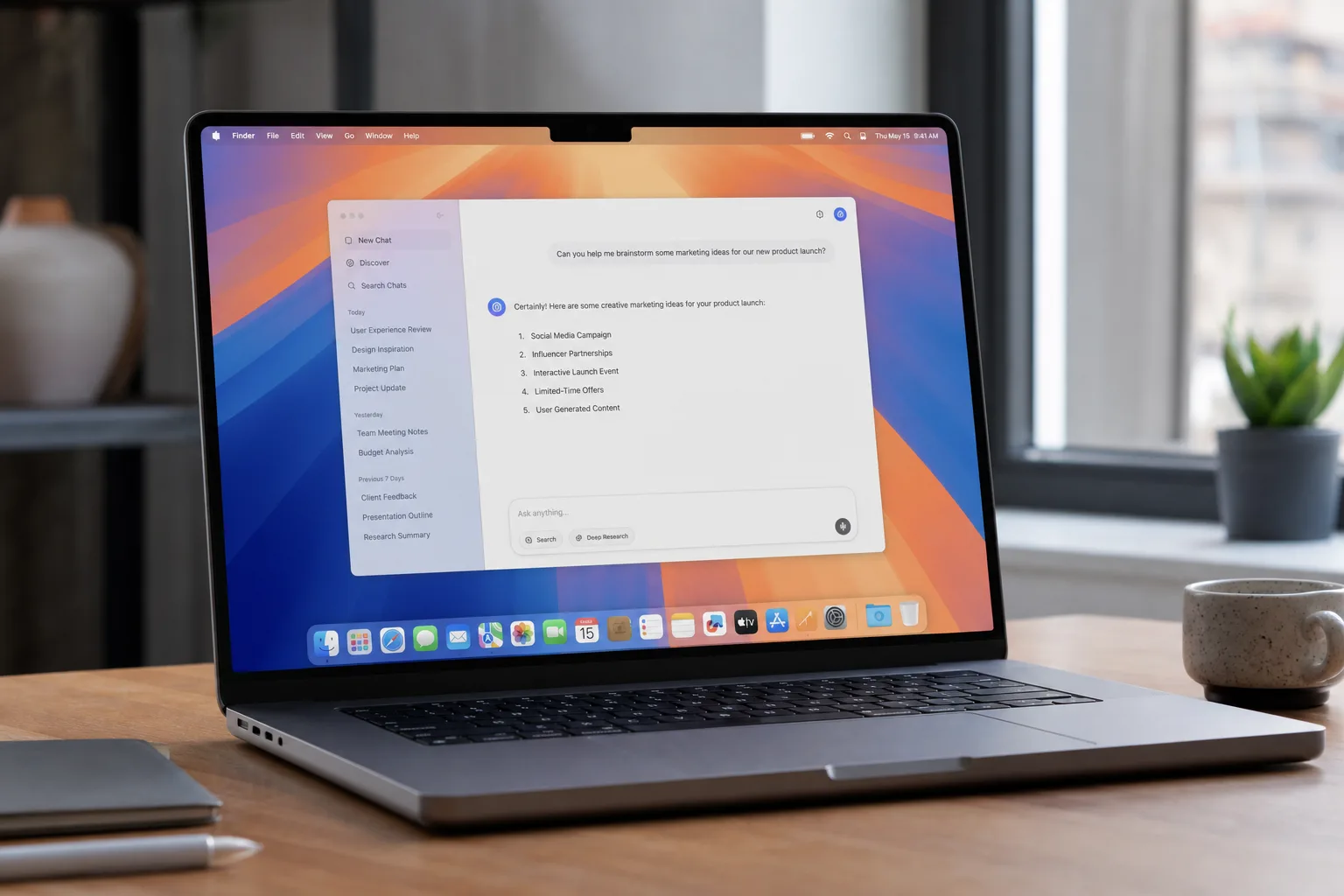
- macOS 27 Golden Gate drops Intel support entirely — only Apple Silicon Macs from 2020 onwards are compatible.
- macOS 27 Golden Gate centres on a rebuilt Siri AI, now powered by Google Gemini‘s foundation models for smarter responses.
- Safari gets an AI-driven tab organisation system called Topics, plus the ability to create custom extensions in plain language.
- Liquid Glass transparency from last year is being refined with a new refraction effect to fix readability complaints.
Table of Contents
macOS 27 Golden Gate Is Apple’s Biggest Platform Bet in Years
Apple used its WWDC 2026 keynote to pull back the curtain on macOS 27 Golden Gate — a release that, even by Apple’s standards, feels like a genuine inflection point. The California naming tradition continues, this time honouring San Francisco’s most iconic landmark. But the name is almost beside the point. What matters is that Apple has decided this is the year Siri stops being the butt of every tech podcast joke and becomes something people actually want to use on a Mac.
The update lands at a moment when the AI assistant wars are hotter than they’ve ever been. ChatGPT has mainstreamed the idea of a conversational AI that can genuinely help you think. Google’s Gemini is embedded across Android and Chrome. Microsoft has spent billions weaving Copilot into Windows and Office. Apple, famously late to this particular party, is now swinging hard — and it’s done something surprising to get there: it’s built its core AI models on top of Google Gemini. More on that in a moment.
The End of the Road for Intel Macs
Last year, Apple warned that macOS 26 Tahoe would be the final update for Intel-based machines. That warning has now become reality. macOS 27 Golden Gate is Apple Silicon only, full stop. If you’re still running a 2019 MacBook Pro or an older iMac with an Intel Core i9, your Mac’s operating system journey ends with Tahoe.
The full list of compatible hardware is:
- MacBook Neo (2026)
- MacBook Pro (2020 and later)
- MacBook Air (2020 and later)
- Mac mini (2020 and later)
- iMac (2021 and later)
- Mac Studio (2022 and later)
- Mac Pro (2023 and later)
Even within that list, there’s a meaningful split. The more advanced Apple Intelligence features — particularly the improved Voice Mode — require an M3 chip or newer, with at least 12 GB of RAM. That disqualifies the new MacBook Neo and a significant portion of MacBook Air models sold before 2024. It’s a reminder that ‘compatible’ and ‘fully capable’ aren’t always the same thing. Apple has a history of listing hardware as supported while quietly reserving the headline features for newer machines, and that pattern isn’t going away.
One more geographic caveat worth flagging: on macOS 27 Golden Gate, Siri AI won’t be available in the EU or China at launch due to regulatory friction. In the EU, the Digital Markets Act has created real compliance headaches for Apple’s AI rollouts. In China, strict rules around AI-generated content add another layer of complexity. There’s no confirmed timeline for either market yet.
Siri AI: Finally a Reason to Use Siri on Mac
Let’s be honest — Siri on the Mac has never really worked. It launched in macOS Sierra back in 2016 and spent the better part of a decade being the thing you accidentally triggered while trying to type. The gap between what Siri could do on Mac and what you could do in a ChatGPT browser tab has only widened in recent years. macOS 27 Golden Gate is Apple’s most serious attempt yet to close that gap.
The renamed ‘Siri AI’ is now a full-blown chatbot with a dedicated app, screen awareness, automatic proofreading, personal context, and a customisable voice experience — features that have been trickling into iOS and iPadOS over the past year, now arriving on Mac in a more polished, desktop-native form. The biggest structural change is that Siri is now truly system-wide. Right-clicking anywhere on the desktop or inside Finder pulls it up instantly. Select a batch of files in Finder, right-click, and you can prompt Siri AI directly — asking it to summarise, rename, sort, or act on those documents without switching apps.
Spotlight is being upgraded too. Apple’s quick-launcher has always been primarily a local search tool, but now if you type a question that’s better suited to a conversational AI, Spotlight will route it to Siri AI and open a persistent chat window. That’s a small change with potentially large everyday implications — it means the habit of hitting Command + Space doesn’t need to change, but what happens next becomes significantly more useful.
Visual Intelligence also makes its Mac debut in macOS 27 Golden Gate. Grab a screenshot and Siri AI can immediately answer questions about what’s in it or take action on it — whether that’s translating text, identifying a product, or triggering a follow-up task. It’s the kind of feature that sounds gimmicky until you actually need it, at which point it becomes indispensable.
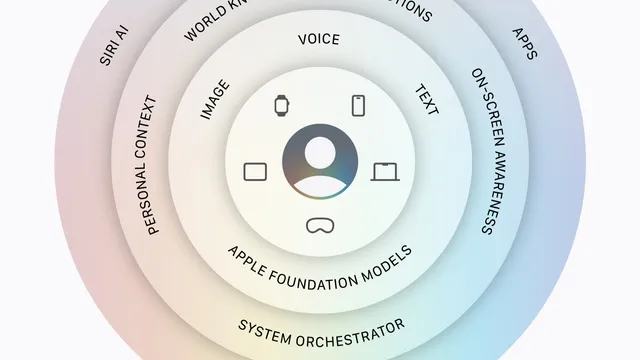
Underpinning all of this is a significant architectural decision: Apple’s new Foundation Models, which power Siri AI, are built on Google Gemini. That gives the system meaningfully better natural language processing and access to Gemini’s latest computer vision and image generation capabilities. The Apple-Google AI partnership is one of the more unexpected dynamics in the current tech landscape, and its full implications are still playing out.
Apple Intelligence Spreads Across First-Party Apps
Siri AI isn’t operating in isolation — the same intelligence layer is being baked into Apple’s core apps, with Safari and Shortcuts getting the most attention in macOS 27 Golden Gate.
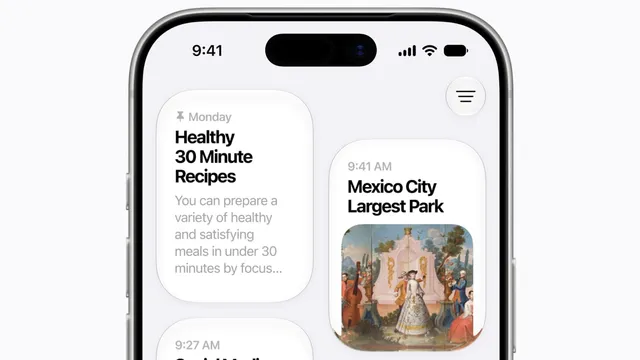
Safari’s new Topics feature is genuinely interesting. Browser tab sprawl is a universal problem — anyone who works with 30-plus tabs open at any given moment knows the pain. Topics uses AI to automatically group related tabs together, which can then be dismissed or saved as a tab group. It’s the kind of automated organisation that sounds obvious in hindsight, which is usually the sign of a good idea. Apple has also added Custom Extensions, which lets you describe a Safari extension in plain language and have it built for you on the fly. That’s a direct shot at the complexity that has historically kept non-developers from customising their browsers. Rounding out the Safari update: the Passwords app can now automatically flag and fix login credentials that are no longer considered safe — a welcome bit of proactive security hygiene.
The Shortcuts app has historically been a tool for power users willing to spend an afternoon connecting functions together. That changes in macOS 27 Golden Gate. You can now describe an automation in plain English — Apple’s own example being ‘Whenever I’m leaving work, calculate the ETA, and send it to Pedro’ — and Shortcuts will build it, combining Maps and Messages without you needing to touch a single logic block. Calendar also benefits, letting you create events using natural language that pulls in contacts and locations automatically.
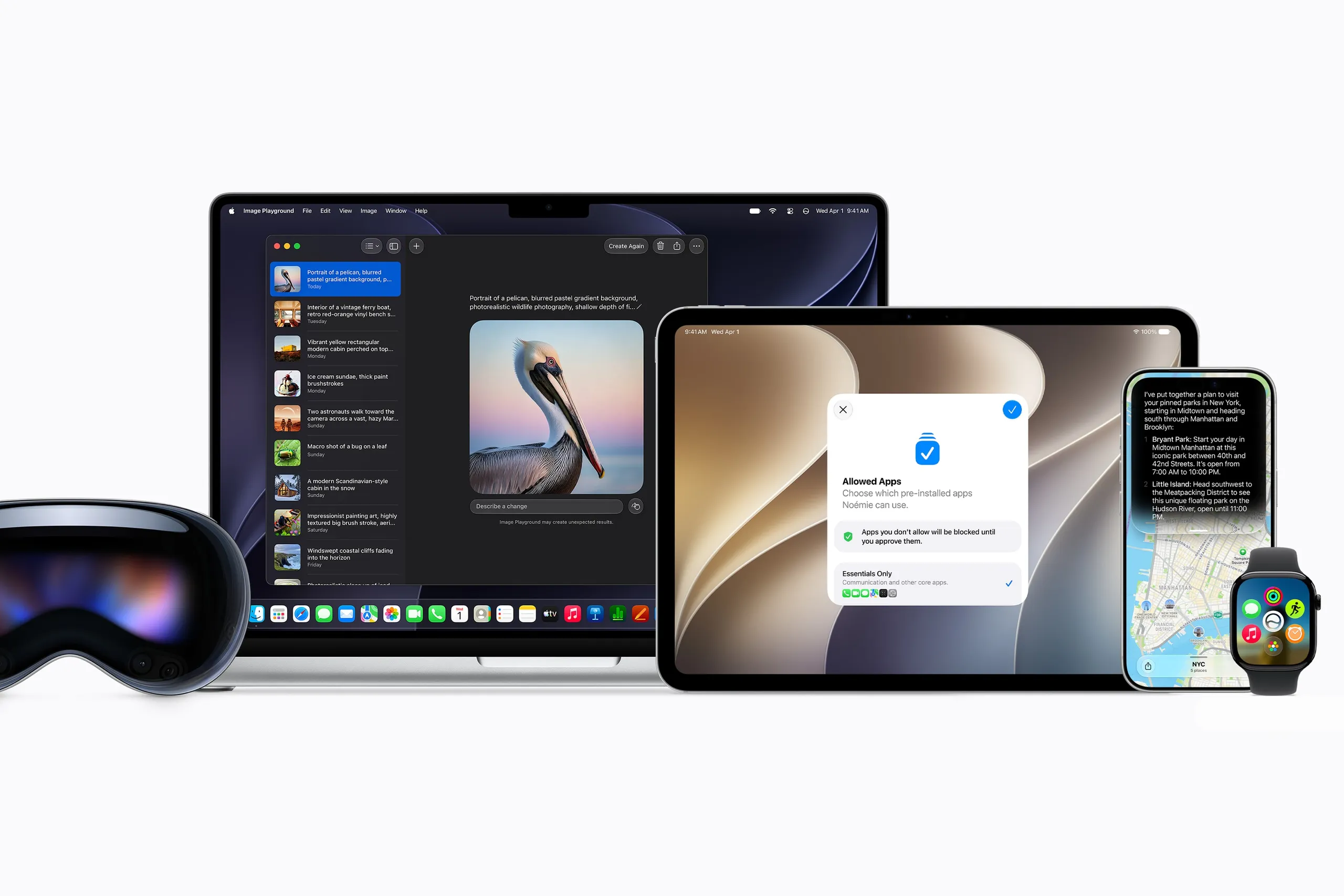
Image Playground has been overhauled too, now running on Gemini’s image generation models. The practical result is a jump to photorealistic output — a significant step up from the stylised, somewhat limited imagery the app produced before. There are daily usage limits, though paid iCloud+ subscribers can unlock more generation capacity. Apple is threading a familiar needle here: keeping the core experience free while using AI to add value to its subscription tier.
Liquid Glass Gets a Second Pass
Last year’s macOS Tahoe introduced Liquid Glass — a sweeping visual redesign that made the entire Mac UI feel more translucent and layered. The reaction was mixed. Some loved the depth; others found that transparency made menus harder to read and the overall interface feel cluttered. Apple has listened.
In macOS 27 Golden Gate, the Liquid Glass elements now include a refraction effect that more aggressively obscures background content, making foreground text cleaner and easier to parse. Crucially, users can now adjust the transparency level themselves via a slider in System Settings — giving people who found the original too distracting a way to dial it back without going full accessibility mode. It’s a sensible evolution. Apple rarely reverses a design direction entirely, but it’s clearly willing to tune Liquid Glass based on real feedback, which is more flexibility than the company usually shows with its UI language.
As AI becomes the default lens through which every major OS update is now evaluated, what’s striking about macOS 27 Golden Gate is that Apple isn’t just adding AI features — it’s restructuring the Mac’s foundational interaction model around them. Spotlight, Finder, Safari, Shortcuts, even Calendar are all being rewired to assume an AI layer is present. Whether that assumption pays off will depend entirely on whether Siri AI is actually reliable enough to build habits around. That’s a bar Siri has historically failed to clear. The Gemini underpinnings suggest this time might genuinely be different.
Frequently Asked Questions
Which Macs are compatible with macOS 27 Golden Gate?
macOS 27 Golden Gate supports Apple Silicon Macs only — Intel machines are officially retired after macOS 26 Tahoe. Supported hardware includes MacBook Pro and MacBook Air from 2020, Mac mini from 2020, iMac from 2021, Mac Studio from 2022, and Mac Pro from 2023.
What hardware is needed for advanced Siri AI features in macOS 27?
The more powerful Apple Intelligence features, including the improved Voice Mode, require an M3 chip or newer and at least 12 GB of RAM. That excludes the MacBook Neo and most MacBook Air models sold before 2024.
When is macOS 27 Golden Gate available to the public?
The developer beta is available now, following Apple’s WWDC keynote. A public beta is expected in July, though the source does not specify when the full release will arrive.
Why won’t Siri AI be available in the EU or China at launch?
Apple has confirmed Siri AI will not be available in the EU or China at launch due to regulatory concerns. The source does not detail the specific regulations involved.
Does macOS 27 Golden Gate use Google Gemini?
Yes. Apple has built its new Foundation Models on Google Gemini technology, which powers Siri AI’s improved natural language processing and the photorealistic image generation now available in Image Playground.