

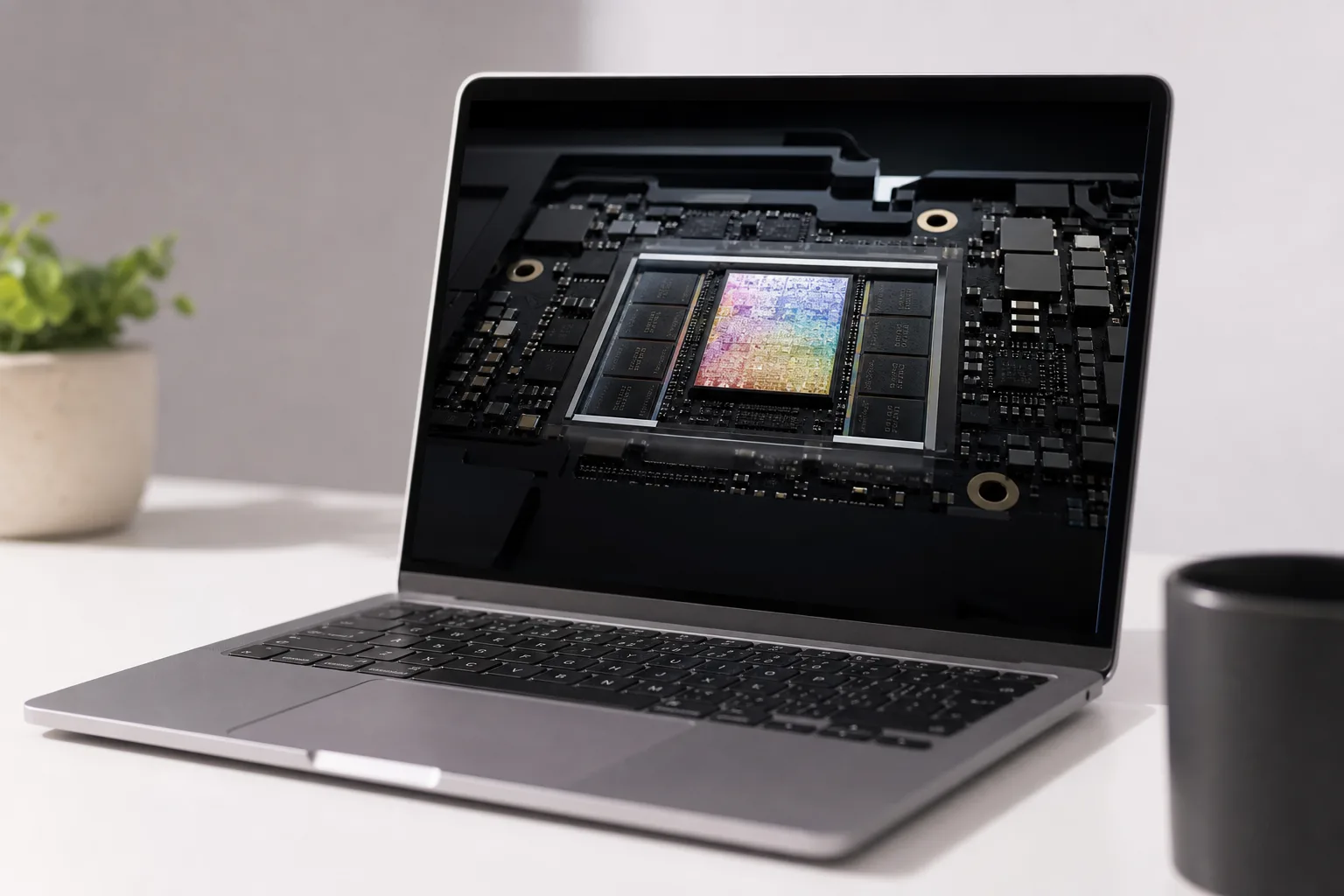
- macOS 27 Apple Silicon requirement means every Intel Mac is now locked out of Apple’s latest operating system updates.
- macOS 27 Apple Silicon support starts with the M1 chip, which launched in late 2020 across the MacBook Air, Pro, and Mac mini.
- Intel Macs on macOS 26 Tahoe will still receive security and Safari patches for roughly two more years after macOS 27 ships.
- Rosetta 2 survives for now but Apple has signalled it will be progressively limited, mostly kept alive for legacy game compatibility.
Table of Contents
macOS 27 Apple Silicon: The End of an Era, Not a Surprise
macOS 27 Apple Silicon compatibility marks the formal close of a chapter Apple started writing the moment it announced its own chips back at WWDC 2020. The upcoming macOS 27 Golden Gate release will require an Apple Silicon Mac — full stop. No exceptions, no extended grace periods for premium Intel machines purchased just before the transition. If your Mac has an Intel processor inside, Golden Gate isn’t coming to it.
To be clear, Apple telegraphed this. The company announced last year that this cycle’s macOS release would draw the line. For anyone paying attention to the cadence of Mac support cuts — each new release quietly dropping a longer tail of older Intel hardware — this was never a question of if, only when. Golden Gate is the when. The macOS 27 Apple Silicon requirement is the formal confirmation of what that transition always meant for Intel hardware.
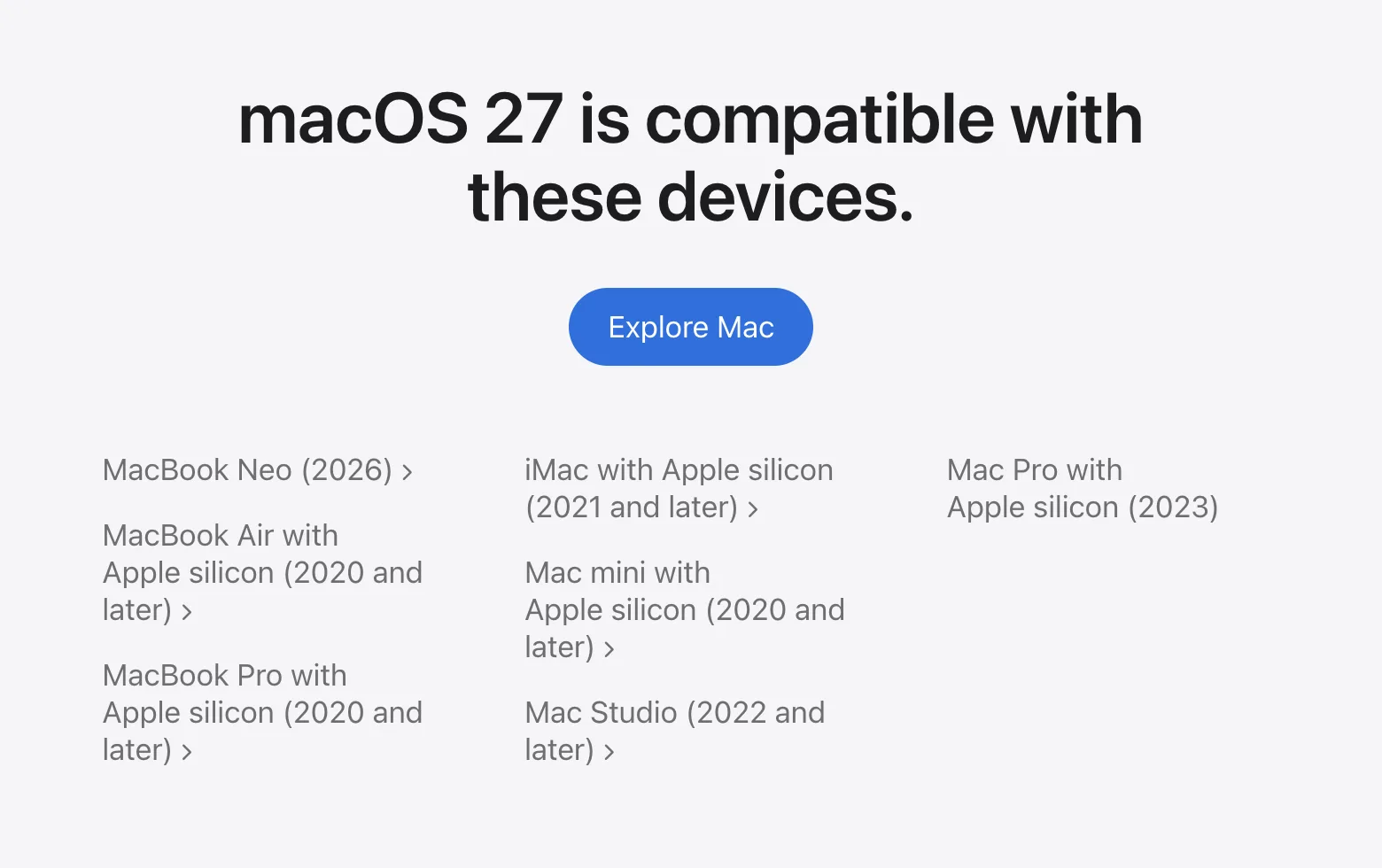
The baseline for compatibility is the M1 chip, which Apple introduced in November 2020 across the MacBook Air, 13-inch MacBook Pro, and Mac mini. That’s the floor. Everything from M1 upward — through the M2, M3, and current M4 generations — is in. Every Intel Mac, including machines that were sold new just months before the M1 launched, is out.
What Intel Mac Owners Actually Get Going Forward
Being cut from macOS 27 doesn’t mean Intel Macs immediately become security liabilities — but the clock is ticking. Apple has committed to delivering security patches and Safari updates for Intel Macs running macOS 26 Tahoe for approximately two more years following Golden Gate’s release. That’s a reasonable runway, consistent with the support windows Apple has historically offered to hardware it’s phasing out.
The picture is tighter for anyone still running macOS 15 Sequoia. Those machines get roughly one more year of updates. If you’re already two versions behind, the sensible move is to upgrade to macOS 26 Tahoe now and extend your security window as long as possible before you’re forced to make a hardware decision. Understanding the macOS 27 Apple Silicon cutoff clearly is the first step in planning that timeline.
After those windows close, you’re on your own. An unpatched Mac connected to the internet isn’t a theoretical risk — it’s an active one. Two years sounds comfortable today, but it has a way of arriving faster than expected.
Rosetta 2 Isn’t Dead — But It’s Being Wound Down
Here’s where things get genuinely interesting for developers and power users. Rosetta 2, the translation layer that lets Apple Silicon Macs run apps compiled for Intel processors, will still be present in macOS 27 Golden Gate. So if you’ve switched to an M-series Mac but rely on older software that hasn’t been recompiled as a universal or native ARM binary, you won’t be stranded immediately.
But Apple has made its longer-term intentions clear. Future macOS releases will progressively narrow what Rosetta 2 supports. According to Apple, the technology will primarily stick around to support older games — specifically titles that ship Intel-native code and aren’t likely to receive updates. Everything else, the expectation is, should have made the jump to native Apple Silicon binaries by now. Five years after the M1 launched, that’s not an unreasonable position. The macOS 27 Apple Silicon shift makes that expectation official policy.
For most users, this won’t matter. The vast majority of major Mac applications — Microsoft Office, Adobe Creative Cloud, the entire professional software ecosystem — went native years ago. But niche utilities, legacy enterprise tools, and certain older creative applications could be caught out if developers don’t act before Apple tightens the screws further.
How Apple’s Chip Transition Compares to the Last One
It’s worth putting this in historical perspective. Apple’s transition from PowerPC to Intel took a number of years from announcement to full deployment. The company then gave PowerPC software a compatibility layer called Rosetta — the original — and eventually killed it after several years.
The Apple Silicon transition has followed a strikingly similar arc. The M1 arrived in late 2020. macOS 27 Apple Silicon exclusivity puts the full Intel exit at several years after the transition began. Rosetta 2 is on a similar trajectory, just slightly more generous given the sheer volume of software in the modern Mac ecosystem.
What’s different this time is the performance differential. The gap between Apple Silicon and the Intel chips it replaced is enormous — far wider than the jump from PowerPC to Intel ever was in practice. An M1 MacBook Air, the baseline machine that qualifies for macOS 27, is still faster at most tasks than the Intel Mac Pro Apple was selling in 2019. That makes the transition story easier for Apple to tell.
The OpenCore Workaround and the Enthusiast Community
Not everyone upgrades on Apple’s schedule. A meaningful number of Mac owners — particularly those who bought high-spec Intel MacBook Pros or iMacs in 2019 and 2020 — have been running the latest macOS releases on officially unsupported hardware using OpenCore Legacy Patcher, a third-party tool that patches around Apple’s hardware compatibility checks.
The project has been remarkably successful. It’s kept older hardware relevant, given environmentally conscious users a reason not to discard functioning machines, and frankly served as a quiet rebuke to Apple’s occasionally aggressive deprecation cycles. The tool will almost certainly continue to evolve for macOS 27, though the technical complexity of patching around a full architecture requirement — rather than just an age cutoff — is a different challenge than what the project has tackled before. With macOS 27 Apple Silicon setting a hard architecture boundary, all M1 and later Macs are officially supported, so the community’s focus will shift entirely to Intel hardware.

The Bigger Picture: Apple’s Platform Consolidation
macOS 27 Apple Silicon exclusivity isn’t just a support cutoff — it signals Apple’s intent to build a genuinely unified platform across Mac, iPhone, and iPad. With every device in the lineup now running Apple-designed chips sharing the same ARM architecture, the company can optimise the OS at a level that simply wasn’t possible when it had to support two radically different processor families simultaneously.
We’re already seeing early signs of that: features that take advantage of the Neural Engine, tight integration between macOS and iOS APIs, and performance characteristics that assume a unified memory architecture. As that design philosophy deepens across future macOS releases, the gap between what Intel Macs could theoretically run and what Apple actually builds for will only widen — even if the hardware were somehow kept compatible. Each successive release will push macOS 27 Apple Silicon-class capabilities further beyond what any Intel machine could deliver.
For the Mac as a platform, the Intel era produced some genuinely excellent hardware — the 2019 Mac Pro, the i9 MacBook Pro, machines that were real workhorses in their time. But Apple Silicon didn’t just replace those machines. It reset expectations entirely. The transition is done. macOS 27 Apple Silicon — Golden Gate — is simply the operating system catching up to the hardware reality that’s existed since November 2020.
Frequently Asked Questions
Which Macs are compatible with macOS 27 Apple Silicon?
Any Mac with an Apple Silicon chip qualifies — starting with the M1, which launched in late 2020 in the MacBook Air, MacBook Pro, and Mac mini. Intel Macs, regardless of how recent they are, will not run macOS 27 Golden Gate.
How long will Intel Macs still receive security updates?
Intel Macs running macOS 26 Tahoe can expect security and Safari patches for approximately two years after macOS 27 ships. Those still on macOS 15 Sequoia get roughly one more year of updates. After that, those machines will be fully unpatched.
Will Rosetta 2 still work in macOS 27?
Yes, Rosetta 2 remains functional in macOS 27 Golden Gate, so Apple Silicon Macs can still run Intel-compiled apps. However, Apple has stated that future releases will narrow its scope significantly, with the technology largely reserved for older games that still rely on Intel-native code.
Can I still run the latest macOS on an unsupported Intel Mac?
Not officially. Third-party tools like the OpenCore Legacy Patcher have historically allowed unsupported Macs to run newer versions of macOS, and that community-driven workaround is likely to persist — but it comes with no guarantees around stability or security.

