

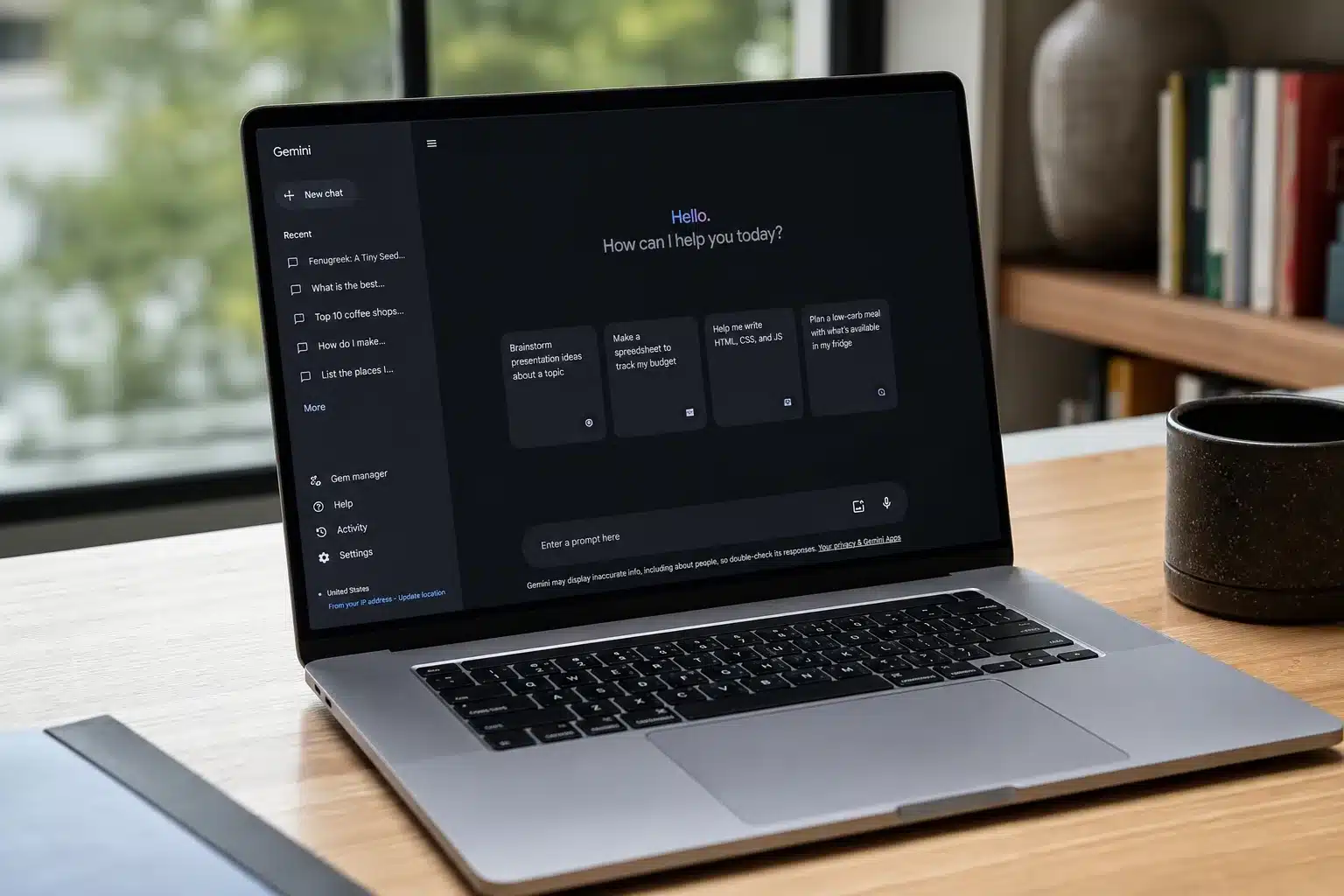
Google has quietly made one of the more meaningful moves in the desktop AI race. Gemini Spark for Mac is now available — in beta — and it does something most AI assistants still can’t pull off convincingly: it reaches into your actual computer and does things with your files. Not just tells you what to do with them. Does them.
- Gemini Spark for Mac lets Google’s AI agent act on local files and automate desktop workflows, not just answer chat questions.
- Gemini Spark for Mac is currently in beta, available only to Google AI Ultra subscribers in the US at $99 per month.
- New third-party integrations include Canva, Dropbox, Instacart, OpenTable, and Zillow Rentals, rolling out over the next week.
- Real-time topic tracking lets Spark monitor news, social media, finance, and email and alert users when set conditions are met.
Table of Contents
What Gemini Spark for Mac Actually Does
Gemini Spark for Mac surfaces as a dedicated tab in the sidebar of Google’s macOS Gemini app. That’s a deliberate design choice — it’s visually and functionally separated from the standard chat interface, signalling that Spark isn’t just a chatbot with a new coat of paint. It’s an agent, and the distinction matters.
Where most AI tools stop at generating text you then have to act on yourself, Spark closes that loop. You can point it at a messy Downloads folder full of PDFs and have it sort them into labelled subfolders automatically. You can feed it a stack of locally saved invoices and have it extract the relevant figures, then push those numbers into a Google Workspace budget spreadsheet — on a schedule you define. That last part is key. This isn’t one-shot automation; it’s persistent, recurring task handling.
Privacy controls are baked in from the start. Users link specific folders in the sidebar to grant Gemini Spark for Mac access, and that access can be revoked at any time. Google isn’t asking for blanket permission to roam your hard drive. Still, the moment any AI agent gets write access to local files, the trust bar goes up significantly — and it’s worth watching how Google manages that in practice as the beta matures.
Why This Is a Direct Shot at Apple Intelligence
Let’s be direct about the competitive context here. Apple has spent considerable energy marketing Apple Intelligence as the native, privacy-first AI layer for Mac users. It’s deeply integrated into macOS Sequoia, works on-device, and pitches itself on the kind of seamless file and app interaction that Gemini Spark for Mac is now attempting to deliver through a third-party app.
Google is essentially saying it can compete on that ground without needing to own the operating system. That’s a bold claim, and it’s not without merit. Spark’s folder-linking model is admittedly less elegant than Apple’s deep OS integration, but Google has one thing Apple doesn’t: a vastly larger ecosystem of cloud services and third-party integrations that it can wire directly into the agent’s capabilities. For users already living inside Google Workspace, that’s a genuinely compelling argument.
Microsoft is playing a similar hand with Copilot on Windows, of course. But macOS has historically been underserved by that effort, and Google is clearly targeting the Mac-user segment of its AI subscriber base with this launch.
The Integration Layer Is Where Gemini Spark Gets Interesting
Beyond local file access, Google announced a wave of third-party integrations for Gemini Spark for Mac that extend well past the Google ecosystem. The new connected apps include Google Tasks, Google Keep, Canva, Dropbox, Instacart, OpenTable, and Zillow Rentals. The range of those integrations tells you something about what Google imagines a ‘daily driver’ AI agent actually looks like in practice.
Canva and Dropbox serve the creative and productivity crowd. Instacart, OpenTable, and Zillow Rentals push Spark into territory that feels almost concierge-like — ordering groceries, booking restaurant tables, scheduling apartment tours. If that sounds familiar, it should: this is the kind of ambient, action-taking AI behaviour that everyone from Amazon to Apple has been gesturing at for years. Spark is making a concrete play for it.
These integrations are rolling out on web and mobile first, with macOS support following in the weeks after. It’s a slightly anticlimactic timeline for Mac users who just got the Spark tab, but the phased approach is at least honest about where the platform stands today.
Also arriving is support for custom Model Context Protocol (MCP) servers. For most users this is background infrastructure, but for developers and power users it’s significant. MCP support means Gemini Spark for Mac can be extended to connect with services Google hasn’t officially partnered with — effectively turning the agent into a programmable interface for a much wider surface area of tools and data sources. It’s the kind of extensibility that serious enterprise users demand, and its inclusion suggests Google isn’t just targeting consumers here.
Real-Time Tracking: Spark as Your Persistent Monitor
One of the less-hyped additions is real-time topic tracking, which lets Spark continuously monitor blogs, news sites, social media, financial data, sports scores, shopping listings, weather conditions, and email. Users set the conditions; Spark fires an alert when they’re met.
On paper this sounds like a glorified news alert. In practice, combined with the action-taking capabilities elsewhere in Spark, it’s the foundation for something more interesting — an agent that doesn’t just watch for a trigger but can respond to it. Imagine Gemini Spark for Mac detecting a pricing drop on a monitored product listing and cross-referencing that against your calendar before flagging it. That chain of reasoning and action is where agentic AI becomes genuinely useful rather than just impressive in demos.
Availability, Pricing, and What Comes Next
Gemini Spark for Mac is currently in beta, available to Google AI Ultra subscribers aged 18 and over in the US, starting with version 1.80.15.516 of the Gemini desktop app. Google AI Ultra costs $99 per month — putting it squarely in the premium tier alongside OpenAI’s ChatGPT Pro and Anthropic’s Claude Max plans.
That’s a meaningful price point. At $99 a month, Google needs Spark to deliver real, recurring value that users can feel — not just a collection of features they try once and forget. The local file automation angle is actually one of the stronger arguments for that value proposition, because it targets the kind of repetitive, time-consuming busywork that professionals genuinely want to offload.
Looking ahead, Google has flagged one particularly intriguing feature for a future update: the ability to start tasks on your Mac from your phone. The practical implications are significant — kicking off a file organisation job or a spreadsheet build remotely, without being at your desk. It’s a small glimpse at the direction of travel for Gemini Spark for Mac: an AI agent that operates across your devices as a unified, continuous presence rather than a feature tied to whichever screen you happen to be looking at.
The desktop AI agent space is moving fast, and Gemini Spark for Mac represents Google’s most direct attempt yet to make that category real for everyday users. Whether it can hold up under the messiness of real-world file systems and actual user workflows — rather than the clean demos that make every AI feature look effortless — is the question that the beta period will answer.
Frequently Asked Questions
Who can access Gemini Spark for Mac right now?
Gemini Spark for Mac is currently in beta and available only to Google AI Ultra subscribers aged 18 and over in the United States. Google AI Ultra costs $99 per month. You’ll need version 1.80.15.516 of the Gemini desktop app.
What kind of tasks can Gemini Spark automate on a Mac?
Spark can sort PDFs from a Downloads folder into labelled subfolders, pull figures from locally saved invoices, and build Google Workspace budget spreadsheets on a schedule. Users control exactly which folders Spark can access and can revoke that access at any time.
What third-party apps does Gemini Spark integrate with?
New Spark integrations include Google Tasks, Google Keep, Canva, Dropbox, Instacart, OpenTable, and Zillow Rentals. These allow actions like booking restaurant tables, ordering groceries, and converting notes into task lists. They’re rolling out on web and mobile first, with macOS support coming in the weeks after.
What is MCP server support in Gemini Spark?
MCP stands for Model Context Protocol. Spark’s support for custom MCP servers lets users connect additional services directly into the agent, giving users a way to extend what Spark can reach and act on beyond the officially supported integrations.

