

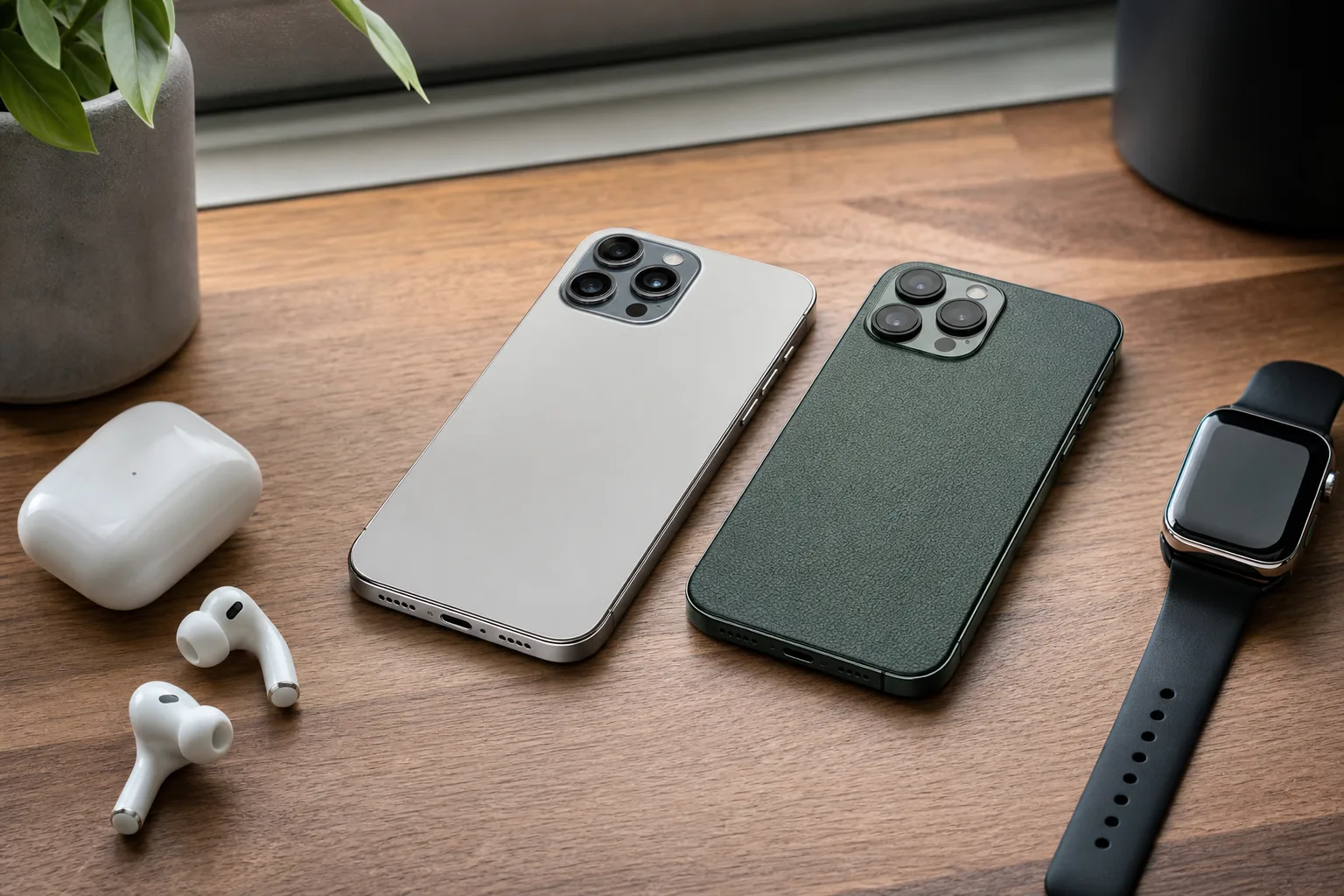
- Switching from iPhone no longer makes data migration painful, but Apple’s hardware and services still create costly exit points.
- For people switching from iPhone, Apple Watch compatibility and iMessage remain the clearest examples of ecosystem lock-in.
- Android wins on file management, keyboard choice and hardware variety, though app polish can vary sharply across phone models.
- RCS narrows the messaging divide, but it has not turned Apple’s cross-platform experience into an equal partnership.
Table of Contents
Switching from iPhone is a lifestyle change, not a cable-transfer problem
Switching from iPhone to Android has become technically straightforward. The cables and software have finally caught up with the decision. A USB-C cable, a setup wizard and an afternoon of password resets can move contacts, photos, calendars, messages and even WhatsApp history far more reliably than the clumsy migration rituals of a decade ago.
The bad news is that a phone is no longer merely a phone. It is the remote control for your watch, earbuds, cloud storage, payment cards, family photo library and group chats. Apple has spent years making that arrangement feel pleasantly effortless. The moment you leave, you find out which conveniences were genuine conveniences and which were carefully designed gates.
That distinction matters because Android is no longer the obvious compromise it once was. A Google Pixel, Samsung Galaxy S flagship or premium OnePlus handset can match or beat an iPhone in display technology, charging speed, zoom cameras and customization. Android also gives users more choice at every price point. But switching from iPhone still means exchanging one set of strengths for another, and anyone promising a frictionless break-up is selling something.
A white iPhone 15 Pro Max is a useful reminder of why Apple’s baseline hardware experience remains so persuasive: the company rarely allows its mainstream phones to feel cheap.
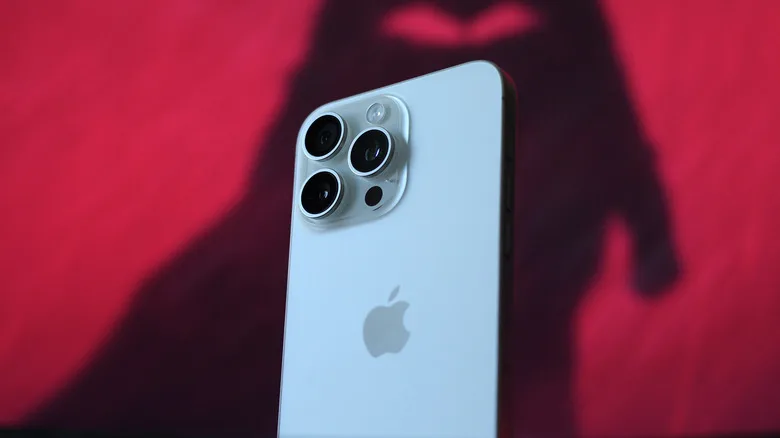
Apple’s advantage is consistency. Even a standard iPhone generally delivers dependable speakers, strong haptics, long software support and a camera system that works without much fuss. There are Android phones that outperform it in individual categories. The trouble is that Android buyers must do more homework. A cheap handset may have a perfectly decent screen but weak vibration motors, erratic cameras or a miserly update policy. That’s not glamour; it is the difference between a device that feels finished and one that feels like a spreadsheet of compromises.
The Apple ecosystem is the expensive part of leaving
The most obvious obstacle to switching from iPhone is not iCloud itself. Contacts, calendars and email can move to Google’s services without much drama, and iCloud files remain available through a web browser. Apple Music also has an Android app. The real problem is the collection of small handoffs Apple users stop noticing: AirPods changing devices automatically, passwords appearing when needed, Safari tabs following you to a Mac, and photos dropping into a shared library.
AirPods are a good example. They work with Android phones as ordinary Bluetooth earbuds, but ordinary is doing a lot of work there. Automatic switching, easy settings access, battery pop-ups and certain spatial-audio behaviors are either gone or need unofficial workarounds. Third-party utilities can restore pieces of the experience, but nobody should build a phone purchase around a workaround maintained by a small developer.
The Apple Watch situation is less forgiving. It does not pair with Android at all. If you own one, switching from iPhone effectively demands a second purchase: keep an iPhone around solely for the watch, or replace the wearable. That is precisely the sort of quiet switching cost regulators have begun scrutinizing across consumer tech. Apple’s ecosystem integration is a feature, and users often agree. From the other side of the fence, though, it can feel like discovering the apartment furniture is bolted to the floor.
Apple’s device-transfer guidance makes it easy to enter its world. Leaving is possible, but Apple has little commercial reason to make departure equally inviting.
Messaging has improved, but iMessage remains the social toll booth
RCS support on the iPhone has improved everyday conversations between iPhone and Android users. Higher-quality media, typing indicators and better group-chat behavior are meaningful upgrades over the old SMS and MMS mess. For families and mixed-device friend groups, that is progress worth celebrating.
But RCS did not make iMessage cross-platform. iMessage remains exclusive to Apple hardware, which means blue-bubble features, Apple-to-Apple encryption and the social habits built around them do not travel with you. That can sound childish until it affects a school group, a workplace thread or the person in your family who insists on using an iMessage group for everything. Technology choices are social choices, whether we like it or not.
There is also the software question. Developers have to support a vast range of Android displays, chips, versions and manufacturer tweaks. iOS developers target a much narrower field. The result is not that every iPhone app is better. Plenty of Android apps are excellent, and Google’s own software obviously lands there first. Yet switching from iPhone can expose surprisingly specific absences: a favorite travel tracker, a polished creator tool, a banking feature, or a niche health app that never made the Android jump.
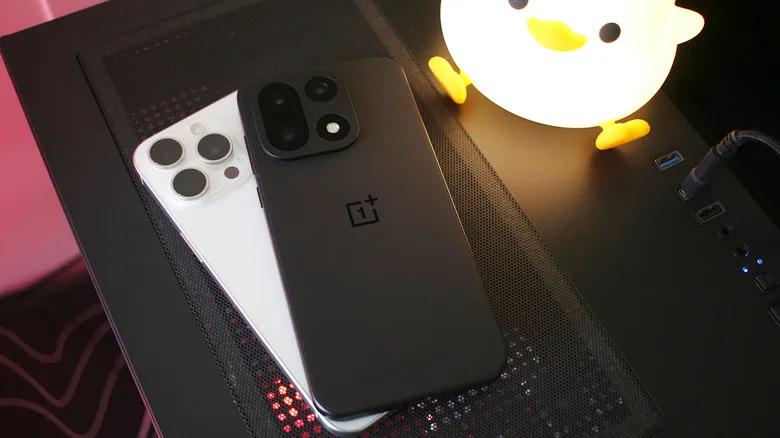
A OnePlus phone placed over an iPhone captures the appeal of the move: Android buyers can get genuinely premium hardware without accepting Apple’s view of how a phone should behave.
Android gets the everyday computer stuff right
This is where I’d argue Android has the more mature philosophy. File management is simply less patronizing. Downloads are visible, folders make sense, and attaching an actual file to an email or moving it to a PC does not feel like asking permission to open a cupboard in your own house. If you deal with PDFs, camera files, music libraries or work documents, switching from iPhone can feel liberating surprisingly quickly.
Keyboards are another small but persistent quality-of-life win. Android supports excellent options including Gboard and SwiftKey, along with richer control over layout, clipboard behavior and multilingual typing. Apple has improved its keyboard, but its approach still feels oddly rigid for a device people use to write all day.
Then there is hardware variety. Want a compact flagship? A stylus? A folding screen? Extremely fast charging? A giant battery? Android offers credible answers to all of those questions. Samsung and Google now promise up to seven years of operating system updates on select flagships, narrowing what used to be Apple’s cleanest software advantage. Apple still has the longer demonstrated record across its lineup, while many Android brands remain stuck at three or four years. Promises are welcome; proof arrives only after several product cycles.
Design consistency is Apple’s quiet advantage
Android’s flexibility has a cost. A Pixel feels different from a Galaxy, which feels different again from a OnePlus. That is partly the point, but it can make switching from iPhone feel less settled at first. Apple’s design rules are tighter, its system apps are more uniform, and third-party developers tend to follow a familiar pattern. Even controversial visual changes tend to appear as one coherent argument rather than five manufacturers interpreting the same trend in five slightly awkward ways.
Android skins have lately chased translucent, glass-like interface effects with mixed results. Some are attractive; others look like a software team saw a keynote slide and rushed to reproduce it before lunch. A consistent design system sounds like a minor luxury, but it reduces friction dozens of times per day. People feel that even when they cannot name it.
Still, the answer is not that everyone should stay put. If your digital life already revolves around Gmail, Google Photos, Google Drive, Windows and cross-platform apps, switching from iPhone may be far less disruptive than Apple’s reputation suggests. If you own an Apple Watch, rely on iMessage groups and have every room wired into HomeKit, it is a much bigger project.
My read is simple: buy the phone platform that fits the rest of your life, not the one that wins a spec-sheet argument. Apple’s lock-in is strongest when it has earned your trust through useful products. Android’s opportunity is to make leaving feel less like abandoning a household and more like choosing a better tool. RCS was one crack in the wall. The real test is whether Apple, Google and the accessory makers let that wall come down any further.
Frequently Asked Questions
Is switching from iPhone to Android difficult?
The practical migration is much easier than it was a few years ago. Google’s transfer tools can move core data, and WhatsApp supports iPhone-to-Android chat transfers. The harder work involves replacing Apple-only services, repurchasing apps where necessary, and deciding what to do with accessories such as an Apple Watch.
Can an Apple Watch work with an Android phone?
No. Apple Watch requires an iPhone for setup, syncing and ongoing management. Someone moving to Android will need to retain an iPhone for the watch or replace it with a Wear OS, Garmin, Fitbit, or other Android-compatible wearable.
What do you lose when switching from iPhone?
The answer depends on how deeply you use Apple products. AirPods still connect over Bluetooth, but lose some automatic features; iMessage stays on Apple devices; Apple Watch cannot pair with Android; and iCloud workflows become less convenient. Some iOS-only apps may have no comparable Android edition.

