

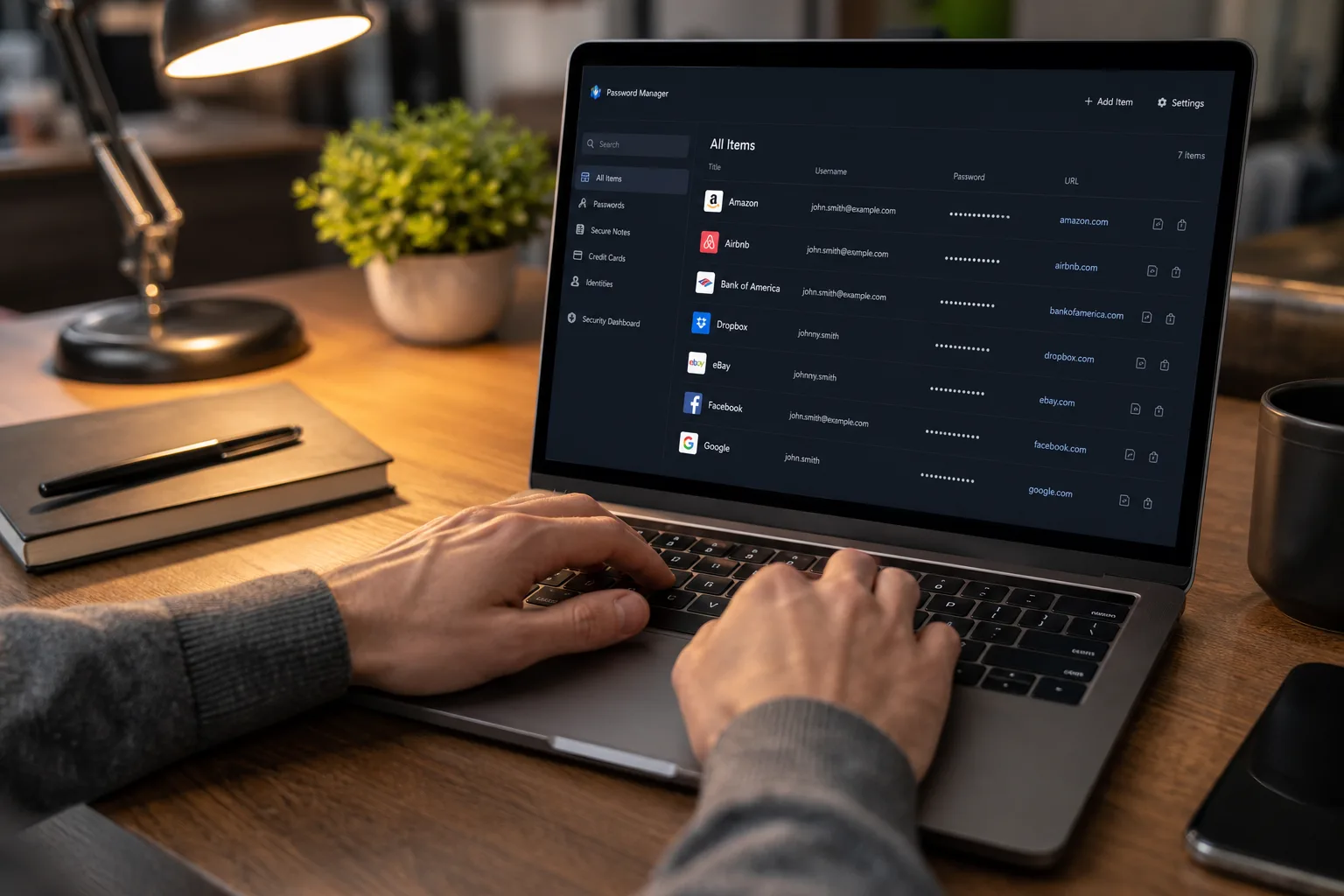
- Our 1Password review finds it the top password manager pick in 2026, thanks to standout features like Travel Mode and Secret Key.
- A full 1Password review reveals individual plans start at just $3 per month on an annual commitment — competitive against every major rival.
- 1Password works across macOS, iOS, Android, Windows, Linux, and ChromeOS, with browser extensions for seamless autofill on any platform.
- Business and Teams plans give small companies centralised access management and breach monitoring without needing a dedicated IT team.
Table of Contents
Why This 1Password Review Matters in 2026
If you’ve spent any time reading about password managers, you’ve almost certainly come across 1Password. Our 1Password review in 2026 finds the product more polished and feature-complete than ever — and the competition has genuinely never been stiffer. Bitwarden keeps winning fans with its open-source transparency. Dashlane leans hard into VPN bundling. NordPass rides the coattails of the Nord brand’s security reputation. Yet 1Password still manages to stand out, not by doing everything, but by doing the right things remarkably well.
Password managers aren’t glamorous software. They sit quietly in the background, doing a job most people only appreciate the moment something goes terribly wrong — a data breach, a phishing attack, the sinking realisation that you’ve been reusing ‘P@ssword1’ across thirty accounts. That’s exactly why picking the right one matters, and it’s why we took a hard look at what 1Password actually delivers in mid-2026. This 1Password review is the result of that deep dive.

Platform Coverage and Day-to-Day Usability
Let’s start with the basics, because the basics have to work. 1Password ships native apps for macOS, iOS, Android, Windows, Linux, and ChromeOS. That’s not a given — several competitors either have weak Linux support or treat ChromeOS as an afterthought. Browser extensions slot into Chrome, Firefox, Safari, and Edge, surfacing a clean autofill prompt whenever you hit a login field. The experience feels native rather than bolted-on, which matters more than people admit. A password manager you find slightly annoying to use is a password manager you’ll eventually stop using.
The autofill story is particularly strong on iOS, where Apple’s sandboxed app architecture has historically made cross-app communication painful. 1Password has deep integration with a wide range of mobile apps, meaning it can autofill directly into third-party apps rather than forcing you to copy a password to the clipboard — a moment of exposure that’s small but real. On Android the situation is broadly similar, though the open nature of the platform means more competitors can match it there. Every 1Password review worth reading will highlight just how consistent this cross-platform experience is.
The Features That Set 1Password Apart
Here’s where this 1Password review gets genuinely interesting. Two features consistently separate it from the pack, and neither one is a marketing gimmick.
Travel Mode is the first. If you cross international borders regularly — whether for work or leisure — you’ve probably wondered what happens if a customs officer demands access to your phone. Travel Mode lets you flag certain vaults as ‘safe for travel’ and hide everything else before you arrive at the border. Your sensitive data isn’t just locked; it’s absent from the device entirely. Once you’re through, restoring it takes a single click. No other mainstream password manager offers anything comparable. For journalists, lawyers, executives, or really anyone who’d rather not hand a foreign government their entire digital life, it’s not a nice-to-have.
Secret Key is the second. Most password managers protect your vault with a master password. 1Password adds a Secret Key — a long, locally generated code that combines with your master password to create the actual encryption key. The practical implication is significant: even if 1Password’s servers were breached and your encrypted vault data was stolen, an attacker still couldn’t decrypt it without your Secret Key, which never leaves your devices. It’s a meaningful architectural difference, not just a checkbox in a feature comparison table.
Beyond these two headline features, 1Password doubles as a TOTP authenticator, replacing the need for a separate app like Google Authenticator or Authy. Keeping your one-time codes in the same place as your passwords has obvious convenience, though security purists will argue that consolidating both factors in one app slightly undermines the ‘something you have’ principle of two-factor authentication. It’s a reasonable trade-off for most users, but worth knowing. Any thorough 1Password review should flag this consideration so you can decide whether it suits your threat model.

1Password Pricing: What You Actually Pay
Pricing is where a 1Password review has to get specific, because the structure is a little more layered than a single monthly number. Annual billing unlocks discounts of up to 28%, making it the obvious choice if you’re committed.
- Individual (annual): $3 per month
- Family (annual): $5 per month
- Teams Starter Pack — up to 10 users (annual): $20 per month
- Business (annual): $8 per user per month
Monthly billing is available if you’d rather not commit upfront, but the cost jumps noticeably. Individuals pay $4 per month, families $7, Teams Starter rises to $25, and Business hits $10 per user per month. That’s a consistent 25–33% premium for the flexibility, which is par for the SaaS industry but still worth factoring in.
Compared to rivals, 1Password sits in the mid-tier on price. Bitwarden’s personal plan is free for core features — hard to beat. Dashlane’s premium tier runs higher than 1Password’s individual plan. LastPass, still recovering reputationally from its 2022 breach, charges comparably but carries the weight of that history. For what you get, 1Password’s $3-a-month entry point feels fair, and this 1Password review consistently finds value strong at that price point.
1Password for Business and Small Teams
The business side of 1Password has matured considerably. Small business owners who don’t have a dedicated IT person — which is most of them — can use the central dashboard to manage who has access to what, share credentials securely between team members, and pull usage reports without needing to call in a consultant. Shadow IT, the unofficial use of apps and services that IT departments hate, is also addressed: 1Password gives administrators visibility into what tools employees are actually using and whether those accounts are secured properly. From a business perspective, this 1Password review finds the admin tooling genuinely competitive with far more expensive enterprise solutions.
The Teams Starter Pack at $20 per month covers up to ten users, which is the right threshold for a micro-business or early-stage startup. Scaling beyond that moves you to the Business tier at $8 per user per month, which adds more granular permissions, advanced reporting, and integrations with identity providers. For a ten-person team, that’s $80 per month — less than a single hour of outside security consulting, for something that runs continuously in the background.

How 1Password Compares to the Field in 2026
The password manager market in 2026 is crowded in a way it simply wasn’t five years ago. You’ve got Bitwarden (open-source, incredibly cheap), Dashlane (heavy on extras like dark web monitoring), NordPass (clean interface, Nord’s security brand), RoboForm (long-time enterprise staple), Enpass (one-time purchase option, locally stored vaults), and KeePass (fully open-source, requires technical confidence). Each has a genuine use case. Conducting your own 1Password review against this field is worthwhile before committing.
Where 1Password wins is the combination of polish, platform breadth, and those two standout security features. Bitwarden is the better pick if price is your only criterion and you’re comfortable with occasional rough edges. KeePass is the right answer if you want total control and don’t mind managing your own setup. For everyone else — individuals who want something that just works, families sharing logins across devices, and small businesses that need a manageable security layer — 1Password makes the strongest overall case.
The free trial means there’s no real reason not to test it yourself before committing. In a category where the right tool genuinely reduces your attack surface, spending a couple of weeks with the real product is better than trusting any review, including this one. What the trial won’t tell you is whether you’ll still be using it in a year — and that’s ultimately the only metric that counts.
Frequently Asked Questions
What makes 1Password review scores so consistently high compared to rivals?
Reviewers consistently highlight two features competitors lack: Travel Mode, which lets users wipe sensitive vault data before crossing a border and restore it after, and a Secret Key that adds a second layer to the encryption. Neither Bitwarden, Dashlane, nor NordPass offers both.
How much does 1Password cost in 2026?
Annual plans start at $3 per month for individuals and $5 per month for families. Teams packages run $20 per month for up to 10 users, while business accounts are $8 per user per month. Monthly billing is available but costs more than the annual plans.
Is 1Password safe for storing passwords?
Yes. 1Password uses end-to-end encryption and layers on a Secret Key — a locally generated code that must combine with your master password to decrypt the vault. Even if 1Password’s servers were compromised, the Secret Key means an attacker still can’t read your data.
Does 1Password work for small businesses without an IT team?
It does. The Teams Starter Pack and Business plan both include a centralised dashboard for managing employee access, generating security reports, and sharing passwords securely. The setup is designed to be straightforward enough that a non-technical founder can run it solo.

