


If your router is shoved behind a TV cabinet or crammed into a hallway cupboard — right where the ISP technician left it years ago — you already know the problem. Dead zones, buffering in the back bedroom, and Wi-Fi that gives up entirely before reaching the garden. The best mesh Wi-Fi systems exist to fix exactly that, and in 2026, they’re finally doing it at prices that don’t require a second mortgage.
- The best mesh Wi-Fi systems in 2026 include Wi-Fi 7 options that are finally hitting affordable price points for most households.
- The Netgear Orbi 770 Series leads our picks as the best mesh Wi-Fi system for most people wanting a Wi-Fi 7 upgrade.
- Wi-Fi 7 introduces multi-link operation (MLO) and 320 MHz channels, but older devices like iPhone 5 cannot connect without workarounds.
- Subscription costs from Netgear and Amazon can add significantly to long-term ownership costs — factor these in before buying.
Table of Contents
Why Mesh Networking Makes Sense in 2026
The core idea behind mesh networking hasn’t changed much since it went mainstream: instead of one router struggling to blanket your entire home, you place two or three nodes around the property, and your devices automatically hop to whichever one offers the strongest signal. The best mesh Wi-Fi systems have always relied on this principle, but what has changed is the underlying technology driving those nodes. Wi-Fi 7 — the latest standard from the Wi-Fi Alliance — is now baked into most new flagship phones and laptops, and router prices have dropped to the point where upgrading actually makes financial sense.
Wi-Fi 7 brings two headline improvements worth knowing about. First, wider channels: the maximum goes from 160 MHz to 320 MHz, which roughly doubles potential throughput on the 6 GHz band. Second, and arguably more interesting for mesh systems specifically, is multi-link operation (MLO). MLO lets a compatible device connect on multiple frequency bands at the same time, reducing latency and improving reliability. For the wireless backhaul link between your router and its satellite nodes, that’s a meaningful real-world gain.
There is a catch. MLO comes with stricter security requirements — WPA2 as a minimum. That’s fine for anything bought in the last decade, but truly old devices (think an iPhone 5 or an ancient Wi-Fi 4 printer) may simply refuse to connect. Most systems let you create a separate guest or IoT network to park those stragglers.
The Best Mesh Wi-Fi Systems: Our Top Picks
After hands-on testing across a range of homes — including a particularly punishing Victorian house with thick stone walls and rubble-filled floors — here’s how the leading systems stack up. The best mesh Wi-Fi systems span a wide price range, so there’s a sensible option whether you’re replacing aging Wi-Fi 5 kit or chasing multi-gigabit performance. Knowing which of the best mesh Wi-Fi systems suits your home depends on coverage needs, budget, and how much control you want over your network.
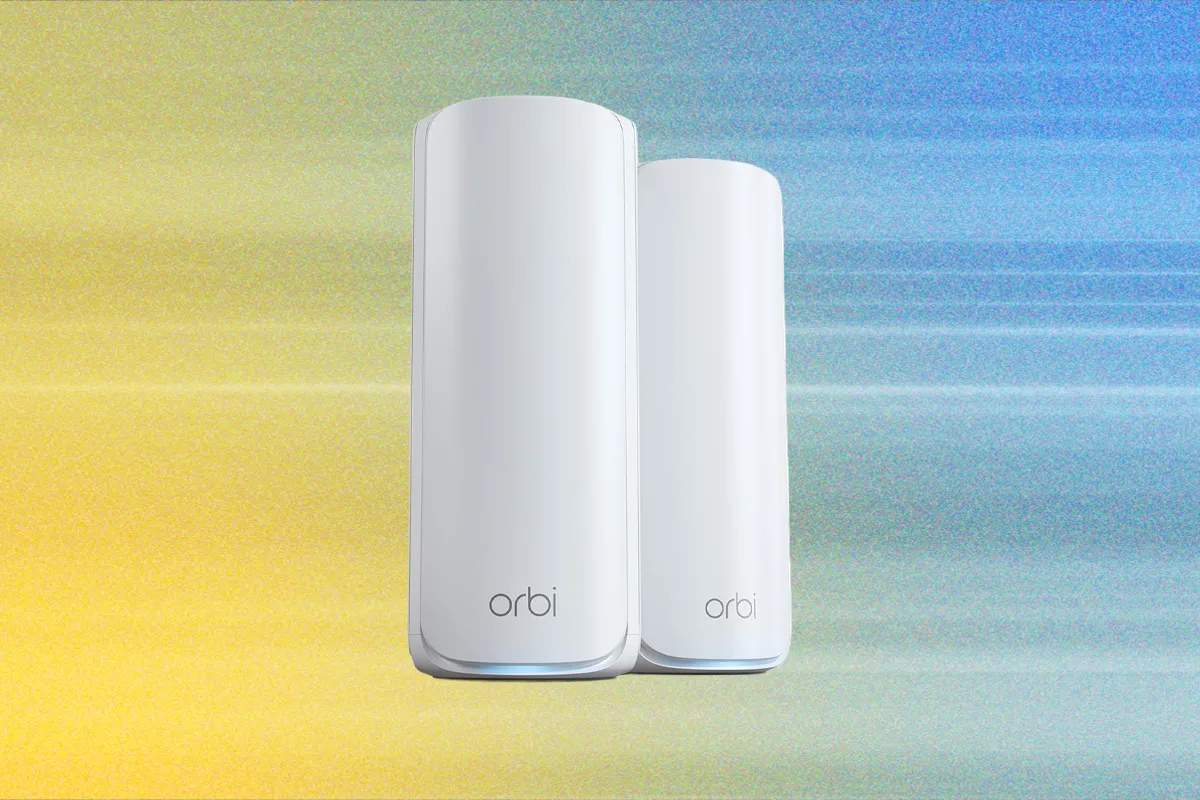
Netgear Orbi 770 Series — Best Overall
The Netgear Orbi 770 Series three-pack is the top pick for most households looking at the best mesh Wi-Fi systems available today. It’s a tri-band Wi-Fi 7 system covering 2.4 GHz, 5 GHz, and 6 GHz, and it supports MLO for both client connections and the backhaul between nodes. Netgear quotes up to 8,000 square feet of coverage for the three-pack — optimistic as always, but not wildly so for an average suburban home.
Each main router ships with four 2.5 Gbps Ethernet ports, while the satellites carry two apiece. There’s no USB, which is a small miss for anyone who wanted a network-attached storage option. Setup runs through the Orbi app and takes under fifteen minutes. Performance-wise, it’s fast, stable, and consistent — not always the outright fastest system in back-to-back benchmarks, but fast enough that most households will never notice the gap in daily use.
The subscription sting is real, though. Netgear bundles 30-day trials of its Armor security suite (built on Bitdefender’s engine) and Smart Parental Controls. After that, Armor climbs to $40 for year one and then $100 annually thereafter. Parental controls add another $8 per month. You don’t need either. They’re genuinely useful features, but the hardware performs perfectly well without them, and third-party alternatives exist at lower cost.
One practical note: unless your internet connection exceeds 2.5 Gbps, the Orbi 770 will be functionally indistinguishable from far more expensive systems like the TP-Link Deco BE85 ($1,000), the Eero Max 7 ($1,700), or Netgear’s own Orbi 970 Series at $1,800. Save your money. If you do have a multi-gig connection above 2.5 Gbps, step up to the Netgear Orbi 870 three-pack at $1,064 instead.
Asus ZenWiFi BT10 — Best Subscription-Free Option
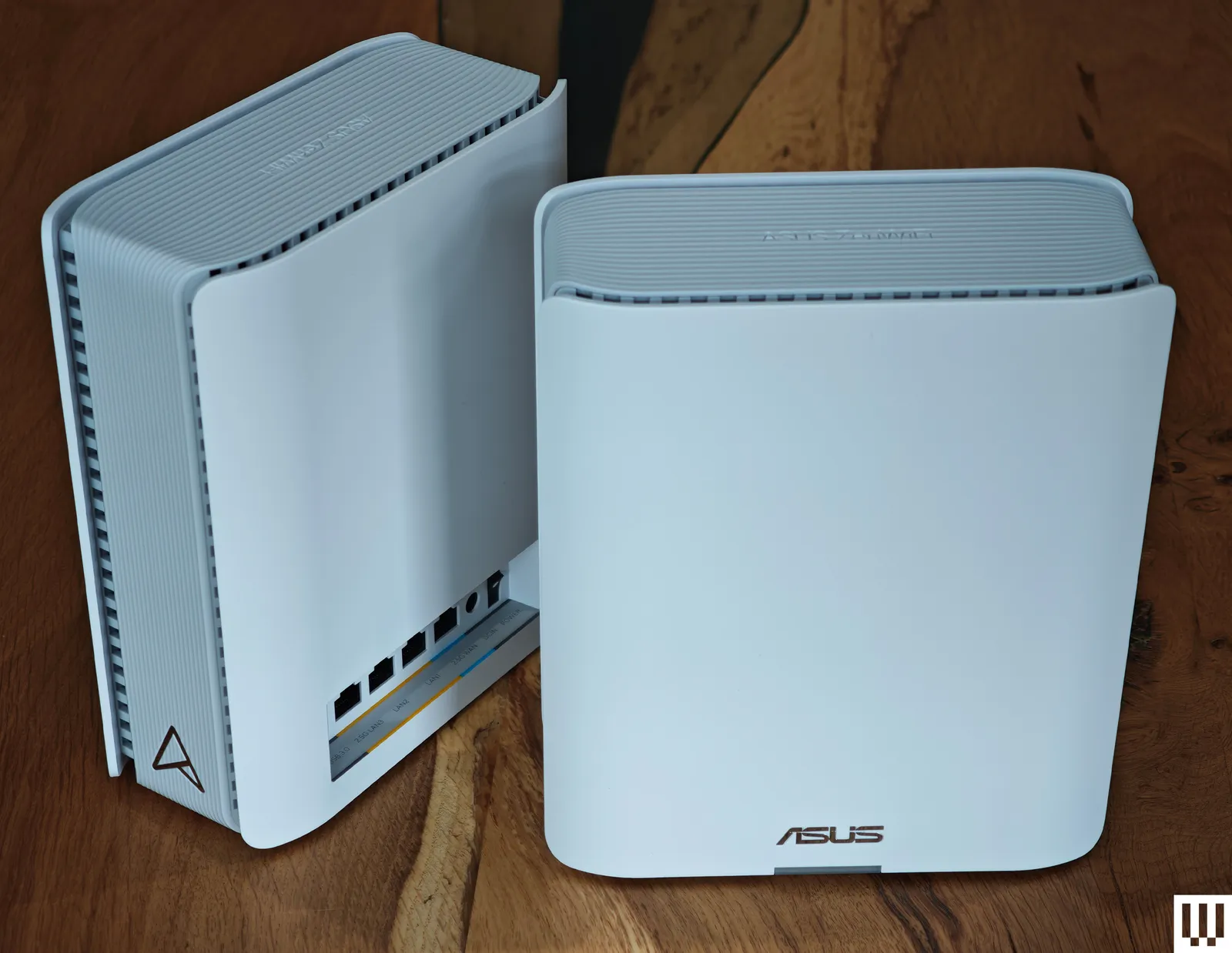
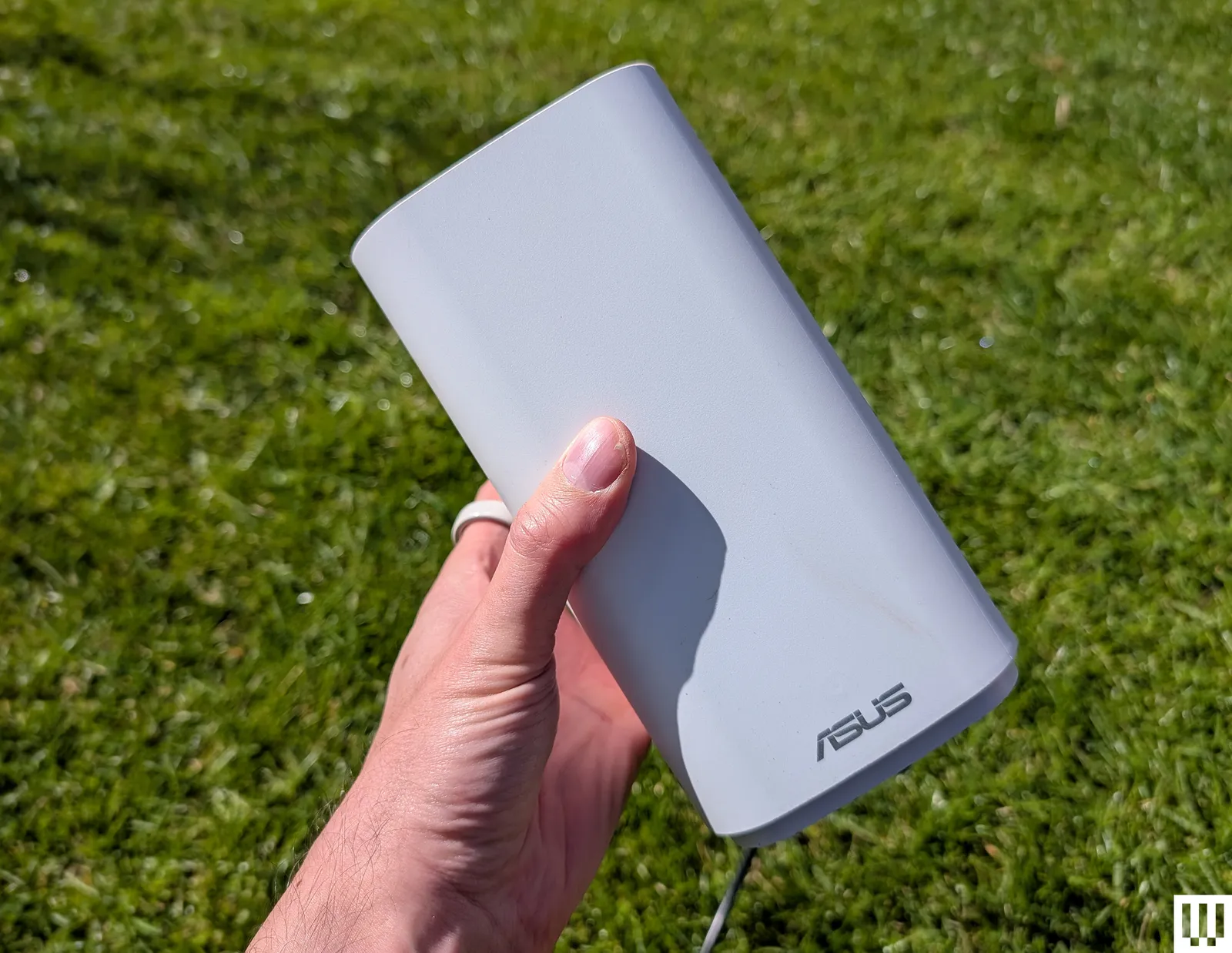
The Asus ZenWiFi BT10 two-pack is the pick for anyone who resents the idea of paying monthly fees to unlock features on hardware they already own — which, frankly, should be most people. Among the best mesh Wi-Fi systems tested, it topped nearly every performance test in our evaluation, delivering exceptional throughput and solid coverage across difficult environments. That Victorian house with the stone walls and rubble insulation between floors? The BT10 handled it without complaint, which is more than can be said for several rivals.
It’s a tri-band Wi-Fi 7 system using MLO for its wireless backhaul, and Asus has been generous with the ports: each unit carries two 10 Gbps Ethernet connections, one Gigabit port, and a USB 3.0 port — a combination that makes the Orbi 770’s port selection look modest. Configuration is available through both the mobile app and a full web interface, which power users will appreciate. Asus consistently gives you more control than most competitors, and the BT10 continues that tradition.
Asus ZenWiFi BQ16 Pro — The Upgrade Pick
If budget isn’t the primary concern and you want the best performance Asus offers in a mesh form factor, the ZenWiFi BQ16 Pro two-pack is the system to consider. It sits at the top of Asus’s range of best mesh Wi-Fi systems, targeting users with demanding home networks — multiple 4K streams, heavy gaming traffic, home office video calls — all running simultaneously. It’s overkill for most, but for the right household, it justifies the premium.
Amazon Eero Pro 7 — Best for Simplicity
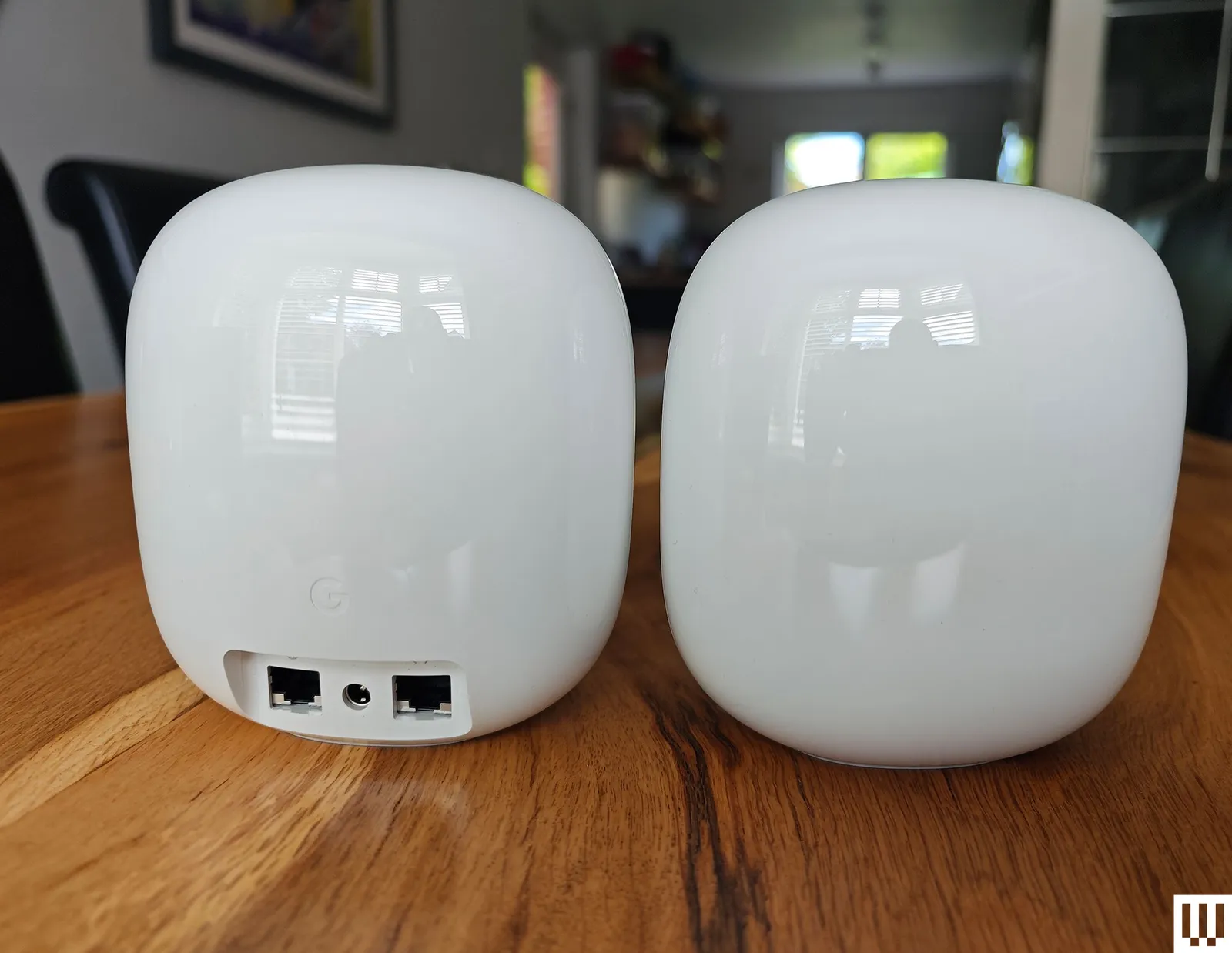
The Eero Pro 7 three-pack is the system for people who genuinely don’t want to think about their router. Amazon’s Eero line has always prioritised frictionless setup and a clean app over configurability, and the Pro 7 carries that philosophy forward with Wi-Fi 7 hardware. For buyers who find most of the best mesh Wi-Fi systems too complicated to configure, Eero is the answer — even if you’ve never enjoyed fiddling with DHCP settings or QoS rules.
The trade-off is Amazon’s Eero Plus subscription, which gates features like advanced security filtering and parental controls. Again — not mandatory, but Amazon’s nudge toward it is persistent. It’s also worth flagging that Eero, as an Amazon company, integrates deeply with Alexa and the broader Amazon ecosystem, which is either a selling point or a concern depending on your feelings about smart-home data.
TP-Link Deco BE63 — Best Budget Pick
TP-Link has carved out a reliable position in the budget-to-mid-range mesh market, and the Deco BE63 three-pack is the most compelling evidence of that in 2026. It delivers Wi-Fi 7 performance at a price that undercuts most of the competition, making it one of the best mesh Wi-Fi systems for anyone who wants the latest standard without paying flagship prices.
TP-Link has faced scrutiny in the United States over its Chinese ownership — Congress has discussed potential bans on certain Chinese-manufactured networking equipment, and the Biden administration raised similar concerns — so buyers should be aware of that context. For most home users, the practical risk is low, but it’s a factor worth weighing if you’re particularly security-conscious or buying for a business environment.
Asus ZenWiFi XT8 — Best Wi-Fi 6 System
Not everyone needs Wi-Fi 7, and the Asus ZenWiFi XT8 two-pack makes a strong case for staying on Wi-Fi 6 if your devices don’t yet support the newer standard. For shoppers comparing the best mesh Wi-Fi systems across generations, prices on Wi-Fi 6 mesh systems have dropped considerably now that Wi-Fi 7 has arrived, and the XT8 remains a genuinely capable performer for most households.
TP-Link Deco BE25 Outdoor — Best Outdoor Mesh Node
Getting Wi-Fi to your garden, garage, or outbuilding is a problem that traditional indoor routers simply can’t solve. The TP-Link Deco BE25 Outdoor is built to handle weather exposure while extending your mesh network beyond the house’s walls. It’s a niche product — most people won’t need it — but for the subset of buyers who do, there’s very little competition in this specific space, and it pairs well with any of the best mesh Wi-Fi systems listed above.
What to Know Before You Buy
The best mesh Wi-Fi systems in 2026 share a few characteristics worth understanding before you spend. First, the Wi-Fi 7 premium has shrunk dramatically. Twelve months ago, entry-level Wi-Fi 7 mesh kits were running $500 and above. That floor has dropped, and you can now find capable Wi-Fi 7 systems closer to $300 for a two-pack. If you’re replacing a system older than three or four years, jumping to Wi-Fi 7 rather than Wi-Fi 6E is the smarter long-term move.
Second, wired backhaul still matters. Every system on this list can run wirelessly between nodes, and most do so competently. But if you can run Ethernet cable between your router and its satellites — even just to the primary satellite — you’ll eliminate the latency that wireless backhaul introduces. For gaming and video calls in particular, it’s worth the effort.
Third, think carefully about subscriptions before you commit to a brand. Netgear, Amazon Eero, and others are increasingly building their business models around recurring fees layered on top of hardware sales. Asus remains the notable holdout here, offering full functionality without demanding a monthly payment. That difference compounds significantly over a three-to-five year ownership period.
The mesh router market is maturing fast. Wi-Fi 7 is no longer a future technology — it’s the present, and the gap between entry-level and flagship performance is narrowing with every product cycle. For most households, the best mesh Wi-Fi systems sit comfortably in the Orbi 770 or ZenWiFi BT10 tier: fast enough to saturate any residential internet connection, stable enough to forget about, and priced at a point that doesn’t feel punishing. The days of spending $1,800 on a router to get whole-home coverage are, for most of us, thankfully over.
Frequently Asked Questions
What are the best mesh Wi-Fi systems for large homes in 2026?
The Netgear Orbi 770 Series three-pack covers up to 8,000 square feet according to Netgear, making it well suited for large homes. For even faster multi-gig connections above 2.5 Gbps, the Netgear Orbi 870 three-pack is worth considering at around $1,064.
Do the best mesh Wi-Fi systems require a monthly subscription?
Not all of them. The Asus ZenWiFi BT10 is a subscription-free option, while some other systems offer optional paid tiers for security and parental controls that aren’t required for the hardware to work.
Is Wi-Fi 7 worth it when buying a mesh router in 2026?
If you own a recent device like an iPhone 16 or newer, Wi-Fi 7 offers real benefits including MLO and wider channels. Router prices are only just becoming more affordable, making Wi-Fi 7 mesh systems more accessible than before.
What is multi-link operation (MLO) and why does it matter for mesh routers?
MLO is a Wi-Fi 7 feature that lets compatible devices connect across multiple frequency bands simultaneously, improving speed and reliability. It’s particularly valuable for wireless backhaul between mesh nodes, reducing latency. Legacy devices, however, may struggle with the stricter WPA2+ security requirements MLO demands.

