

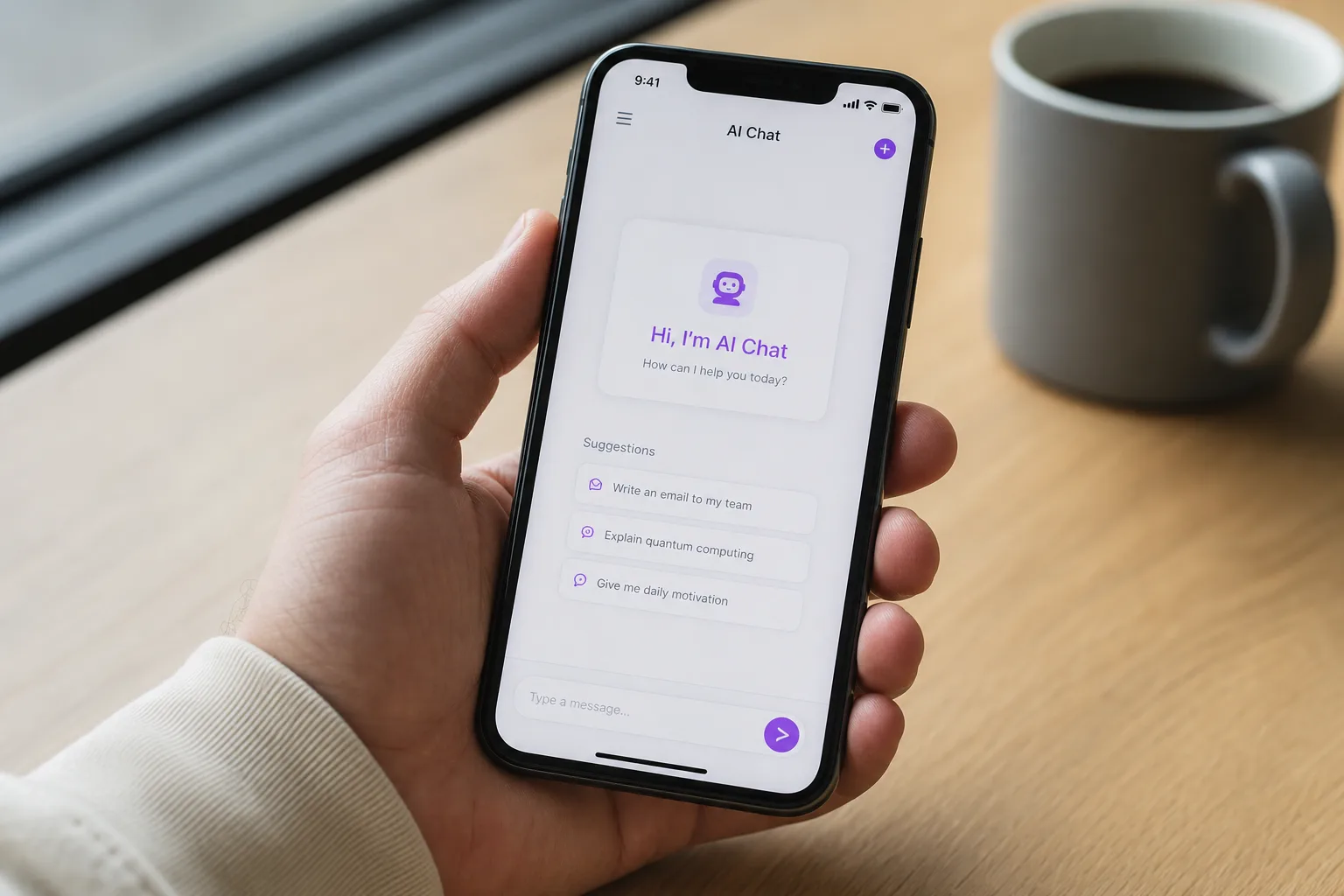
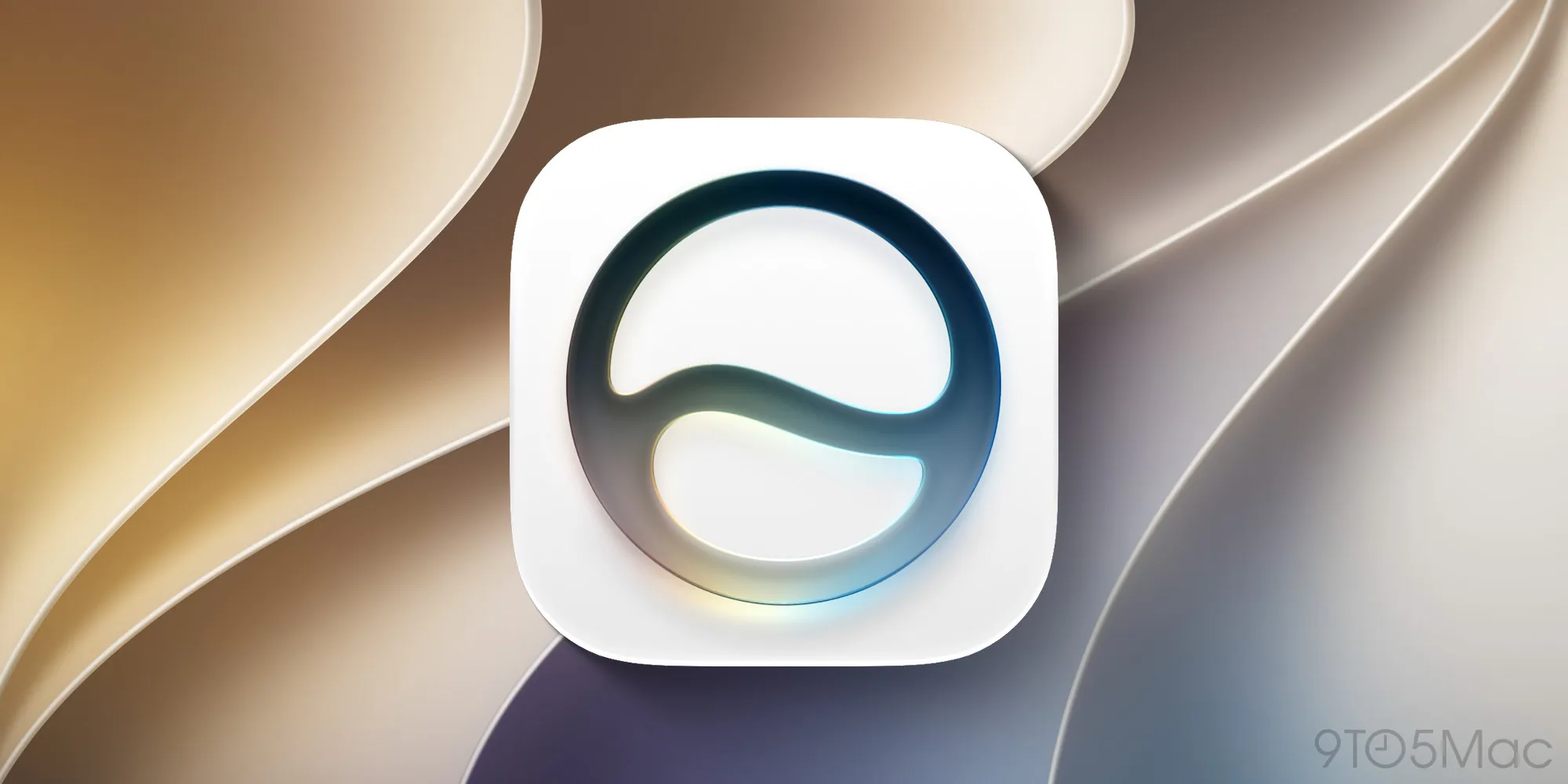
After nearly 15 years as a voice that lived behind a button, Siri is finally getting its own front door. The Siri app in iOS 27, announced at WWDC this week, is the first time Apple has shipped Siri as a dedicated, pre-installed application sitting right on your iPhone’s Home Screen — and it signals just how seriously Apple is now treating its AI assistant as a product in its own right.
- The Siri app in iOS 27 marks the first time Apple has shipped Siri as a standalone, pre-installed iPhone application.
- The Siri app in iOS 27 syncs conversations across all Apple devices via iCloud, including Mac, iPad, and Apple Watch.
- Only Apple Intelligence-compatible devices — iPhone 15 Pro and newer — will receive the new Siri app.
- The app supports chat-style conversation history, photo and file uploads, and deep personal context drawn from your device.
Table of Contents
What the Siri App Actually Does
Think of it less like a voice shortcut and more like a proper AI client. The Siri app in iOS 27 presents a chat-style interface — familiar territory for anyone who’s spent time with ChatGPT or Claude — where your conversation history is laid out in a continuous, scrollable stream. You can start a fresh session, pick up where you left off, or refer back to something Siri told you last week. That persistent memory was arguably the single biggest thing missing from Siri as a competitor to the new generation of AI assistants, and Apple has finally addressed it head-on.
Beyond text conversations, the app accepts photo and file uploads for analysis. Ask Siri to pull out key information from a scanned receipt, or have it describe what’s in an image — the functionality mirrors what OpenAI and Google have been offering in their own apps, but with Apple’s characteristic push toward on-device privacy. The Siri app in iOS 27 also taps into the wider Apple Intelligence framework introduced in iOS 18 and significantly expanded here, meaning Siri can reference your messages, emails, photos, and calendar to give genuinely contextual answers rather than generic ones.
Screen awareness is another headline capability. Siri can recognise what’s currently displayed on your iPhone and answer questions about it without you having to describe or copy anything. Point Siri at a restaurant menu, a product listing, or a block of text in any app — it knows what it’s looking at.
The Siri App in iOS 27 and the Bigger Apple Intelligence Play
It would be easy to treat the Siri app in iOS 27 as a cosmetic update — a new icon, a tidier interface. But what Apple is really doing here is repositioning Siri within a product category that has exploded in the two years since ChatGPT went mainstream. The standalone app isn’t just a design decision; it’s a statement that Siri deserves the same kind of dedicated screen real estate that consumers now expect from an AI assistant.
Apple has been playing from behind on conversational AI for a while. The company’s own Apple Intelligence rollout, which began with iOS 18.1 in late 2024, was deliberately slow and geographically staggered. Early reactions were mixed — users appreciated writing tools and notification summaries but found the actual Siri upgrades underwhelming. iOS 27 looks like Apple’s answer to those criticisms. A persistent chat history, file uploads, and genuine personal context aren’t incremental tweaks; they’re the features that make an AI assistant actually useful day to day.
The iCloud sync is a detail worth paying attention to. Conversations started on your iPhone carry over to Mac, iPad, and even Apple Watch. That kind of continuity is something Google is still ironing out with Gemini across its own device ecosystem, and Microsoft’s Copilot integration across Windows and mobile is patchy at best. Apple’s tight hardware-and-software stack is, once again, doing real work here.
Which Devices Get It — and Which Don’t
Here’s the catch. The Siri app in iOS 27 isn’t coming to every iPhone that can run iOS 27. It’s gated behind Apple Intelligence support, which requires the Neural Engine performance introduced with the A17 Pro chip. That limits the app to the following models:
- iPhone 15 Pro and iPhone 15 Pro Max
- iPhone 16, iPhone 16 Plus, iPhone 16 Pro, and iPhone 16 Pro Max
- iPhone 17, iPhone 17e, iPhone Air, iPhone 17 Pro, and iPhone 17 Pro Max
If you’re on a standard iPhone 15, iPhone 14, or older, you’ll get iOS 27 but the Siri app simply won’t appear. It’s the same split Apple drew when Apple Intelligence launched — a line in the sand that’s nudged millions of users toward upgrading sooner than they might have otherwise. Whether that’s a genuine technical constraint or a calculated product decision is a question Apple hasn’t answered publicly, though the company insists on-device processing requirements make the cutoff necessary.
A Pattern of New Default Apps
Apple has been quietly expanding the set of apps that ship on a fresh iPhone. iOS 18.2, released in December 2024, added Image Playground to the Home Screen. iOS 26 brought both the Preview app and a dedicated Games hub. The Siri app in iOS 27 continues that trend — and it raises an interesting question about where Apple draws the line between ‘operating system feature’ and ‘first-party app.’
The answer, increasingly, seems to be: wherever it makes the AI story easier to tell. A standalone app is easier to demo, easier to market, and easier for users to find than a feature buried in Settings or accessible only by holding down a button. It also creates a natural anchor point for future updates — Apple can push new Siri capabilities into a versioned app rather than tying every improvement to a full OS release.
What remains to be seen is how aggressively Apple markets the new Siri experience to the hundreds of millions of iPhone users who upgraded to a 15 Pro or newer specifically to get Apple Intelligence, waited patiently through a slow rollout, and came away underwhelmed. The Siri app in iOS 27 is arguably the most visible proof yet that Apple hasn’t given up on catching up — and for the users still on the fence about whether their Pro upgrade was worth it, it might finally be the answer.

