
The MacBook lineup has rarely looked this complicated — or this interesting. Our MacBook buying guide 2026 covers three distinct product lines for the first time ever: the new entry-level MacBook Neo, the perennially popular MacBook Air, and the pro-grade MacBook Pro. Every single model was refreshed by March 2026, which means if you buy today, you’re buying the latest Apple silicon and you’ll squeeze the maximum years of software support out of the machine. The hard part, as always, is figuring out which one actually fits your life.
- Our MacBook buying guide 2026 covers the new Neo, refreshed Air, and Pro — every model is up to date as of March 2026.
- The MacBook buying guide 2026 arrives as Apple raises prices, blaming a growing memory chip shortage tied to AI data centre demand.
- Apple’s M5 chip introduces Fusion Architecture on Pro and Max tiers, pushing GPU performance to rival high-end gaming laptops.
- A rumoured MacBook Ultra with OLED display, touchscreen interface, and M6 chip could arrive later in 2026.
Table of Contents
Is This a Good Time to Buy a MacBook?
Broadly, yes — but with a caveat worth taking seriously. Any honest MacBook buying guide 2026 has to acknowledge that Apple has recently increased prices across the MacBook range, citing rising costs for memory and storage chips. That’s not spin. A real supply crunch is forming in the memory market, driven largely by the extraordinary appetite AI data centres now have for high-bandwidth RAM. HP and Lenovo have both made public statements acknowledging that this shortage will affect laptop pricing through 2026 and beyond. Apple isn’t alone in feeling the squeeze — it’s just more upfront about passing the cost on.
What this means practically: the usual rhythm of ‘wait for a sale’ is less reliable right now. Discounts will be thinner than in previous years. If you need a Mac today, buy one. If you’re holding out for a price cut, you may be waiting longer than you’d expect — and losing months of productive use in the process. That’s a key finding of this MacBook buying guide 2026 that applies across all three product tiers.
There is one reason you might genuinely want to wait, though. Bloomberg has reported on what could be the most significant MacBook launch in years: a high-end machine rumoured to be called the MacBook Ultra, featuring an OLED display, a touchscreen-optimised interface, an M6 chip, and a notably thinner chassis. This was once described as a future MacBook Pro, but the latest framing positions it as something separate — a premium tier above the Pro that isn’t purely about raw performance. If that device sounds like it’s for you, sitting tight through the rest of 2026 might be worth it. We’ll update this MacBook buying guide 2026 as soon as Apple makes an official announcement.

Meet the MacBook Neo: Apple’s Most Affordable Mac Laptop
The most significant structural change to the MacBook lineup this year isn’t a chip upgrade — it’s the addition of a third product entirely. The MacBook Neo launched in March 2026 as Apple’s entry point into the MacBook family, undercutting the Air on price and targeting buyers who’ve historically looked at a MacBook and walked away. Apple hasn’t published extensive detail about the Neo’s internals yet, but its existence signals something important: the company is finally acknowledging that there’s a meaningful market below the Air that it’s been leaving on the table for years. Chromebook buyers, budget Windows laptop converts, students — the Neo is aimed squarely at them. In the context of this MacBook buying guide 2026, it’s the option worth considering first if budget is your primary constraint.
MacBook Air vs MacBook Pro: The Split That Still Matters
For most people reading this MacBook buying guide 2026, the real decision is between an Air and a Pro. The Air remains the smarter buy for the overwhelming majority of users. It’s thinner, lighter, fanless, and — with Apple’s M-series chips — fast enough for photo editing, video calls, coding, and virtually everything short of sustained heavy compute work. The MacBook Pro, by contrast, earns its ‘Pro’ badge through sustained performance: it has an active cooling system that lets it maintain peak speeds under prolonged workloads, a brighter ProMotion display, and access to the more powerful M5 Pro and M5 Max chips.
If you’re a video editor rendering 4K timelines for hours, a machine learning researcher running local model training, or an audio engineer working with enormous sample libraries, the Pro’s active cooling matters enormously. For everyone else, the Air — now available with the M5 chip — delivers performance that would have been considered extraordinary even three years ago. This MacBook buying guide 2026 recommends most buyers start their search with the Air before considering whether the Pro’s additional cost is genuinely warranted.
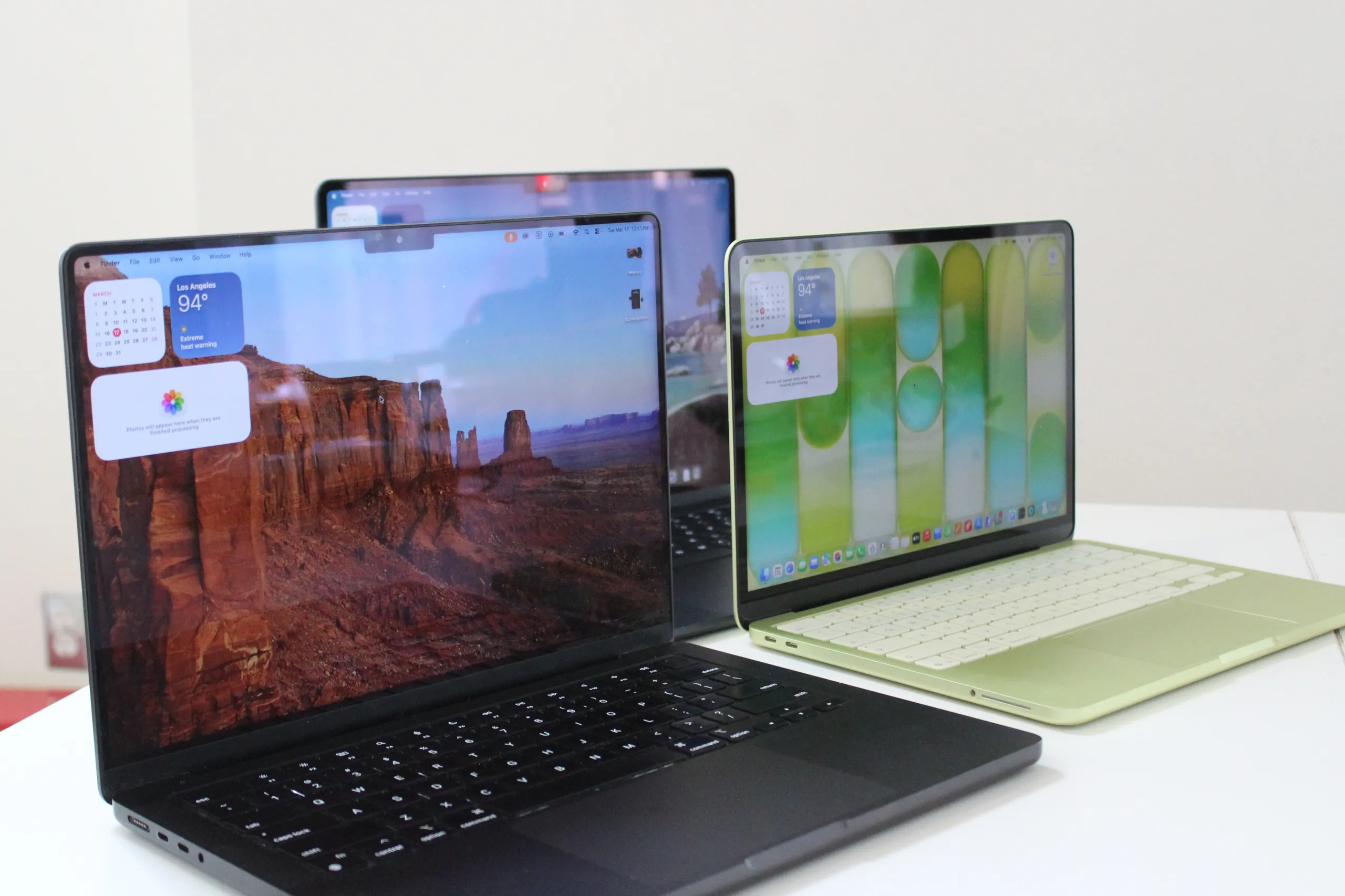
A MacBook Buying Guide 2026 Breakdown of Every M-Series Chip
Apple’s chip naming can be confusing, so here’s what you actually need to know. Use this section of the MacBook buying guide 2026 as a quick reference when comparing specs across the lineup.
M5: The Current Baseline
The M5 is Apple’s latest chip, having debuted in late 2025 on the 14-inch MacBook Pro before expanding to the MacBook Air. It carries up to a 10-core CPU and 10-core GPU, with roughly 10–15 percent better CPU performance than the M4. The bigger gains are in GPU throughput, on-device AI workloads, and storage speeds — Apple’s neural engine has been getting faster at a rate that consistently outpaces the CPU improvements, which matters as Apple Intelligence features grow more capable. For most buyers this MacBook buying guide 2026 covers, the M5 is the chip to target.
M5 Pro: Built for the MacBook Pro 14 and 16
The M5 Pro is exclusive to the 14-inch and 16-inch MacBook Pros. Its base configuration ships with a 15-core CPU and 16-core GPU; the top spec reaches an 18-core CPU and 20-core GPU. The headline addition this generation is Fusion Architecture — an evolved version of Apple’s UltraFusion interconnect that bonds two processor dies together across a superfast link. Previously, that approach was reserved for the Ultra chips only. Bringing it down to the Pro tier is a meaningful architectural upgrade, with the biggest tangible benefits in GPU-intensive tasks and on-device AI performance.
M5 Max: When You Need Serious GPU Power
The M5 Max takes the Pro’s foundations and adds more GPU cores — up to 40 — which puts the MacBook Pro in genuinely competitive territory with high-end gaming laptops on graphics benchmarks. Neural accelerators are now embedded in each GPU core, making this one of the most capable AI-processing laptops available today. In Apple’s own hierarchy, only the M3 Ultra in the Mac Studio beats it on GPU performance, and that’s a desktop. This MacBook buying guide 2026 recommends the M5 Max configuration only if your workload genuinely demands that level of GPU throughput.
M4 Series: Still Very Good, and Now More Affordable
The M4 launched in 2024 and remains available across several products — the 14-inch MacBook Pro (2024), both MacBook Air models (13-inch and 15-inch, 2025), and the iMac. Apple claims it’s 1.8 times faster in CPU and 2.2 times faster in GPU than the original M1, which still sounds extraordinary when you remember how capable M1 machines felt at launch. Critically, the M4 starts with 16 GB of unified memory, which makes Apple Intelligence features run notably more smoothly than on older 8 GB configurations.
The M4 Pro — found in the 2024 MacBook Pro and Mac Mini — adds a 14-core CPU and up to a 20-core GPU, with support for up to 64 GB of unified memory. The M4 Max steps up further to a 16-core CPU and up to 40 GPU cores with 128 GB memory support. If you find a well-priced M4 Pro MacBook Pro at a third-party retailer, it remains a genuinely excellent machine and represents one of the better value options identified in this MacBook buying guide 2026.
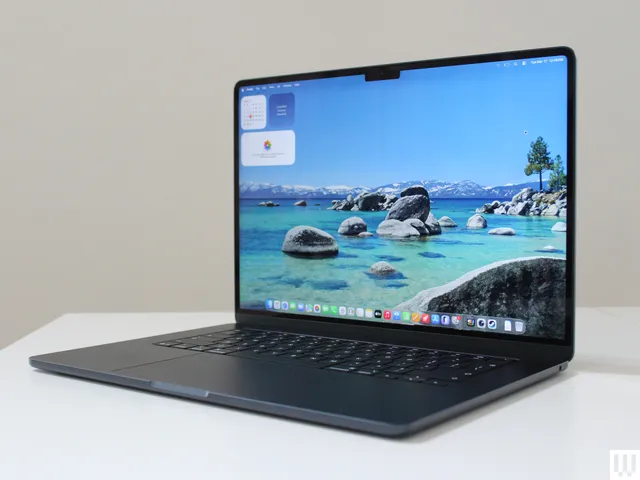
macOS 27 Golden Gate and Apple Intelligence: What You Need to Know
Apple’s macOS 27 Golden Gate is the latest software update, and it deepens the integration of Apple Intelligence features across the platform. If Apple Intelligence is a priority for you — and for many users it increasingly will be, given features like on-device writing tools, image generation, and smarter Siri interactions — you’ll want to be on M4 or M5 hardware with at least 16 GB of unified memory. Older machines with 8 GB may technically run the OS but won’t support the full AI feature set. This is one of the more consequential software considerations in any MacBook buying guide 2026.
This is actually one of the more underrated arguments for buying current hardware in 2026. Apple Intelligence is still maturing, but its trajectory is clear, and buying a machine that can run it fully — rather than partially — is an investment in the next three to five years of macOS development, not just today’s feature list.
What About Refurbished MacBooks?
Apple’s own refurbished store is worth a look, particularly for M4-generation machines. You get Apple’s warranty, a certified machine, and often a meaningful discount on hardware that — given the pace of Apple silicon development — still has years of capable life ahead of it. M3 machines are worth being more selective about: they’re not bad, but the jump from M3 to M5 in GPU and AI performance is large enough that the pricing needs to reflect a genuine saving to justify skipping a generation. The refurbished store is the one corner of the market where this MacBook buying guide 2026 suggests you can still find a deal even as new-unit discounts thin out.

The Bigger Picture: Where the MacBook Is Headed
Apple has spent the last four years systematically proving that the PC industry’s assumptions about performance and power consumption were wrong. The MacBook lineup in 2026 is the clearest expression of that yet — three distinct tiers, all running Apple’s own silicon, all faster than most people need for daily tasks, all increasingly capable of serious AI workloads without a data connection. The rumoured MacBook Ultra would be the logical endpoint of that trajectory: a machine that offers OLED visuals and a touch interface alongside Apple’s most powerful portable chip. If Apple pulls it off, it won’t just be a new product — it’ll be a statement about what a premium laptop can be. Whether that’s worth waiting for depends entirely on what you need today. But for the first time in a while, the waiting might actually be worth it for the right buyer. Bookmark this MacBook buying guide 2026 and check back — we’ll update it the moment Apple confirms anything new.
Frequently Asked Questions
Is the MacBook buying guide 2026 still relevant if prices keep rising?
Yes. Every MacBook model was refreshed by March 2026, so you’re buying current hardware. Prices are unlikely to fall sharply this year due to a memory shortage driven by AI data centre demand — waiting may not save you money and will cost you months of usable life.
What is the MacBook Neo and who is it for?
The MacBook Neo is Apple’s new entry-level MacBook, launched in March 2026. It sits below the Air in price as a third option in the lineup, targeting buyers with tighter budgets who still want a current Apple laptop.
What is Fusion Architecture in the M5 chip?
Fusion Architecture is Apple’s updated version of UltraFusion, introduced on the M5 Pro and M5 Max. It bonds two silicon dies across a high-speed interconnect, boosting GPU and on-device AI performance — capabilities previously reserved for the Ultra-tier chips.
When is the MacBook Ultra coming out?
There is no confirmed launch date. Bloomberg has reported on a high-end MacBook — possibly called MacBook Ultra — featuring an OLED display, a touchscreen-optimized interface, and an M6 chip, but Apple has made no official announcement.
Which MacBooks support Apple Intelligence?
The source notes that 16 GB of unified memory helps power Apple Intelligence more smoothly, starting with M4 chips. However, the source does not provide a comprehensive list of which specific MacBook models support Apple Intelligence, so check Apple’s official guidance for a full compatibility breakdown.