

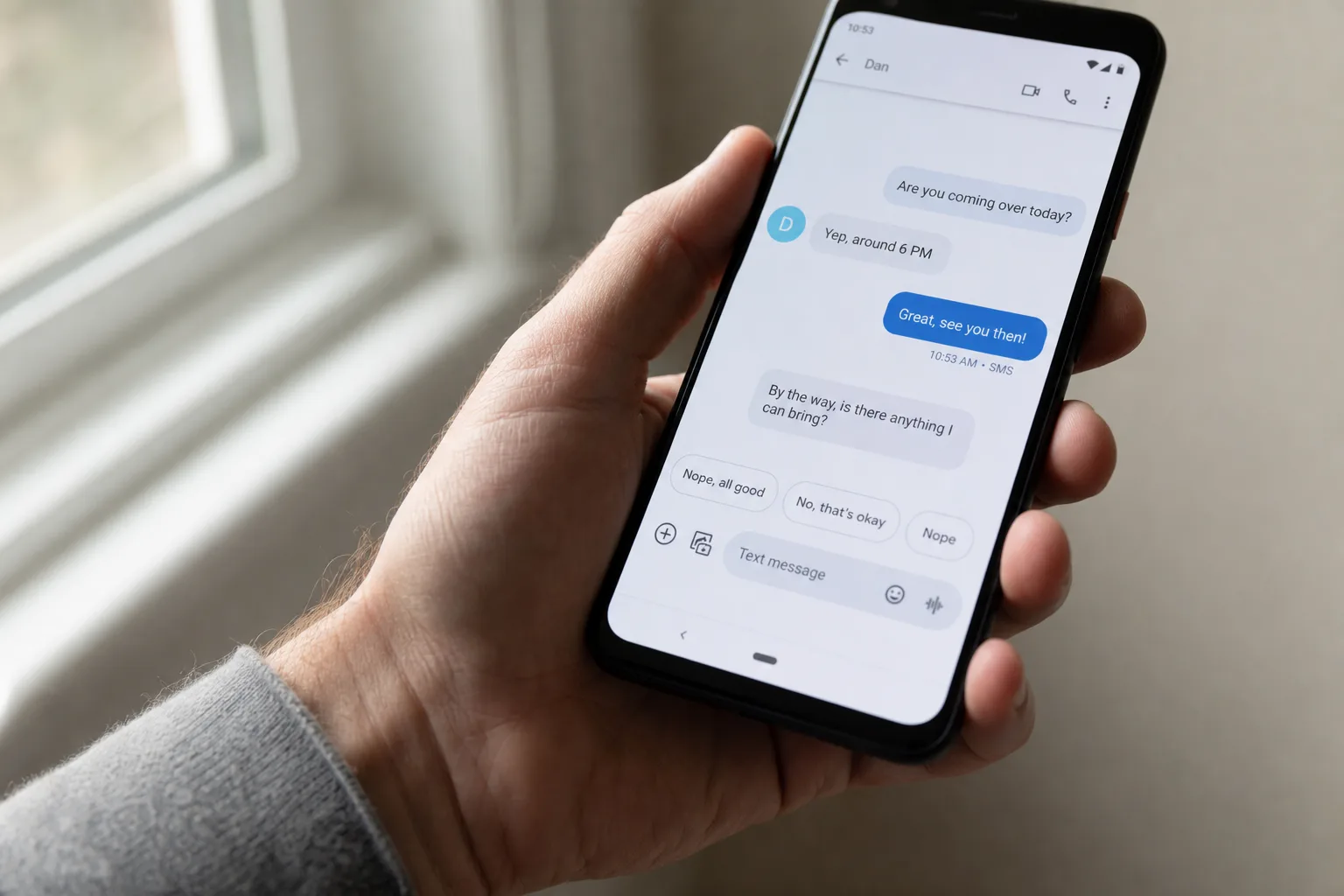
- Google Messages Tap to Draft adds Smart Replies to your compose box first, so you can edit before sending — no more accidental messages.
- The Google Messages Tap to Draft feature is rolling out now in the latest stable build, version 20260522_00_RC00, for Android users.
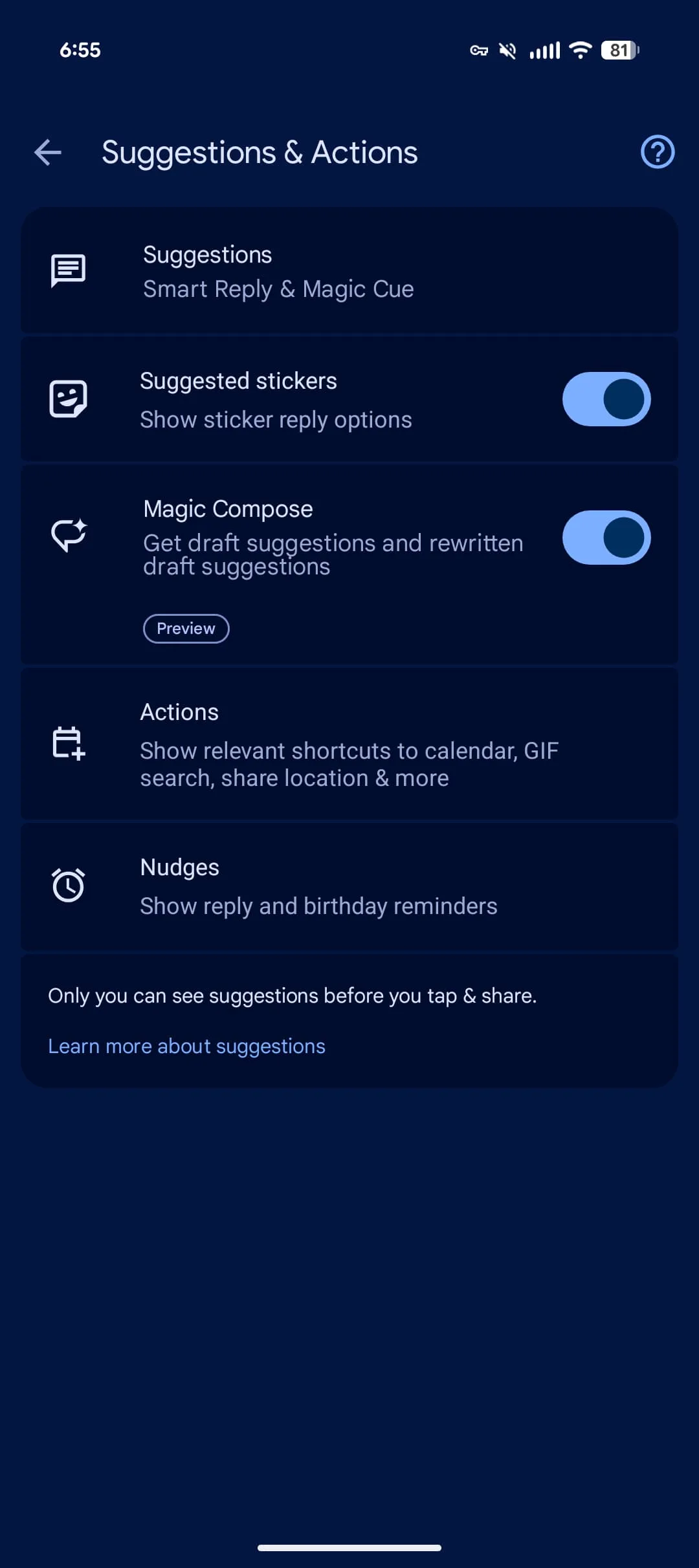
- Users must manually opt in via Settings > Suggestions and Actions, as the default behavior still sends Smart Replies immediately.
- Some users had already disabled Smart Replies entirely to avoid accidental sends — this update gives them a reason to turn it back on.
Table of Contents
The Accidental Send Problem Nobody Wants to Admit
Google Messages Tap to Draft is the kind of fix that makes you wonder why it wasn’t always this way. Smart Replies — those AI-generated one-tap response suggestions that float above the compose field — have existed in Google Messages for years. They’re convenient in theory: glance at a suggested reply, tap it, done. In practice, that frictionless design turned out to be a liability. One misplaced thumb and you’ve sent a half-baked ‘Sounds great!’ to your boss about something you haven’t actually read yet.
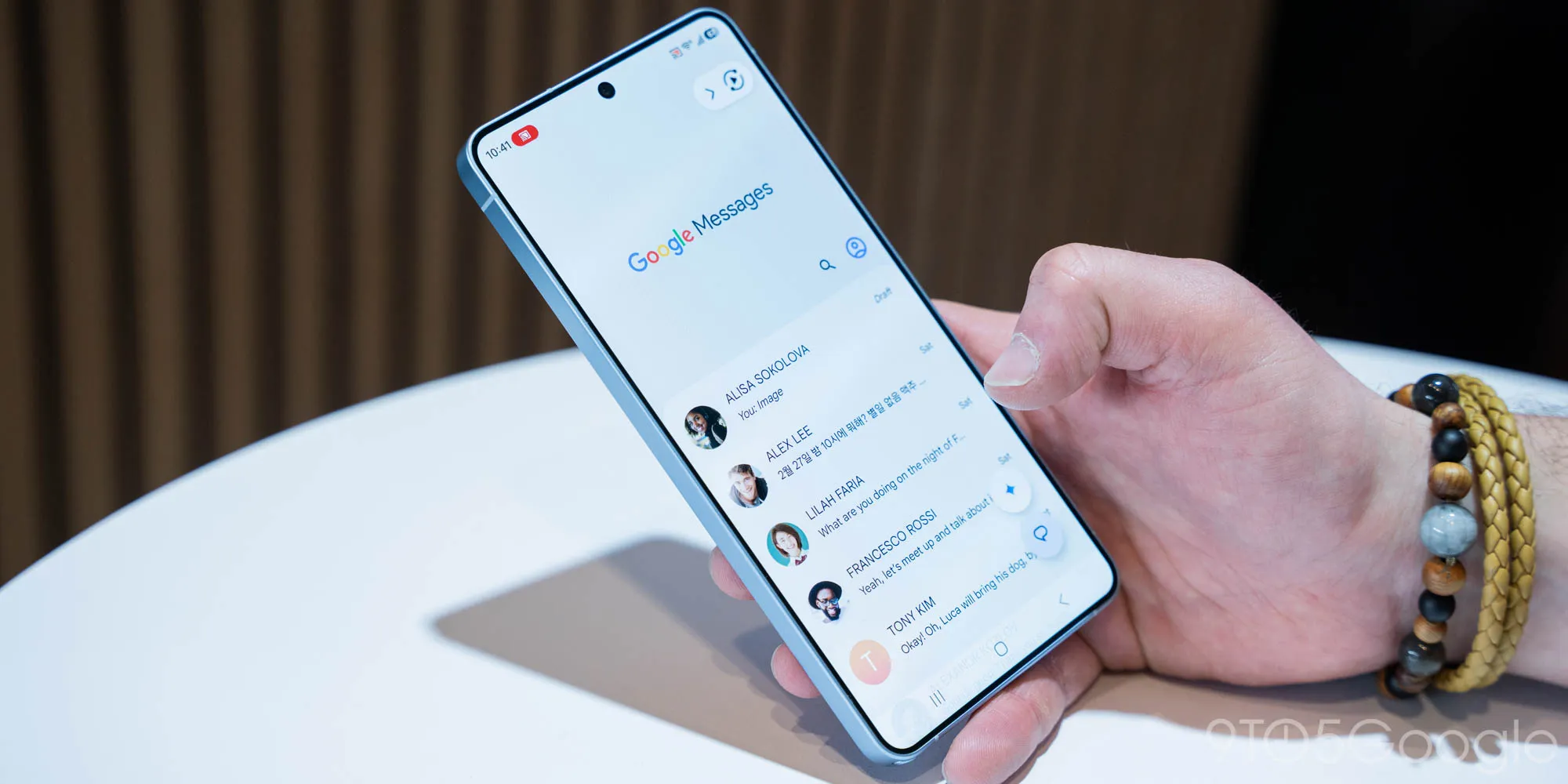
It’s not a hypothetical edge case. Enough users found the instant-send behavior genuinely frustrating that they switched Smart Replies off entirely — forfeiting a legitimately useful feature just to regain control over what actually left their outbox. That’s a real product failure, even if it’s a small one. When a convenience feature drives users to disable it, something’s clearly off. Google Messages Tap to Draft is the direct response to that pattern of user frustration.
What Google Messages Tap to Draft Actually Does
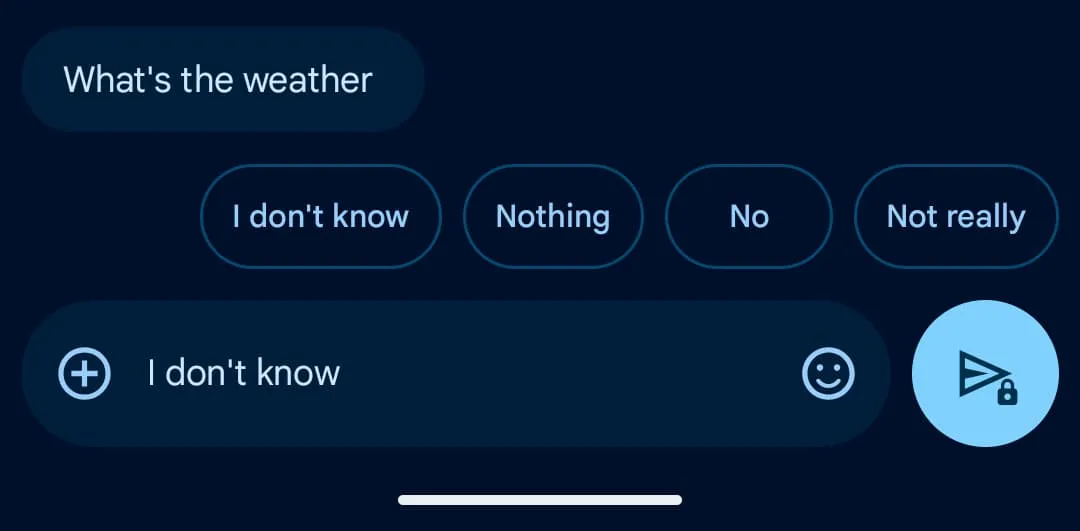
The fix is elegant in its simplicity. With Google Messages Tap to Draft enabled, tapping a Smart Reply suggestion no longer fires the message immediately. Instead, it drops the text into your compose field — treating it exactly like something you typed yourself. From there, you can edit the wording, add context, delete it entirely, or just hit send as-is. It’s the same outcome if you want it to be, with a crucial extra step standing between you and an embarrassing or premature message.
Google is rolling the feature out now in stable version 20260522_00_RC00 of Google Messages for Android. If you’re on an older build, a Play Store update should bring it through. The company apparently tested this behavior back in March before committing to a wider release — a sensible approach for a change that touches a fairly core interaction pattern.
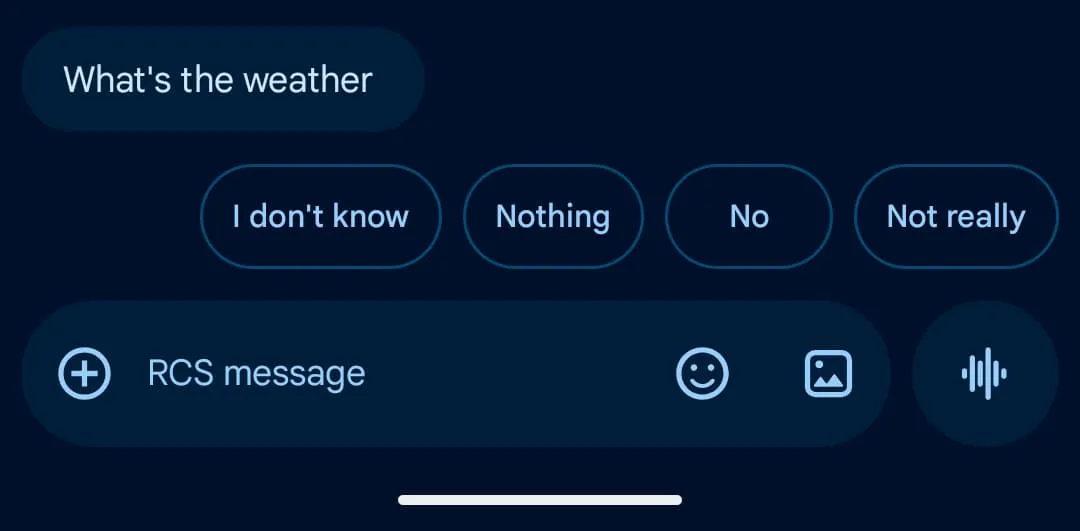
There are two modes available once you’re on the right build:
- Tap to Draft — the new option, which stages the Smart Reply in the compose field for review and editing before you send.
- Tap to Send — the original behavior, which sends the reply instantly. This remains the default for now.
That last point is worth sitting with for a moment. Google has built the safer, more deliberate option — and then buried it behind a manual opt-in, leaving the hair-trigger behavior as the out-of-the-box experience. It’s a strange call. One imagines the product team weighed speed (the whole point of Smart Replies) against safety, and decided not to disrupt existing users’ muscle memory. Fair enough, but it does mean anyone who wants the Google Messages Tap to Draft improvement has to go looking for it.
How to Turn On Google Messages Tap to Draft
Finding the setting is straightforward once you know where to look, though Google’s recent menu renaming adds a small wrinkle. Head into Settings inside Google Messages and tap Suggestions and Actions — a section that was renamed from its previous label in the weeks leading up to this rollout. Inside, you’ll find a new Suggestions menu at the top. That’s where the Google Messages Tap to Draft toggle lives.
It’s worth mentioning that Google quietly restructured this settings area alongside the feature launch, which suggests the company may be planning to consolidate more AI-adjacent controls under that Suggestions umbrella. Smart Replies, after all, are just one type of on-device AI suggestion — and Google has been steadily expanding what Messages can anticipate and recommend.
Why This Matters Beyond a Single Toggle
On the surface, Google Messages Tap to Draft is a minor quality-of-life fix. But it reflects something broader happening across messaging and AI-assisted apps right now: the industry is starting to add friction back into experiences that were optimized for speed at the expense of control.
Think about how Apple’s own Quick Reply feature in iMessage works, or how WhatsApp handles suggested responses — both default to surfacing options without committing you to them. The ‘one tap to send’ model always stood out as unusually aggressive. Google essentially shipped a feature designed for speed and then discovered that speed, in a messaging context, can be actively harmful. A misfire on a work message, a tone-deaf reply to a sensitive conversation — Smart Replies have no awareness of context beyond the literal text of the thread.
This update also arrives as Google continues to build out its AI layer inside Messages more broadly. Encrypted RCS support is rolling out across Android and iOS 26.5. A redesigned read receipts interface is in testing. A Trash folder for Android landed not long ago. Google is clearly treating Messages as a platform worth investing in, not just a stock app, and that means UX decisions like this one carry more weight than they used to.
The real question now is whether Google eventually flips the default. Making Google Messages Tap to Draft the out-of-the-box behavior would signal that the company has genuinely internalized the feedback — that convenience shouldn’t come at the cost of sending things you didn’t mean to send. Keeping Tap to Send as the default suggests Google still sees Smart Replies primarily as a speed tool, with safety as a secondary opt-in. Neither answer is wrong, but they say something different about where Google’s priorities sit. For now, at least, users who’ve avoided Smart Replies entirely finally have a reason to give them another shot.

