

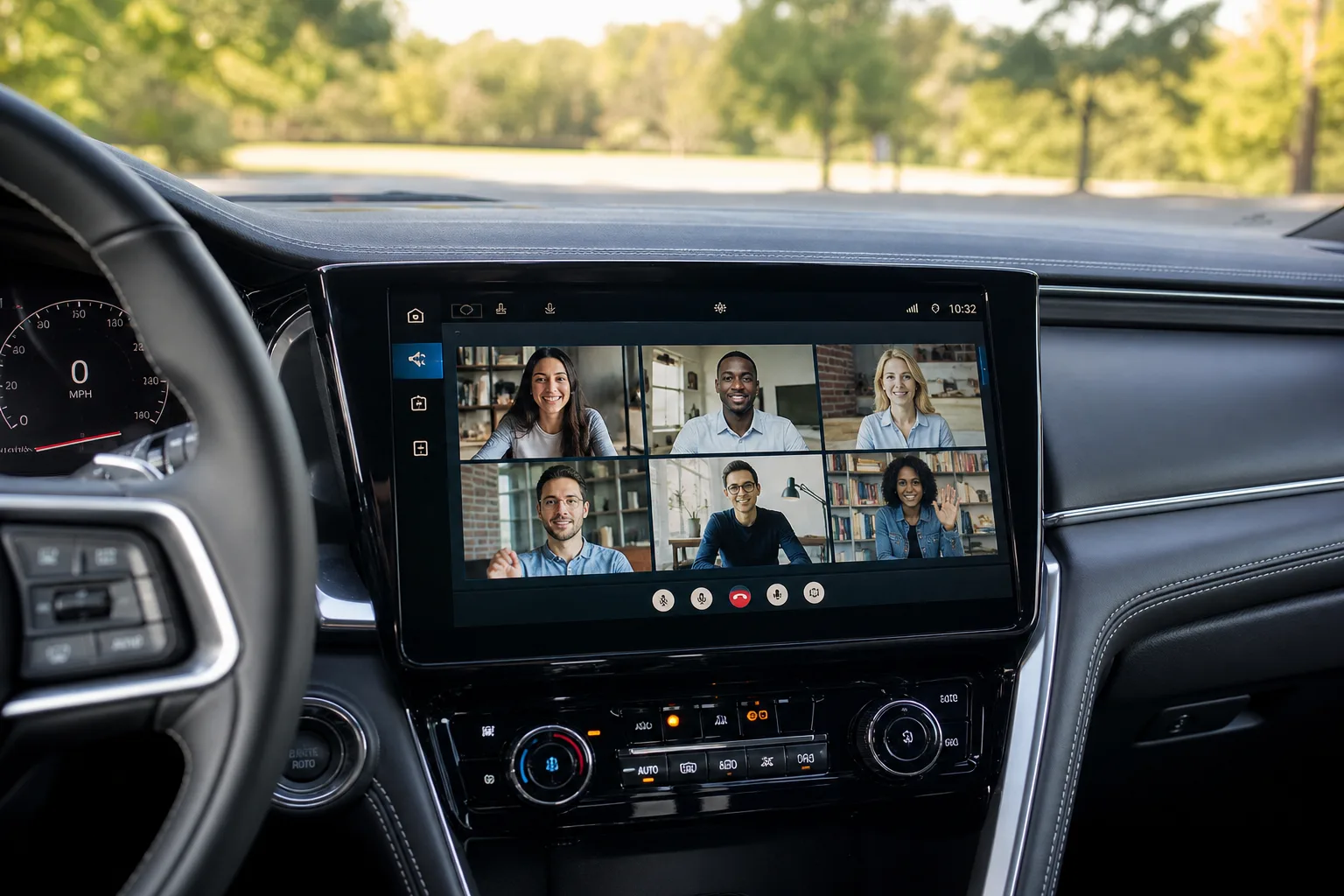
After months of teasing, Google Meet Android Auto is officially rolling out at scale. Google confirmed the news through a dedicated Workspace blog post, and for anyone who spends serious time commuting or on the road, this is a meaningful addition to the in-car experience — not just a checkbox feature.
- Google Meet Android Auto is now rolling out widely, with full completion expected by the end of June 2026.
- Google Meet Android Auto is enabled by default — it activates automatically when your phone connects to a compatible head unit.
- The experience is audio-only: cameras are disabled while driving, and the interface is stripped back to reduce distractions.
- A one-time app restart on your phone is required before Google Meet Android Auto works seamlessly for the first time.
Table of Contents
From Rumour to Reality: The Road to Google Meet Android Auto
The clues were there almost two months ago. A quiet toggle surfaced in Android Auto, hinting that Meet integration was coming, but the reality was underwhelming at the time — it was little more than a placeholder, still carrying the old Meet logo, with no actual conference calling functionality visible on head units. What Google showed then was intent, not a product.
That’s changed. Starting in early June, users connecting their phones to compatible Android Auto head units began seeing a notification announcing that ‘Meet is available.’ That’s the real rollout, and Google says it should be complete across supported devices by the end of June 2026. If you haven’t seen it yet, you likely will soon.
How Google Meet Android Auto Actually Works
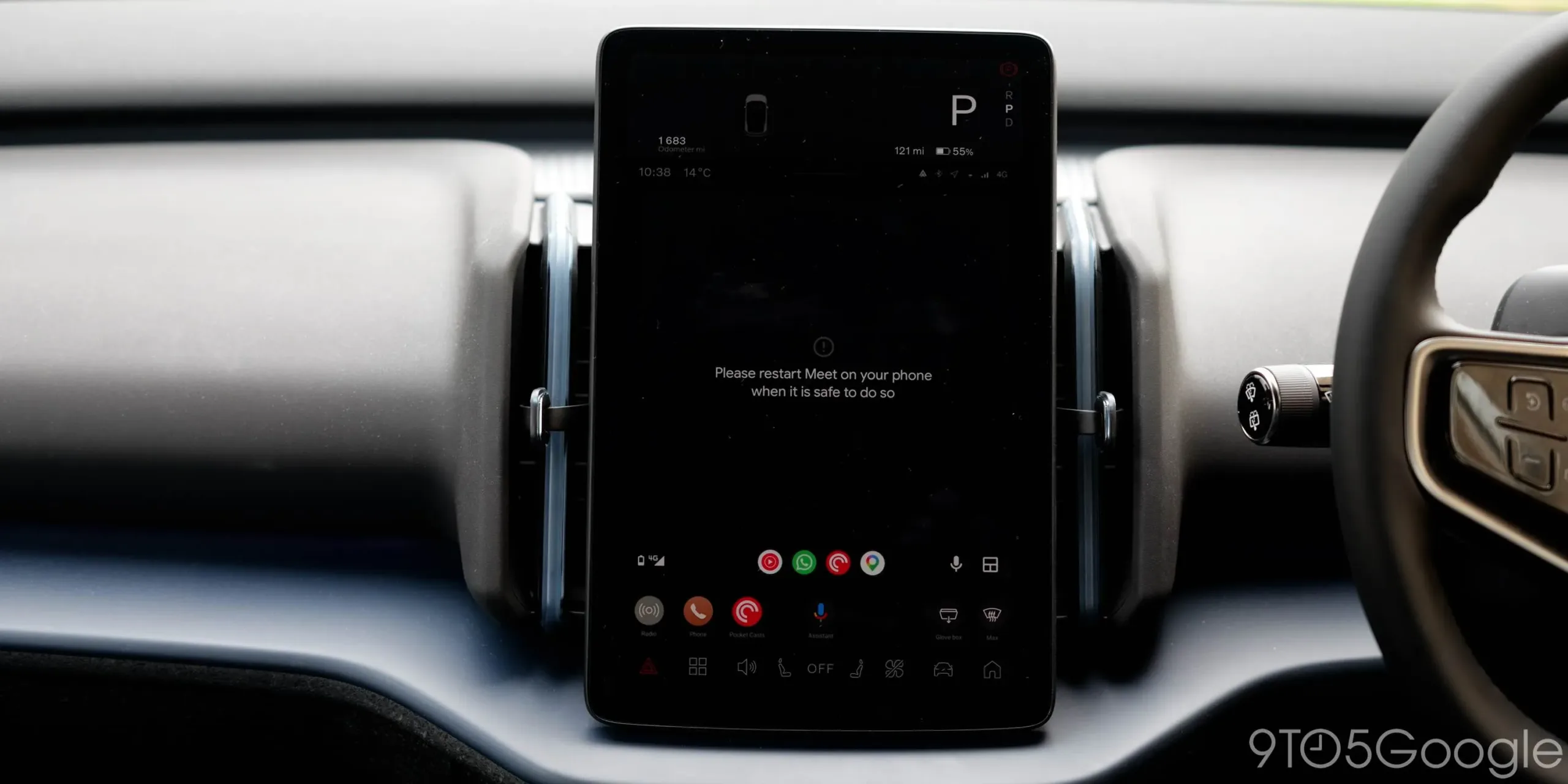
The setup process is straightforward, with one small wrinkle. The first time you launch Google Meet through Android Auto, you’ll need to go back to the Meet app on your phone, restart it, and then return to your car’s display. It’s a minor friction point, and Google doesn’t surface a warning about it during onboarding — so consider this your heads-up. After that initial restart, the experience is seamless.
The in-car interface itself is clean and deliberately minimal. You get a contact list, a Scheduled tab showing your upcoming meetings, and a History tab that lets you call back contacts you’ve spoken to before. Tapping a contact or meeting initiates the call — Android Auto treats it the same way it handles a regular phone call, which is exactly the right approach for a driving context.
One thing to keep in mind: the interface pulls scheduled meetings from your calendar. Instant meeting links — the kind you’d paste from a chat message or email — only show up in the Scheduled tab if they’ve been added to your calendar beforehand. That means jumping into an impromptu call someone just sent you a link for isn’t really possible from the car. It’s a sensible safety guardrail, but it’s also a genuine limitation if your work involves a lot of last-minute calls.
Safety First — The On-the-Go Mode Explained
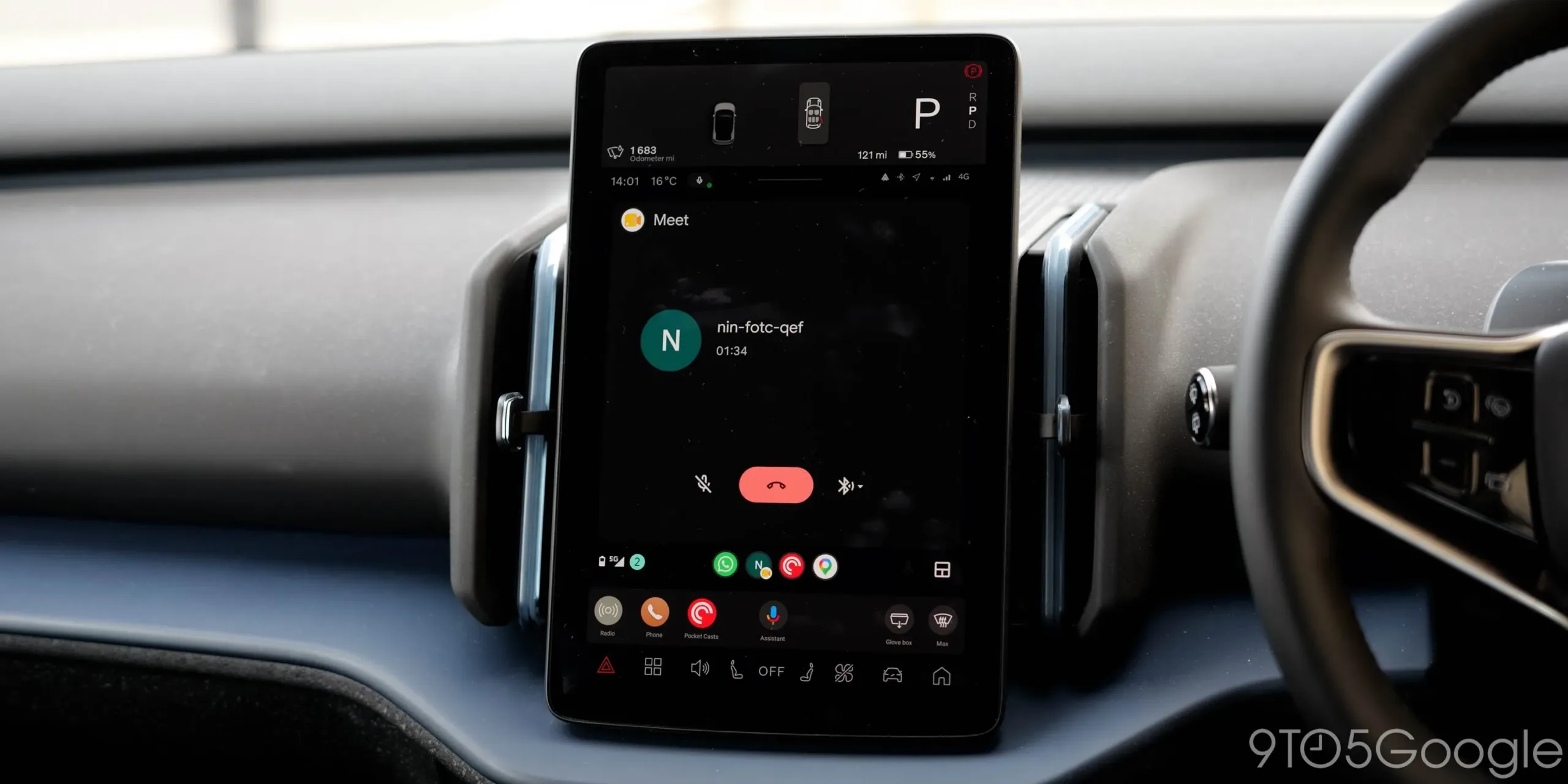
Google has built the experience around a driving-safe philosophy, and it shows. The moment a Meet call starts through Android Auto, your phone switches into what Google calls On-the-go mode. The camera is disabled entirely — there’s no video, no thumbnail of yourself, no feeds from other participants. This is audio-only, full stop.
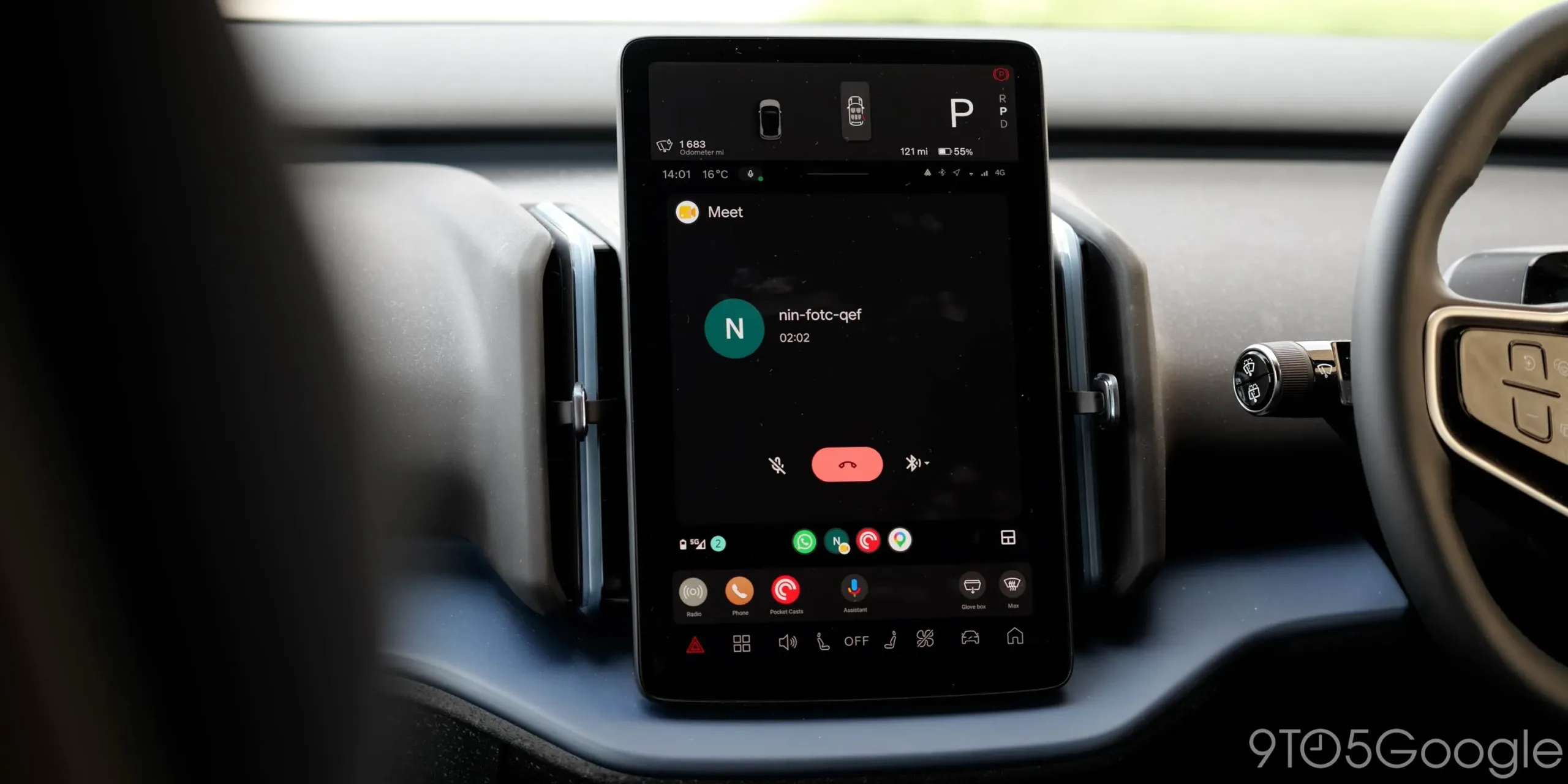
On the car’s head unit display, some features you’d normally find in a full Meet session simply aren’t there. The ‘raise hand’ feature, for instance, is gone. What you do get is the ability to mute yourself, switch audio output to a connected Bluetooth accessory, or end the call. That’s about it, and honestly, that’s probably about all you should be doing while driving.
This approach aligns with how Google’s own safety guidelines for in-car communication have evolved — and it mirrors what Apple CarPlay does with FaceTime Audio, keeping the feature set deliberately narrow to reduce cognitive load behind the wheel.
What This Means for Remote Workers and Commuters
For anyone embedded in a Google Workspace environment — and that’s a substantial chunk of the corporate world — Google Meet Android Auto fills a genuine gap. Competing platforms haven’t exactly rushed to make in-car meeting access a priority. Zoom has no meaningful Android Auto presence. Microsoft Teams has dabbled, but nothing at the level of native integration. Google is, for now, staking out territory that others haven’t bothered with.
The practical upside is real. Long commutes, drives between client sites, cross-town trips during the workday — these are all moments where people have historically dialled into conference calls on their phones, often with questionable legality depending on local hands-free laws. Having Google Meet Android Auto surface the call through the head unit, with controls on the screen and audio through the car’s speakers, is a material improvement in both safety and experience.
The confirmed app versions for this rollout are Google Meet v361.0.92 and Android Auto v16.8. Both should be available through the Play Store already, and given the timing, most Android Auto users will be on compatible versions.
A Bigger Pattern at Google
This launch doesn’t exist in isolation. Google has been pushing Android Auto harder over the past year — experimenting with Gemini integration, refreshing the UI, and now adding productivity features like Meet. The platform is clearly being repositioned from a navigation-and-music accessory into something closer to a full productivity interface for the car. That’s an ambitious target, and it comes with real challenges around safety, distraction, and regulatory scrutiny.
But the trajectory is clear. If Google Meet Android Auto proves popular — and there’s every reason to think it will, given how deeply Meet is embedded in Workspace organisations — it signals that the car dashboard is becoming another screen in Google’s ecosystem, not a standalone afterthought. The next logical question is what comes after Meet. Calendar deeper integration? Docs voice editing? Gemini-powered briefings before your morning call? At the rate Google is expanding Android Auto’s footprint, none of those feel far-fetched.

