

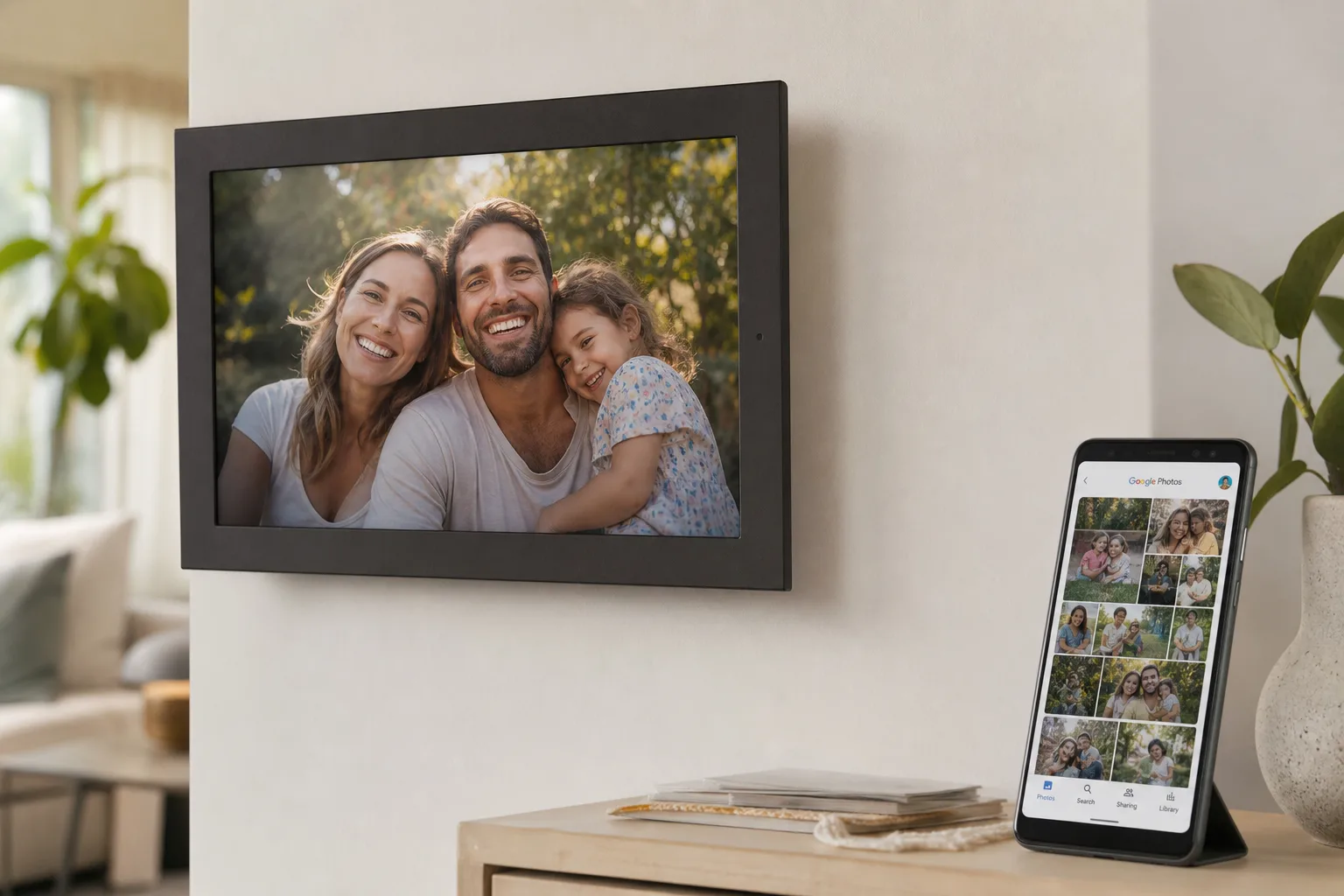
- The Google Photos Ambient API restores auto-sync for Aura digital frames after over a year of broken functionality.
- The Google Photos Ambient API was built specifically for picture frames and smart TVs, not general-purpose app access.
- Aura users had been forced to manually upload photos after Google tightened API access for privacy reasons.
- The fix requires reconnecting your Google account in the Aura app, but automatic syncing then works seamlessly again.
Table of Contents
The Problem That Shouldn’t Have Existed
Digital picture frames are about as close to a no-brainer smart home product as you can get. The Google Photos Ambient API — now quietly solving a frustrating year-long headache — is proof that even the simplest technology can get tangled in the complexity of how big platforms manage their data. Connect the frame to your photo library, pick a spot on the wall, and forget about it. That’s the dream. For a long time, it worked exactly that way.
Then Google changed the rules. Last year, Aura — one of the most popular digital picture frame brands on the market — warned its customers that upcoming changes to Google’s Photos API would break the auto-sync feature that made their frames worth buying in the first place. No more automatically pulling your latest vacation shots or family moments from the cloud. Instead, users would have to manually select and upload photos themselves. For a product whose entire value proposition is passive, beautiful automation, that’s a serious problem.
Why Google Pulled the Plug on the Old API
To be clear, Google didn’t change its Photos API out of malice or indifference. The company tightened access for privacy reasons — a trend we’ve seen accelerate across the entire tech industry over the past several years. After the Cambridge Analytica scandal reshaped how regulators and the public think about third-party data access, platforms from Google to Apple to Meta have progressively locked down what external apps can do with user data. Photos, in particular, carry significant personal sensitivity. Google deciding to restrict broad library access wasn’t unreasonable.
The problem is that collateral damage is real. Aura’s frames weren’t scraping data or selling it — they were just displaying your pictures on your wall in your home. But broad API policy changes rarely make elegant distinctions between use cases. The old integration got caught in the crossfire, and customers paid the price in lost functionality. The Google Photos Ambient API exists, in large part, because of exactly this kind of unintended collateral damage.
Aura was transparent about it, which deserves credit. The company told users what was happening, why, and — critically — said it was actively working with Google to find a solution. That kind of direct communication is rarer than it should be in consumer tech, where companies often stay quiet until a fix is ready (if one comes at all).
How the Google Photos Ambient API Actually Works
Here’s where things get interesting. Google didn’t just patch the old API or quietly restore access. Instead, it built something new: the Google Photos Ambient API, a purpose-built interface designed specifically for passive display use cases — digital picture frames and smart TVs. This isn’t a workaround. It’s a dedicated solution for a genuinely distinct category of product.
The distinction matters. A general-purpose Photos API gives a third-party app broad access to your library — the kind of access that raises legitimate privacy questions. The Google Photos Ambient API is architecturally different. It’s designed around the idea that a device is just displaying content you’ve explicitly chosen, not reading, indexing, or storing your photos in ways you haven’t consented to. It’s a more constrained, more purposeful channel.
According to a statement Aura shared with The Verge, the updated integration works like this: “You can add photos directly from the Google Photos app or sync an entire Google Photos album to keep Aura frames updated automatically. Photos are sent directly to your Aura frames from Google Photos, without the need for manual uploads.” That’s essentially back to the experience users had before — choose an album, and your frame keeps itself current without you touching it again.
What You Actually Need to Do
Getting the new sync working does require a small amount of setup. You’ll need to reconnect your Google account through the Aura app to authorise the Google Photos Ambient API integration. It’s minor housekeeping — a few taps — but it’s a necessary step given that the underlying plumbing has changed. Once that’s done, the experience should feel seamless again.
Aura has also added a new in-app photo selector for users who want more granular control. If you’d rather hand-pick a specific image to display — say, a shot from a recent birthday or a particular holiday — you can do that too, without breaking the broader auto-sync setup. It’s a sensible layer of flexibility on top of what’s fundamentally an automatic system.
A Year Is a Long Time to Wait
Let’s be honest about the timeline here. The original API change and Aura’s initial warning came well over a year ago. The fix arriving now is genuinely welcome, but a year without a core feature isn’t a trivial gap. Customers who bought these frames specifically for the Google Photos integration were left with a product that worked, but didn’t work the way they expected. Some may have already moved on — to a Nixplay frame, or a Samsung The Frame, or just decided the whole category wasn’t worth the hassle.
That’s a real cost. And it raises a fair question about how Google handles these transitions for hardware partners who depend on its APIs. When platform changes break ecosystem products — especially physical hardware that people paid hundreds of dollars for — there’s an argument that affected companies and their customers deserve more lead time, more active support, and faster resolution paths. Aura got there eventually, and the fact that Google built the Google Photos Ambient API specifically for this use case suggests genuine effort. But the gap between warning and fix is worth acknowledging.
What This Means for the Smart Home Display Market
The Google Photos Ambient API is more significant than it might appear at first glance. It signals that Google sees passive display as a legitimate, distinct product category — one worth building dedicated infrastructure around. That’s good news for the broader smart home display ecosystem, which includes not just picture frames but smart TVs, digital signage, and the ambient computing devices that have been a recurring theme in Google’s hardware strategy for years.
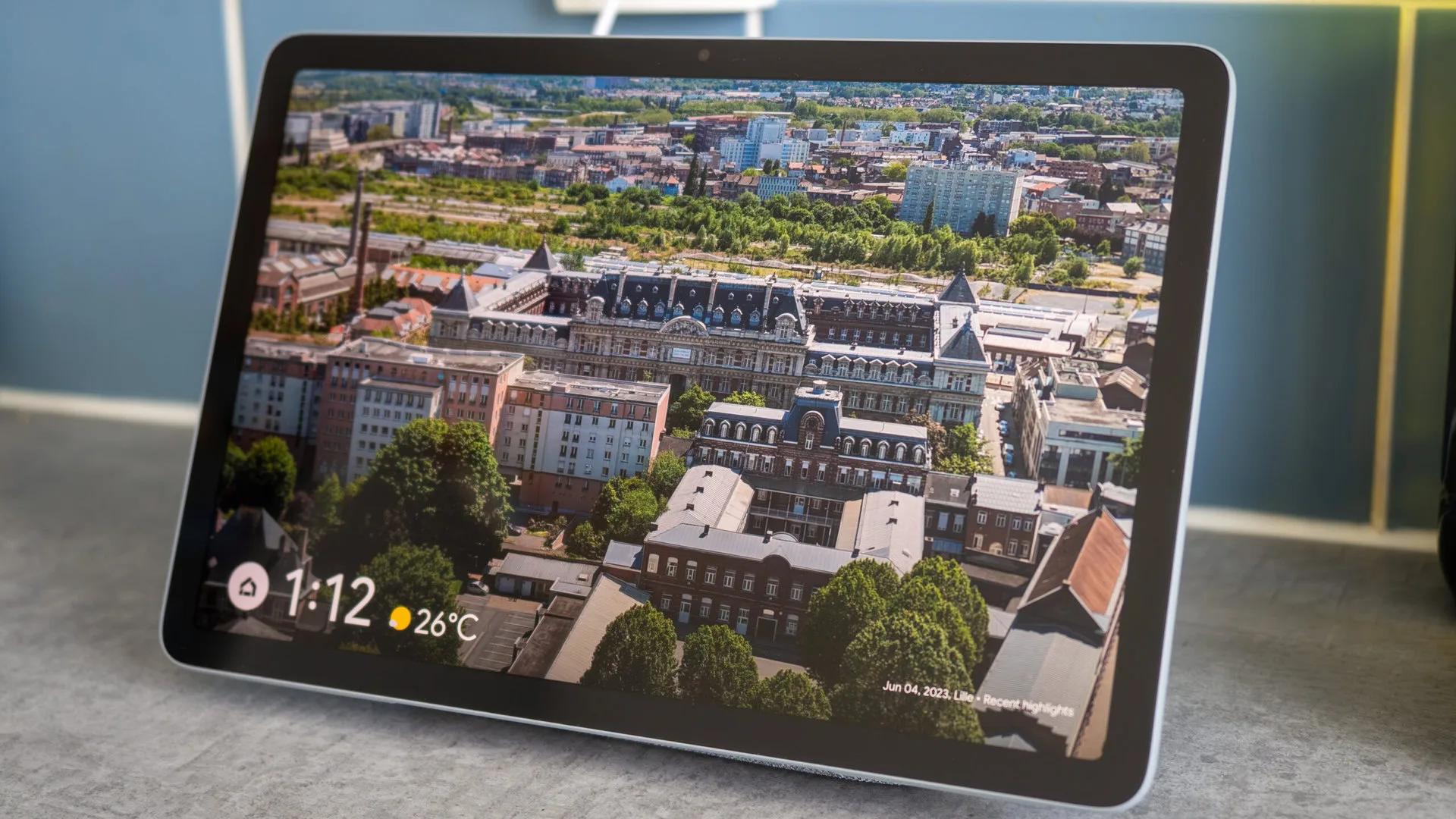
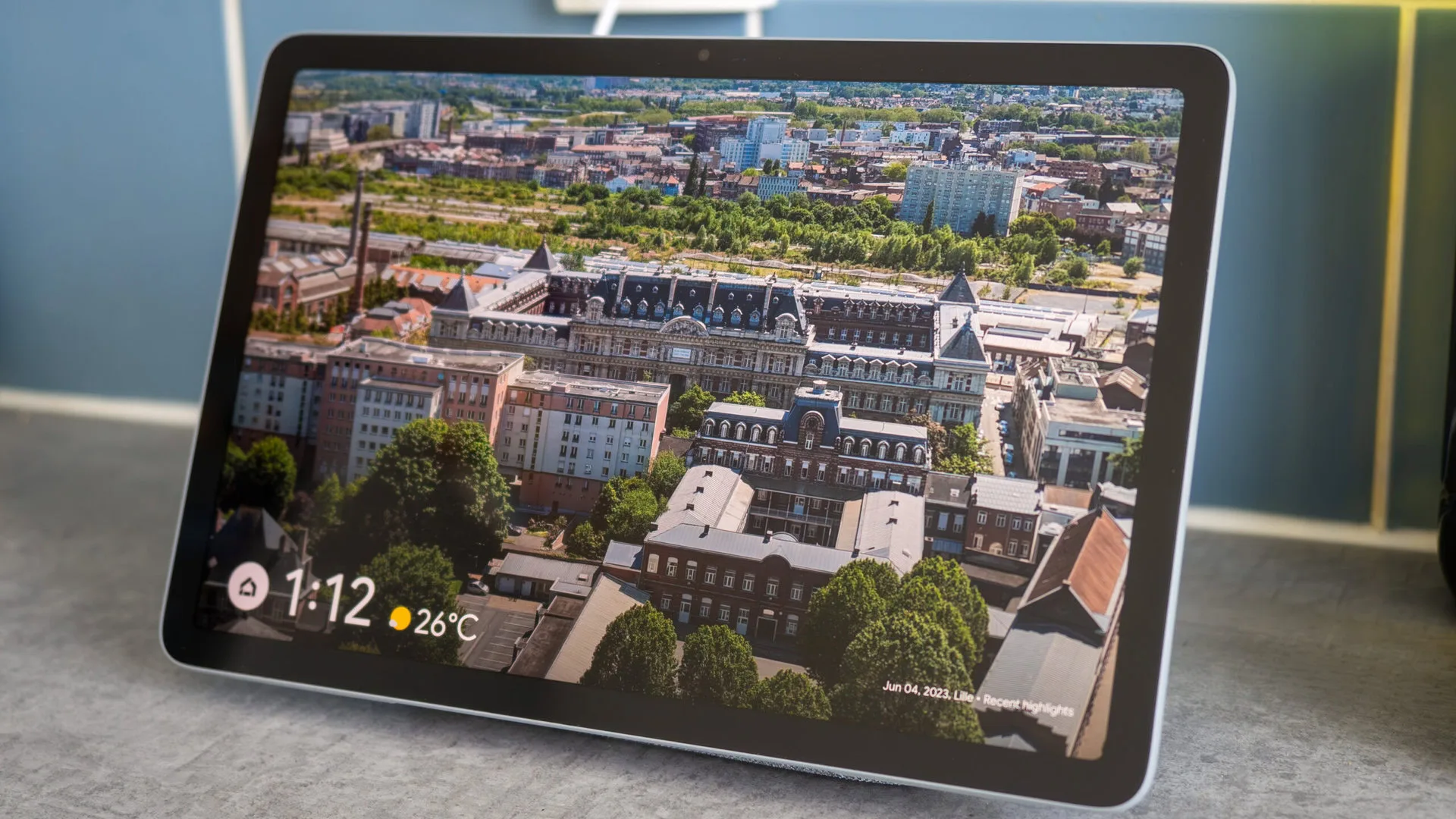
Consider where Google’s own Nest Hub fits into this. The Nest Hub already functions as a digital photo frame in ambient mode, showing your Google Photos library when not in active use. The Google Photos Ambient API potentially opens that same smooth experience to third-party hardware makers who don’t have Google’s direct API access or its internal integrations. If Aura can now deliver a Nest Hub-like sync experience on purpose-built frame hardware, that’s a genuinely better outcome for consumers who want premium displays without paying for a full smart hub.
There’s also a broader implication for how platform companies manage API deprecations. The Google Photos Ambient API approach — building a constrained, purpose-specific interface rather than revoking access and leaving partners to figure it out — could serve as a template for handling similar transitions. It’s a more thoughtful model than a hard cutoff, and it preserves the ecosystem relationships that make platforms valuable in the first place. Whether Google applies this thinking consistently across other product categories remains to be seen, but it’s a promising signal.

